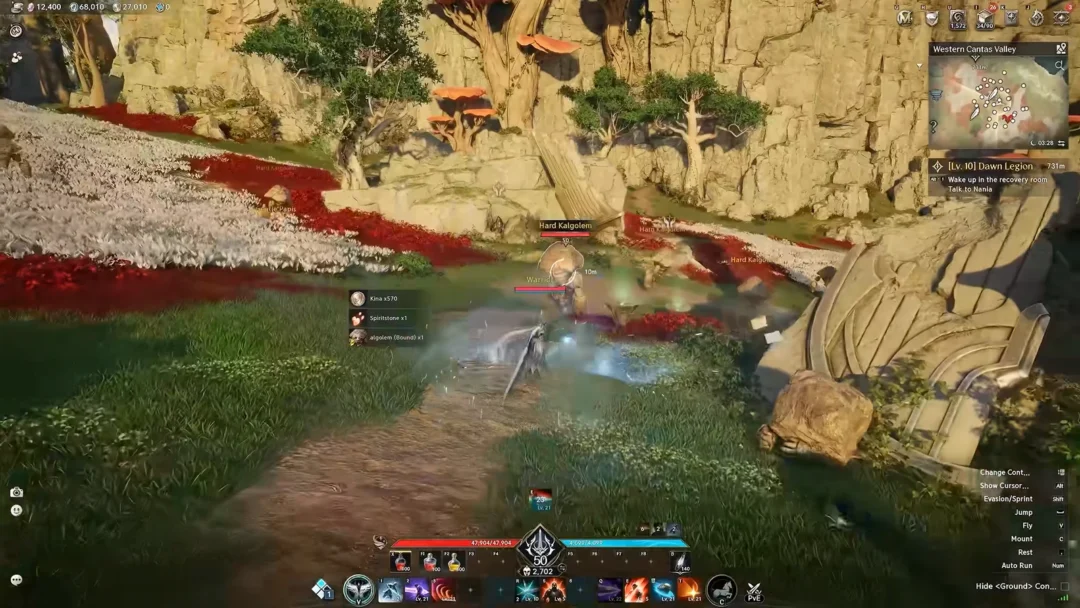
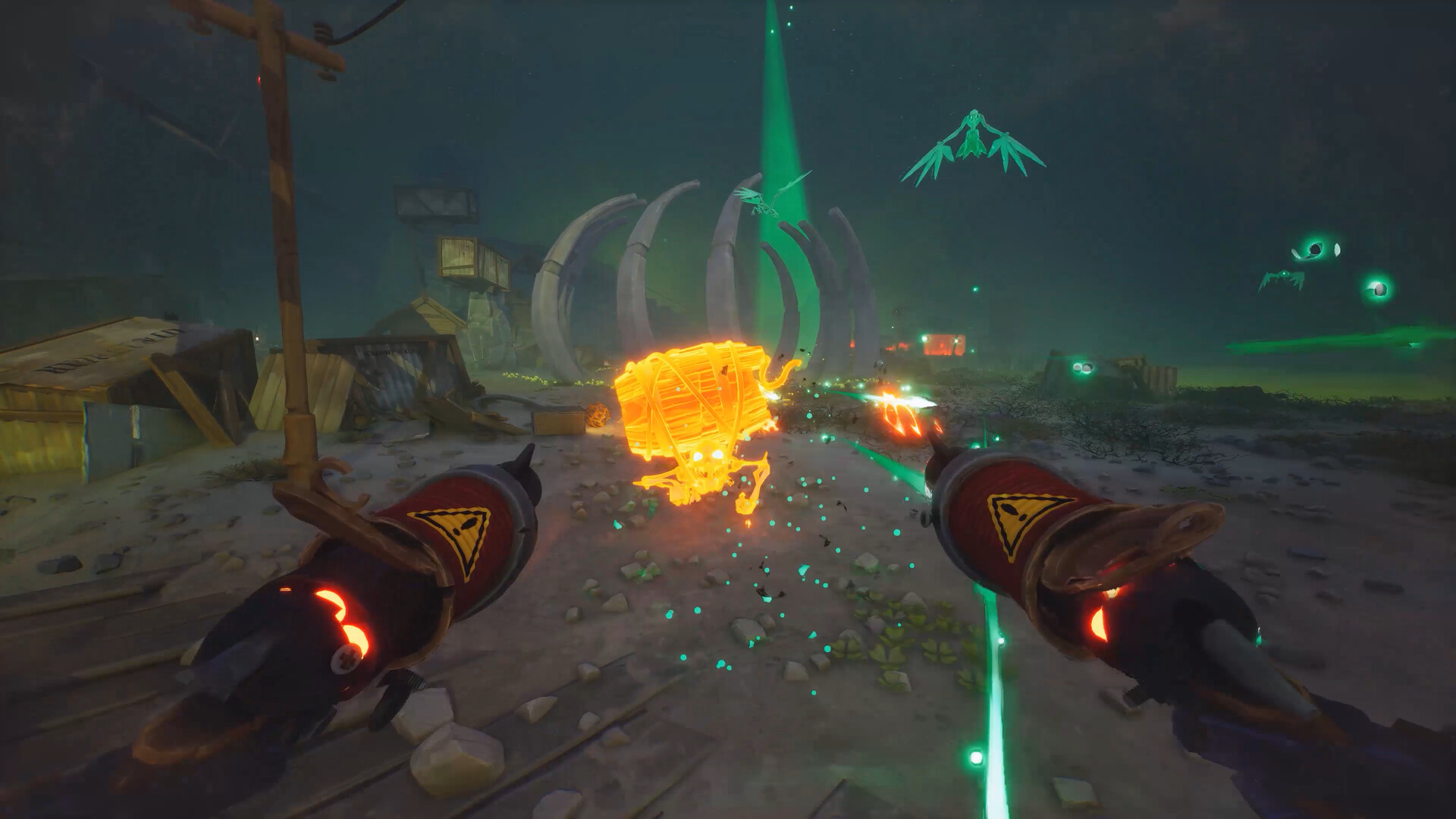
Far Far West is a Steam-only Early Access release from Evil Raptor, which means traditional console crossplay is not part of the game. Co-op is handled entirely through Steam’s online infrastructure, and groups of one to four players join the same lobby by using Steam friend invites or in-game session codes.
Quick answer: Far Far West does not have console crossplay because it is a PC exclusive on Steam. Players on Windows desktops, laptops, and Steam Deck can already squad up together since they are all using the same Steam client.

Platform support for Far Far West co-op
The game launched into Early Access on April 28, 2026, and is currently sold only through Steam. Evil Raptor has stated the title will remain in Early Access for around twelve months before a wider 2027 release. No Xbox, PlayStation, Nintendo Switch, or Epic Games Store version has been confirmed, so cross-platform play between console families and PC storefronts is not available.
| Platform | Available now | Plays with Steam users |
|---|---|---|
| Steam (Windows PC) | Yes | Yes |
| Steam Deck (SteamOS) | Yes | Yes |
| Xbox Series X|S | No | Not applicable |
| PlayStation 5 | No | Not applicable |
| Nintendo Switch / Switch 2 | No | Not applicable |
| Epic Games Store / GOG | No | Not applicable |
How co-op connections actually work
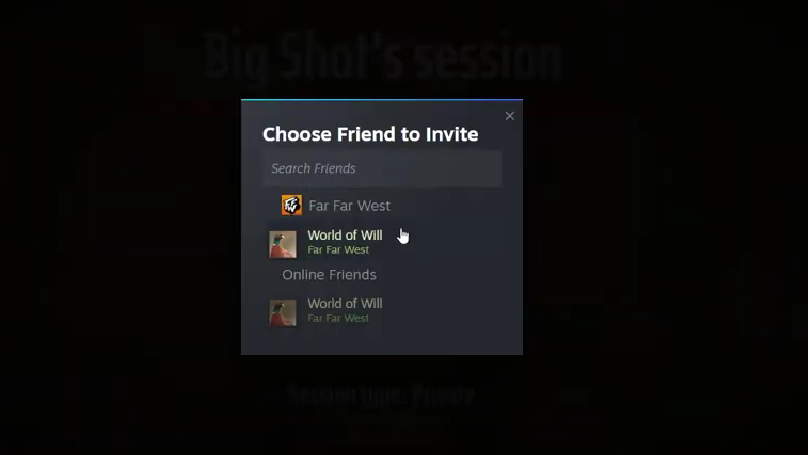
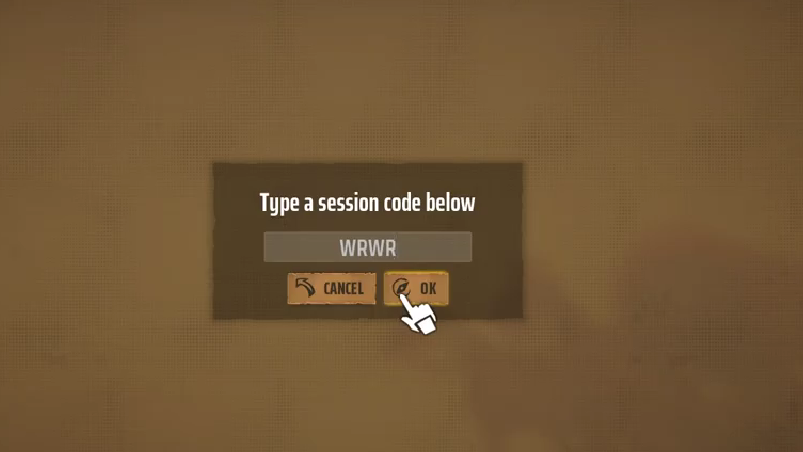
All multiplayer in Far Far West runs through Steam matchmaking and the studio’s network provider. Public lobbies are filled through the in-game browser, while private squads rely on direct Steam invites or a session code that the host shares with friends. The game also supports solo play, so you do not need an internet connection to most servers if you want to run bounties alone.
During the Early Access launch surge, the studio’s anti-DDoS protection misread the player spike and temporarily blocked public lobbies and promo code claims. Even while public matchmaking was unstable, friends could still connect using session codes and Steam invites because those routes do not depend on the public lobby browser in the same way.
Setting up a Far Far West squad on Steam
Steam Deck and PC: The closest thing to crossplay
Because Steam Deck runs the standard Steam client on SteamOS, a Deck player and a Windows desktop player are treated as the same platform. That makes it the only “cross-device” scenario that works today. Performance on Steam Deck OLED is playable in co-op, though it shares the same server-side requirements as desktop builds, so any backend issue affects both in the same way.
Console crossplay outlook
Evil Raptor has not announced an Xbox, PlayStation, or Switch version of Far Far West, and no official statement confirms cross-platform support for a future port. Until the studio publishes a console release plan, any claim about upcoming crossplay between PC and consoles is not confirmed. Treat third-party rumors about cross-platform timing as unverified.
Common reasons co-op fails to connect
- Players are on different game versions because one is on the public branch and another opted into the beta branch that Evil Raptor used to test the server workaround.
- The host has an active anti-DDoS lockout from their network provider, which prevents public lobby joins until the studio’s backend recovers.
- A Steam friend invite is sent before the host has fully loaded into the town hub, which can drop the invite silently.
- Strict NAT settings or VPNs interfere with peer connections, especially when joining by session code rather than through the Steam overlay.
If a connection attempt fails, the simplest fix is to have the host return to the town hub, restart the lobby, and re-share a fresh session code. You will know it worked when every player appears in the squad list with their robot cowboy loadout and the deploy button becomes available.
For now, Far Far West is best understood as a Steam-only co-op shooter where “crossplay” really means cross-device play across Windows PCs and Steam Deck. Anything broader than that depends on a console release that has not been announced.