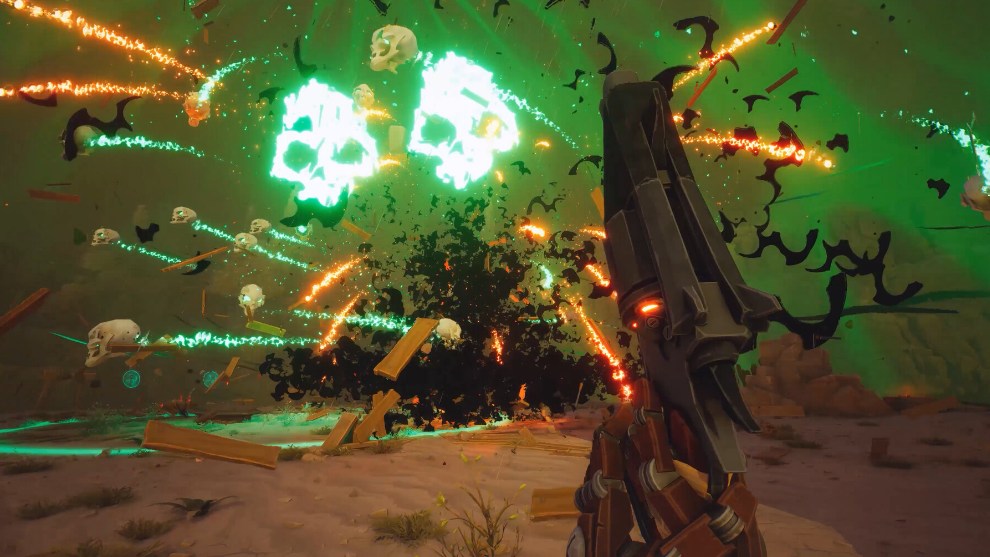
The Lost Engine is the second objective in Willy Billy’s questline on the Far West map in Far Far West. You pick up Willy Billy’s shovel near the northwest side of the map, follow its built-in GPS reading, and dig the engine out of a small patch of disturbed rock and dirt under a large stone overpass. Completing all three Willy Billy quests unlocks the Woodlands map.
Quick answer: Accept “The Precious Engine” from Willy Billy at his shack in the northeast of the Far West, travel to the northwest of the map to grab the shovel (buried vertically in a pile of rocks with a bright tracker light), then follow the shovel’s GPS reading east toward the large stone overpass. Dig at the pile of disturbed rocks beside the crane and wires until the engine appears, pick it up, and extract.
Requirements before starting The Precious Engine
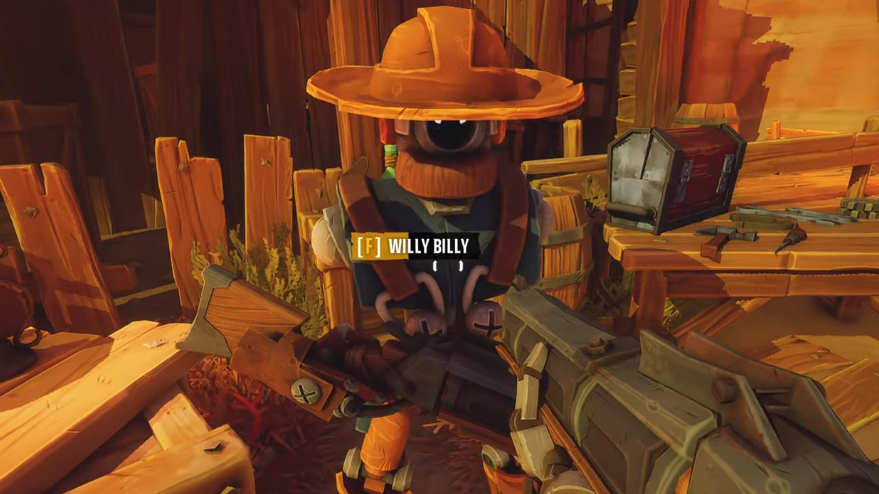
You must talk to Willy Billy at his shack on the northeast edge of the Far West map and accept the second quest in his line. Only one quest per NPC counts per mission run, so you cannot stack The Precious Engine with Lost Tools or Pimp My Gatling in the same drop.
The quest progress is mission-bound. If you die or fail to reach the extraction zone after digging up the engine, the progress is not saved, and you must repeat the run.
Shovel pickup location on the Far West map
Once the quest is active, the shovel’s spot is marked on your map in the northwest area of the Far West, near the large stone overpass and shipwreck region. As you get close, the map icon disappears, which is the part that trips most players up.
Look for a small pile of rocks with the shovel standing upright in it. A bright light from the shovel’s tracker beacon makes it visible even with the icon gone. Hold your interact key to pick it up. Doing so replaces your primary weapon for the duration of the task.
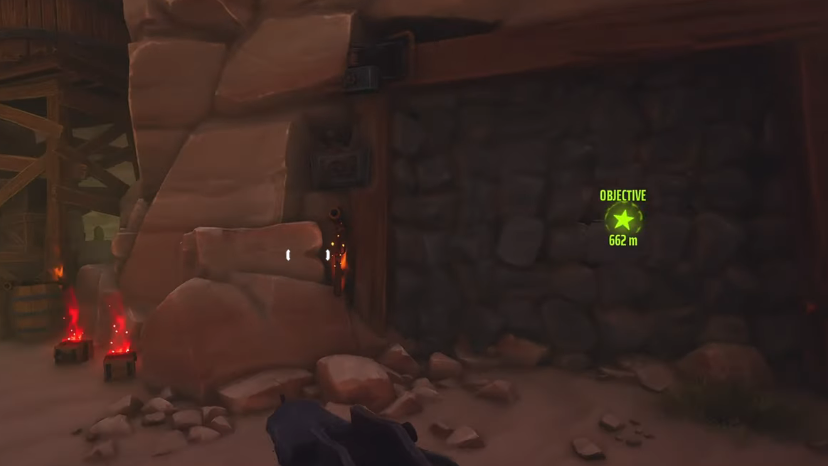
Using the shovel’s GPS to find the engine
While the shovel is equipped, a small dial on its head shows the distance to the engine in meters. The reading drops as you move closer and rises as you move away, so it works like a simple compass plus rangefinder.
From the shovel’s pickup point, head east and pass under the large stone overpass. Continue a short distance past the underpass until you are next to a crane structure and a set of wires on the ground. The reading will hit zero on a small patch of broken rock debris on the ground.
Digging up the engine
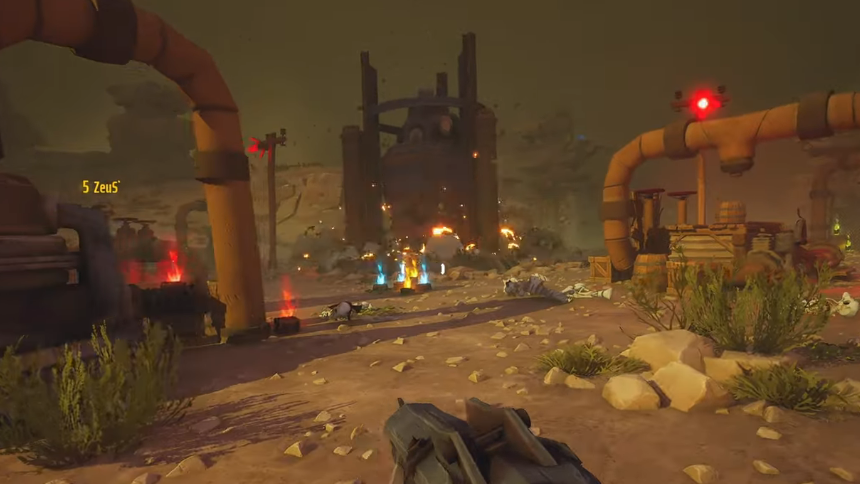
How to confirm the quest registered
The on-screen objective changes from “dig up the engine” to “extract” the moment the engine is picked up. The quest itself only counts as complete after you reach the extraction point and successfully leave the map. Disconnects, deaths without revive, or failing to extract will roll the progress back.
Common reasons the dig does not trigger
| Issue | What to check |
|---|---|
| No dig prompt at the marked spot | Confirm the shovel is equipped as your primary, not dropped on the ground nearby. |
| GPS reads zero but no rock pile is visible | Move under or past the overpass; the dig spot is on flat ground near the crane and wires, not on the elevated rock. |
| Engine uncovered but quest not closing | You still need to pick up the engine and then extract. Leaving the map without extracting cancels progress. |
| Shovel icon missing on map | The marker vanishes when you get close. Look for the upright shovel with the bright tracker light in the rocks. |
Reward for completing the questline
The Precious Engine is the middle step of Willy Billy’s three-part chain. Finishing all three (Lost Tools, The Precious Engine, and Pimp My Gatling) unlocks the Woodlands map for future runs and adds Willy Billy as a usable skin in the shop.
If the goal is purely to unlock Woodlands as fast as possible, running each Willy Billy quest on the lowest available difficulty keeps Cryptic interruptions to a minimum, which matters most for the dig step, since you cannot defend yourself with the shovel in hand.