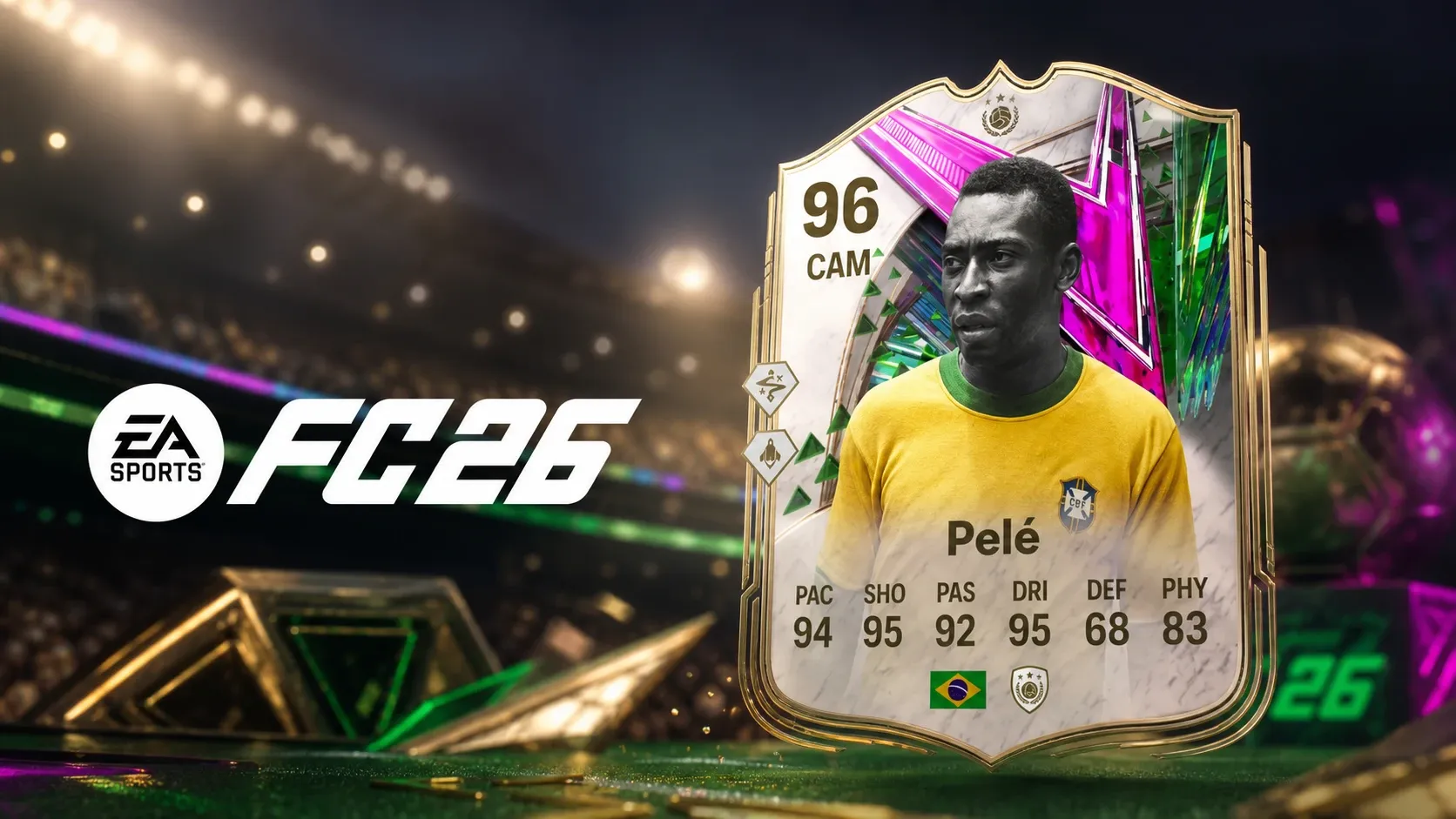
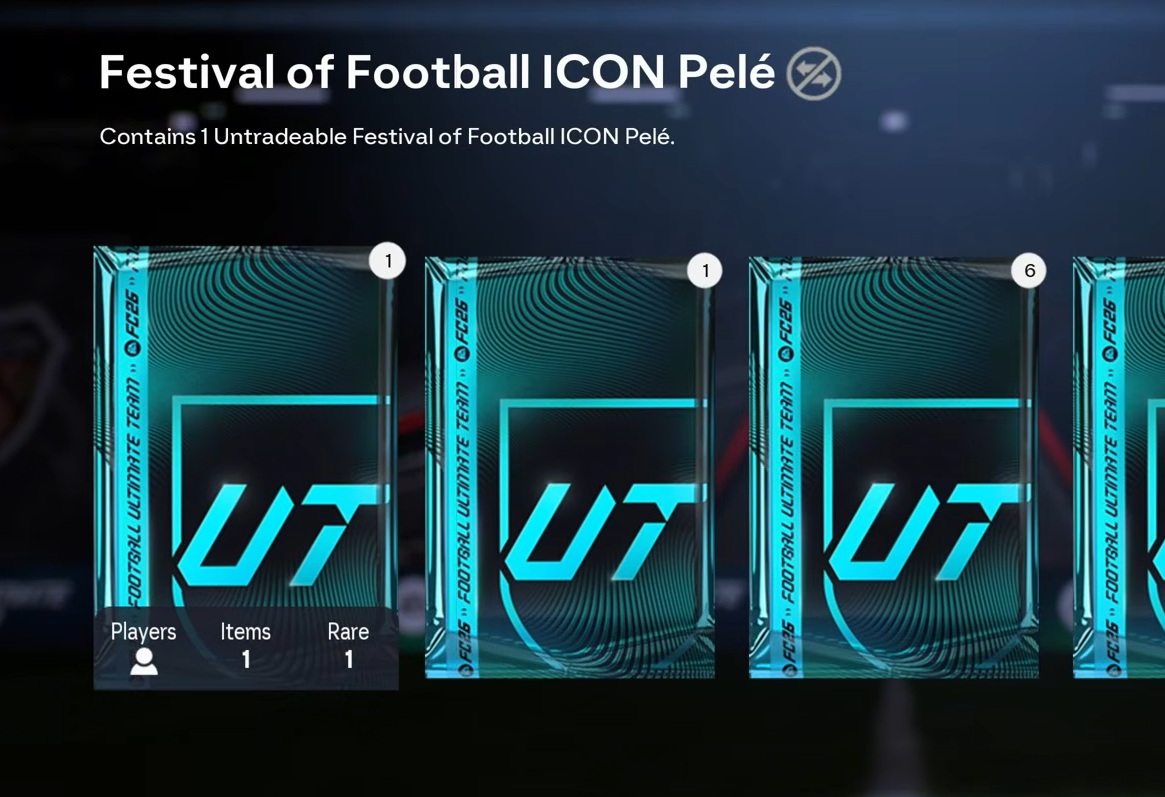
The Festival of Football update brings a free ICON Pelé into Football Ultimate Team, and you can grow him from a 93-rated base card all the way to a 96 OVR finished item. The card sits inside an Evolution that unlocks in stages, so the full upgrade is not available on day one. You earn the starting version simply by logging in, then complete a series of timed Evolution rounds to reach the top rating.
Quick answer: Log in and play EA SPORTS FC 26 between 5 June and 24 July 2026 to claim the 93 OVR Festival of Football ICON Pelé, choose his position and third PlayStyle+, then complete all five Evolution rounds as they release to finish him at 96 OVR.
What you get with Festival of Football Icon Pelé
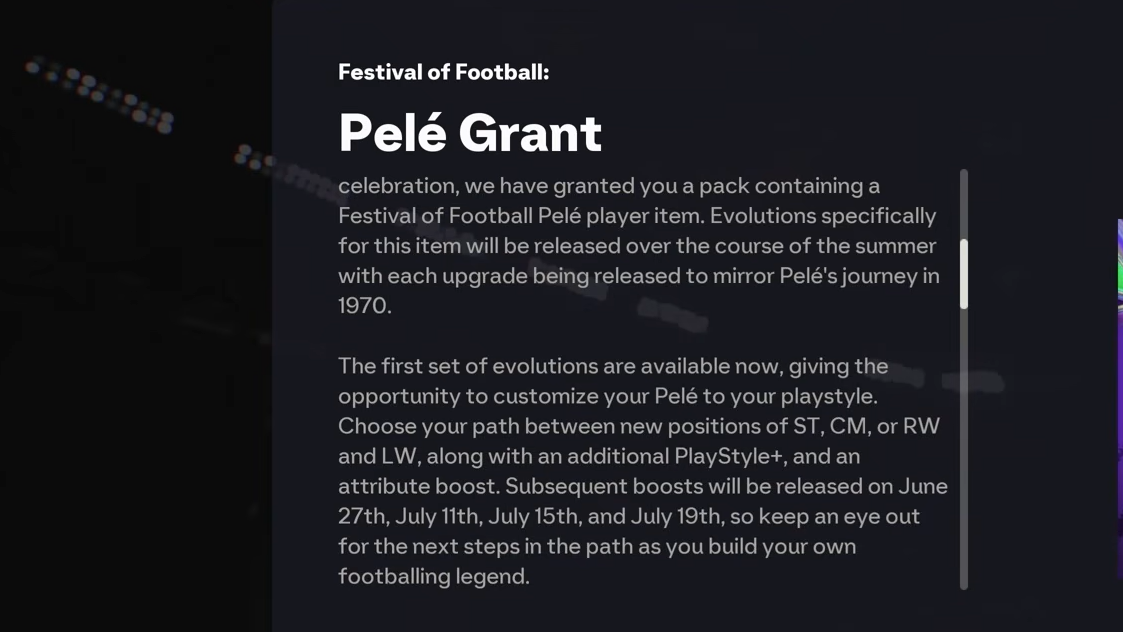
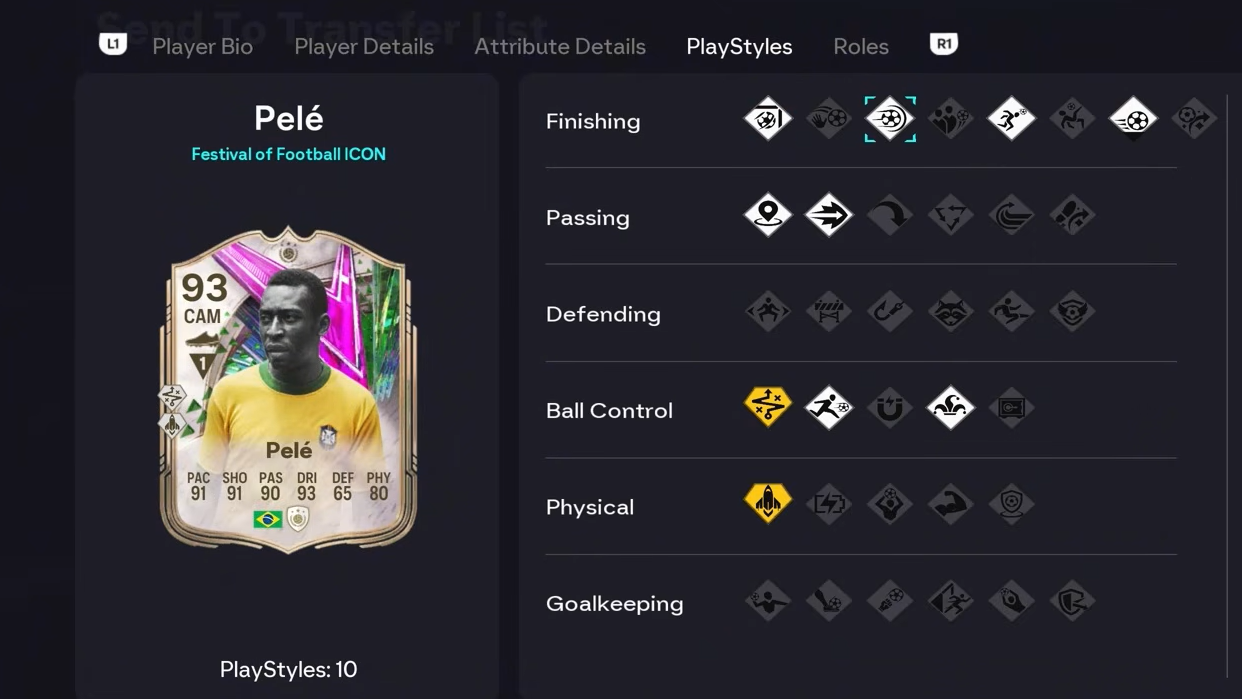
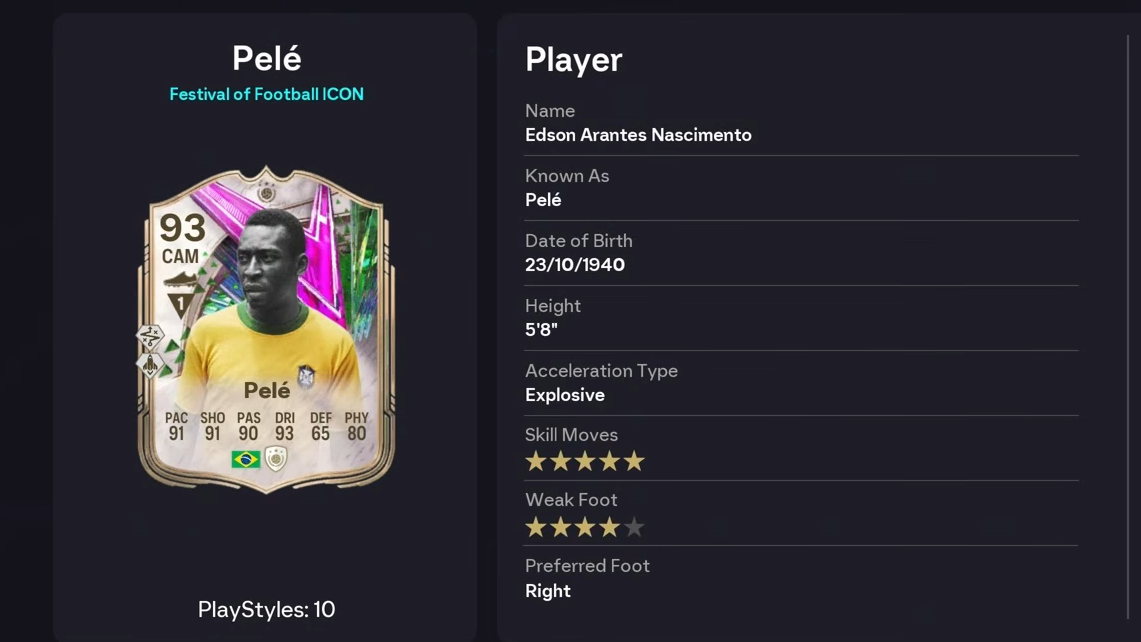
Signing in and playing during the event window grants the base 93 OVR Festival of Football ICON Pelé along with three Choose Your Journey Evolutions. The Pelé item is itself an Evolution player, which means his rating, weak foot, and PlayStyles+ change as you complete each round.
Once every round is finished, the card becomes a 96 OVR ICON Pelé with 5-Star Skill Moves, a 5-Star Weak Foot, and four PlayStyles+. The later rounds are themed around his run to glory in 1970.
Pick your starting position and PlayStyle+
The first round lets you lock in how Pelé plays. You choose one of three setups, and each pairs a position with a specific PlayStyle+. This choice happens at the start, so decide based on the role you want him to fill in your squad.
| Position | PlayStyle+ |
|---|---|
| ST | Low Driven+ |
| CM | Incisive Pass+ |
| LW/RW | Finesse Shot+ |
Evolution release schedule for Pelé
The upgrades arrive on fixed dates rather than all at once. Each round adds a rating point, a star upgrade, or another PlayStyle+, and you can only complete a round after it goes live. Plan around these dates so you do not miss the window to reach 96 OVR.
| Evolution round | Release date |
|---|---|
| Position & 3rd PS+ (pick between 3) | Friday, 5 June |
| Plus One OVR | Saturday, 27 June |
| 5★ Weak Foot | Saturday, 11 July |
| Plus One OVR | Wednesday, 15 July |
| Plus One OVR & 4th PS+ | Sunday, 19 July |
How to claim and upgrade Pelé
Common reasons the upgrade does not finish
The most frequent blocker is timing. A round cannot be applied before its release date, and you need to log in across the 5 June to 24 July window to keep the path open. If a later round is not showing, check that the earlier round has been fully completed first, since the upgrades stack in sequence.
Backing your nation, completing weekly campaigns, and using the rest of the Festival of Football Event Hub are separate activities and are not required to push Pelé to 96. The rating upgrades come entirely from finishing his own Evolution rounds on schedule.