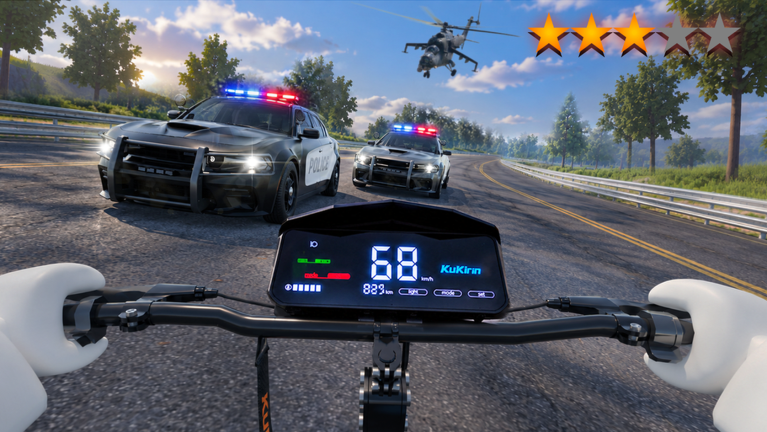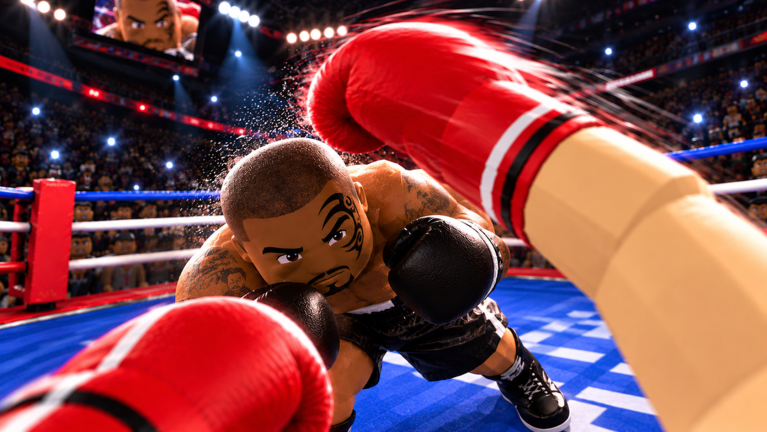
First Person Boxing puts the camera behind your gloves. Your hits mostly come from defense. You make a punch miss, the game flags the opening, and you answer before your opponent recovers. Combos, styles, and stamina all build on that loop. Once you learn it, the rest of the Roblox experience gets much easier to read.
Quick answer: Hold Space with a WASD direction to slip or duck. When “COUNTER NOW!” appears, click to land a Slip Counter or Duck Counter, then chain short punches before resetting to guard.
First Person Boxing controls (keyboard and mouse)
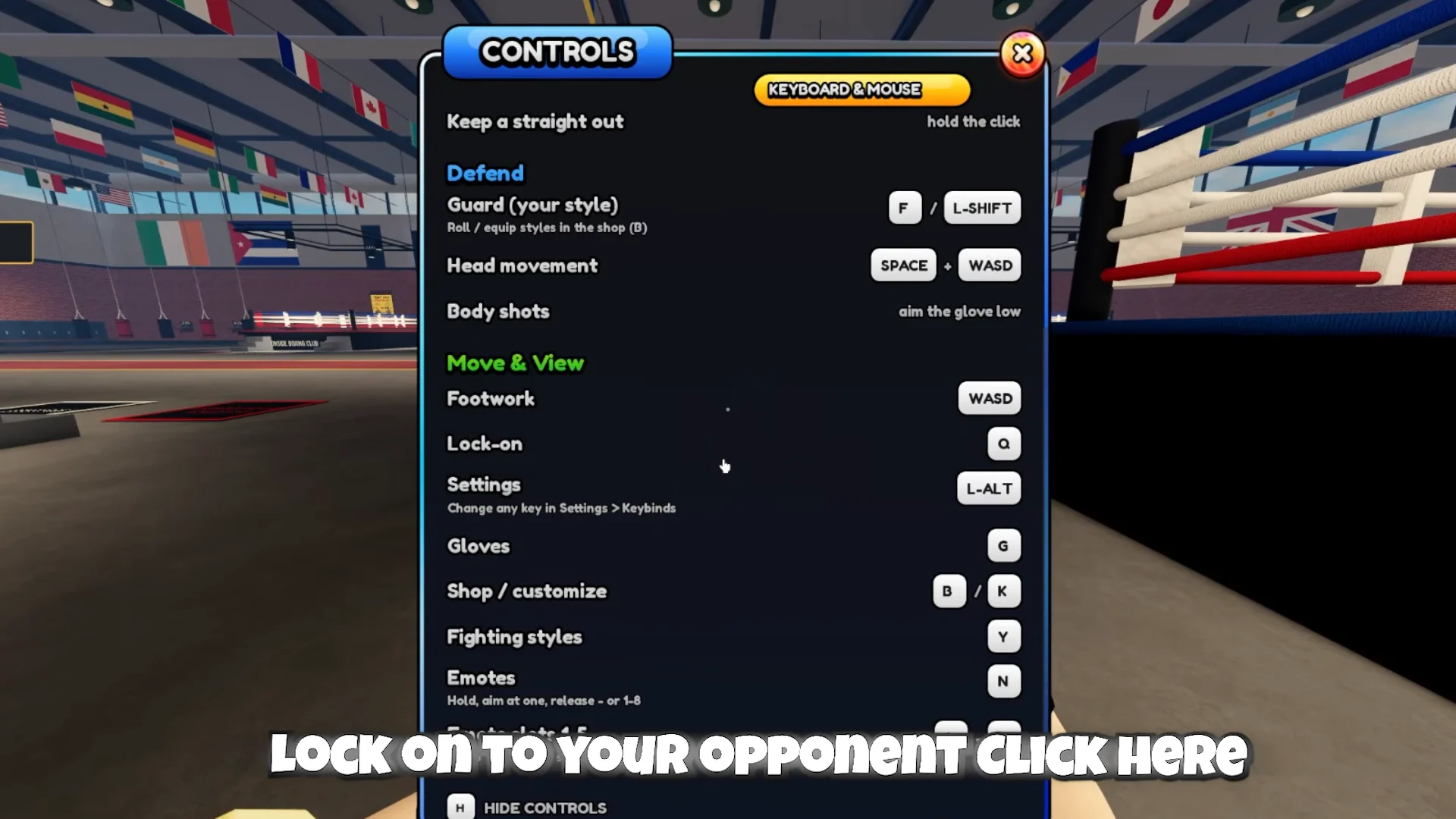
Every punch type sits on one key. That is why the mouse and the left hand on WASD do double duty depending on whether you’re holding Space. Press H at any point, including between rounds, to bring up the full bindings overlay or hide it again.
| Action | Input |
|---|---|
| Straight (left / right) | Left Click / Right Click |
| Keep a straight out | Hold the click |
| Left / right hook | A / D |
| Left / right uppercut | W / S |
| Overhand | X |
| Swap glove | Mouse wheel |
| Guard (your style) | F / L-Shift |
| Head movement | Space + WASD |
| Body shots | Aim the glove low |
| Footwork | WASD |
| Lock-on | Q |
| Settings | L-Alt |
| Gloves | G |
| Shop / customize | B / K |
| Fighting styles | Y |
| Emotes / emote slots | N / 1–5 |
| Hide controls | H |
The game also runs on mobile and console, where the layout is different. Players on those devices should check the in-game overlay instead of relying on the keyboard bindings above.
How to combo in First Person Boxing
The game has no published move list and no fixed button sequences that count as official combos. The “3 piece” that players trade in clips is just three punches thrown back to back. What matters is when the chain starts. Opening a fight cold with three punches mostly teaches the other player to keep their guard up. Starting the chain off a counter catches them while they’re still recovering.
Q to lock the camera onto your opponent. The Settings menu can also turn on lock-on automatically at the start of each fight.F or L-Shift to keep your guard up while you close distance. A successful block shows “BLOCKED” on screen.Space and tap a direction to move your head off its line. The HUD confirms a dodge with “SLIPPED!” or “DUCKED!”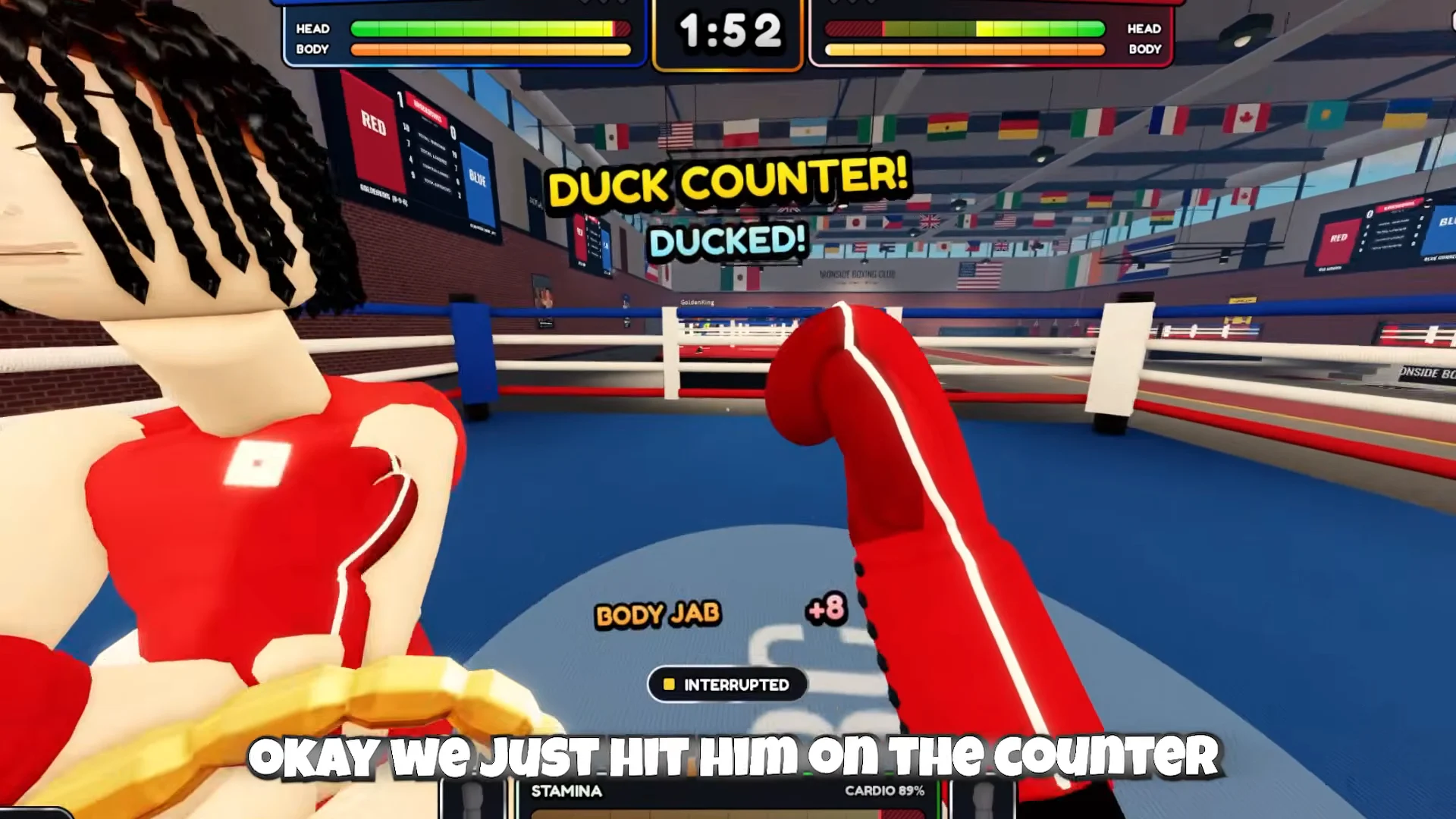
A or D) or an uppercut (W or S). Aim the glove low to switch the chain to the body.The finisher cue is visual. When an opponent starts sweating heavily, their health is critical and one more clean exchange can drop them. “KNOCKDOWN!” confirms it landed.
Stamina limits every combo
Punches, slips, and blocks all draw from the same pool. The top HUD tracks both “STAMINA” and “CARDIO”, and a fighter who runs dry is flagged “GASSED” and slows down noticeably. Some rings use a stamina rule labeled “TEMP + PERM”. In those matches, careless output costs you more than the next few seconds.
- Short chains cost less than flurries and leave enough gas to defend afterward.
- A whiffed punch costs stamina and gives the opponent a counter window.
- Going for a knockout on an empty bar is the fastest way to get knocked out yourself.
- Low on stamina? Guard and move until it recovers before stepping back into range.
Best styles in First Person Boxing and their drop rates
Your fighting style decides how your guard behaves, the one you hold with F. Everyone starts with High Guard, a Starter style that keeps the gloves at the temples for a solid general-purpose block. Every other style comes from spins, which you open from the Styles menu (Y). Mythic and Legendary are the top tiers.
| Rarity | Drop rate | Known styles |
|---|---|---|
| Mythic | 0.1% | Slick |
| Legendary | 5% | Dizzy, Ghost Step, Peekaboo, Pendulum |
| Epic | 10% | Rope-A-Dope |
| Rare | 25% | — |
| Common | 59.9% | — |
| Starter | Default | High Guard |
Rope-A-Dope is the Epic style most worth rolling for if you fight defensively. It leans back behind a tight shell that blocks nearly everything and recovers stamina while you’re blocking. Every shot it absorbs also powers up your next punch. That fits the block-then-counter rhythm above and makes up for the stamina drain that normally comes with long guard phases.
Slick sits alone at the top with a 0.1% chance per spin. Treat it as a lucky pull rather than something to plan around.
Spin prices (Coins and Robux)
You earn Coins mainly by winning matches. Robux spins come in a standard version and a “Lucky” version that guarantees Epic rarity or better.
| Bundle | Price | Notes |
|---|---|---|
| 1 Spin | 250 Coins | — |
| 10 Spins | 2,250 Coins | Saves 250 Coins |
| 1 Spin | R$ 20 | — |
| 3 Spins | R$ 45 | — |
| 1 Lucky | R$ 185 | Epic or better |
| 3 Lucky | R$ 479 | 20% off |
| 10 Lucky | R$ 1,479 | Epic or better |
If you’re spending Coins, the 10-spin bundle is the better deal. You get ten rolls for the price of nine.
Settings that make slips easier to land
Open Settings with L-Alt. Field of view defaults to 80°. Raising it to 100° widens your peripheral vision, so you can see hooks and overhands coming from the edges early enough to slip them. Glove sensitivity and look sensitivity both start at 1.0x. Adjust them until your aim feels steady, since a low body shot depends on where the glove points.
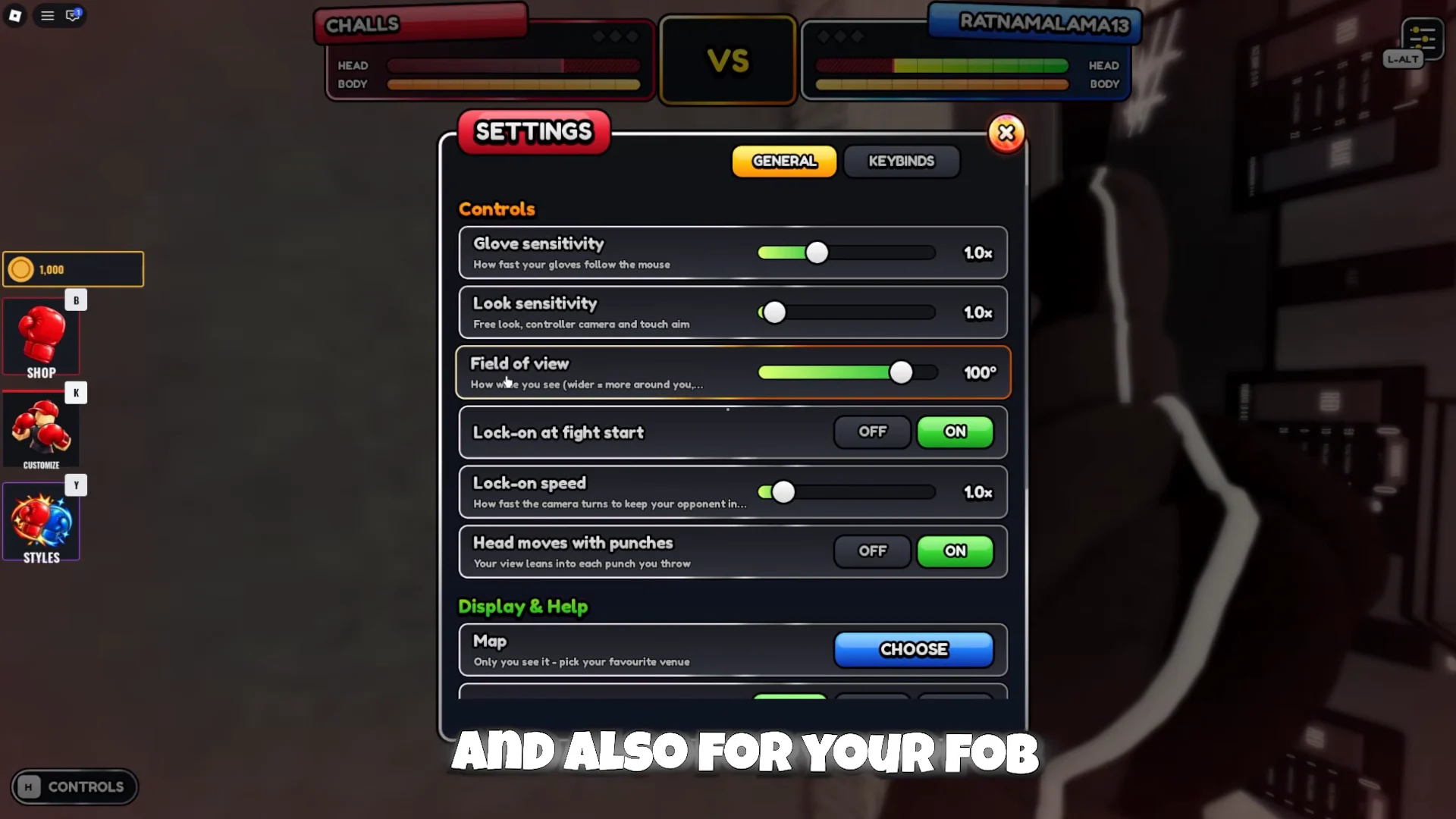
In the same menu, switch “Knockdown replays” off. Otherwise, every knockdown plays a cinematic that interrupts the fight. “Lock-on at fight start” saves you a Q press each round, and “Control hints” can be turned off once you know the bindings.
Match rules, weight class, and height
Each ring shows its rule set before you accept the fight. A typical setup matches both fighters at the same height (183 cm) and weight class (Middleweight), uses the TEMP + PERM stamina rule, and runs three rounds of three minutes each. Read the board before accepting, because it tells you how harshly stamina will be punished.
Open customization with K; the menu contains Body, Face, and Height tabs. Choose among six body shapes: Lean, Athletic, Muscular, V-Taper, Stocky, and Heavy. The weight classes span Fly, Light, Welter, Middle, Light Heavy, Cruiser, and Heavy. Height cannot be selected manually. Each roll uses 750 Coins and randomly sets a height from 165 cm (Very Short) to 201 cm (Very Tall); its value appears on the Height tab.
The fastest way to make the counter timing automatic is the AI practice mode on the First Person Boxing Roblox page, where a mistimed slip costs you nothing. Once “COUNTER NOW!” turns into a click without thinking, the combos and the knockouts follow.