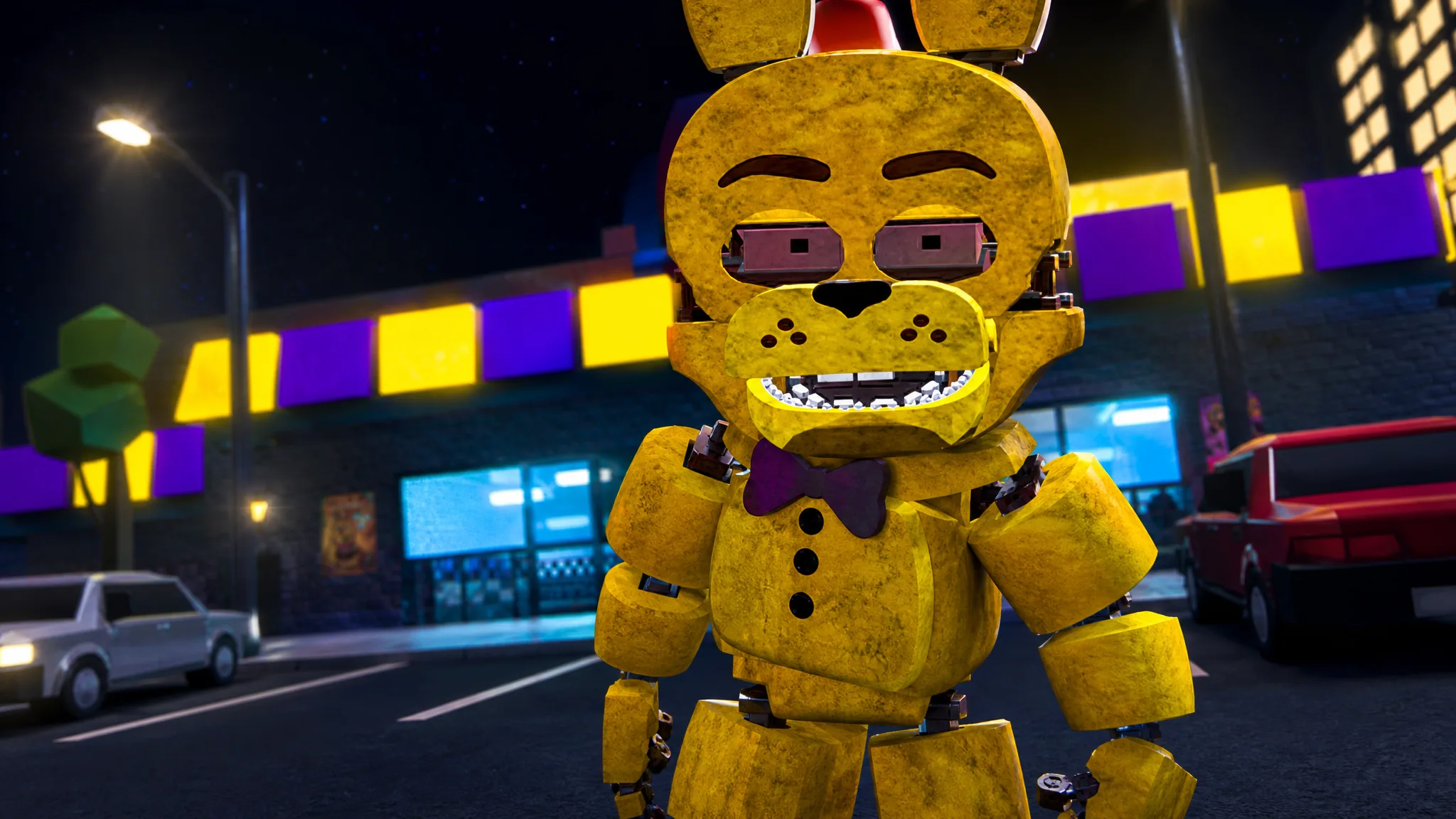
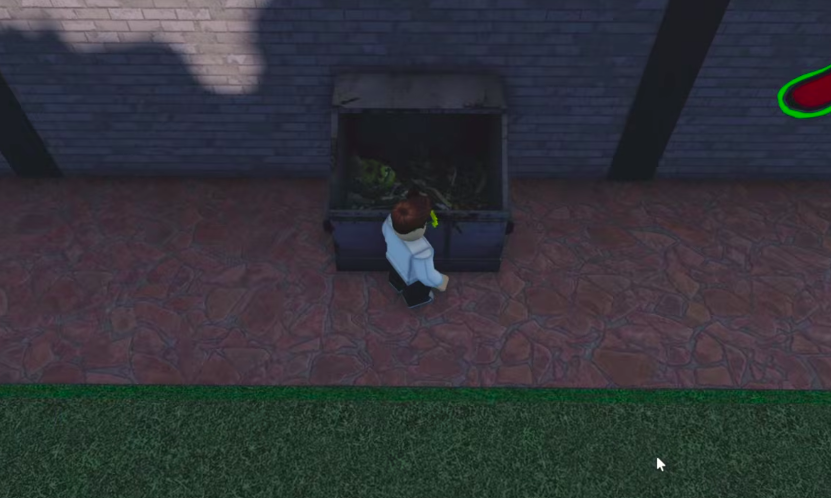
Showtime Bonnie is a badge morph in FNaF Multiverse RP, and the only way to add it to your character list is by first earning The damaged mask badge. That badge sits in an easy-to-miss spot outside the FNaF 3 area, tucked inside a dumpster near the back of the building. Once you touch it, the morph unlocks for good.
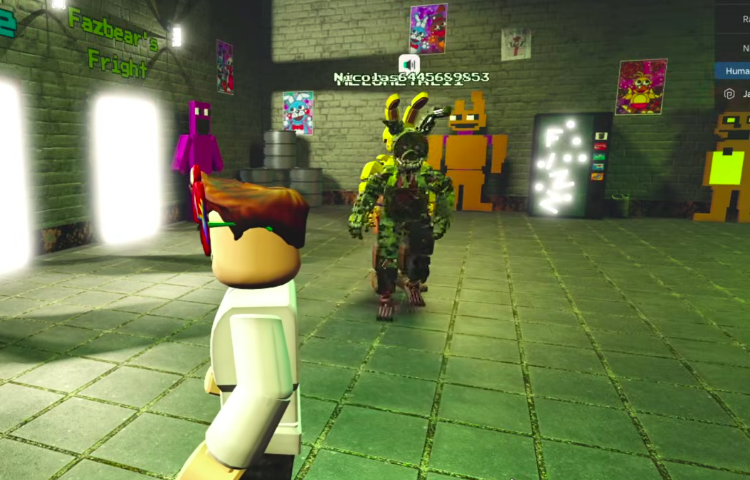
Quick answer: Enter the FNaF 3 portal, go through the Entrance door to step outside, follow the brick wall around the building, and jump into the dumpster holding the green mask to collect The damaged mask badge. Showtime Bonnie then appears under Badge Morphs in the FNaF 6 category.
Where to find The damaged mask badge
The badge is hidden in the outdoor section of the FNaF 3 map, also known as Fazbear’s Fright. You do not need any tools, items, or prior badges to grab it. The whole trip takes under a minute once you know the route.
How to equip the Showtime Bonnie morph
With the badge earned, the morph becomes selectable right away. You do not need to rejoin or restart.
Showtime Bonnie customization and animations
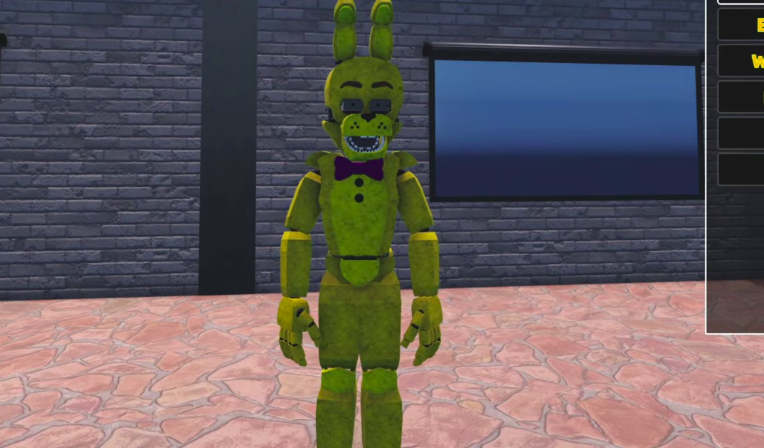
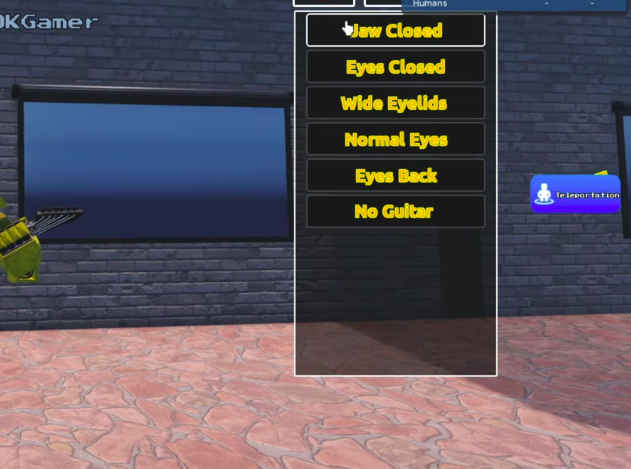
Showtime Bonnie comes with a range of poses, facial states, and a guitar prop. You can mix these options to set up the look you want.
| Option type | Available settings |
|---|---|
| Jaw | Jaw Open, Jaw Closed |
| Eyes | Eyes Closed, Eyes Open, Wide Eyelids, Normal Eyes, Black Eyes, Eyeless, Eyes Back |
| Accessory | Guitar, No Guitar |
| Animations | Performance, Stop Performamca, Deactivated Pose, Scare, Activate |
How to confirm it worked
You will see a badge award notification the moment you touch the green mask. After that, Showtime Bonnie shows up as a selectable entry under Badge Morphs in the FNaF 6 list. If the morph is not there yet, the badge did not register, so return to the dumpster and make sure you actually touch the mask rather than just landing beside it.
Note: The mask sits inside the dumpster, not on top of it, so a clean jump into the container is what triggers the pickup.