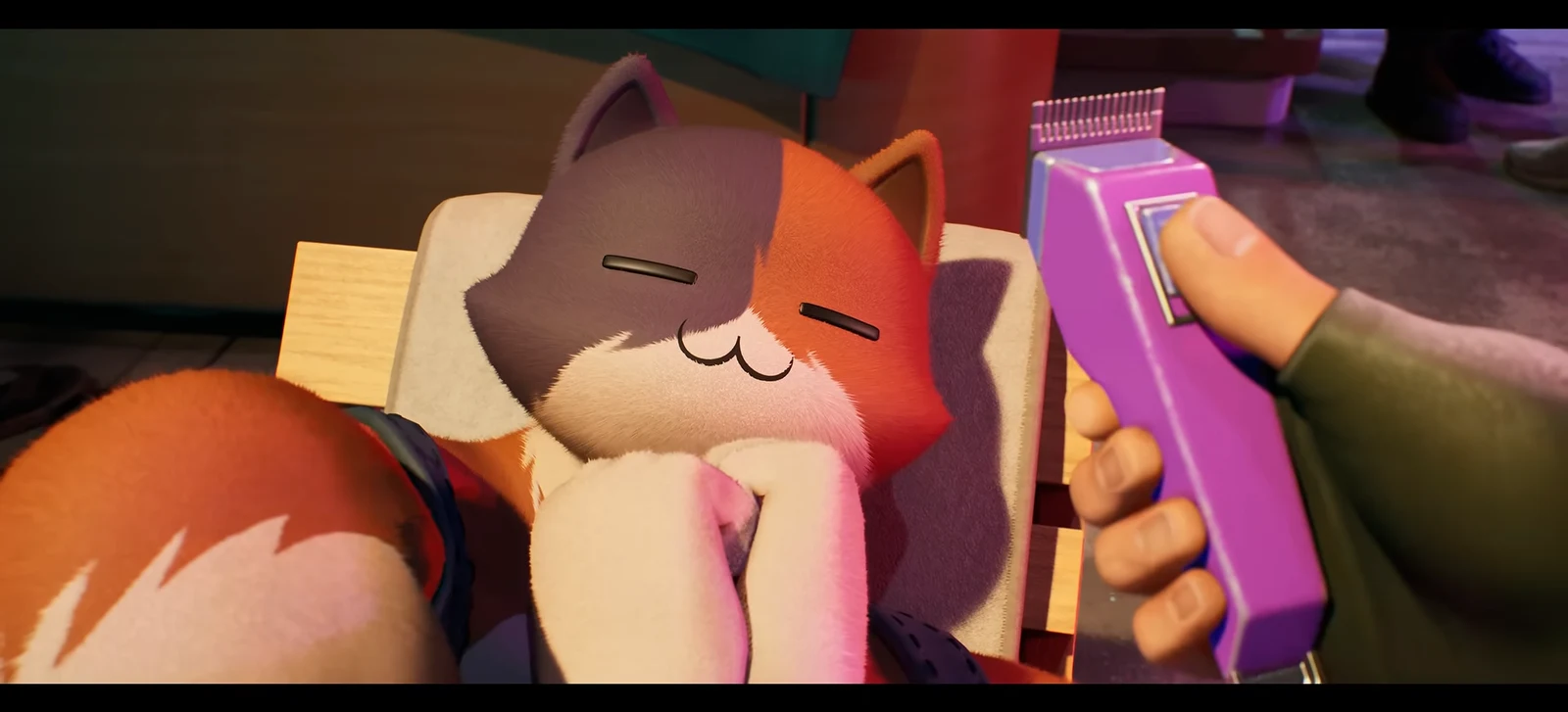
The Fancy Ragdoll is a fluffy cat Sidekick in Fortnite’s Item Shop, and its creation screen goes much further than a few recolors. You pick a fur style, a body build, separate torso and extremity shades, Lynx stripes, a forehead blaze, and ear and nose colors. The combinations add up quickly. There is one catch that shapes the whole purchase. The game makes you lock that appearance in, and you can never edit it afterward.
Quick answer: The Fancy Ragdoll costs 1,200 V-Bucks. You customize its appearance once after buying, and the choice is permanent. Earning Sidekick Points with it unlocks four free rewards.
Fancy Ragdoll price, rarity, and shop window
The Fancy Ragdoll is an Uncommon Sidekick from the Chic Cat set, introduced in Chapter 7, Season 4. It appeared in the Hot Drops section with the October 16 shop reset at 8 PM ET. It is sold on its own, not in a bundle, for 1,200 V-Bucks. That matches every other cat Sidekick Fortnite has sold so far, including The Best Cat, Cupid Kitty, Toony Tabby, Meowdas Sphynx, and Fractal Cat.
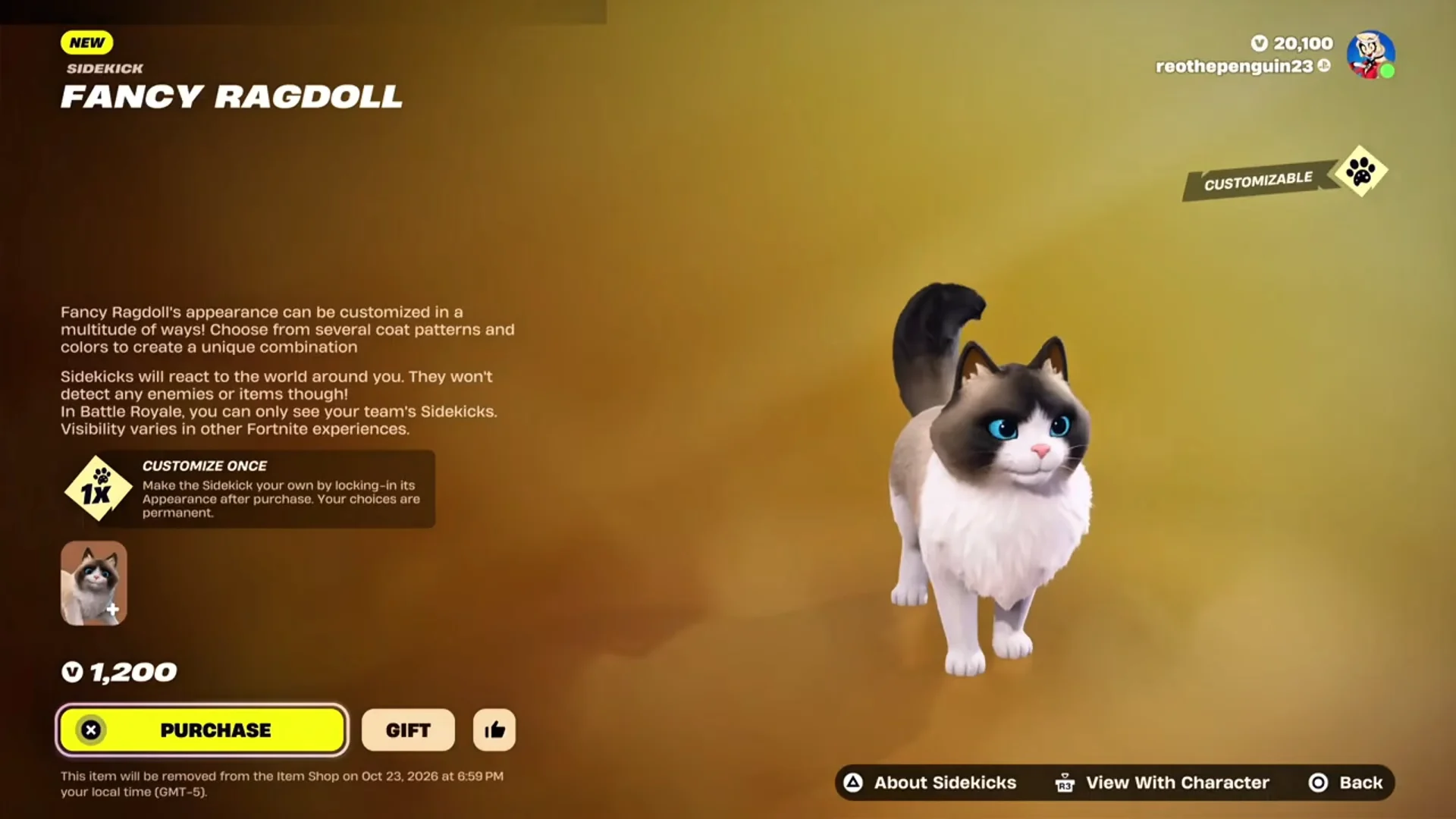
The cat is scheduled to leave the shop at 8 PM ET (5 PM PT) on October 23, 2026. Epic has not confirmed a return date. There is no free way to get it. The Sidekick is purely cosmetic and gives no gameplay advantage. Opponents can’t see your cat at all.
Every Fancy Ragdoll customization option
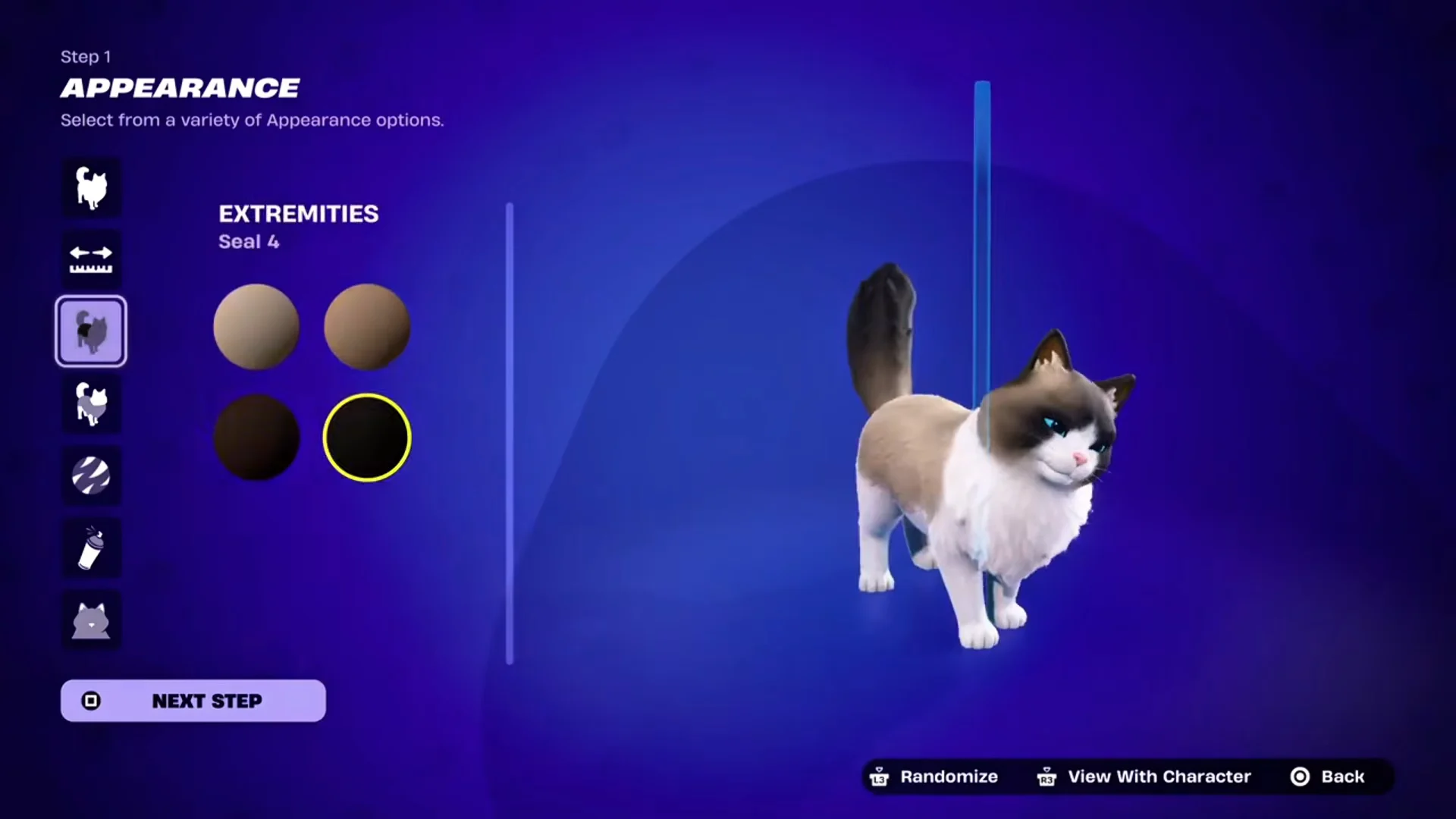
The game prompts you to customize as soon as the purchase goes through, with a “Customize Now” button on the item-acquired screen. The options take their names from real Ragdoll cat coat patterns. They appear in this order under Step 1, Appearance.
| Category | Options |
|---|---|
| Fur Style | Bi-Color, Van, Low Mitted, Colorpoint, High Mitted |
| Build | Normal, Chonky |
| Torso | Seal, Blue, Chocolate, Lilac, Cream, Red shades |
| Extremities | Same palette as Torso |
| Lynx | Off, On (with pattern color) |
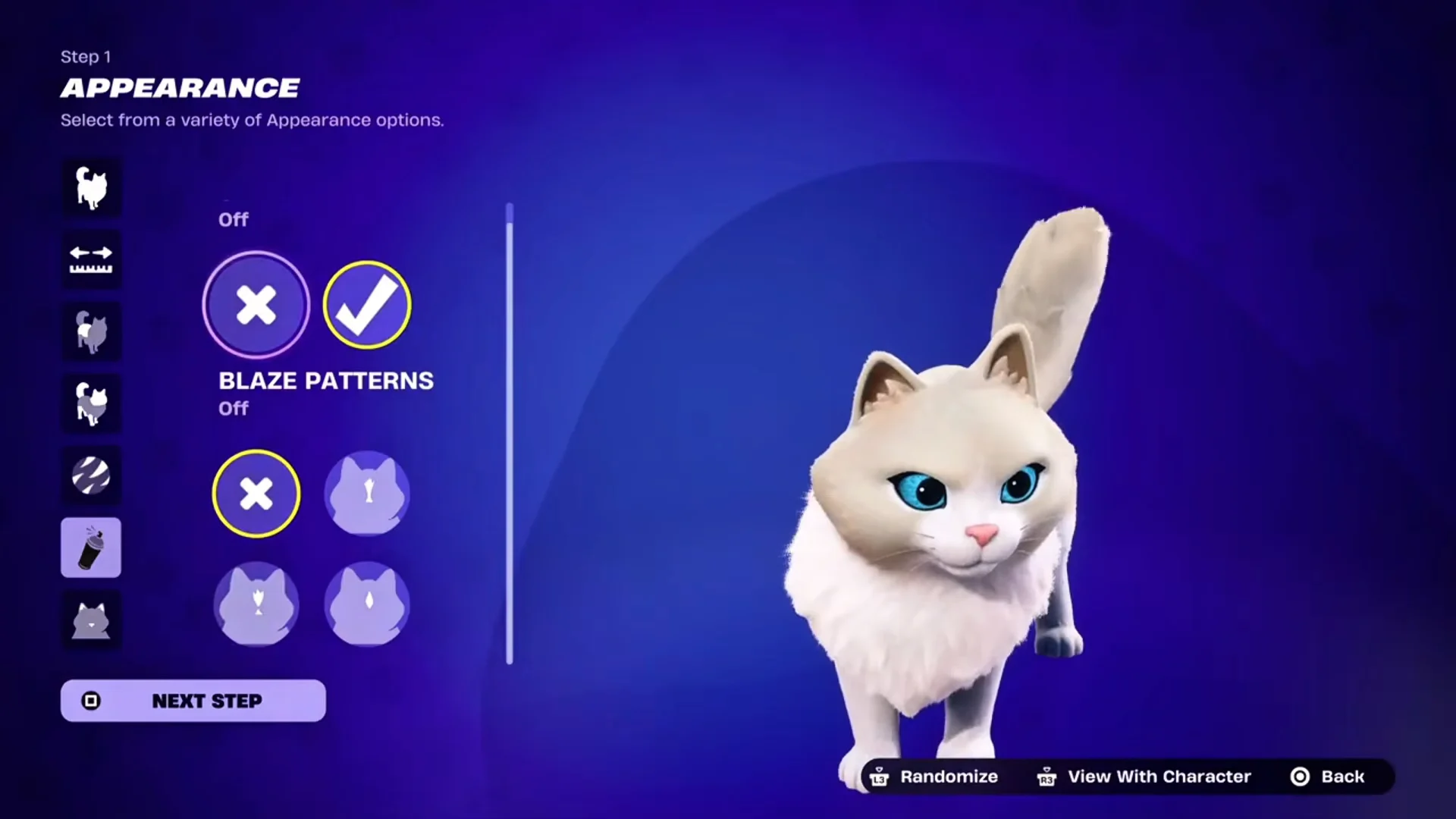
| Blaze Patterns | Off, Streak, Star, Hourglass |
| Ears | Pink, Brown, Black |
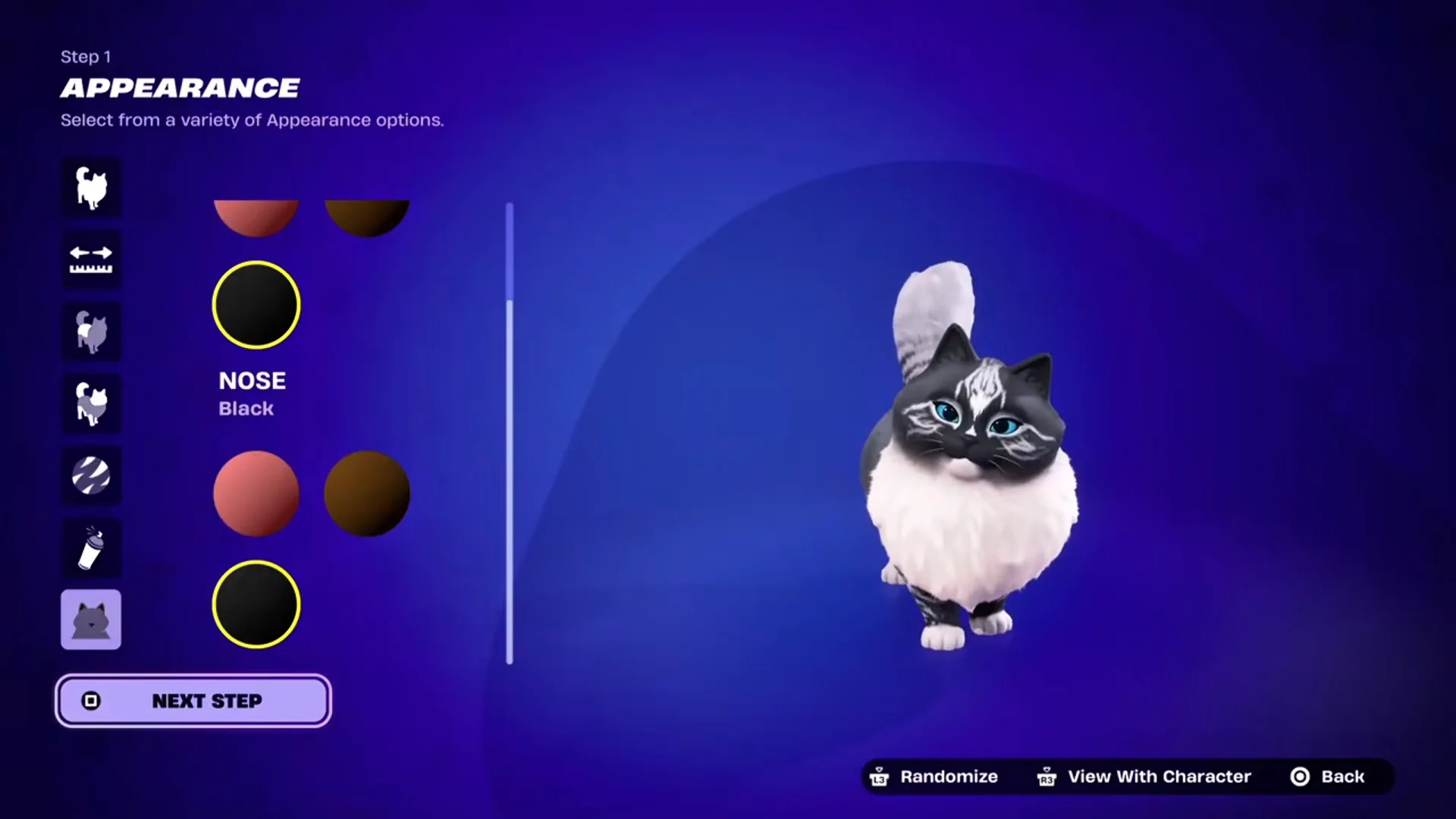
| Nose | Pink, Brown, Black |
The color palette makes up most of the variety. Each family comes in numbered shades, such as Seal 1 through Seal 4, Blue 1 through Blue 4, Chocolate 1 through 4, Lilac 1 through 4, Cream 1 through 3, and Red 2 and Red 3. You pick the torso and extremity colors separately, so a cream body can have deep seal paws, ears, and tail.
Lynx adds tabby-style striping on top of the base coat, and its color can be changed. Blaze Patterns put a mark on the forehead. Streak is a thin line, Star is a small burst, and Hourglass is a wider shape that narrows in the middle.
Ears and nose each offer three colors, and you set them independently. A pink nose with black ears is a valid combination.
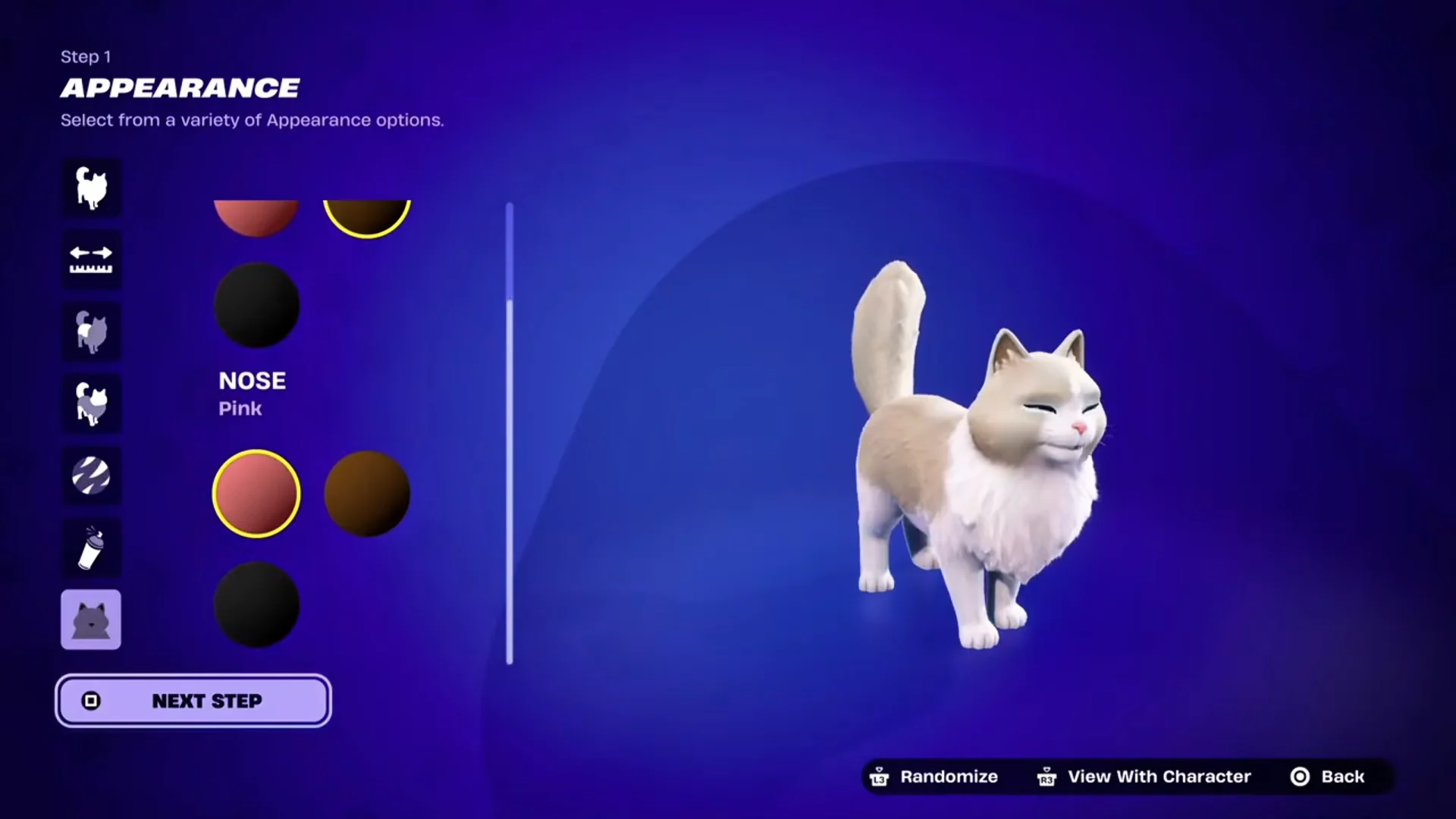
A Randomize button generates a full cat from every category at once. Pressing it a few times shows how different the results can be, which helps when you don’t know where to start. One example build combines Chonky, Low Mitted fur, blue and slate tones, Lynx stripes, a blaze, pink ears, and a black nose.
Fancy Ragdoll appearance lock-in is permanent
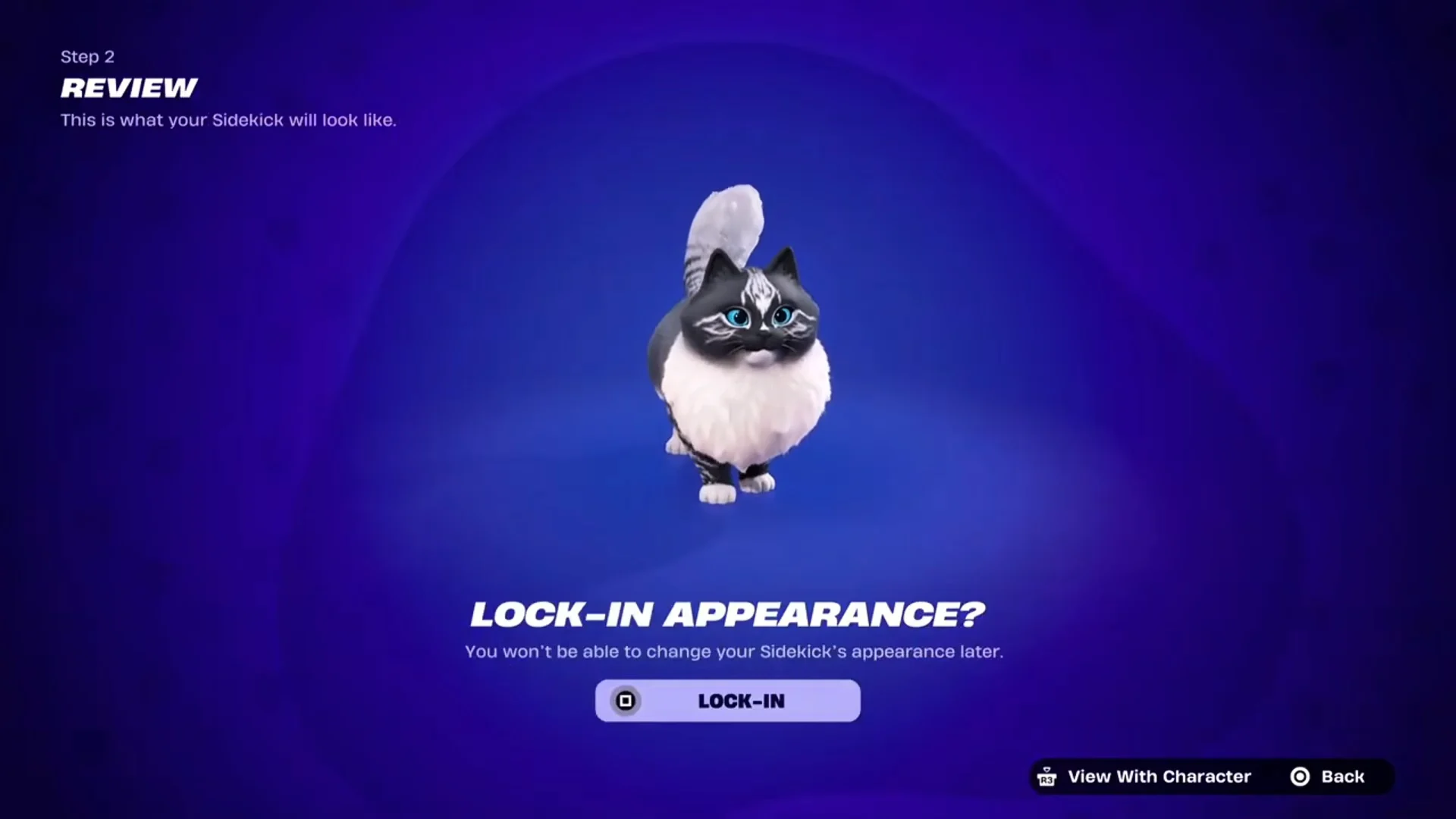
The shop marks this as “Customize Once,” which Step 2 tells you to confirm. On the review screen, your cat appears above the “Lock-In Appearance?” prompt and a straightforward warning. Confirming freezes the fur style, build, colors, and markings. To get a different appearance, you’ll need to purchase an additional copy for 1,200 V-Bucks.
Step 3 handles naming. The default is “Fancy Ragdoll,” and names can be up to 16 characters. After that, the cat goes to your Locker under Sidekick and is ready to equip. You can confirm everything worked by finding your locked look, not a stock preview, in the Locker.
Players have pushed back on the one-shot rule. Supporters say the sheer number of combinations is a strong argument for making Sidekick edit styles changeable. The design is also not a last-minute surprise. An early News Feed post showed the color customization and the beret style before the cat was even finished in the game files.
Fancy Ragdoll quest rewards and Sidekick Points
A dedicated quest track comes with each Fancy Ragdoll; find it under Fancy Ragdoll’s Rewards in the Quests tab. Equip the cat and play in supported modes to earn Sidekick Points, including Battle Royale, Zero Build, Reload, and OG. 1,500 Sidekick Points are required for each of the four tiers. Ownership removes any deadline, and the rewards require no additional payment.
| Tier | Reward | Type |
|---|---|---|
| 1 | Le Miaou | Emoticon |
| 2 | Artistic Heart | Reaction |
| 3 | Chic Beret | Style |
| 4 | Laser Hunter | Sidekick Emote |
Chic Beret is the only reward that alters the cat’s appearance. It equips sunglasses and a red beret decorated with a white feather, and you can toggle it in the Locker. Since it’s an unlockable style, not part of the default appearance, the lock-in rule doesn’t apply. Laser Hunter makes the cat pursue a red laser pointer dot, while Artistic Heart plays a brief reaction animation.
Progress appears on the quest screen as a counter; the first tier begins at 0/1,500. After completing a tier, its item becomes available in the Locker. Fortnitemares continues until October 31, while Chapter 7, Season 4 concludes on November 1. A purchase before the cat leaves the shop on October 23 gives you time to earn points through the event quests. Your choice on the lock-in screen determines which cat you keep.