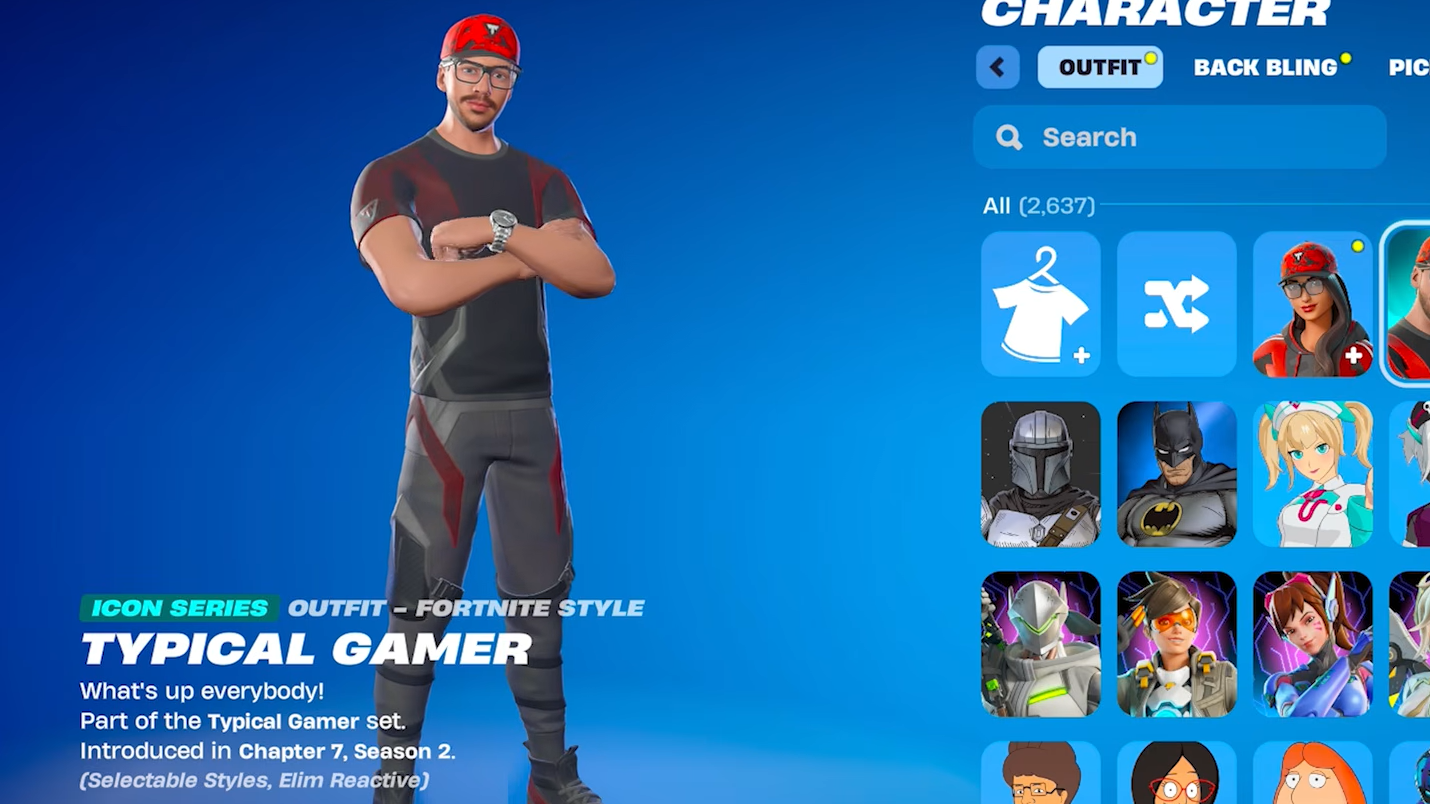
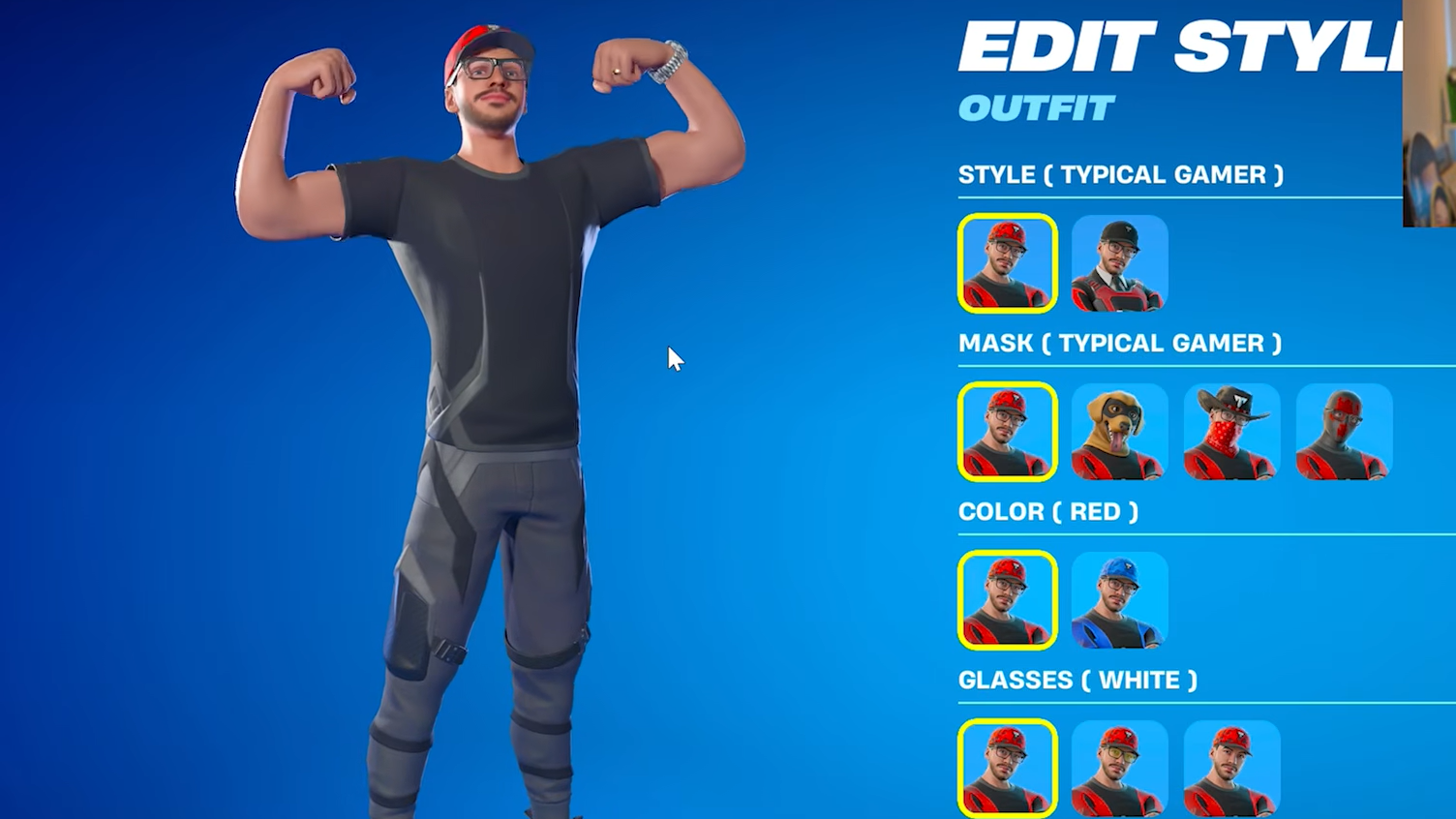
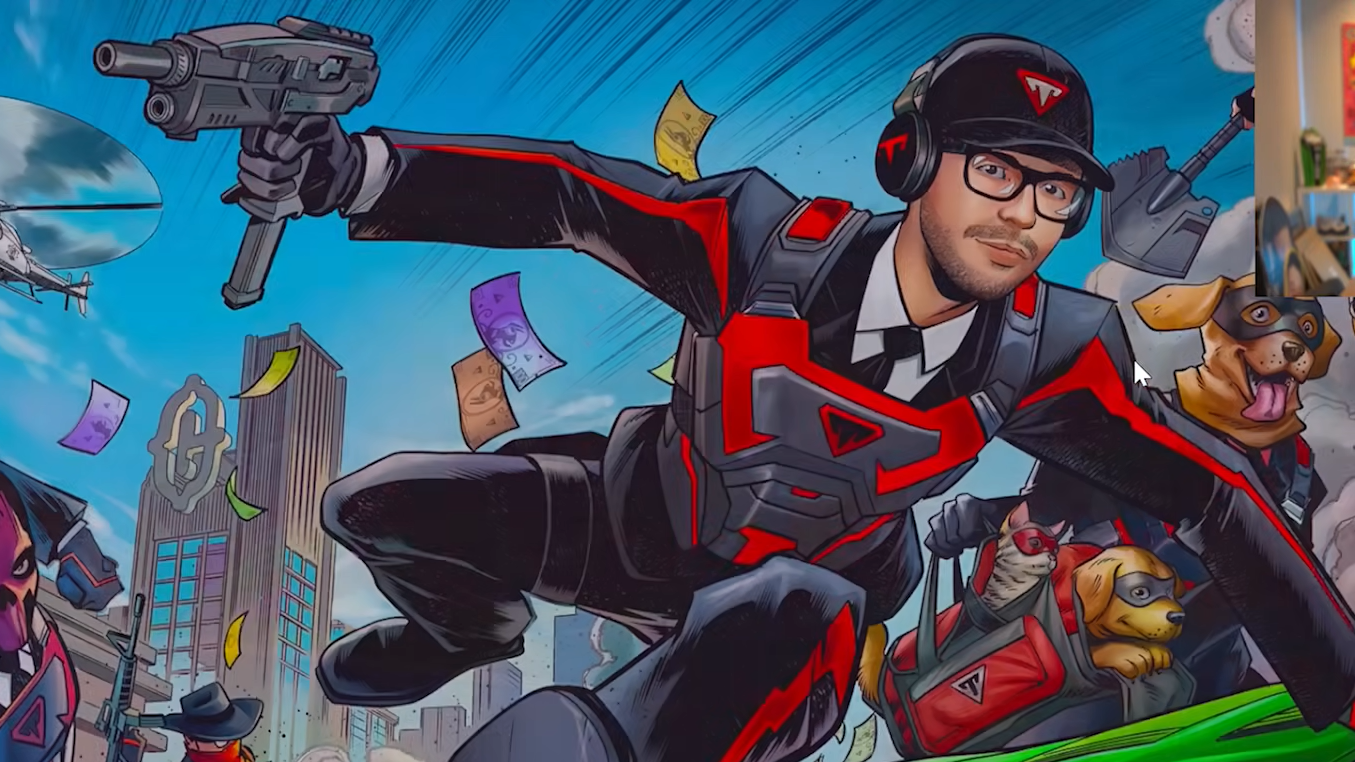
Typical Gamer is joining Fortnite’s Icon Series, and Epic Games is running a competitive cup that lets players grab the full cosmetic set without spending V-Bucks. The catch is the usual one for Icon Series cups: you have to place high enough on the regional leaderboard during a short tournament window.
What you can unlock in the Typical Gamer Skin Cup
The cup hands out the entire Typical Gamer Icon Series bundle to top performers, while everyone who hits a low participation threshold still walks away with a cosmetic.
| Reward | How to earn it |
|---|---|
| Typical Gamer Outfit | Place high on your regional leaderboard |
| Charlie Back Bling | Place high on your regional leaderboard |
| Typical Gamer Pickaxe | Place high on your regional leaderboard |
| Typical Gamer Lobby Icon | Earn 8 points during the cup |
The 8-point lobby icon threshold is the safety net. Even if you crash out early, a handful of decent placements will get you that exclusive banner.
Cup format and schedule
The Typical Gamer Skin Cup runs on May 26–27, 2026, across both Battle Royale and Zero Build playlists. Each region gets its own three-hour competitive window, and you accumulate points across a fixed number of matches inside that window.
Exact start times shift by region, so the Compete tab inside Fortnite is the only reliable place to confirm when your session opens. Icon Series cups historically use a points-per-placement plus eliminations scoring model, so playing for placement instead of hot-dropping tends to pay off more than chasing kills.
How to enter the cup
If you miss the cup or fall short
The full Typical Gamer set goes live in the Item Shop on May 28, 2026, at 8 PM ET. Icon Series outfits usually sit in the 1,500–1,600 V-Bucks range individually, and a full Icon bundle with all accessories typically lands between 2,200 and 2,600 V-Bucks.
How to confirm the unlock worked
After the cup ends and Epic processes results, the Typical Gamer outfit, Charlie Back Bling, and pickaxe appear in your locker under the standard cosmetic categories. The lobby icon for hitting 8 points shows up under banner icons in your account settings.
If rewards do not arrive within a few days of the cup closing, the most common causes are an unverified email, missing two-factor authentication at the time of competition, or playing in a region where you do not have a verified account. None of those can be fixed retroactively, so it is worth checking your Epic account settings before the cup begins.