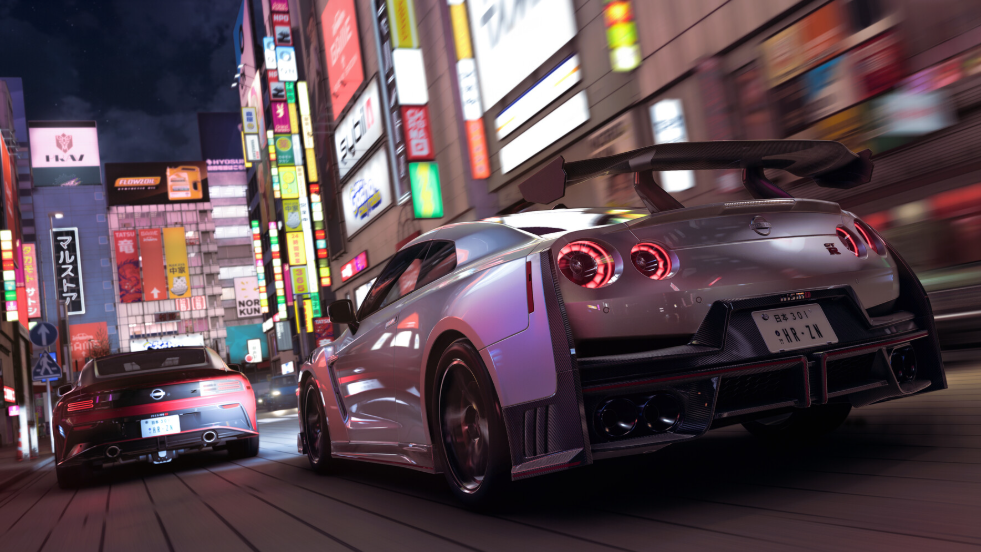
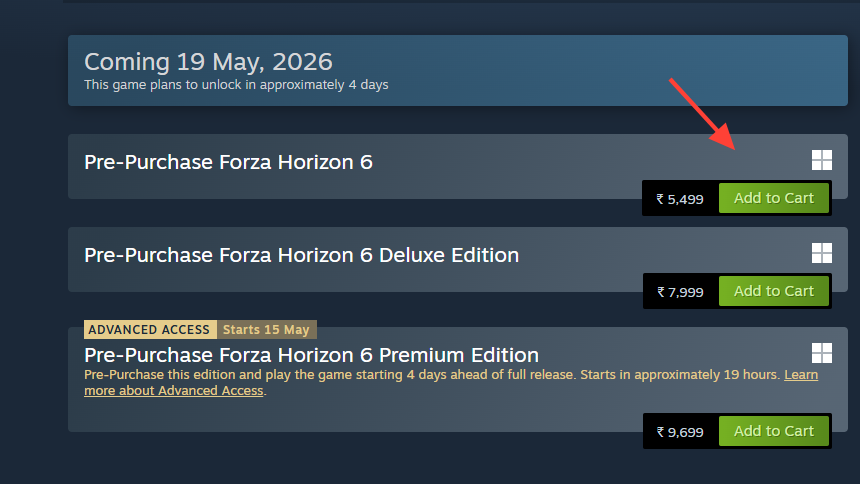
Forza Horizon 6 unlocks in two waves. Premium Edition and Premium Upgrade owners get in for Early Access on May 15, 2026, while everyone else (including Game Pass Ultimate and PC Game Pass members) plays from the standard launch on May 19, 2026. The game runs on Xbox Series X|S, Windows PC through the Xbox app, and Steam, with Xbox Cloud Gaming support from launch day. The PlayStation 5 version arrives later in 2026 and is not part of the May rollout.
Quick answer: Early Access goes live at 12:01 AM local time on May 15 on Xbox consoles and the Xbox app, and at 12:01 AM ET / 4:01 AM UTC worldwide on Steam. The full launch follows at the same hours on May 19. Preload is already available on Xbox, the Xbox app, and Steam.
Early Access release time: May 15, 2026 at 12:01 AM ET / 4:01 AM UTC (May 14, 9:01 PM PT)
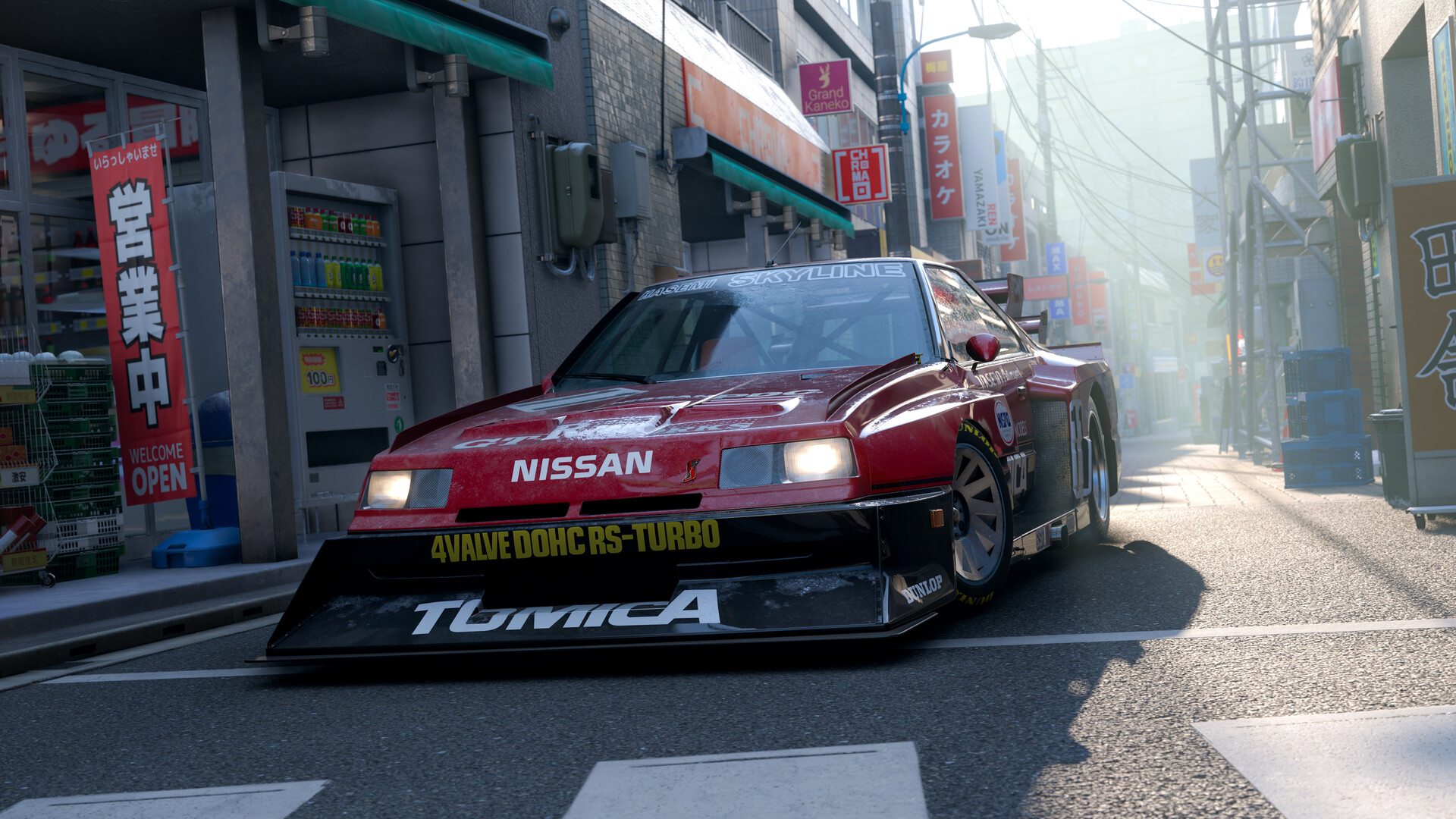
Forza Horizon 6 release times by region
Xbox console and Xbox app unlocks follow local midnight in each country, with one exception: the entire United States unlocks together at midnight Eastern Time. That means West Coast players see the game go live at 9:01 PM the night before. Steam ignores local time zones and unlocks the same moment everywhere, tied to midnight Eastern.
| Region | Early Access (May 15) | Full launch (May 19) |
|---|---|---|
| US Pacific (PT) | May 14, 9:01 PM | May 18, 9:01 PM |
| US Central (CT) | May 14, 11:01 PM | May 18, 11:01 PM |
| US Eastern (ET) | May 15, 12:01 AM | May 19, 12:01 AM |
| UK (BST) | May 15, 12:01 AM local / 5:01 AM Steam | May 19, 12:01 AM local / 5:01 AM Steam |
| Central Europe (CEST) | May 15, 12:01 AM local / 6:01 AM Steam | May 19, 12:01 AM local / 6:01 AM Steam |
| Japan / Korea (JST/KST) | May 15, 12:01 AM local / 1:01 PM Steam | May 19, 12:01 AM local / 1:01 PM Steam |
| Australia East (AEST) | May 15, 12:01 AM local / 2:01 PM Steam | May 19, 12:01 AM local / 2:01 PM Steam |
| New Zealand (NZST) | May 15, 12:01 AM local / 4:01 PM Steam | May 19, 12:01 AM local / 4:01 PM Steam |
Xbox Cloud Gaming follows the standard launch schedule and is not part of Early Access. Cloud play opens on May 19 at 12:01 AM ET (May 18 at 11:01 PM PT / 4:01 AM UTC).
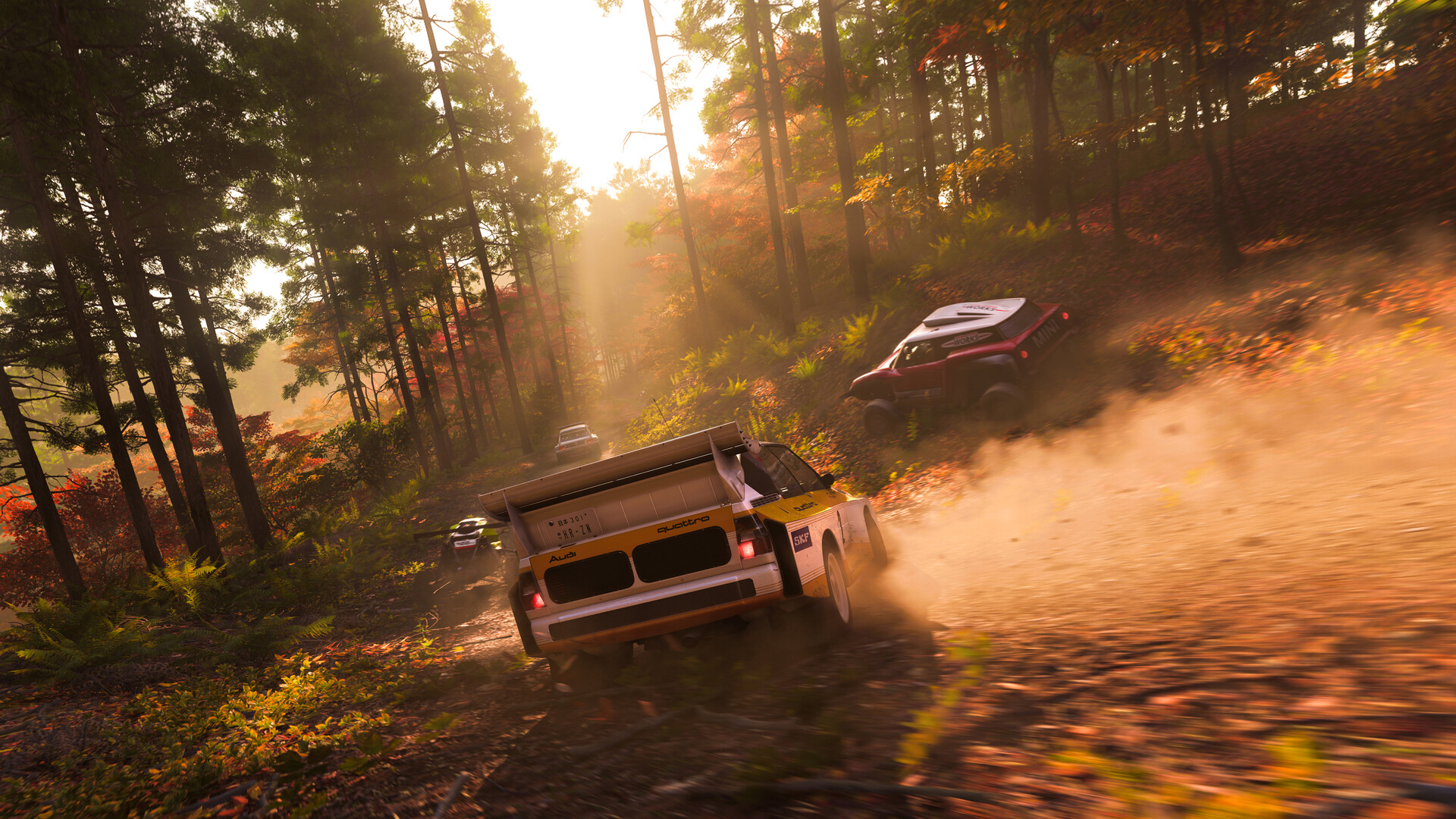
Who gets Early Access on May 15
Early Access is gated to the Premium Edition or the Premium Upgrade. Standard and Deluxe Edition buyers, plus Game Pass subscribers, can add the Premium Upgrade as a separate purchase to play four days early. No upgrade means you wait until May 19.
| Purchase or membership | Earliest unlock |
|---|---|
| Premium Edition (digital) | May 15 (Early Access) |
| Standard or Deluxe Edition | May 19 (or May 15 with Premium Upgrade) |
| Game Pass Ultimate | May 19 on Xbox, PC, Cloud (or May 15 with Premium Upgrade) |
| PC Game Pass | May 19 on PC and Cloud (or May 15 with Premium Upgrade) |
| Physical disc | May 19 |
Preload status and file sizes
Preload opened first on Xbox Series X|S and on PC through the Xbox app on May 4, 2026. Steam preload followed on May 12. Pre-ordering any digital edition or queuing through an active Game Pass entitlement is enough to start the download now. Physical disc owners on Xbox cannot preload from the disc, but they can queue the install remotely from the Xbox mobile app so the download is ready before the disc arrives.
| Platform | Download size | Recommended free space |
|---|---|---|
| Xbox Series X|S | ~144.84 GB | 150 GB |
| PC (Xbox app) | ~156.65 GB | 160 GB |
| PC (Steam) | ~156 GB (similar to Xbox app) | 160 GB |
The gap between the download size and recommended free space covers the Day One update and patch overhead. An SSD is mandatory on PC. Mechanical hard drives will not stream the open world fast enough.
How to preload on Xbox Series X|S
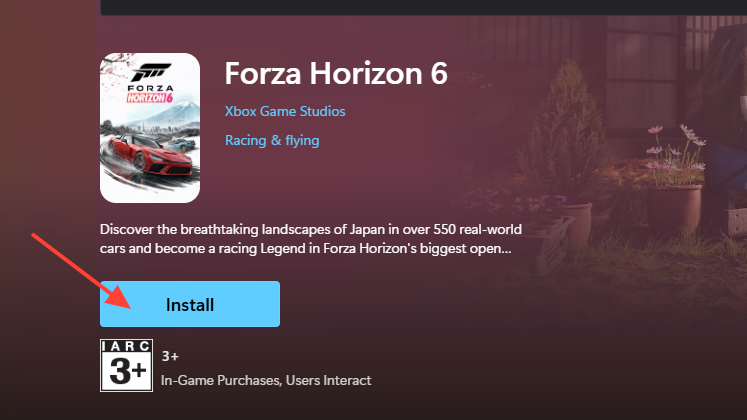
How to preload on PC (Xbox app)
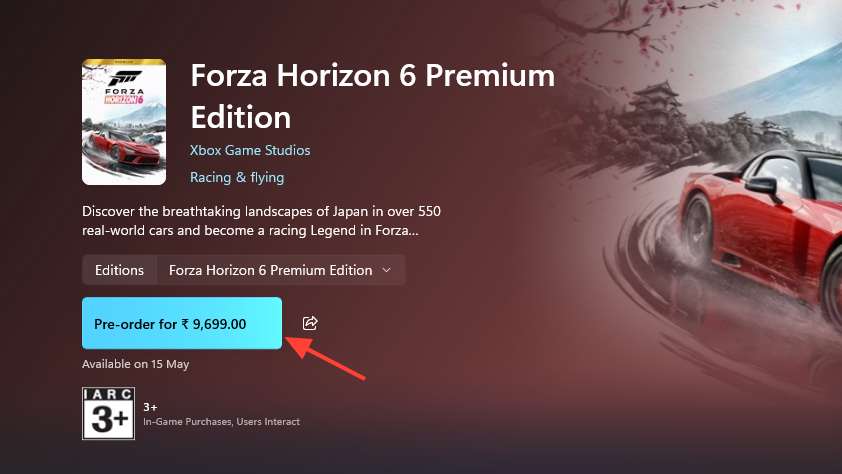
How to preload on Steam
PC system requirements
| Spec | Minimum (1080p / Low / 60 fps) | Recommended (1440p / High / 60 fps) |
|---|---|---|
| OS | Windows 10 22H2 (19045) or higher | Windows 10 22H2 (19045) or higher |
| CPU | Intel i5-8400 or Ryzen 5 1600 | Intel i5-12400F or Ryzen 5 5600X |
| GPU | GTX 1650 / RX 6500 XT / Arc A380 | RTX 3060 Ti / RX 6700 XT / Arc A580 |
| RAM | 16 GB | 16 GB |
| Storage | SSD required (~157 GB) | SSD required (~157 GB) |
| DirectX | 12 | 12 |
Forza Horizon 6 is verified for Steam Deck and tuned for PC handhelds at the May 19 launch, so the same Steam build applies there.
How to confirm the preload is ready
On Xbox and the Xbox app, the title tile changes to Ready to launch once the download finishes, and the Play button stays greyed out until the unlock time. On Steam, the library entry switches from Pre-load complete to a live countdown that flips to Play at 12:01 AM ET. If the button is still locked past your regional unlock time, restart the client, sign out and back in, then verify that your Premium Upgrade entitlement is attached to the same account you are playing on. Early Access will not unlock without it, even if the base game shows as installed.
Note: The download size on Steam may be reported slightly differently than the Xbox app figure because of compression differences, but the on-disk footprint after install is comparable. Plan for at least 160 GB of free SSD space on PC and 150 GB on Xbox to absorb the Day One patch without errors.