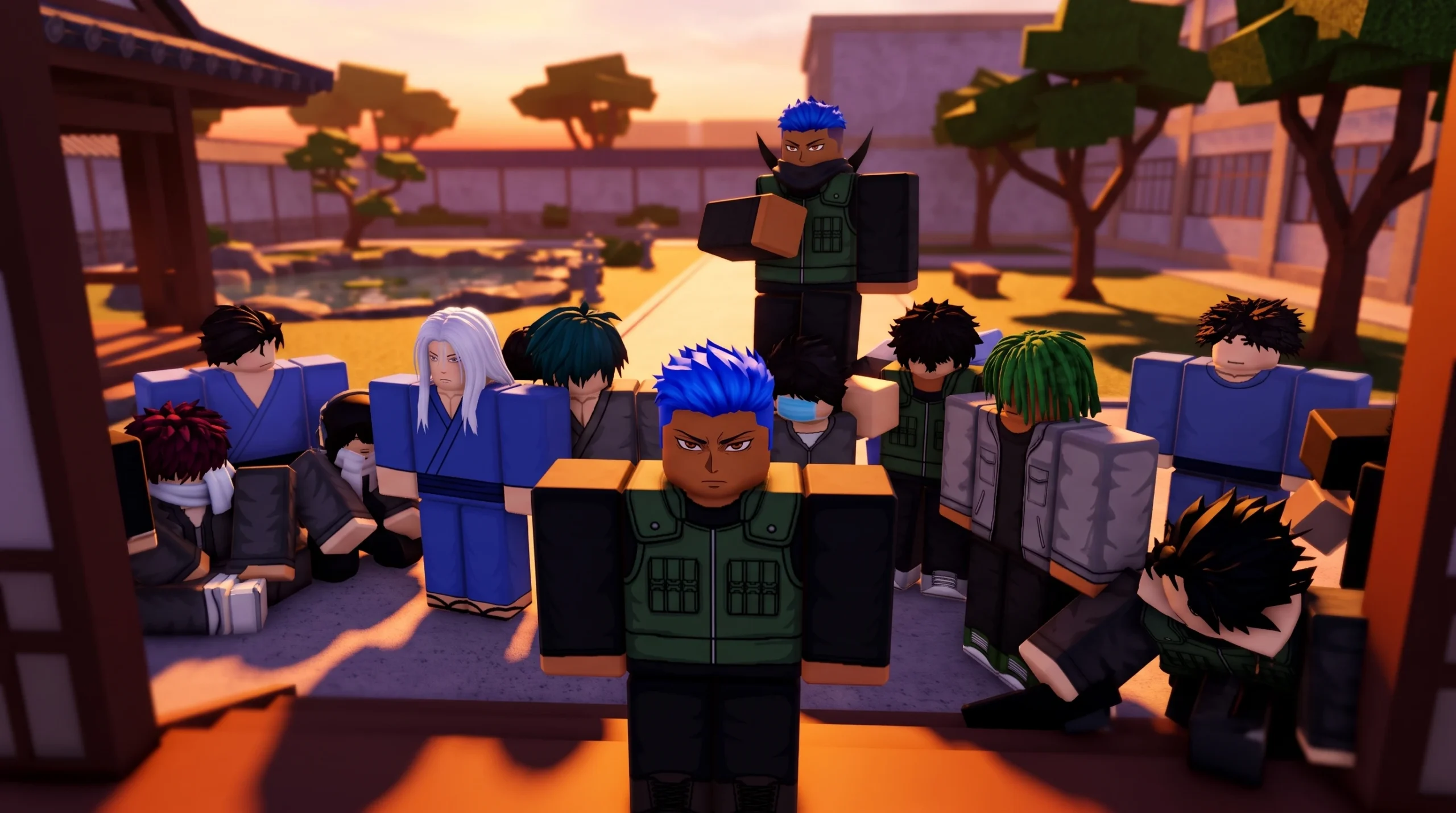
Changing clothes in Gakuran does not happen through the Roblox avatar editor. Your student’s outfit is an in-game uniform tied to the character’s stat profile, so you swap it inside the game’s own customization menu rather than through platform accessories or catalog items.
Quick answer: Open the Stats menu on spawn, move to the second page, and select the Clothes reroll for 5 Robux. The outfit updates immediately once the reroll confirms.
What you need before changing clothes
Customization stays locked until you pass the group gate. You must join the official Roblox group and accept the in-game rules before any Stats field, including Clothes, becomes editable.
You also need Robux on your account. Clothes changes are handled as a reroll that costs 5 Robux per attempt, so the swap is a paid action rather than a free wardrobe swap.
Change your clothes in Gakuran
How the clothes reroll works
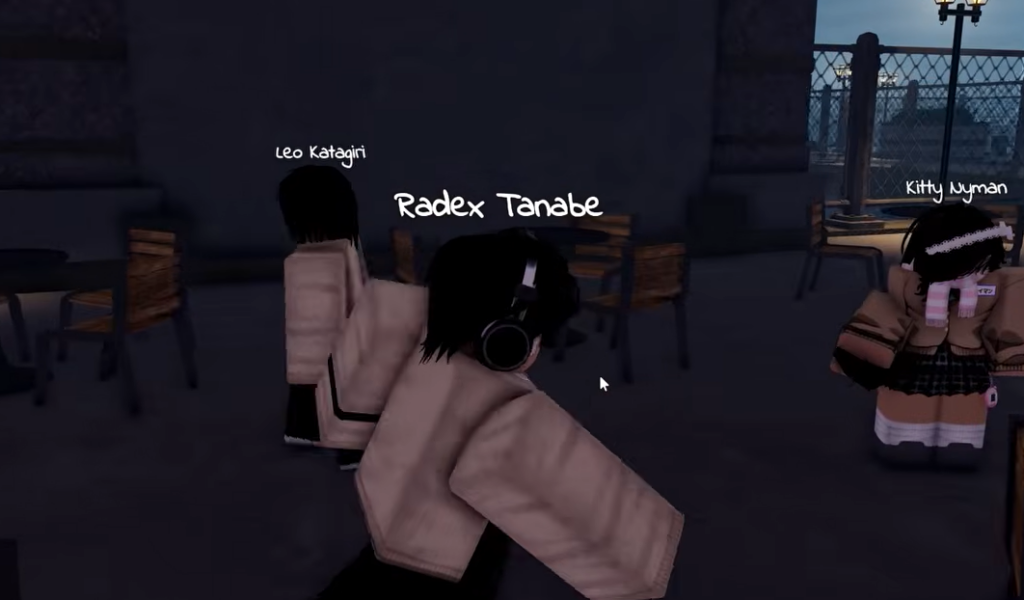
The Clothes field swaps between uniform variants, such as buttoned and unbuttoned versions of the gakuran jacket. The outcome is randomized from the game’s own set of options, so you cannot pick a specific outfit directly. Each attempt gives you whatever the reroll lands on.
Clothes are purely cosmetic. Changing your outfit does not add damage reduction or any combat bonus. Fighting performance comes from Height and Style, not from what your student wears.
| Field | Stats page | Reroll cost | Effect |
|---|---|---|---|
| Clothes | Page two | 5 Robux | Cosmetic uniform variant |
| Style | Page two | 5 Robux | Combos and finishers |
| Height | Page one | 5 Robux | Reach, speed, HP feel |
| Ethnicity | Page one | 5 Robux | Appearance and height bias |
Confirm the change worked
You know the swap succeeded when your character model visibly updates right after confirming the reroll. The change applies instantly, with no restart or rejoin needed.
Rerolls are final. Once the outfit changes, you cannot undo it. If you dislike the result, the only way to try again is another reroll, which charges the 5 Robux cost each time. Because of this, it is worth deciding on the look you want before spending, since costs stack quickly across repeated attempts.
If the game shows no active servers, the experience may be in maintenance. Reopen the Gakuran game page and confirm that Play is available before trying to customize.
Why the reroll might not appear
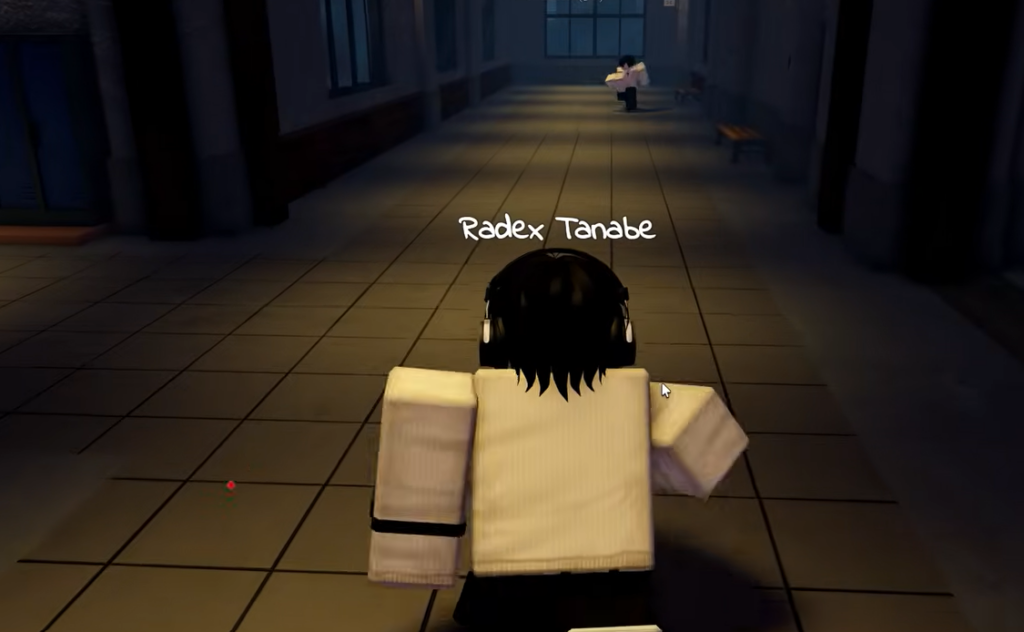
Two things commonly block the Clothes change. If you have not joined the group and accepted the rules, the Stats fields stay locked, and no reroll button responds. And because Gakuran overlays its own student model, platform-wide Roblox accessories may not show up on the character, which is why the in-game Clothes field is the correct place to change your look.
Once the outfit reads the way you want it, you are free to walk the campus in your uniform, join a server, and settle into the game’s roleplay and combat without touching the wardrobe again.