HoYoverse and Discord are handing out a free reward bundle to mark the arrival of Snezhnaya, the “Everwinter Without Mercy” region in Genshin Impact version 7.0. The task is small. You accept a quest inside Discord, play Genshin Impact for 15 minutes on PC or console, and collect a redemption code that drops Primogems and upgrade materials into your in-game mailbox.
Quick answer: Accept the Genshin Impact quest in the Discord Quests page, play the game for 15 minutes with the Discord desktop app running, then press Claim Reward to receive a code and redeem it at the official gift page before September 22, 2026 (UTC+8).
Requirements before you start
This promotion runs on Discord’s Quest system, so a few conditions decide whether you can take part at all. Mobile players are excluded, and Quest rewards cannot be earned on Linux devices.
| Requirement | Detail |
|---|---|
| Platform | PC or console only; mobile is not eligible |
| Discord client | Desktop app or browser; the quest cannot be accepted on the mobile app for this event |
| Account rank | Adventure Rank 2 to receive rewards via the in-game mailbox |
| Eligible servers | America, Europe, Asia, and TW, HK, and MO |
| Region limits | Some regions are excluded, and Discord premium services must be available to access Gift Inventory |
Note: If you play on console, you must first connect that console to your Discord account before the quest can track your session.
How to complete the Discord Quest
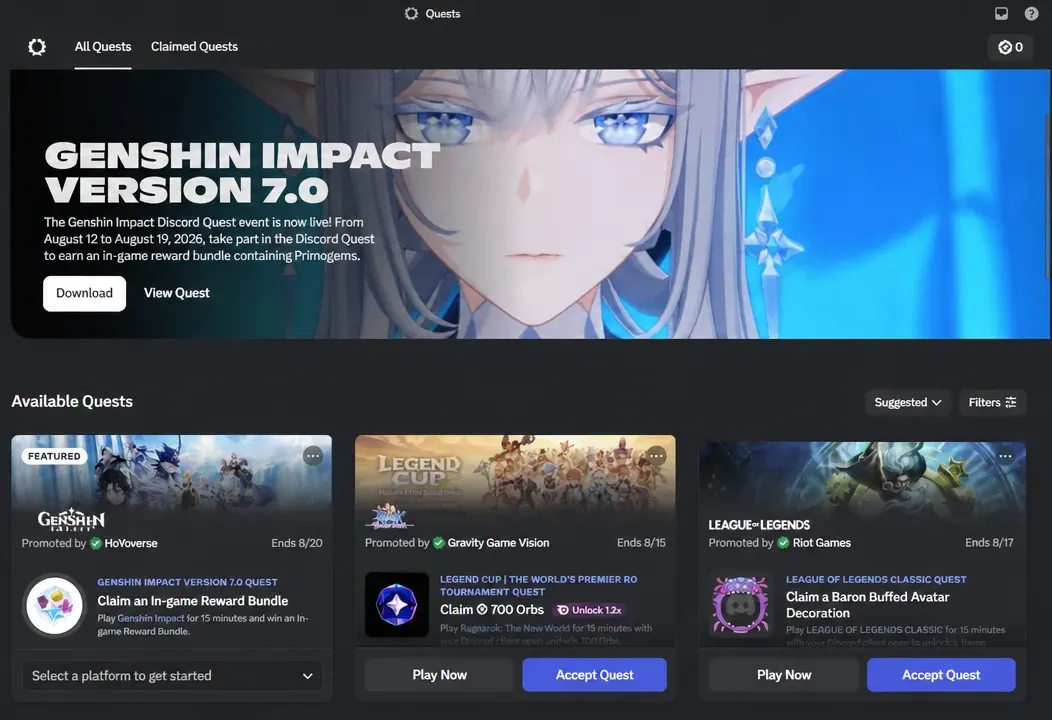
Claim the code and redeem your rewards
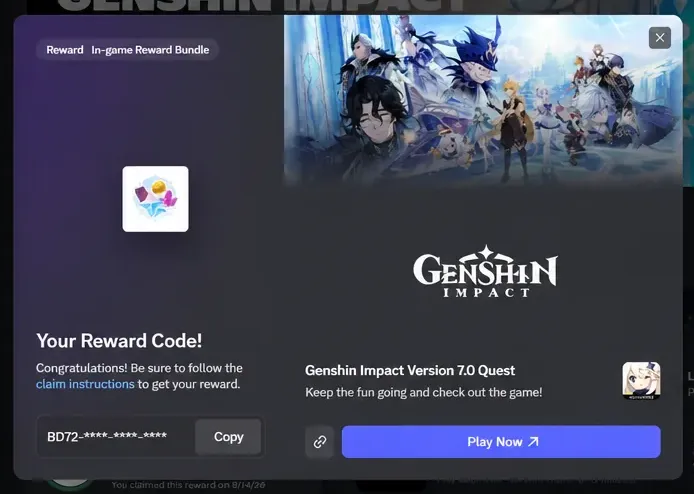
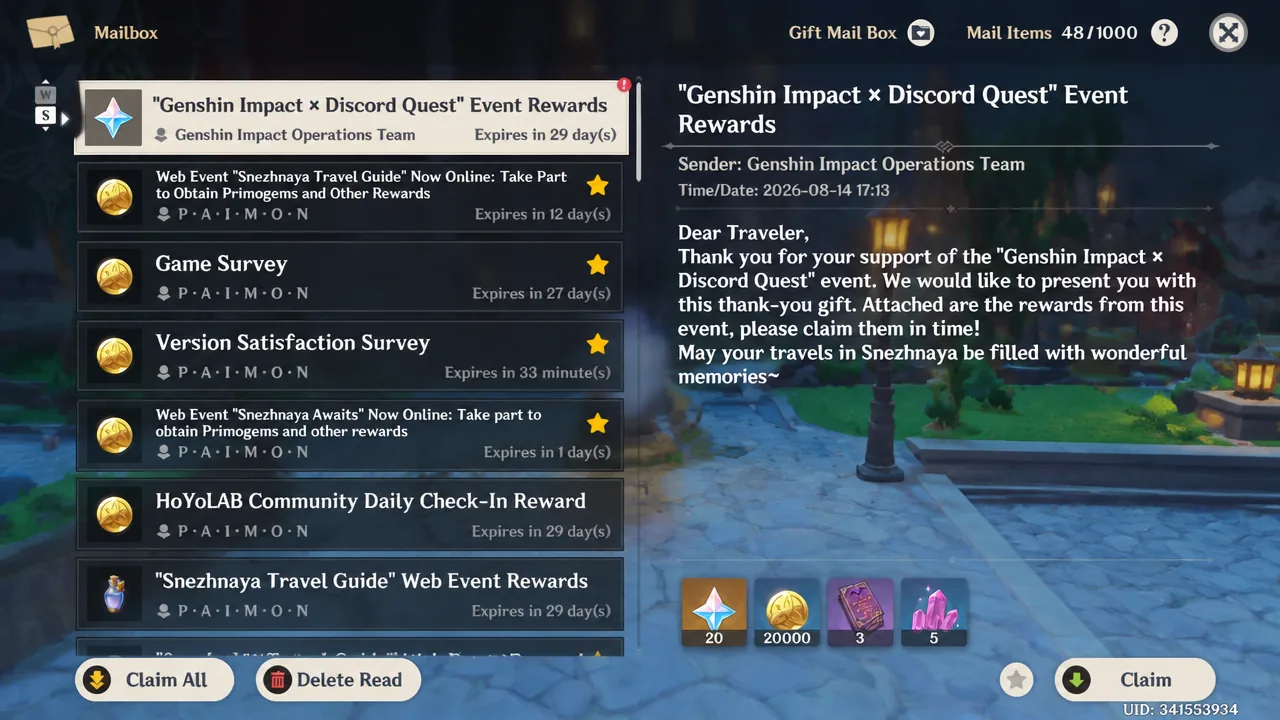
Reward bundle contents
| Item | Quantity |
|---|---|
| Primogems | 20 |
| Mora | 20,000 |
| Hero’s Wit | 3 |
| Mystic Enhancement Ore | 5 |
Codes are limited to 900,000 in total and given out first-come, first-served after Travelers finish the quest. If the supply runs out, no further codes are issued.
Deadlines to remember
The quest went live on August 12, 2026, and it stays open only for a short window. There are two dates that matter, and they are not the same. One governs when you can complete the quest, the other governs when the code stops working.
| Window | Time (UTC+8) |
|---|---|
| Quest availability | August 12, 2026 00:00 to August 19, 2026 23:59 |
| Reward claim / code redemption | August 12, 2026 00:00 to September 22, 2026 23:59 |
You must earn the code before the quest window closes, then redeem it before it expires on September 22, 2026 at 23:59:59 (UTC+8).
If progress does not track
The most common reason the timer stalls is that Discord is not detecting the game. Open User Settings, go to Game Activity, and confirm that game detection is enabled and Genshin Impact appears in the detected games list. If it is missing, use Add Game to include it manually. When your Discord status reads “Playing Genshin Impact,” the app is tracking your session correctly.
A few other blockers to check. Quests cannot be completed on Linux, so switch to Windows or macOS for the 15 minutes. If you are in an ineligible region, or you cannot access Gift Inventory because Discord premium services are restricted where you are, the quest will not be available to you. And to actually receive the items after redeeming, your account needs to have reached Adventure Rank 2.
With the region wrapped up and the code in hand, the whole thing amounts to a quiet 15-minute session for a modest stack of Primogems and upgrade materials. It is worth doing before the quest window closes, since once it does, the code disappears with it.