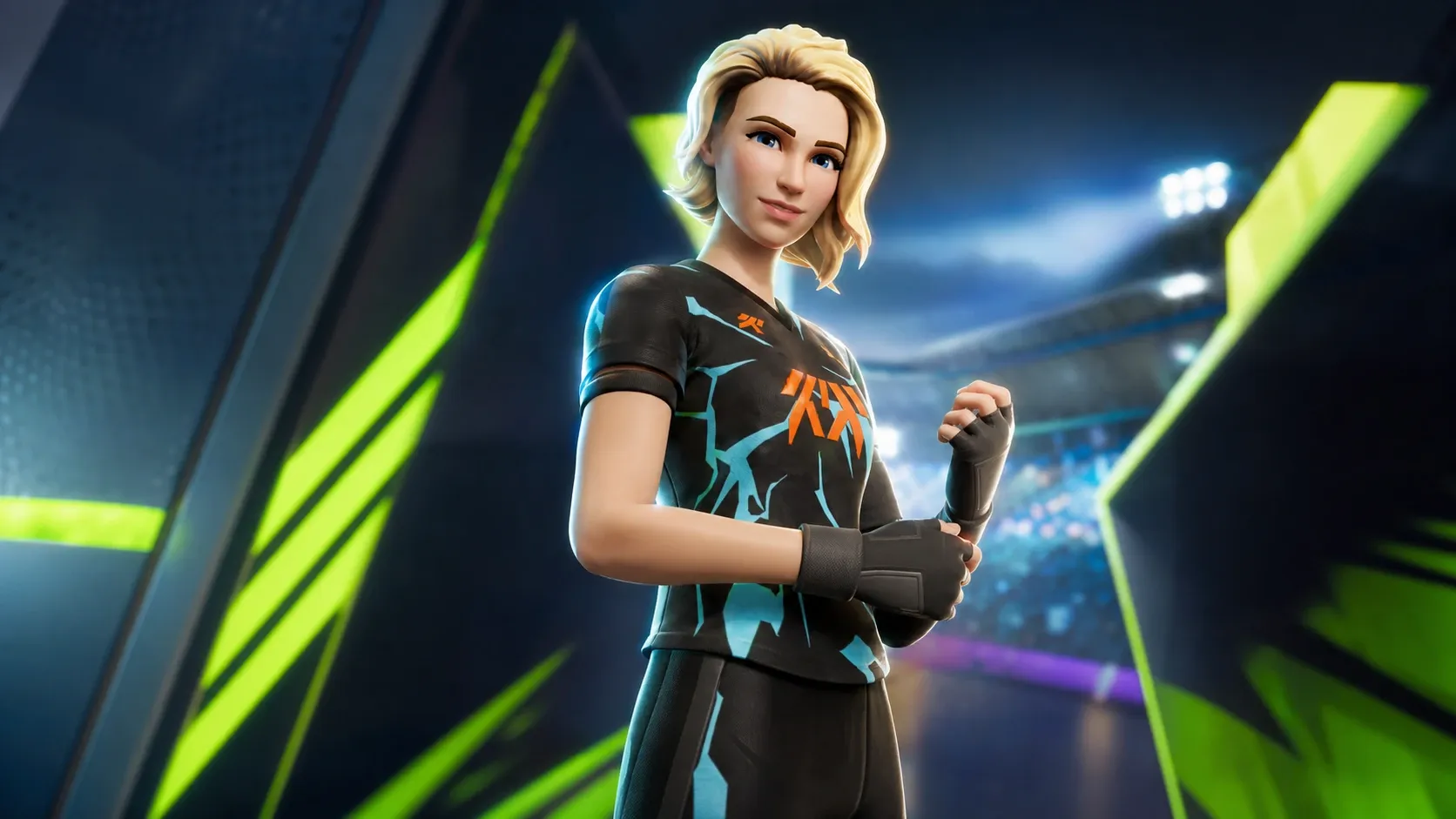
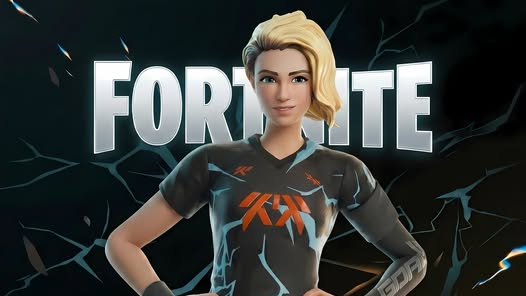
The Goal Getter Outfit is a Fortnite cosmetic you can earn as a free bonus instead of buying it in the Item Shop. The catch is where you spend your money. The skin is tied to a gift-with-purchase promotion built around GOALS on the Epic Games Store, and it only lands in your Locker if you buy a qualifying item through that store.
Release time: June 18, 2026 at 8:00pm ET
What you need to unlock the Goal Getter Outfit
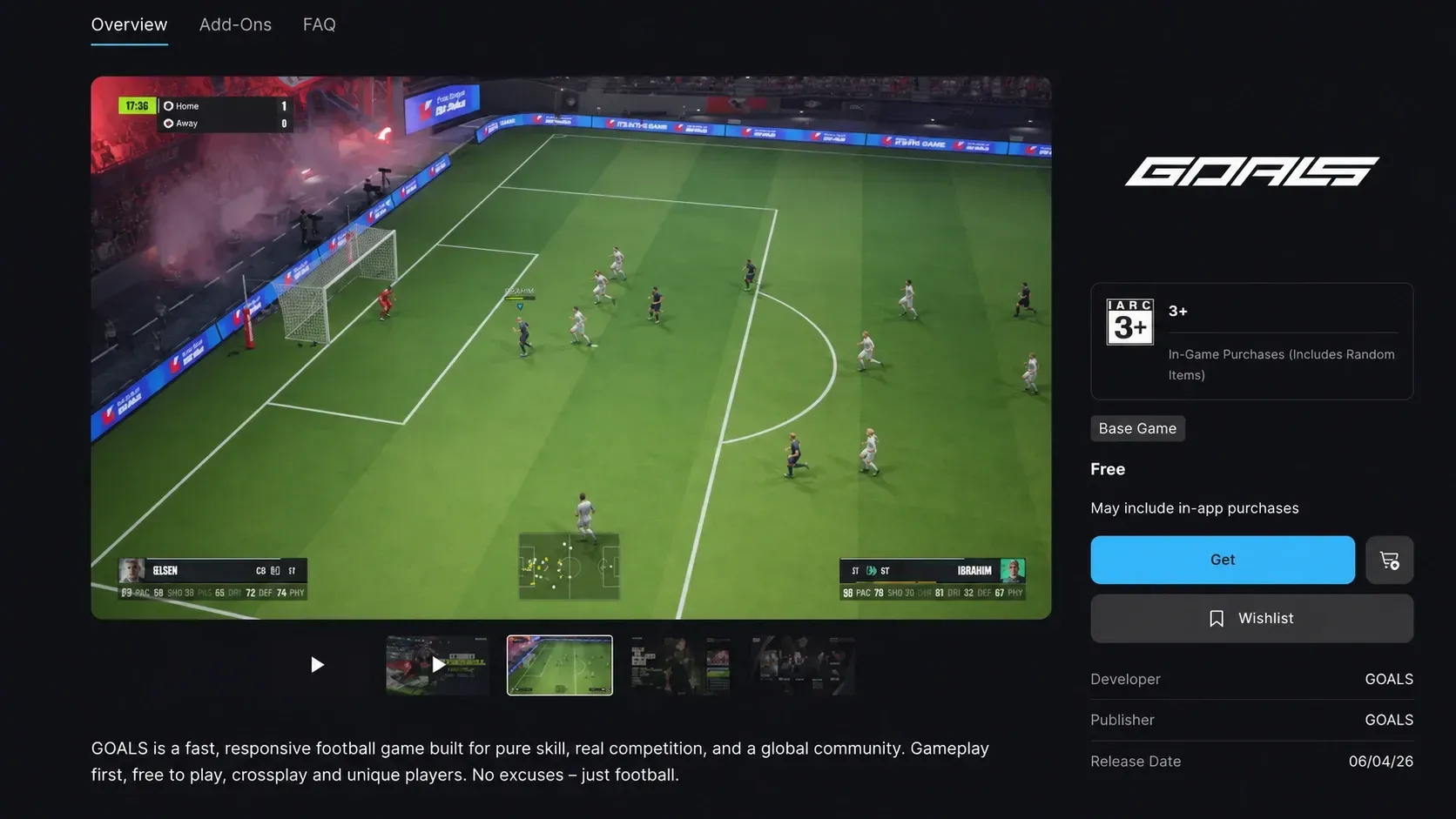
This is a purchase reward, not a quest or login drop. The outfit unlocks when you buy a specific kind of item, on a specific store, within the promotion window. The qualifying items are listed on the Epic Games Store gift-with-purchase page.
Only items on that official list count. Buying other products on the Epic Games Store does not unlock the skin, no matter how much you spend or how many things you put in your cart.
| Requirement | Detail |
|---|---|
| Where to buy | Epic Games Store |
| What to buy | An eligible item for GOALS (from the gift-with-purchase list) |
| Purchase window starts | June 4, 2026 at 8pm ET |
| Outfit available in Fortnite | June 18, 2026 at 8pm ET |
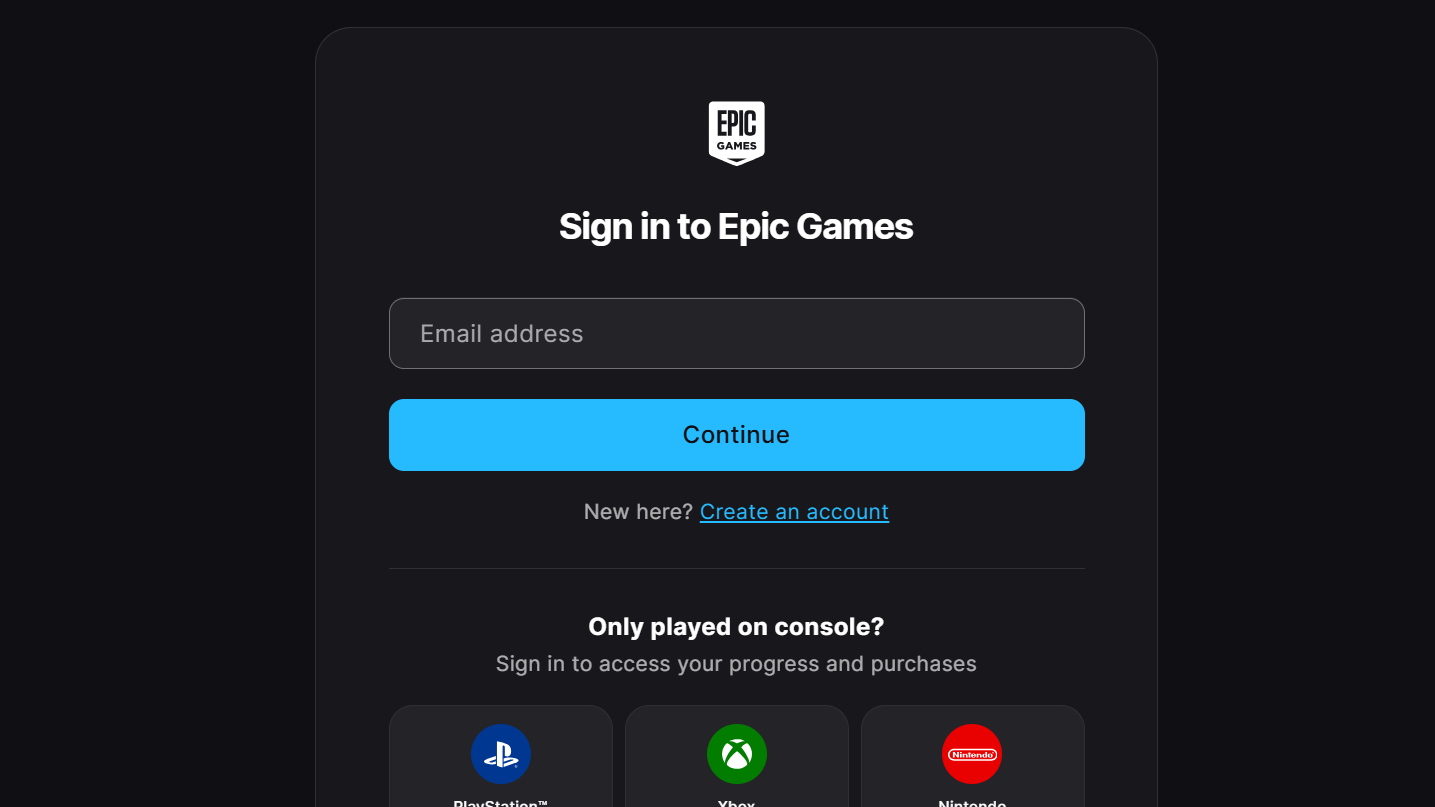
| Account needed | Epic account signed in or linked to your platform |
How to claim the Goal Getter Outfit as a bonus
Confirming the skin landed in your Locker
You know it worked when the Goal Getter Outfit appears in your Fortnite Locker after the June 18th unlock time. Open Fortnite, head to the Locker, and the skin should be ready to equip like any other outfit you own.
The reward is not locked to a single device. If you are signed in with your Epic account on PC or mobile, or have connected your console accounts to your Epic account, the outfit shows up in your Locker on PlayStation, Xbox, Nintendo, and other connected platforms. You can manage those links in your Epic account connections settings.
If you already bought the Goal Getter Outfit in the Item Shop
The outfit can also be purchased directly from the Fortnite Item Shop. If you already own it that way and then buy an eligible GOALS item on the Epic Games Store, you do not get a duplicate skin. Instead, you receive a one-time grant of 1,500 V-Bucks inside Fortnite.
How long the Goal Getter Outfit bonus lasts
There is no fixed end date tied to a single sale event. The Goal Getter Outfit offer stays active for as long as GOALS remains available through the Epic Games Store and continues using Epic’s payment system for in-app purchases. Once either of those conditions stops being true, the promotion ends.
If you do not already have Fortnite installed, you can grab it on PC, PlayStation, Xbox, Nintendo Switch, Switch 2, Android, and iPhone, with cloud streaming options available as well. Just make sure the platform you play on is tied to the Epic account you used for the qualifying Epic Games Store purchase, so the skin reaches the right Locker on June 18th.