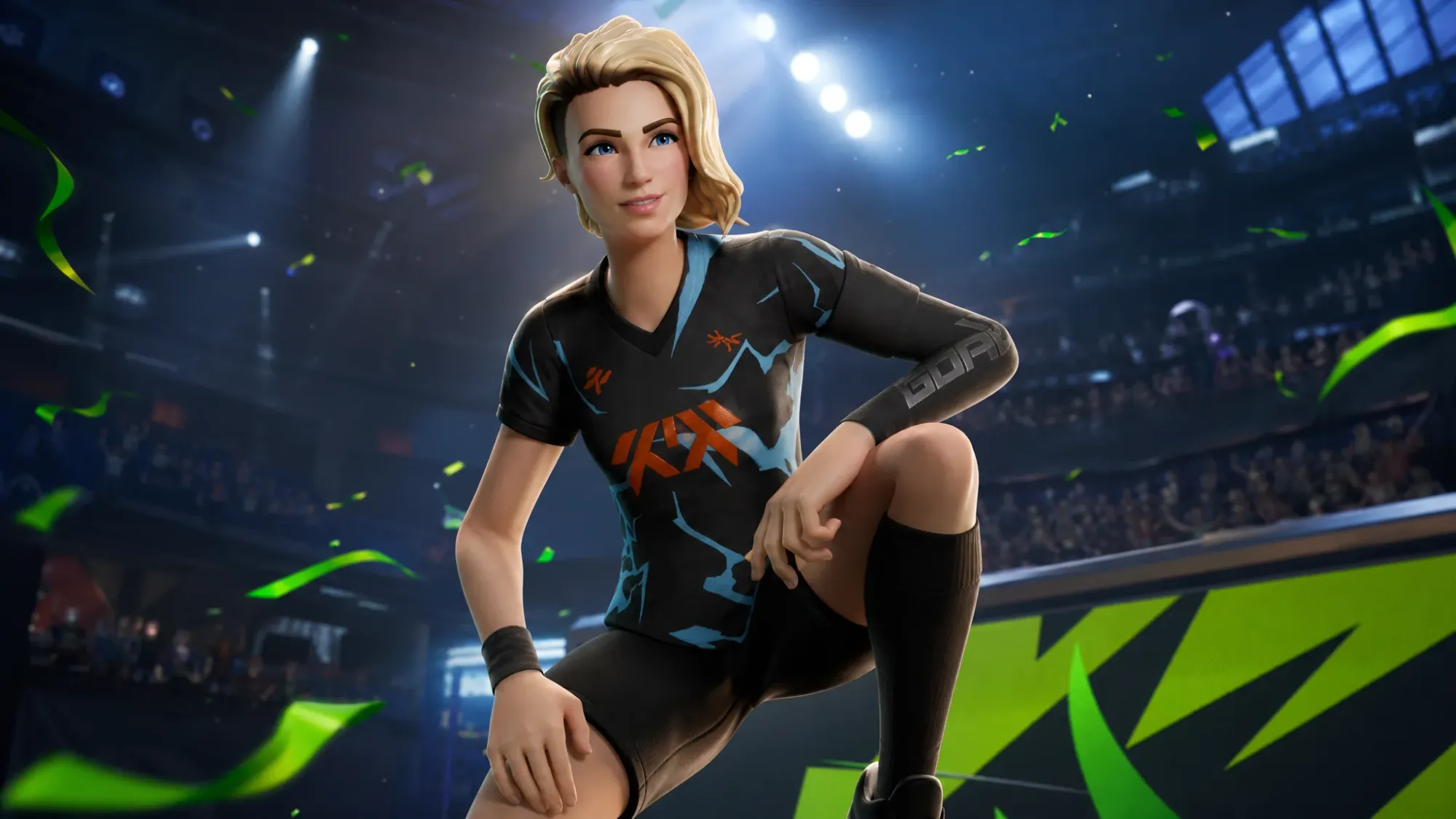
The Goal Getter outfit is a Fortnite reward tied to GOALS, the free-to-play competitive football game on the Epic Games Store. It works as a gift with purchase, so spending money on the right in-game item inside GOALS grants the skin in Fortnite at no extra cost. The catch is timing, because the outfit does not become usable the moment you buy.
Quick answer: Purchase any eligible GOALS item through the Epic Games Store GOALS page using a correctly linked Epic account. The Goal Getter skin is then granted in Fortnite, and you can equip it starting June 18th, 2026 at 5 PM PT.
Release time: June 18th, 2026 at 5:00 PM PT
Goal Getter skin requirements
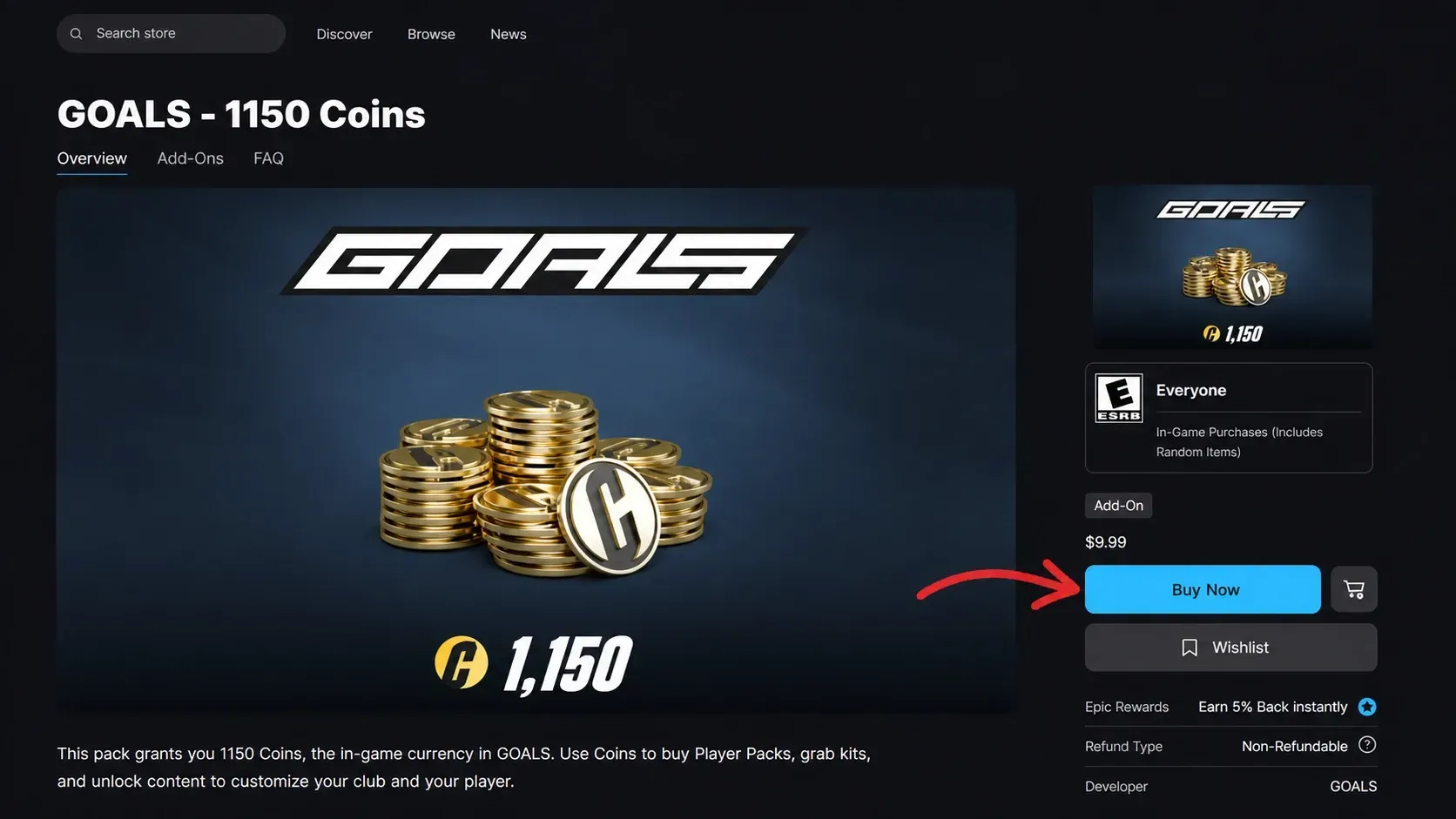
GOALS itself costs nothing to download, so the promotion hinges on buying a qualifying in-game item within it. The purchase has to run through the Epic Games Store directly, and your Epic account needs to be linked correctly so the reward reaches the same account that plays Fortnite.
How to unlock the Goal Getter skin through GOALS
How to verify the reward worked
You will know the grant landed when the Goal Getter outfit appears in your Fortnite locker tied to the same Epic account that made the GOALS purchase. If it is missing after a confirmed purchase, the usual cause is an account link problem or a purchase made outside the Epic Games Store. Check your locker again from June 18 onward, since that is when the outfit unlocks for use.
Buying Goal Getter from the Fortnite Item Shop instead
If you would rather skip GOALS entirely, the outfit will also be sold directly in the Fortnite Item Shop. The price is set at 1,500 V-Bucks, which matches standard outfit pricing. It is not listed for direct purchase yet and will appear in the shop at some point after the collaboration launches.
What happens if you already own Goal Getter
Buying an eligible GOALS item after you already own the outfit will not give you a second copy. Instead, you receive a one-time grant of 1,500 V-Bucks inside Fortnite as compensation. This refund only applies in specific circumstances, summarized below.
| Situation | Result |
|---|---|
| You do not own Goal Getter and buy an eligible GOALS item | Goal Getter skin granted in Fortnite |
| You bought Goal Getter from the Item Shop within the last 12 months, then buy an eligible GOALS item | One-time 1,500 V-Bucks grant instead of a duplicate |
| You bought Goal Getter more than 12 months ago, then buy an eligible GOALS item | No V-Bucks grant |
If you already made a qualifying purchase, watch your locker starting June 18 to see the Goal Getter outfit become available, or the V-Bucks grant arrive if you owned the skin already.