The Town Warehouse in Graveyard Keeper 2 turns crafted supply crates into money and Town Gratitude, but the whole system runs on a weekly clock that trips up new players. Orders only appear on one day, deliveries only count in one spot, and payouts never land the moment you drop a crate.
Quick answer: During Pride day, take an order from the Warehouse board. Make the specified supply crate at your workbench, set it on the covered stack below the warehouse ladder, and come back to the board on the following Pride day to claim your reward.
Requirements before you can take a warehouse order
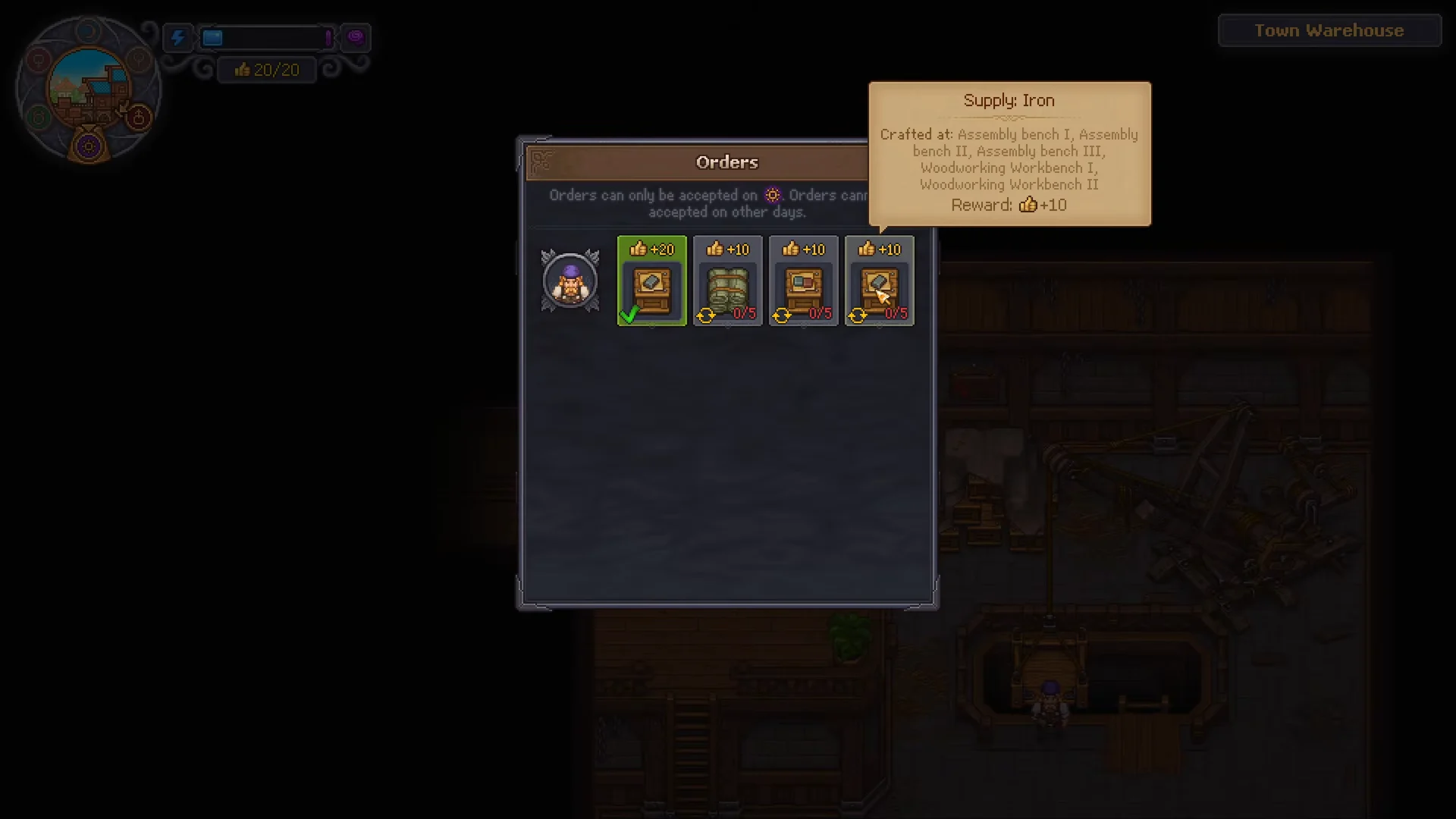
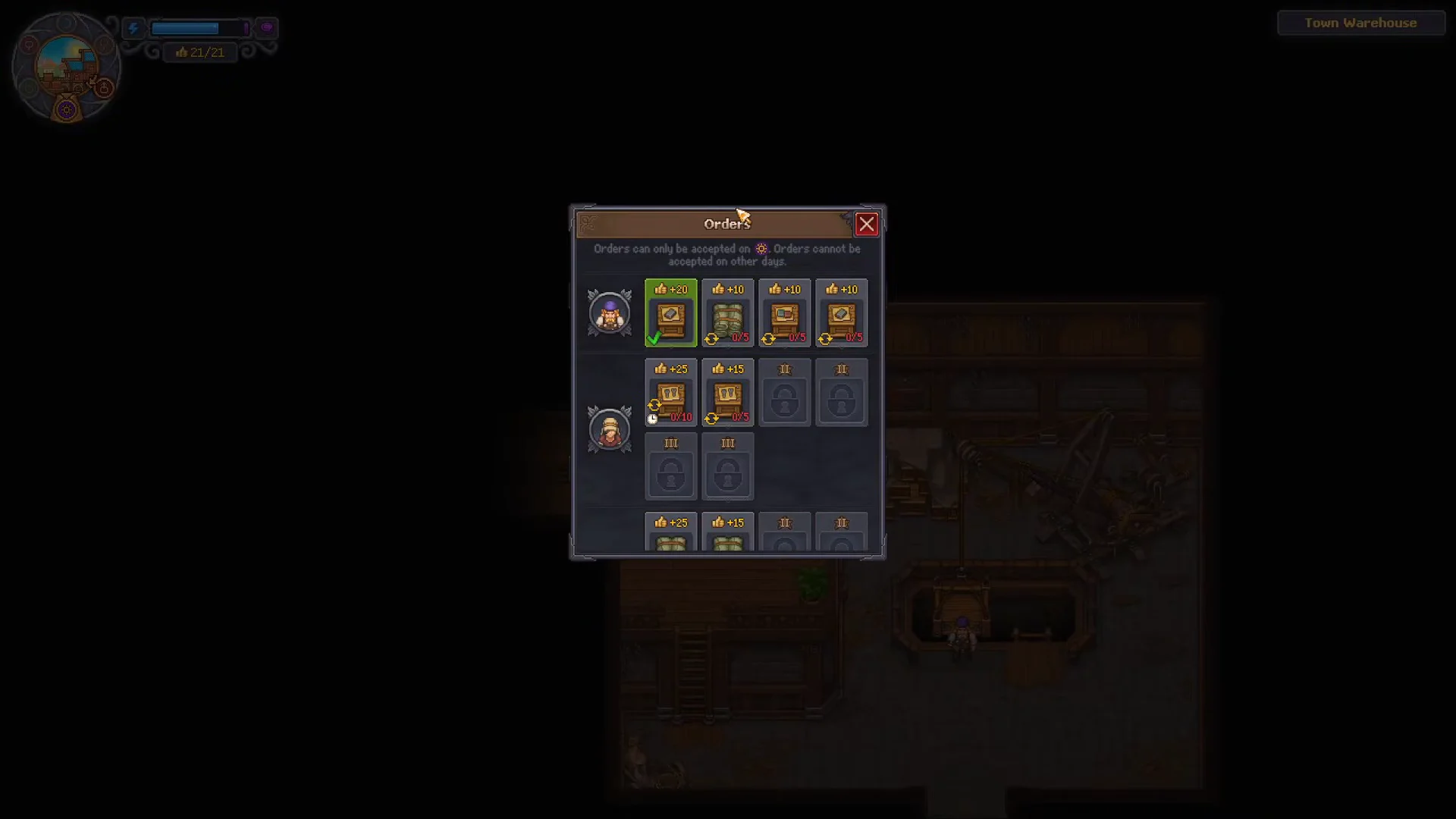
After you clear the eastern port district, cross the bridge, and complete the “Docked and Found” and “Workshop Hours” quests, Jack takes control of the Town Warehouse and it opens. Upstairs, a chalkboard displays all the supply requests submitted by townsfolk. Put shops on the town’s vacant plots to bring in traders, each of whom adds their own orders.
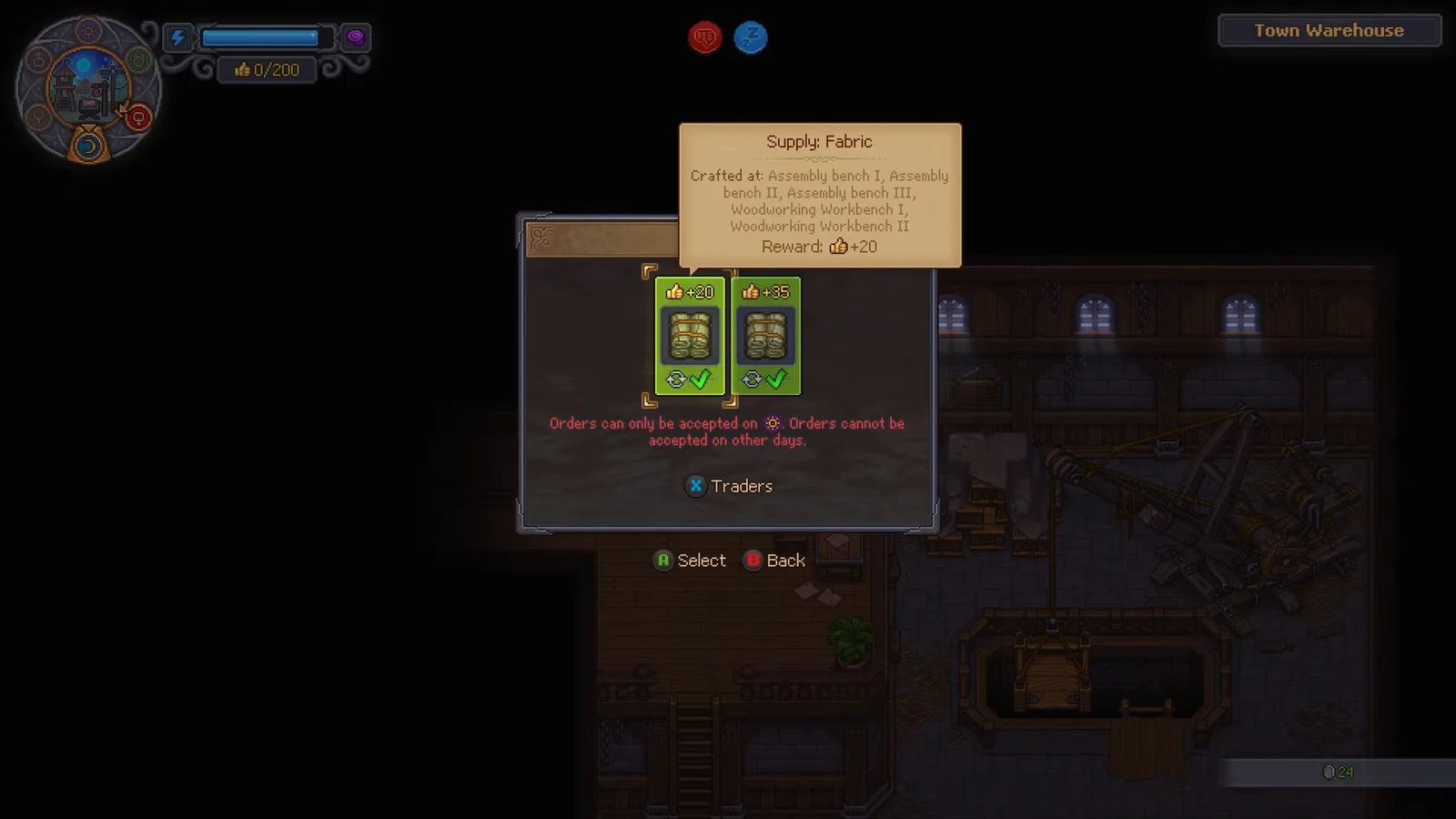
- You can accept orders only on Pride day; the calendar shows it with a purple sun.
- You can hold a maximum of two active orders at once.
- There are 22 kinds of supply boxes that requests may ask for, including Supply: Iron, Supply: Fabric, and Supply: Building materials I.
- Traders do not stock the boxes. You craft every crate yourself at your own stations.
- For an order to count, its crate must be delivered in person to either the Town Warehouse or Warehouse Cellar.
Raw materials never satisfy a request. An order for iron wants the packaged Supply: Iron crate, not loose iron ingots straight from the furnace.
How to fulfil a Town Warehouse order (Supply: Iron)
Most players first handle Jack’s Supply: Iron request, which also advances the “Workshop Hours” quest. The hand-delivery process described here applies to every crate variety.
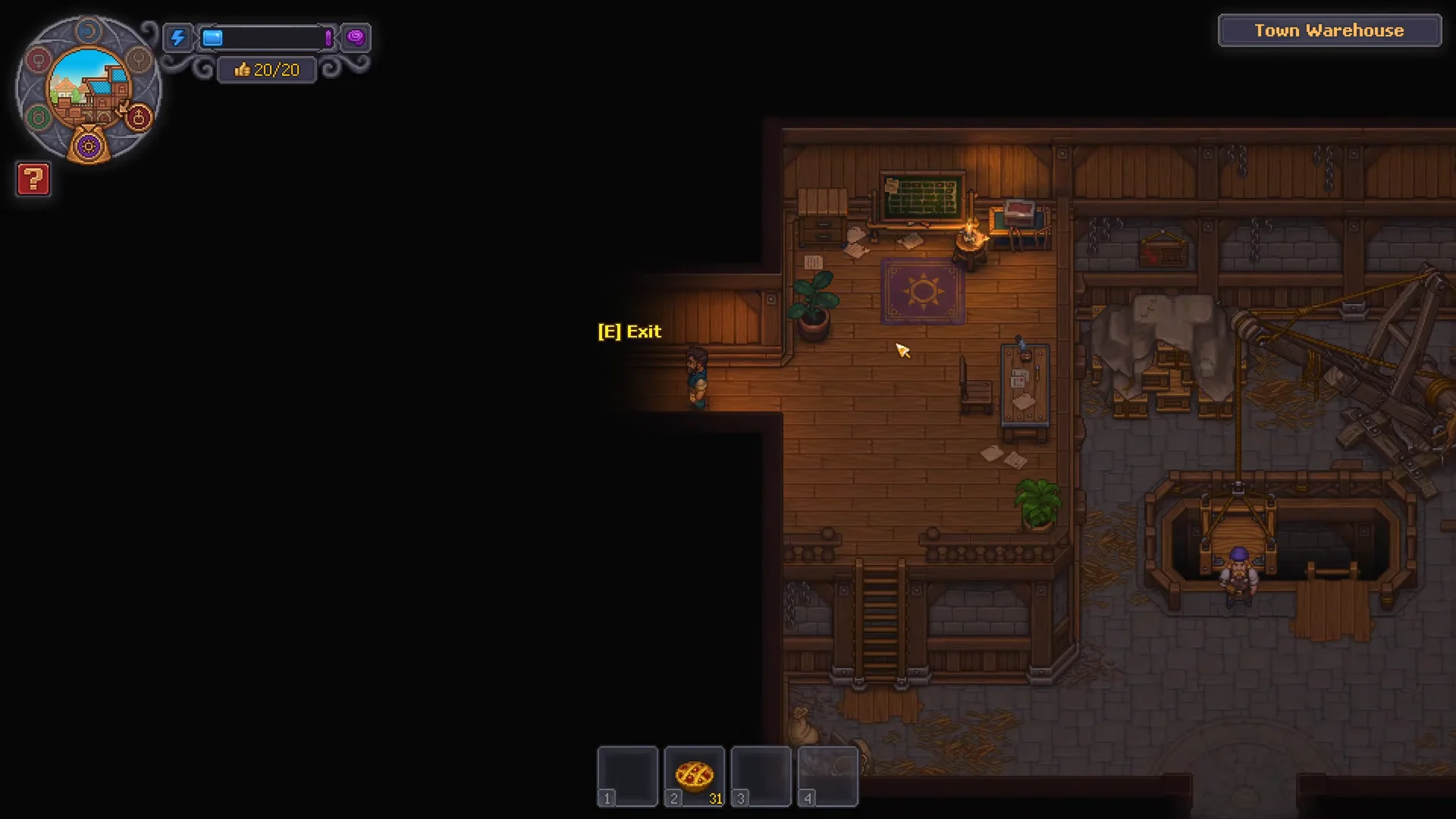
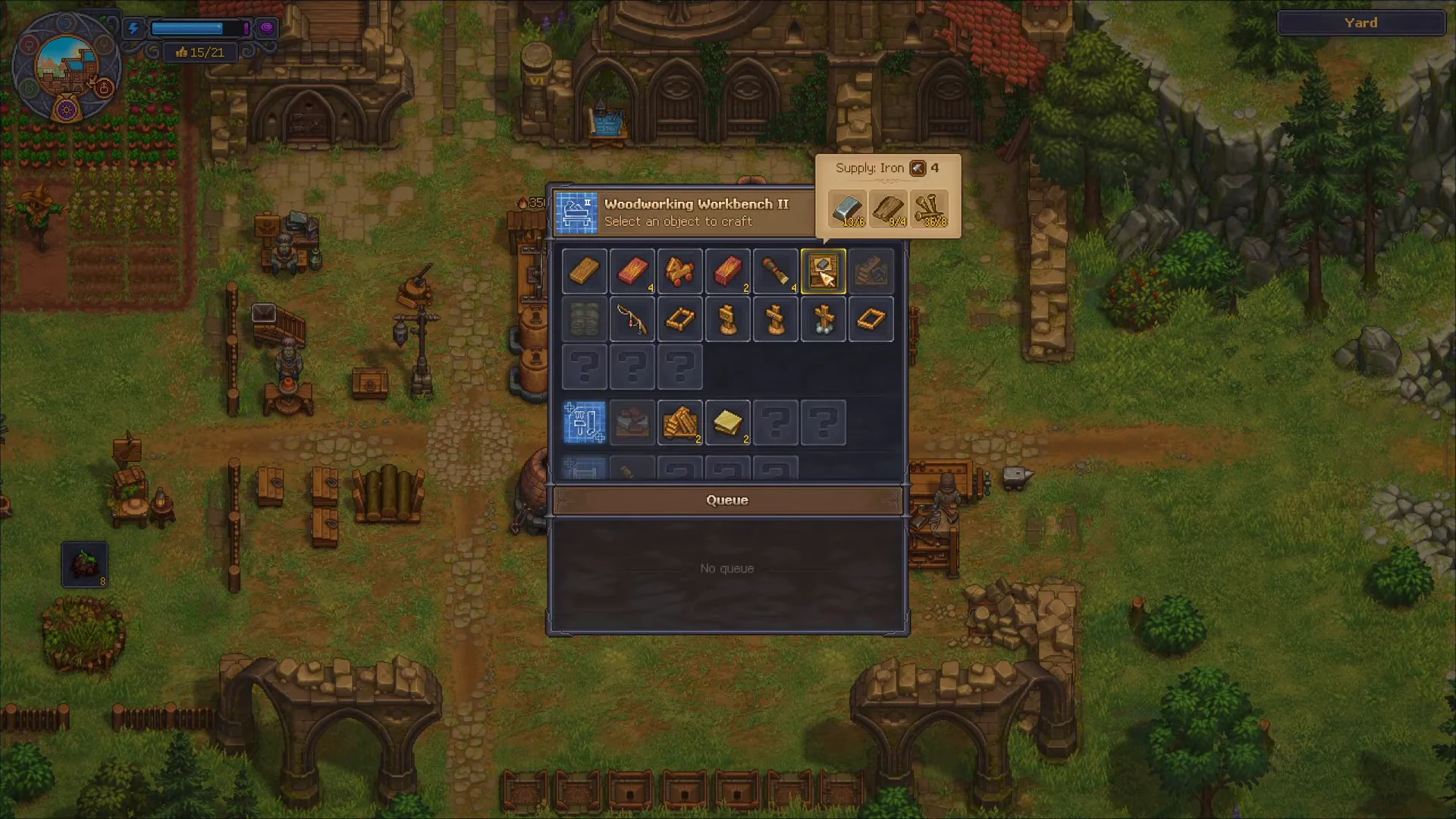
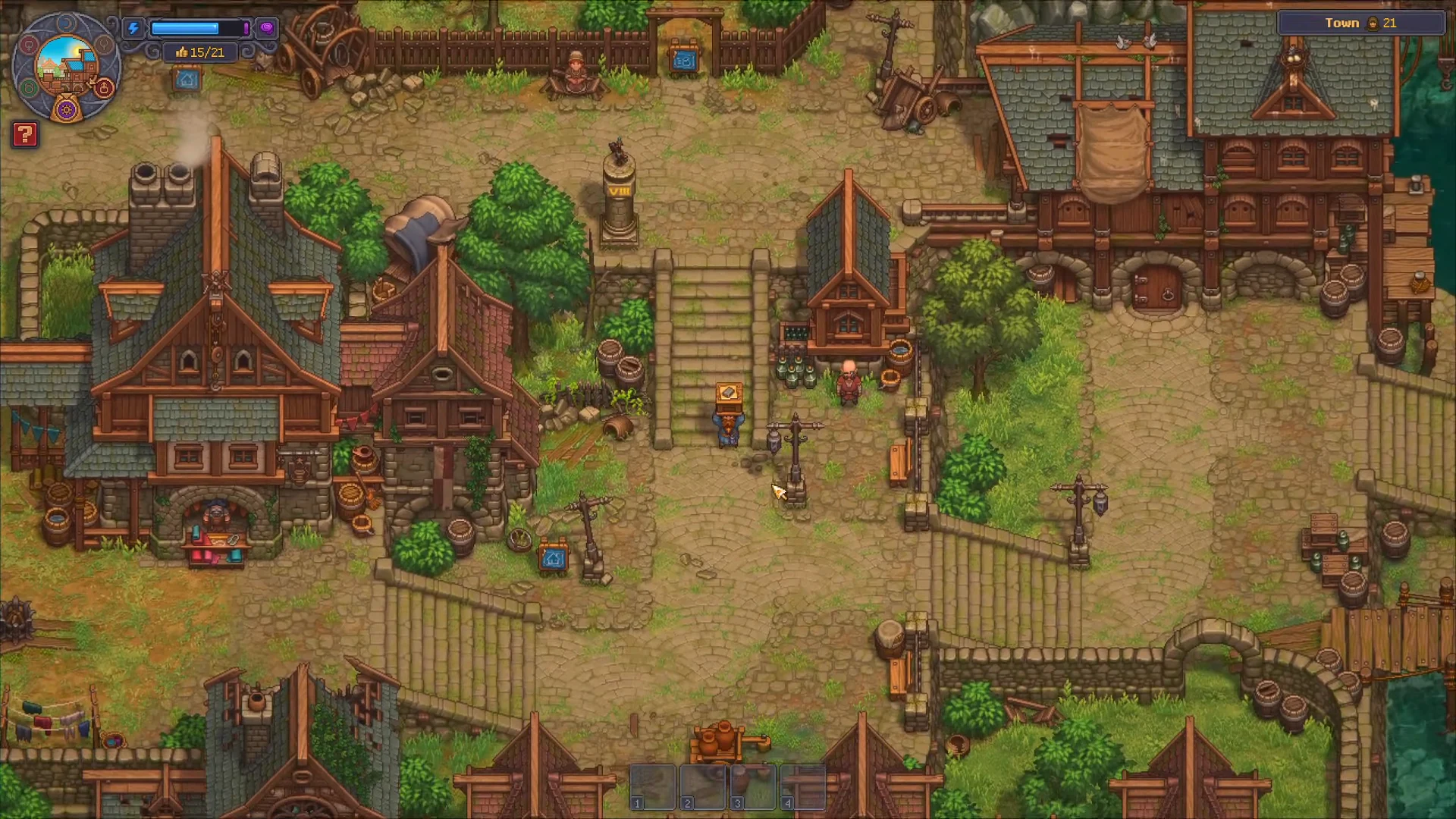
[E] Put prompt at the intake pallet. This is the sole delivery point that records crates for orders. Placing them in ordinary storage won’t count, nor will speaking to Jack by itself.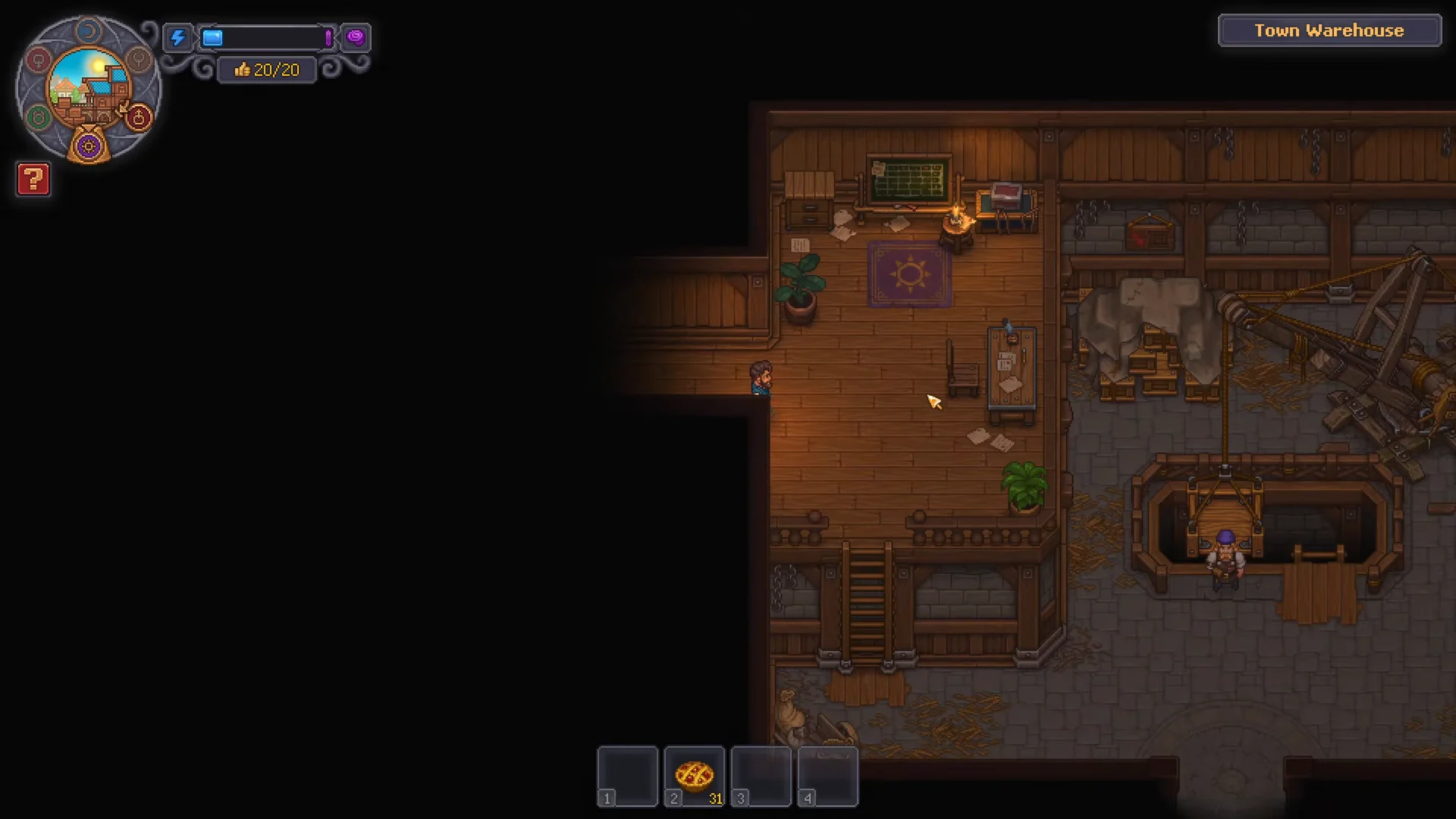
How the weekly payout works
Dropping off a crate never pays you on the spot. As each Pride day begins, the game checks the crates sitting in the Town Warehouse and Warehouse Cellar against your accepted orders. After that check, any goods on those piles sell for their base price, and the money and Likes for a completed order become available at the board.
- For a regular order, deliveries keep adding up across successive weeks until you meet the requested amount.
- An urgent order requires its entire quantity during a single week; any incomplete stack is lost rather than carried forward.
- Compared with regular versions, urgent requests pay out a greater number of Likes in return for the shorter deadline.
Putting a crate through the hatch on Pride day itself misses that week’s payout. The crate must already be sitting in the warehouse before Pride day starts, so aim to deliver a day or more early.
Order rewards by trader and tier
Orders pay between 10 and 80 Likes each, and a Happy supplier bonus adds another 5 or 10 on top. Tier I jobs need only a handful of crates and give dependable early income, while Tier III jobs can require 30 crates and only become practical once the Factory supplies that production line automatically. A completed repeatable order returns to the board so you can take it again.
| Order | Trader / Tier | Type | Likes |
|---|---|---|---|
| Supply: Iron x1 | Jack / Tier I | Regular | 20 |
| Supply: Fabric x5 | Jack / Tier II | Regular | 10 |
| Supply: Cutlery I x10 | Apothecary / Tier I | Urgent | 25 |
| Supply: Vegetables x10 | Vegetable Stand / Tier I | Urgent | 30 |
| Supply: Kitchen Utensils x20 | Apothecary / Tier II | Urgent | 40 |
| Supply: Clothes II x30 | Tailor / Tier III | Urgent | 50 |
Each shop you build brings in a trader. Taking that shop through every upgrade tier broadens its stock, increases the weekly Likes allowance, and unlocks two additional orders. Tier II brings orders requiring 20 boxes, while Tier III adds orders for 30. Your cleared plots determine how many order lines you can operate; the traders offer 76 orders altogether.
How to confirm the order paid out
Even after the delivery counter is full, the board must record the drop before you can receive anything. Money and Likes are paid on the Pride day tied to the order. Return then and interact with the board to collect the money, followed by selecting the order again to claim the Town Gratitude.
For the Supply: Iron order, Jack’s “Town Supplied” dialogue stays greyed out until the order has been delivered and collected on the board, even when the counter already reads 1/1. Once you collect from the board and then speak to Jack, the job finishes, granting +10 reputation with Jack, a Town Gratitude, and access to his next trade tier.
Completing an order adds its Likes directly to your total. Points beyond your Town Gratitude limit are lost, so increase that cap with Green Scrolls given to Linda before finishing a large order.