The fastest way to lift a sagging graveyard rating in Graveyard Keeper is the cheapest grave marker in the game. A Wooden marker costs one piece of sawn wood and a handful of Nails, and it can be built within the first hour of play, long before the Stone cutter or any marble work is realistic.
Quick answer: Unlock Sawing under Building, construct the Sawhorse, then craft a Wooden marker from 1 Flitch and 3 Nails and install it on a grave that already holds a buried corpse.
What you need before crafting a Wooden marker
Grave markers sit across two tech trees. The Building tab gives you the workstation, while Theology unlocks the recipe itself. Both have to be in place or the gravestones tab at the Sawhorse will be empty.
- The Sawing node under the Building tab, which grants Blueprint: Sawhorse and the ability to make Flitch
- The Graveplate technology in the Theology tree, which teaches the Wooden marker recipe
- 8 wooden sticks to build the Sawhorse at the yard blueprint table
- 1 Log for Flitch, plus 3 Nails
- A gravesite with a corpse already buried in it, and 5 energy to install the decoration
Unlock Sawing and build the Sawhorse
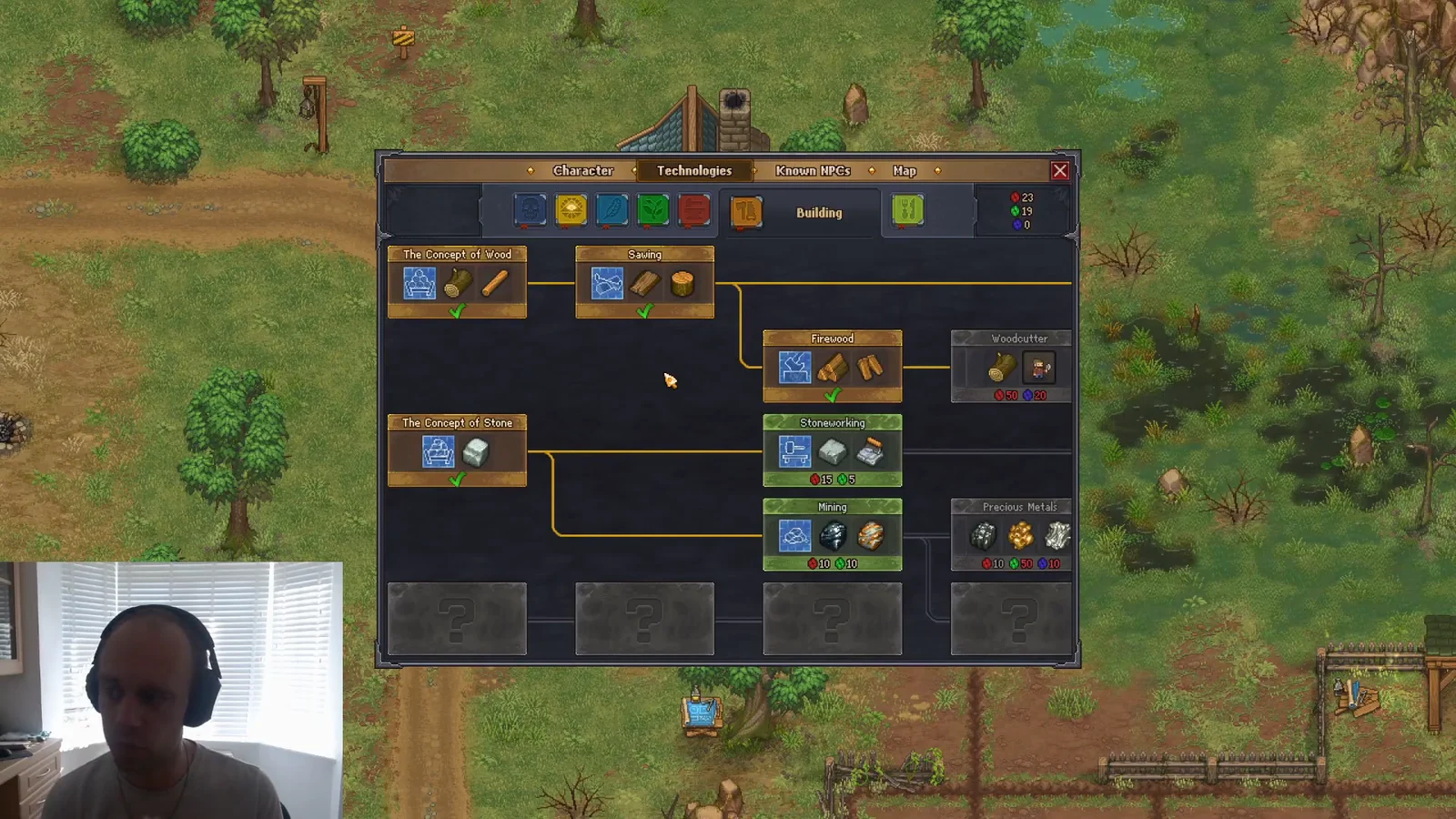
The yard blueprint table is where every unlocked workstation appears. If a recipe you just researched seems to be missing, check the table first rather than the tech tree.
Gather Flitch and Nails
Flitch from Logs
Flitch is sawn wood, and it starts with a Log from a full-sized tree. Chop a large tree at a chopping spot, then carry the Log to the timber stockpile below the house. Logs will not sit in your inventory, which is why the Sawhorse reads zero Logs if you are simply standing next to it holding one.
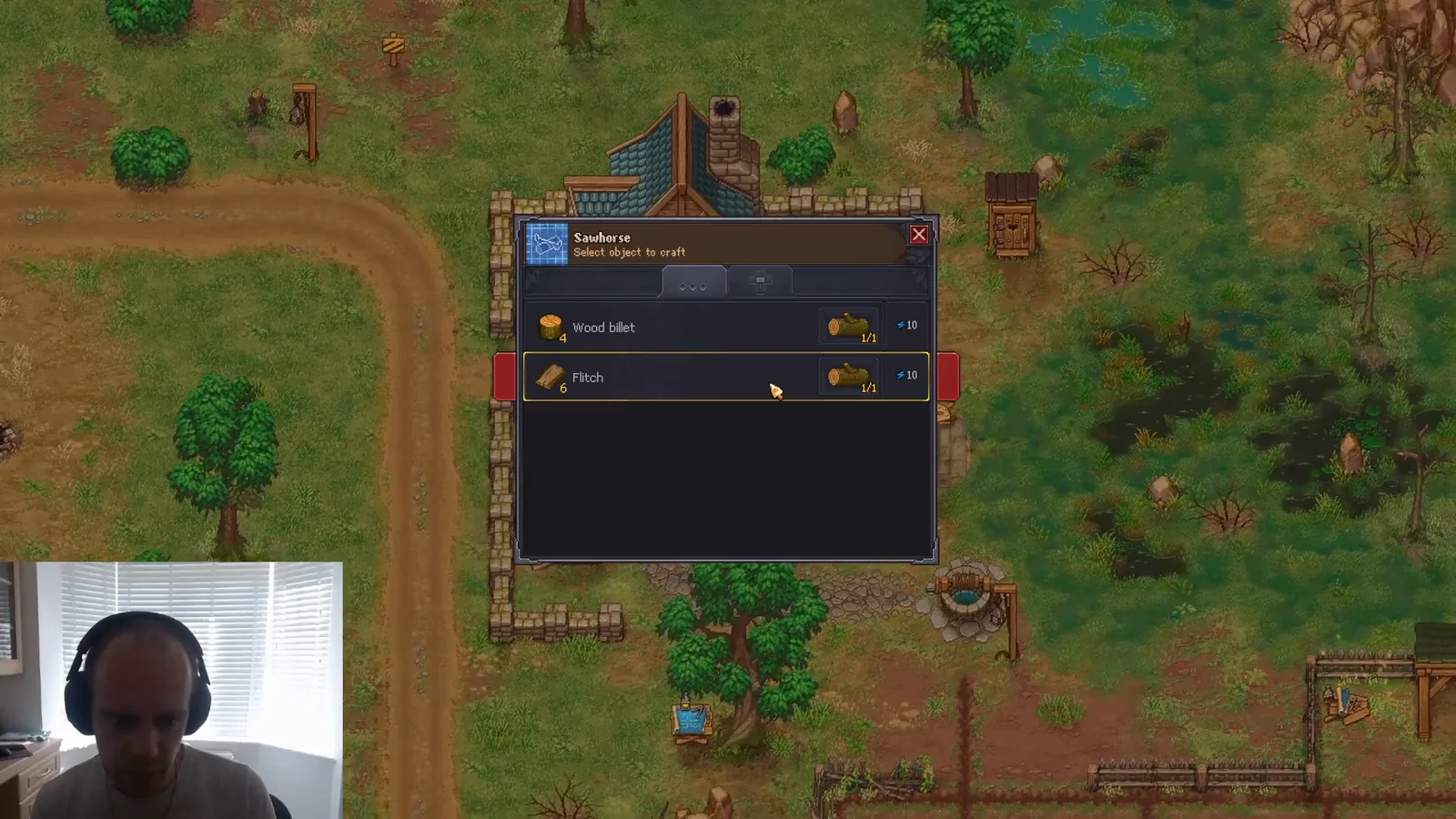
With a Log in the stockpile, interact with the Sawhorse and craft Flitch. One Flitch is enough for a single Wooden marker.
Nails without a Wooden anvil
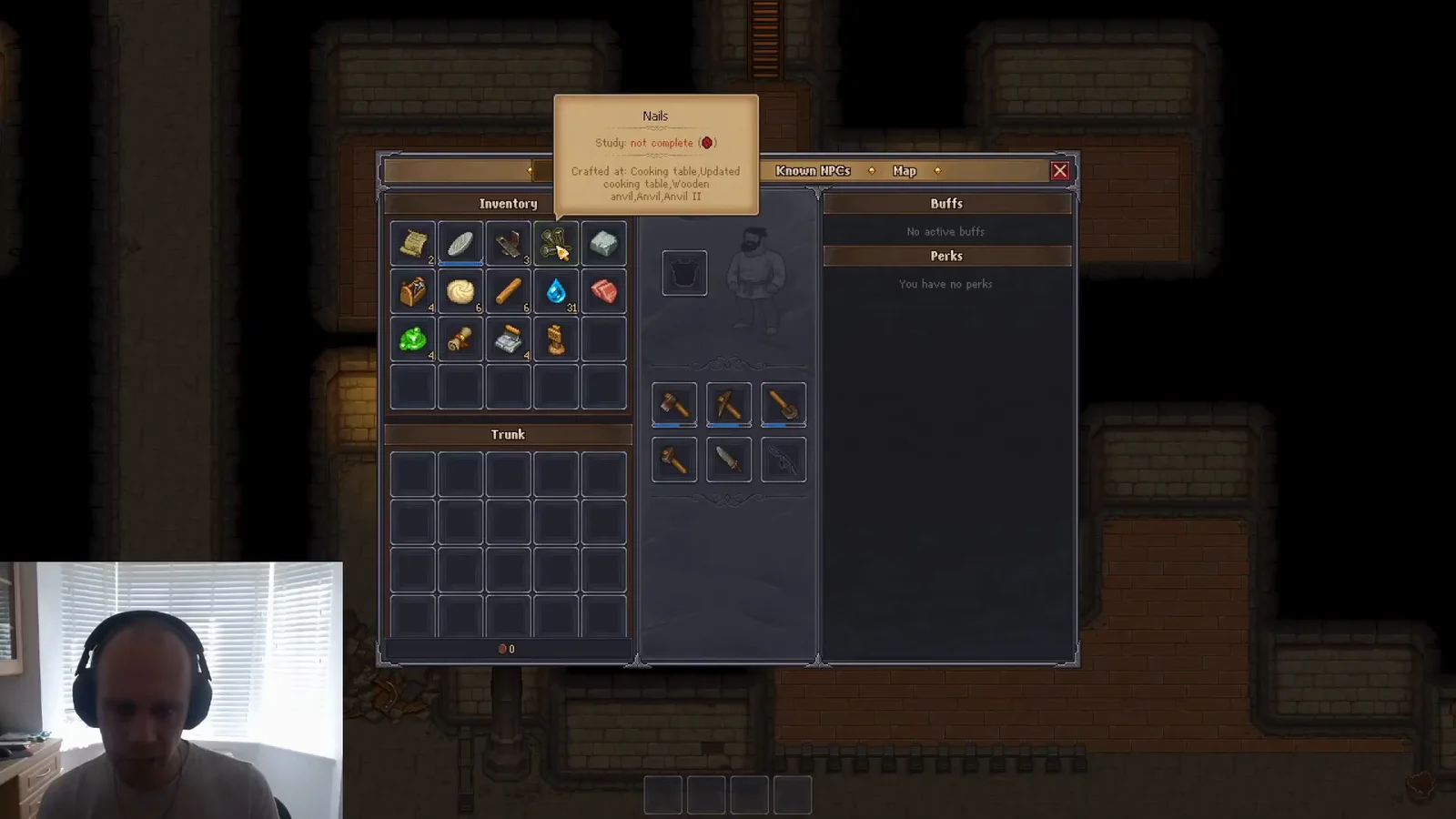
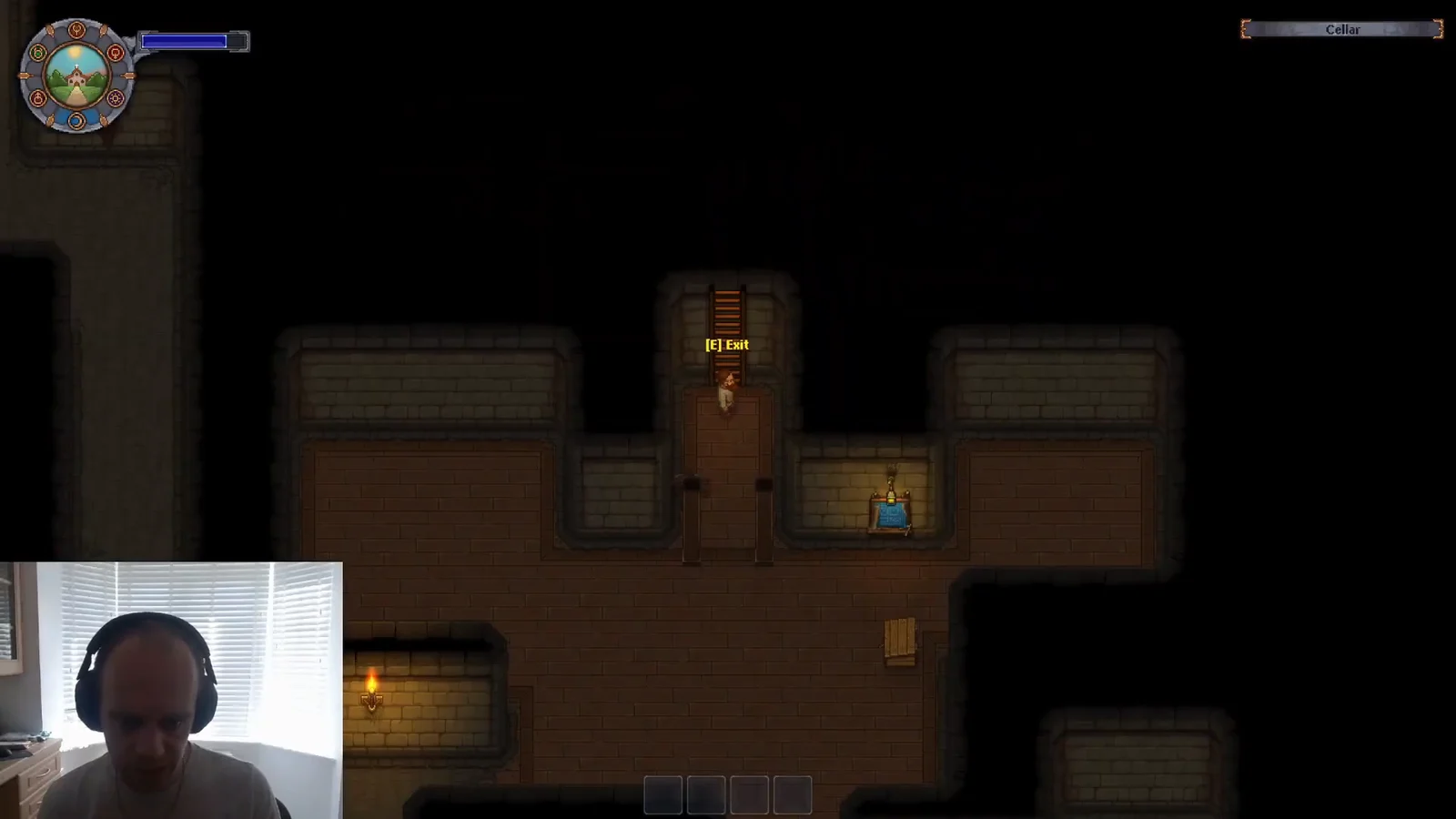
Nails are eventually made at a Wooden anvil, but you do not need one this early. Head into the house and take the stairs down to the cellar, then clear the debris piles and sacks scattered across the floor. They hand over free Nails, which covers the three the marker needs and usually a few spares.
Craft the Wooden marker at the Sawhorse
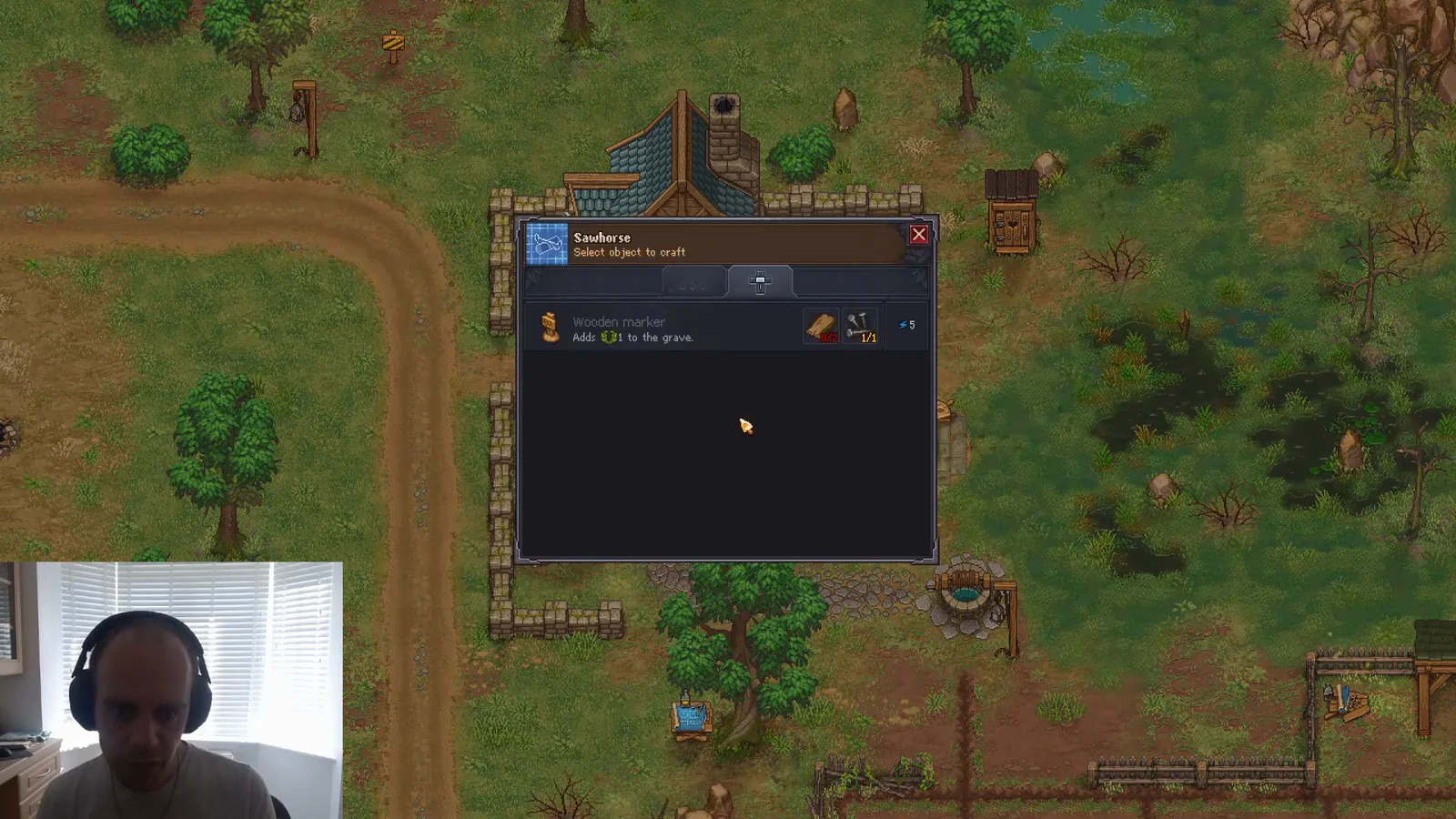
Interact with the Sawhorse again and open the gravestones tab. The Wooden marker sits there with its cost of 1 Flitch and 3 Nails, and its tooltip states plainly that it adds +1 to the grave. Craft it, and the marker lands in your inventory as a carryable item.
Install the marker on a grave and check the rating
Walk south to the graveyard and interact with a grave that already has a body in it. Each gravesite has two decoration slots, one for a marker and one for a fence, so pick the marker slot, choose the Wooden marker from your inventory, and confirm the build. Installing or removing any grave decoration costs 5 energy.
You know it worked when the marker appears on the plot and the graveyard quality number in the corner ticks up by one. If the number does not move, the corpse in that grave has hit its ceiling. A grave can never score higher than the number of white skulls on the body buried there, so extra decor on a poor corpse is wasted.
Better gravestones and where each one is crafted
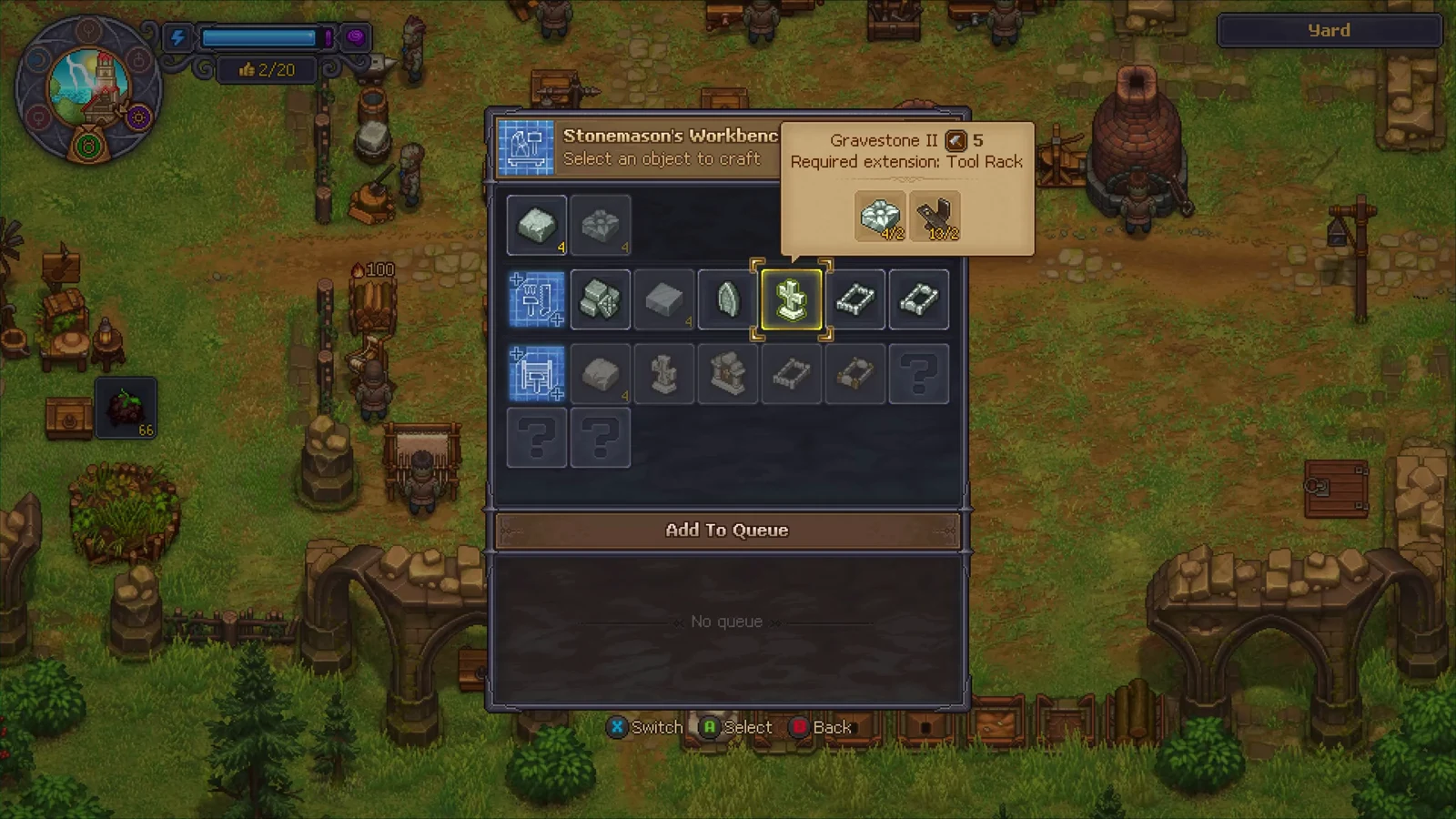
Markers do not all come from the same workstation, which is the usual reason a freshly researched recipe seems to vanish. Wooden pieces come off the Sawhorse, crosses need the workbench for wood, and anything stone is cut at the Stone cutter.
| Marker | Grave decor | Crafted at | Technology |
|---|---|---|---|
| Wooden marker | +1 | Sawhorse | Graveplate |
| Wooden cross | +2 | Workbench for wood | Simple Gravestone |
| Gravestone | +2 | Stone cutter | Simple Gravestone |
| Stone cross | +3 | Stone cutter | Stone Gravestone |
| Gravestone II | +3 | Stone cutter II | Stone Gravestone |
The basic Gravestone takes 2× A piece of stone and 20 energy at the Stone cutter, or 10 energy at the upgraded Stone cutter II. If the recipe insists you lack materials, check which stone you are holding. Large blocks hauled out of the quarry have to be broken down into small pieces first, and the Stone cutter only accepts the small ones.
The first Stone cutter handles only the basic stone headstone and the tier-one stone fence. Anything more elaborate requires the Stone cutter II upgrade.
Excess stone decor is not dead weight either. Feeding it back into a Stone cutter recycles it and returns roughly half its materials, so an early Gravestone can become a piece of stone again once you move up to crosses and sculptures.