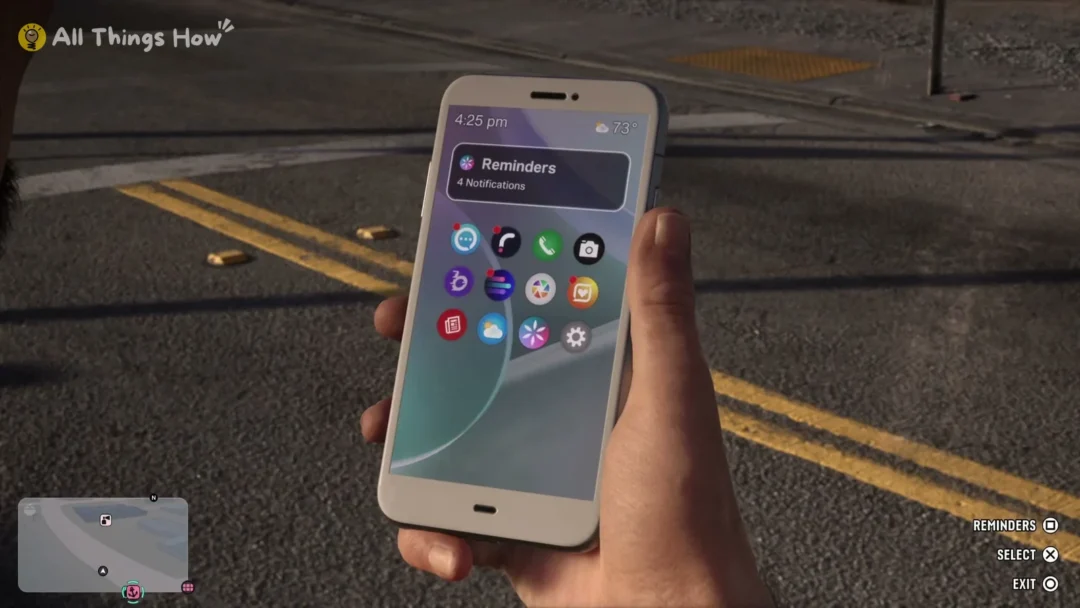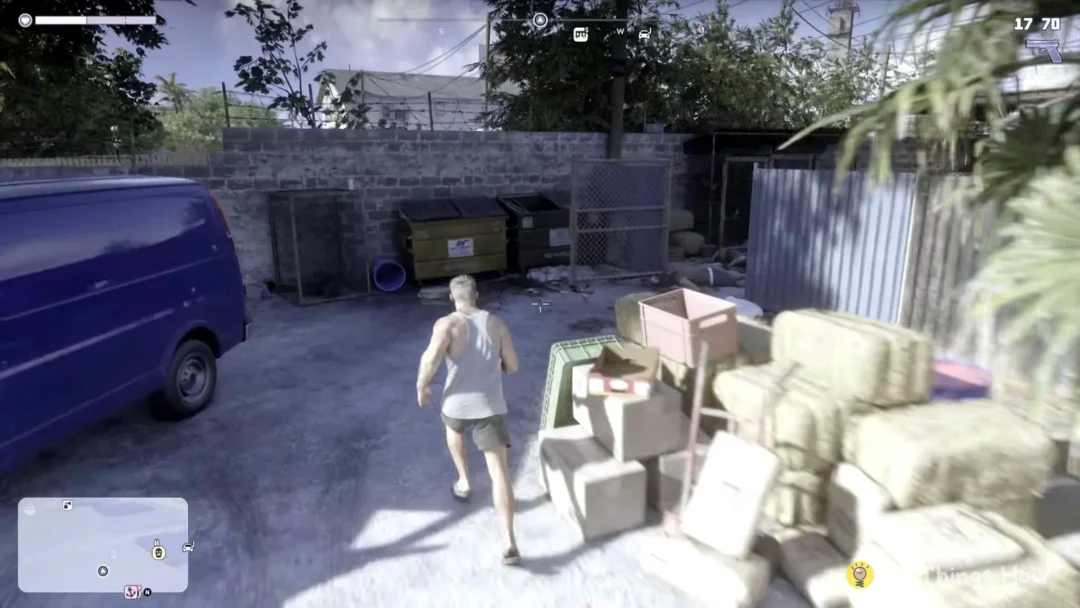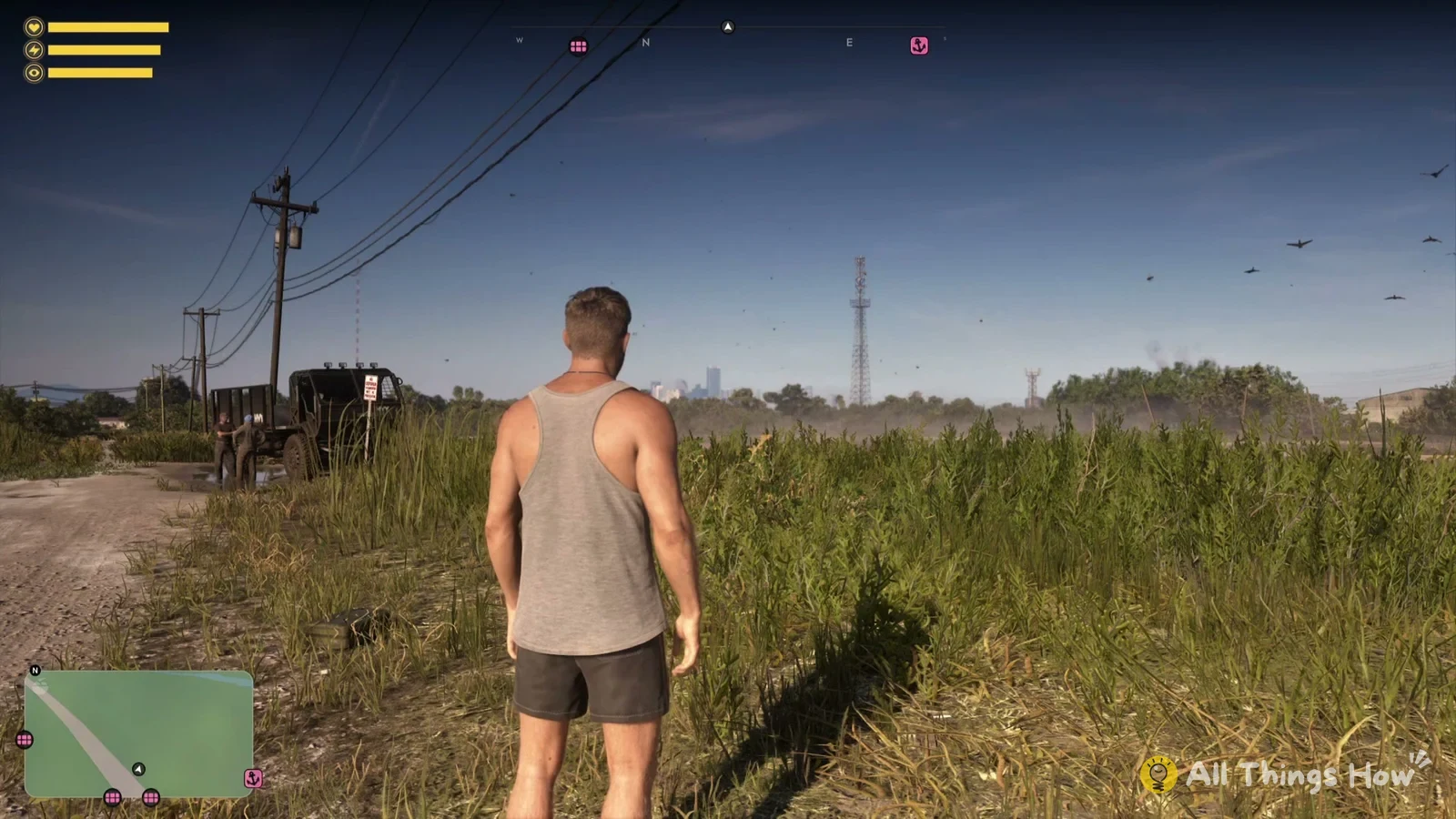
Adrenaline in Grand Theft Auto VI is the orange syringe that sits in your item wheel. You take it for a short, strong boost to all three of your bars.
Quick answer: On PS5, hold L1 and press Triangle to take adrenaline (LB + Y on Xbox). Your bars fill, turn yellow, and an “Overpowered” status appears while the boost lasts.
How to use adrenaline in GTA 6
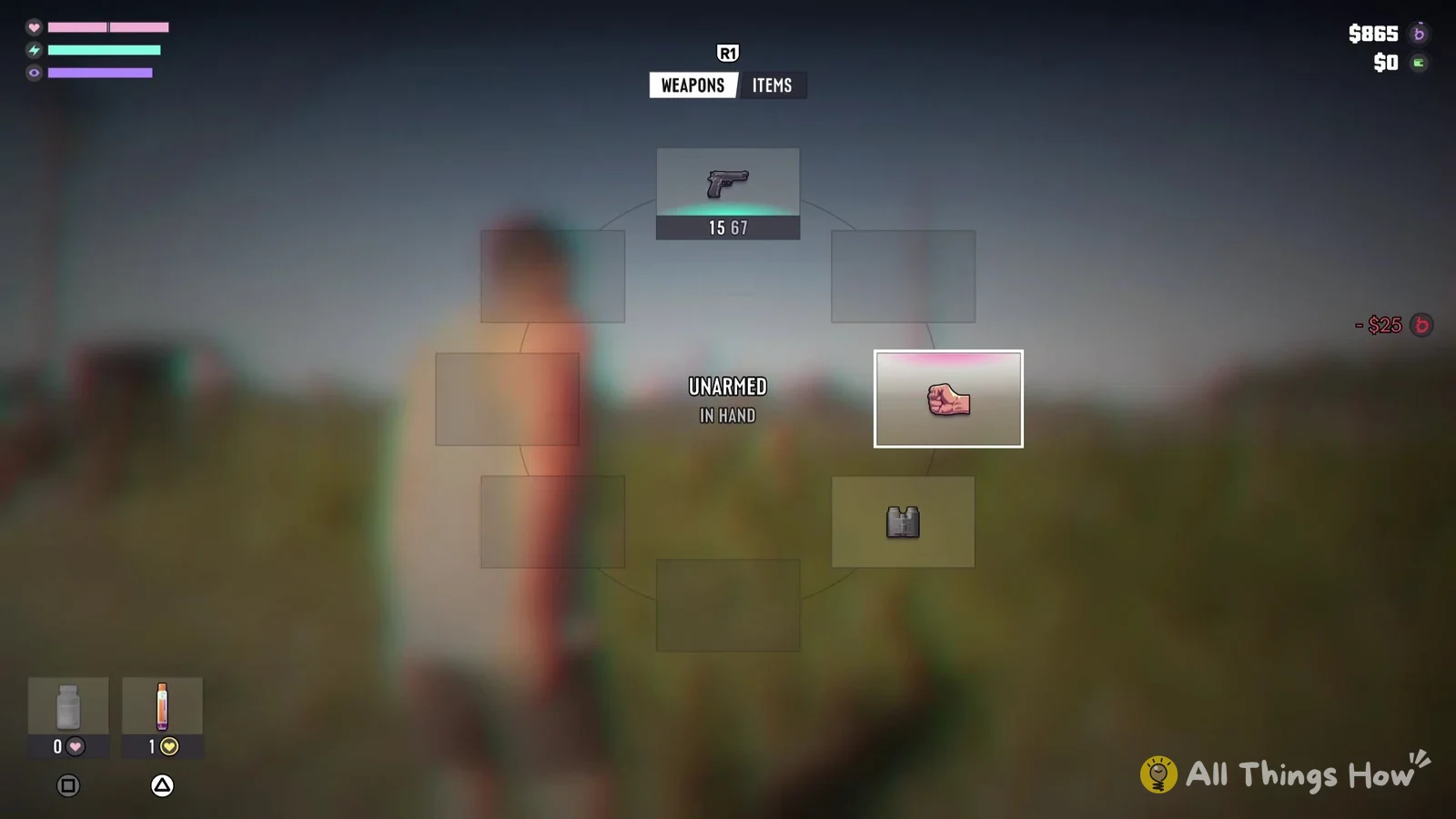
On Xbox it’s the same item and the same slot, but the input is LB + Y.
What adrenaline does
You take less damage, and your stamina and focus empty more slowly than normal.
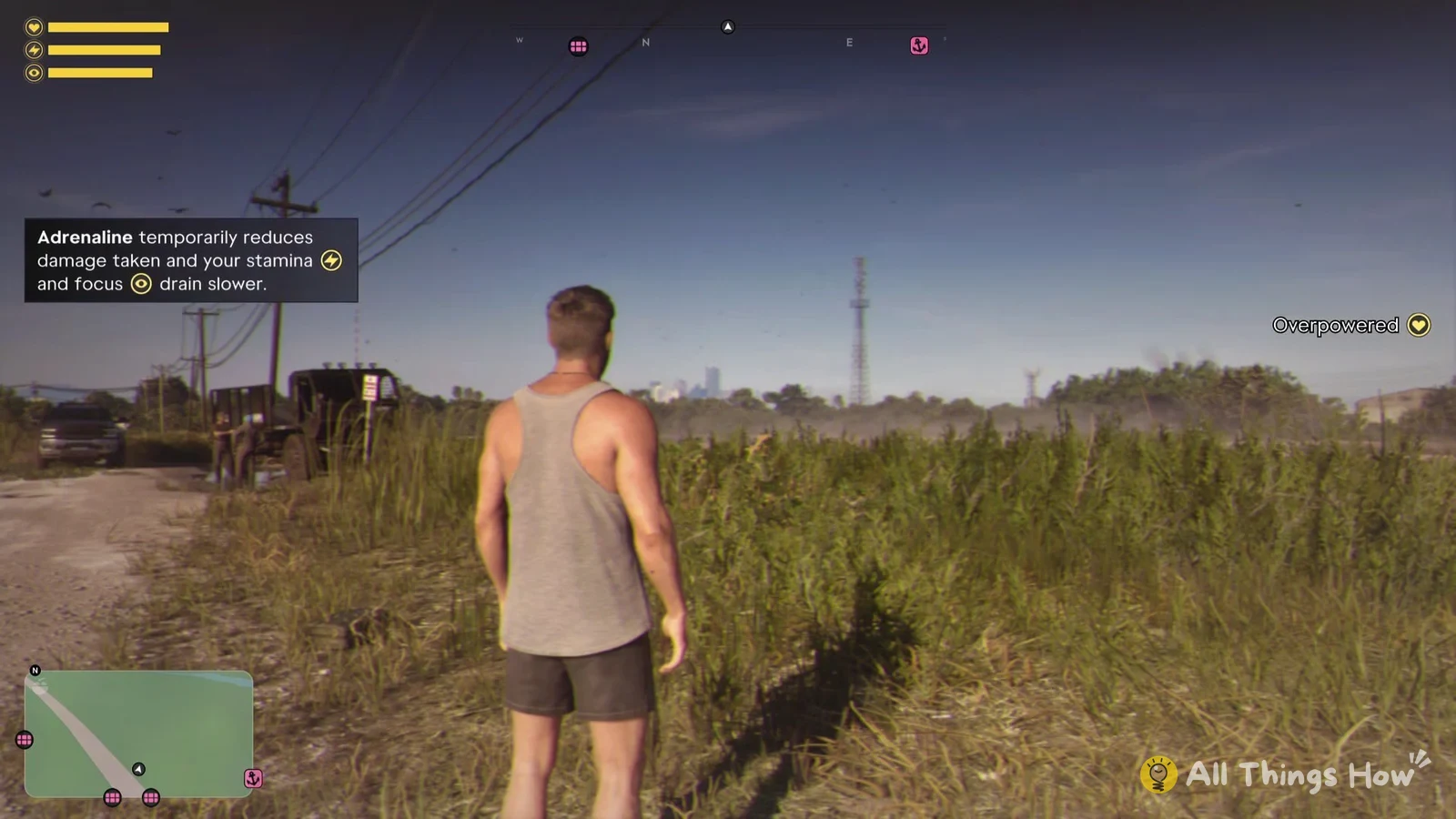
When it kicks in, the screen briefly takes on a warm, blurry tint. You can also spot an “Overpowered” label beside a yellow heart on the right side. At the top left, your health, stamina and focus bars fill up and turn yellow. The Help pages show the word adrenaline beside that same yellow heart, so it’s easy to recognize.
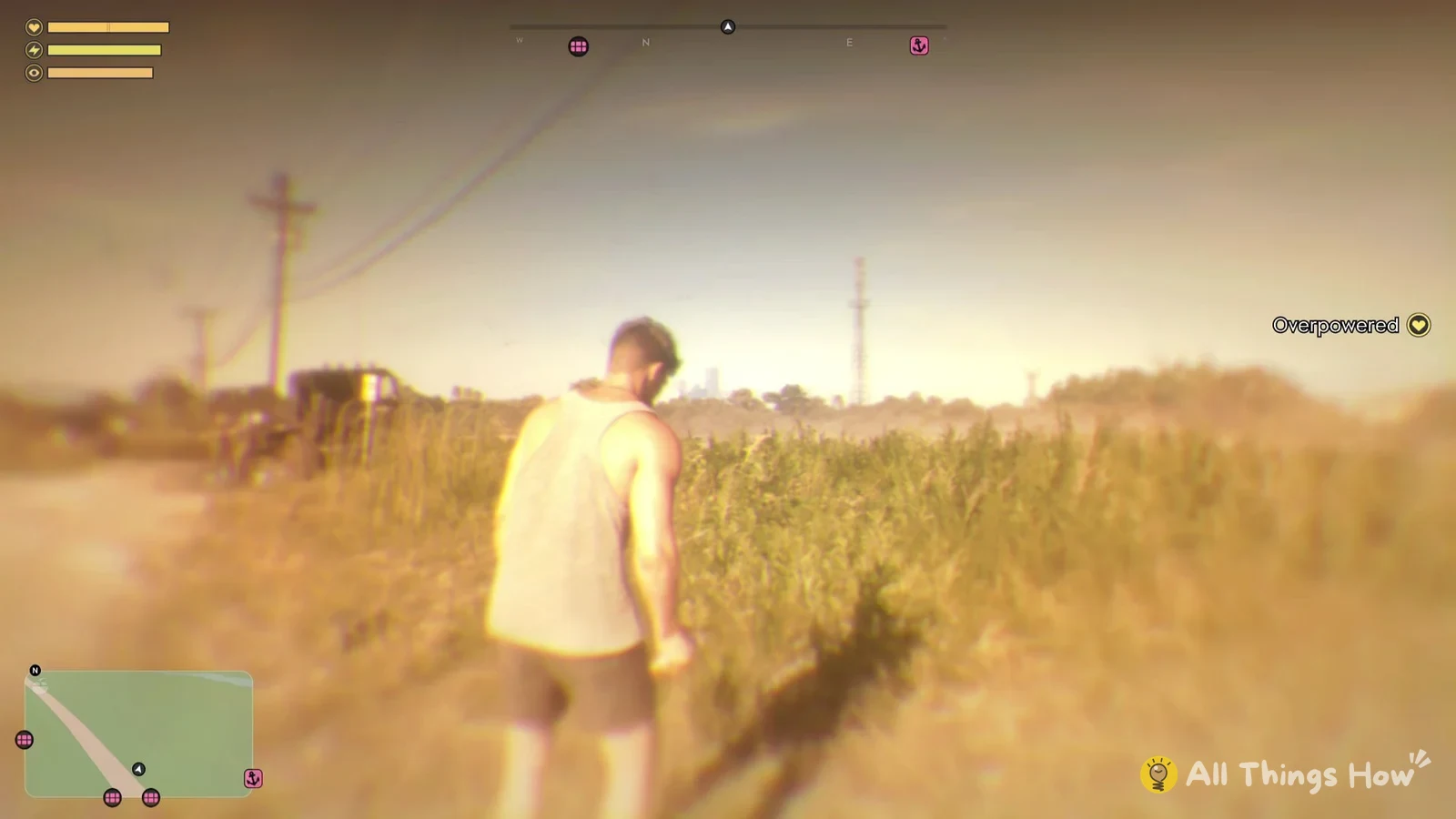
In one example that happened after about half a minute, but treat it as a short window rather than a set timer.
What the GTA 6 Help menu says about adrenaline
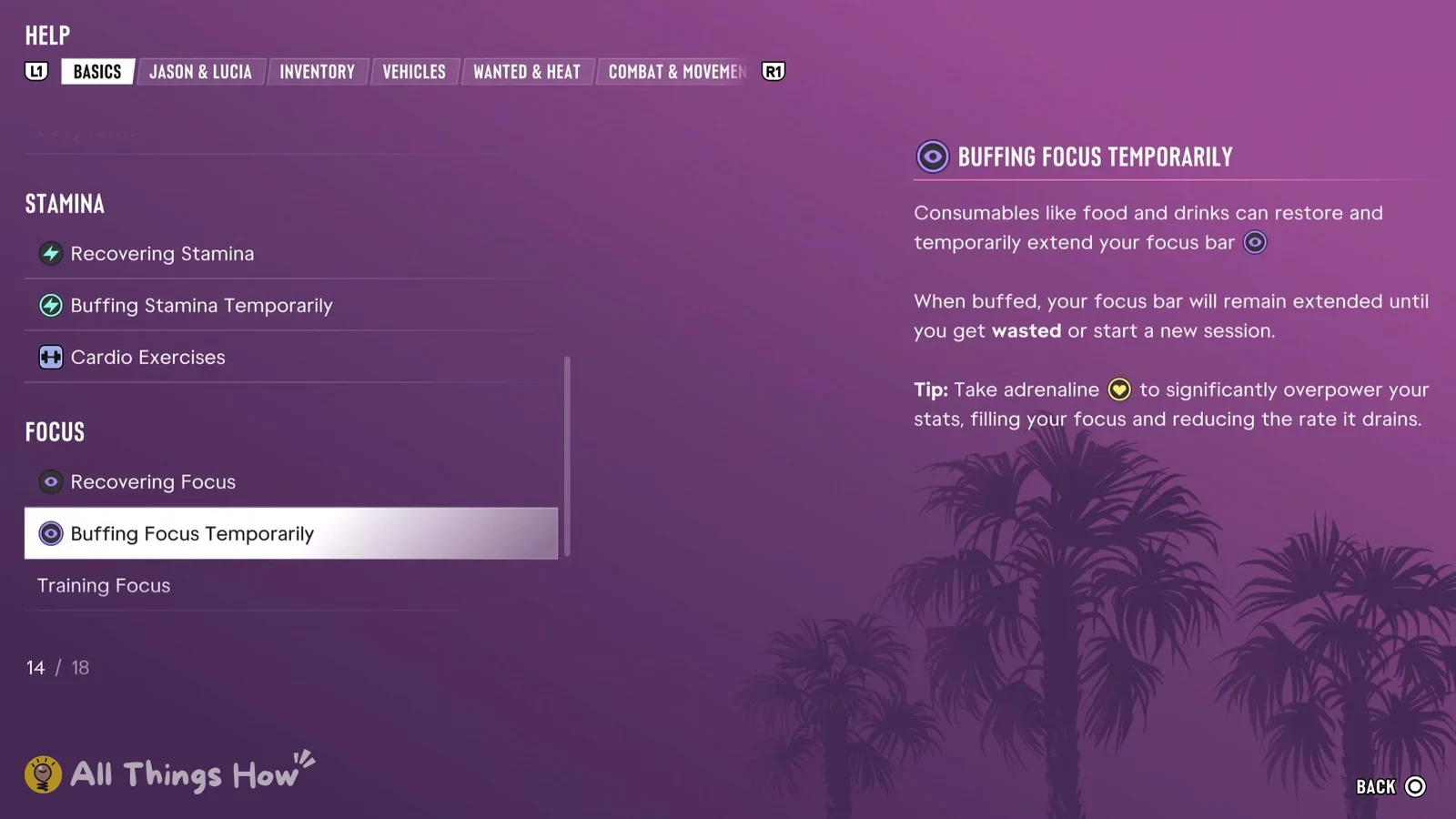
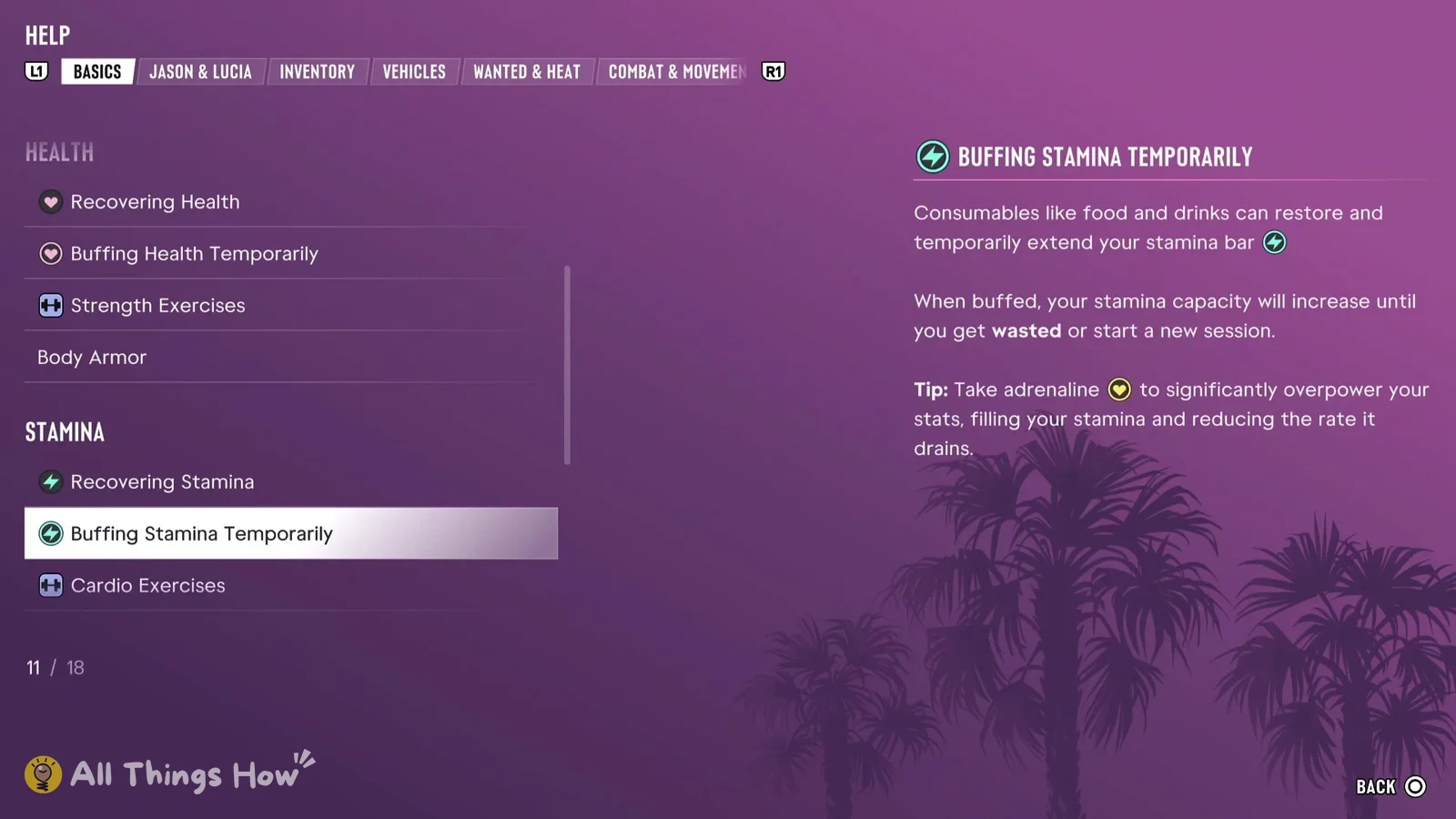
Go to Pause > Help > BASICS and you’ll find adrenaline mentioned in three places, one under each of the HEALTH, STAMINA and FOCUS groups:
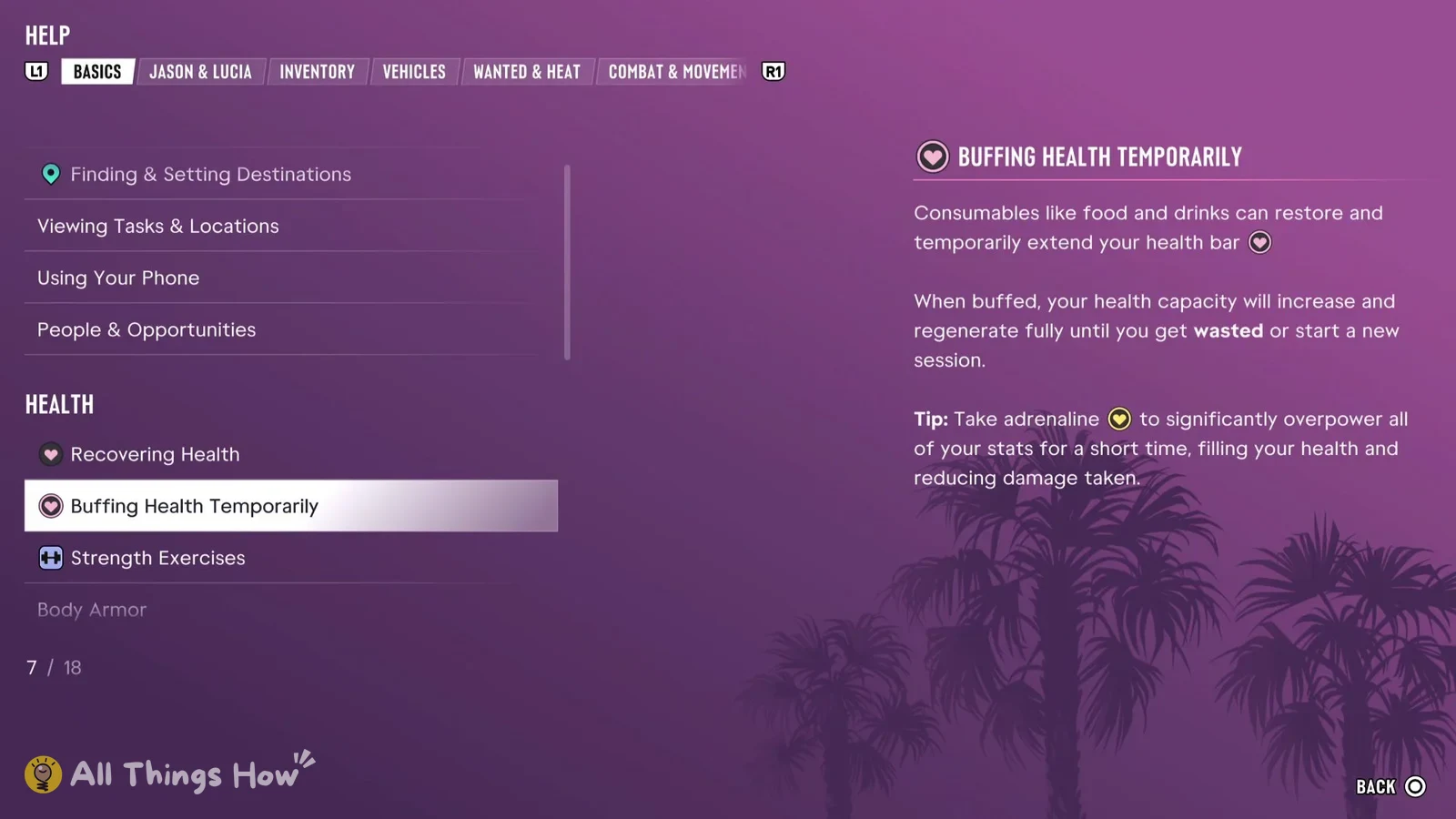
- Buffing Health Temporarily: “Tip: Take adrenaline to significantly overpower all of your stats for a short time, filling your health and reducing damage taken.”
- Buffing Focus Temporarily: “Tip: Take adrenaline to significantly overpower your stats, filling your focus and reducing the rate it drains.”
- Buffing Stamina Temporarily: “Tip: Take adrenaline to significantly overpower your stats, filling your stamina and reducing the rate it drains.”
Those same pages cover food and drinks, which “restore and temporarily extend” a bar. That extension lasts “until you get wasted or start a new session”, while adrenaline is the short, much stronger boost.
Where to get adrenaline in GTA 6
You pick up adrenaline from first aid kits, and that includes the first aid boxes mounted on walls. They often hold Zombix too, so one stop can refill both slots on the L1 wheel. The game first introduces adrenaline during the mission Unwanted Attention.
Take it just before a gunfight or an on-foot chase, or if your health is low and you’ve run out of Zombix. It slows stamina and focus drain, letting you sprint longer and keep Focus up while aiming.
Adrenaline vs Zombix and food buffs
| Item | Button (PS5) | What it does | How long |
|---|---|---|---|
| Adrenaline | L1 + Triangle | Fills all bars, less damage, slower drain | A short time |
| Zombix | L1 + Square | Heals you | — |
| Food and drinks | — | Restores and extends a bar | Until you get wasted or start a new session |