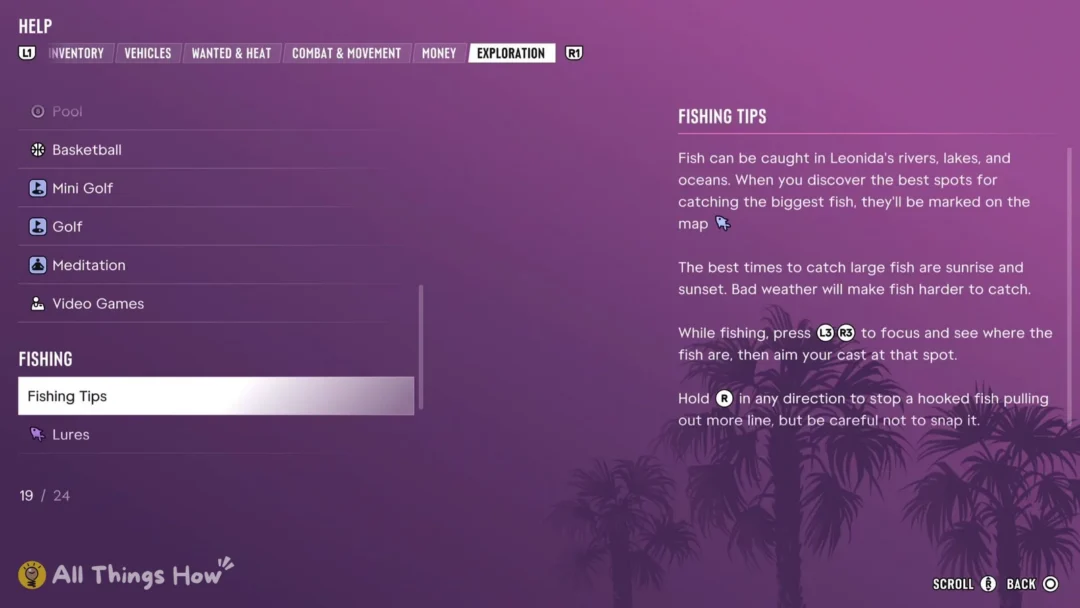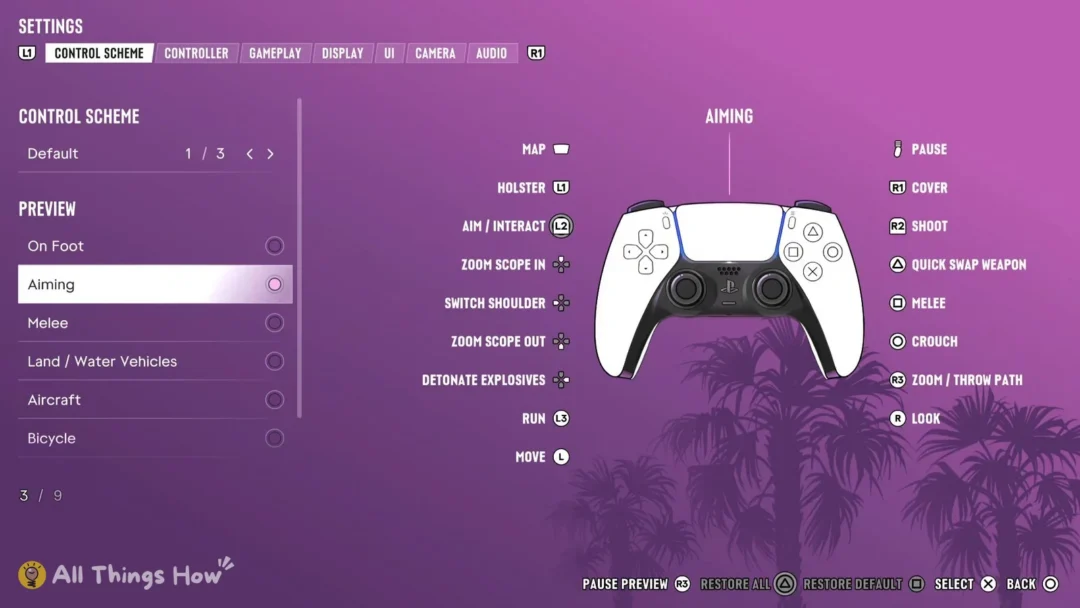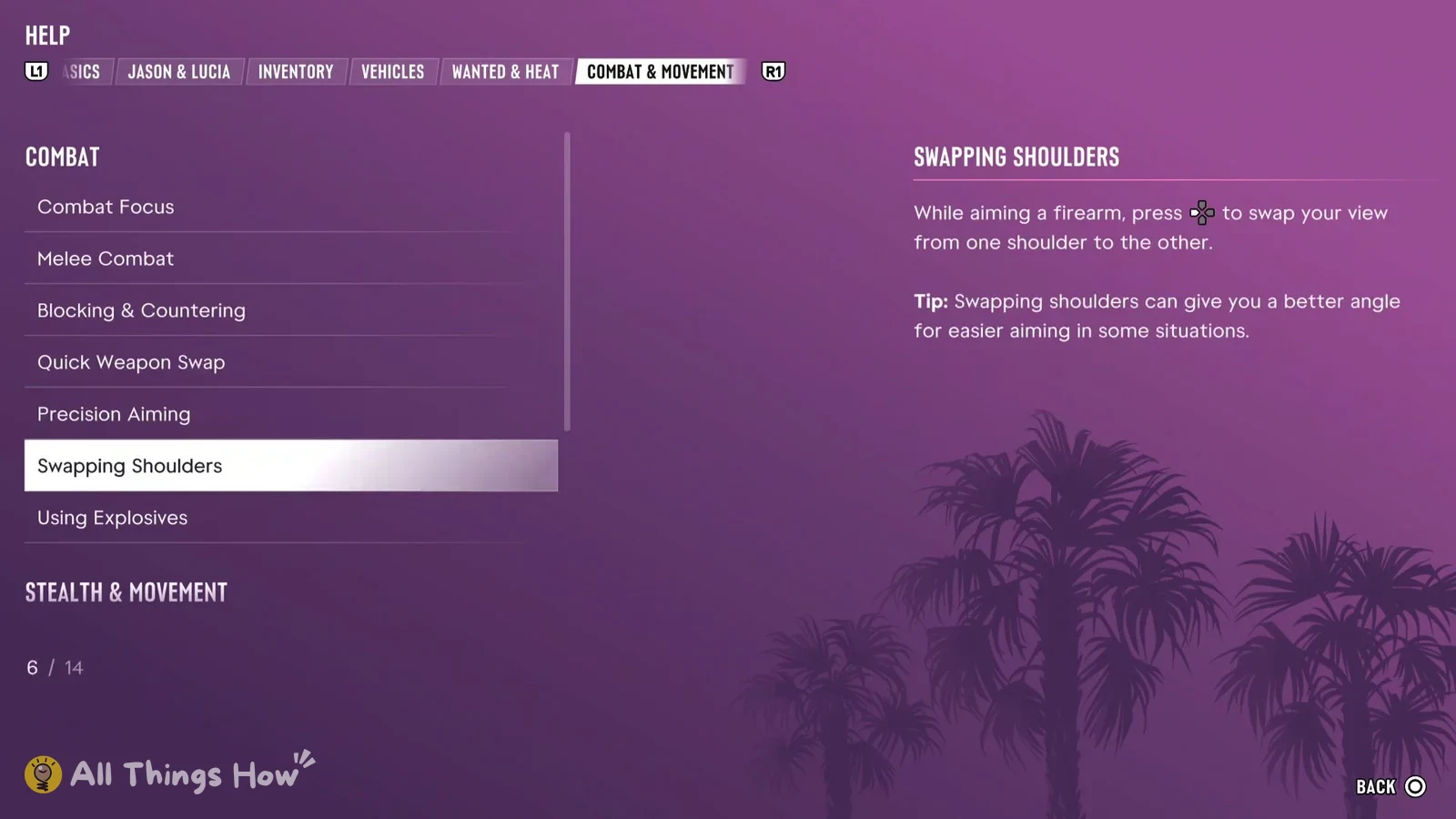
GTA 6 keeps its own combat reference in the pause menu. Open Pause > Help and pick the COMBAT & MOVEMENT tab. The Combat section covers aiming and explosives, and the Stealth & Movement section covers cover and distracting enemies. All of the buttons below are for the Default controls on PS5.
Quick answer: Press Triangle with your weapon aimed to switch weapons. R3 zooms in, and left on the D-pad changes shoulders. Use L2 to aim a grenade, then R2 to throw it. Press R1 to take cover, then press it again to leave cover.
GTA 6 combat controls on PS5
| Action | Button (Default) | Note |
|---|---|---|
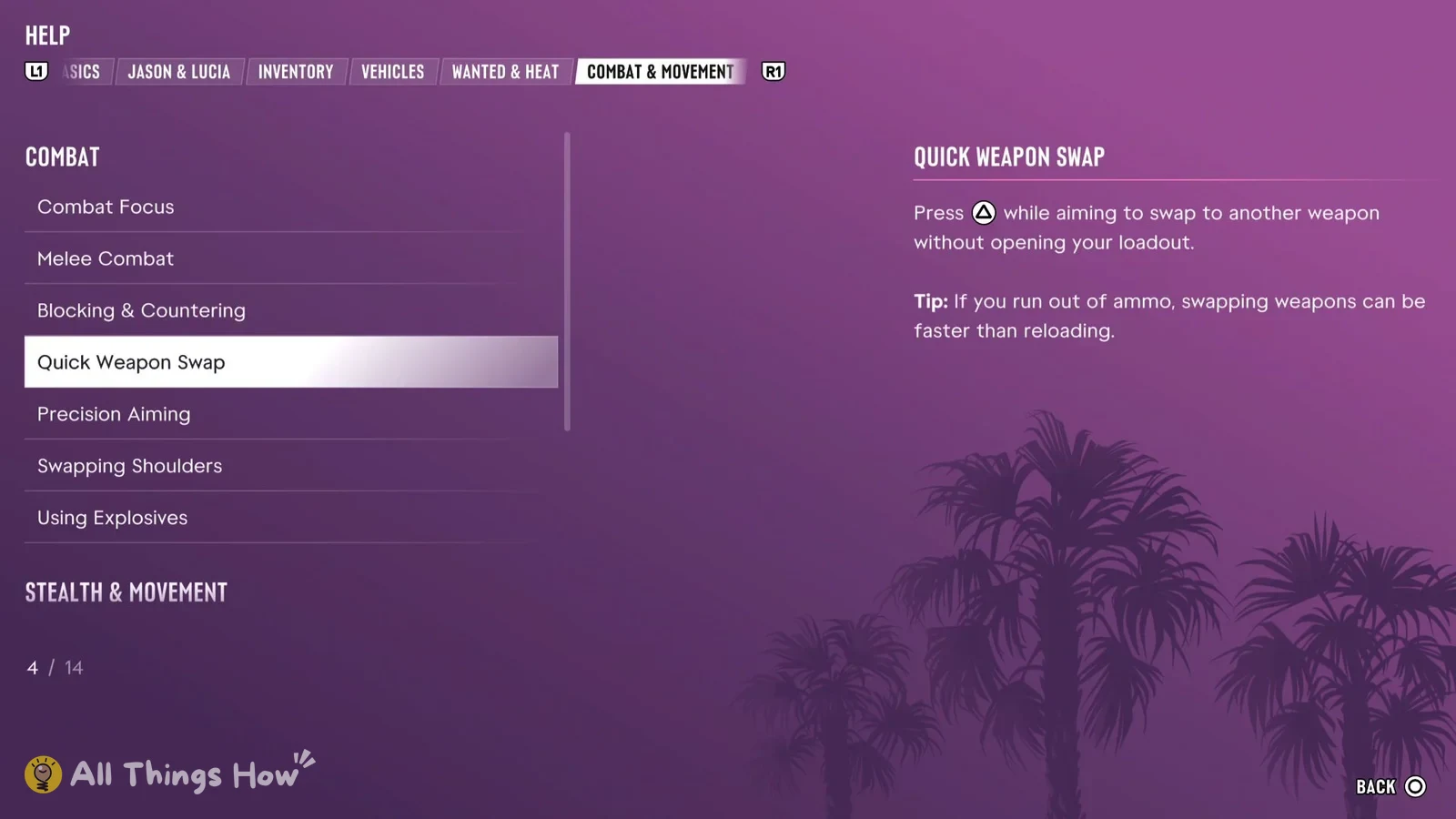
| Swap weapon without the loadout | Triangle while aiming | |
| Zoom in (precision aim) | R3 while aiming a firearm | |
| Swap shoulder | D-pad left while aiming a firearm | |
| Aim a grenade or other explosive | Hold L2 | |
| Throw a grenade | Press R2 | Hold R2 to pull the pin and prime it first |
| Quick-throw your last equipped explosive | Hold R1 while aiming a firearm | |
| Take cover / leave cover | R1 / R1 again | |
| Move around a corner in cover | Cross | Left stick looks around |
| Fire from cover | R2 | |
| Throw an object to distract | Press or hold R2 after picking it up | Objects like glass bottles |
| Lure an enemy | Hold L2 while looking at them (whistle) | |
| Focus | L3 + R3 |
Several of these buttons do different things depending on what you’re doing. R1 takes cover on its own but throws your last explosive if you hold it while aiming a firearm. R2 throws grenades and thrown objects, and it also fires your gun from behind cover. Fist fights use their own set of controls, with Square to attack and Cross to block.
Weapon swap, precision aiming and shoulder swap
All three of these work while you’re already aiming, so you don’t have to stop aiming to use them. The “Quick Weapon Swap” entry reads: “Press [Triangle] while aiming to swap to another weapon without opening your loadout.” It comes with this tip: “Tip: If you run out of ammo, swapping weapons can be faster than reloading.”
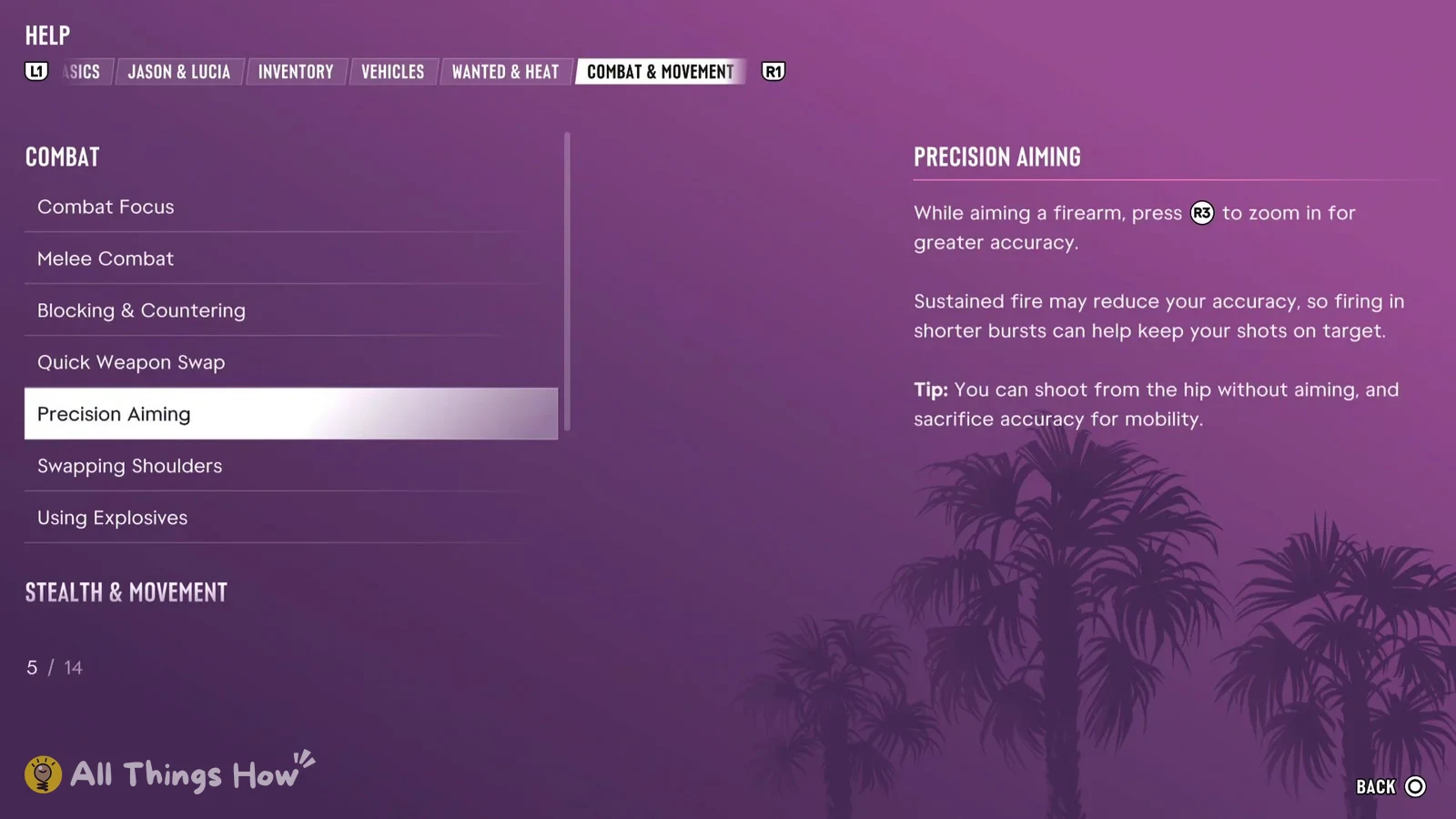
Zooming is under “Precision Aiming”, which says: “While aiming a firearm, press [R3] to zoom in for greater accuracy.” The same entry warns that “Sustained fire may reduce your accuracy, so firing in shorter bursts can help keep your shots on target.” You don’t have to aim at all, either. The game’s tip here is “Tip: You can shoot from the hip without aiming, and sacrifice accuracy for mobility.”
How to throw grenades in GTA 6
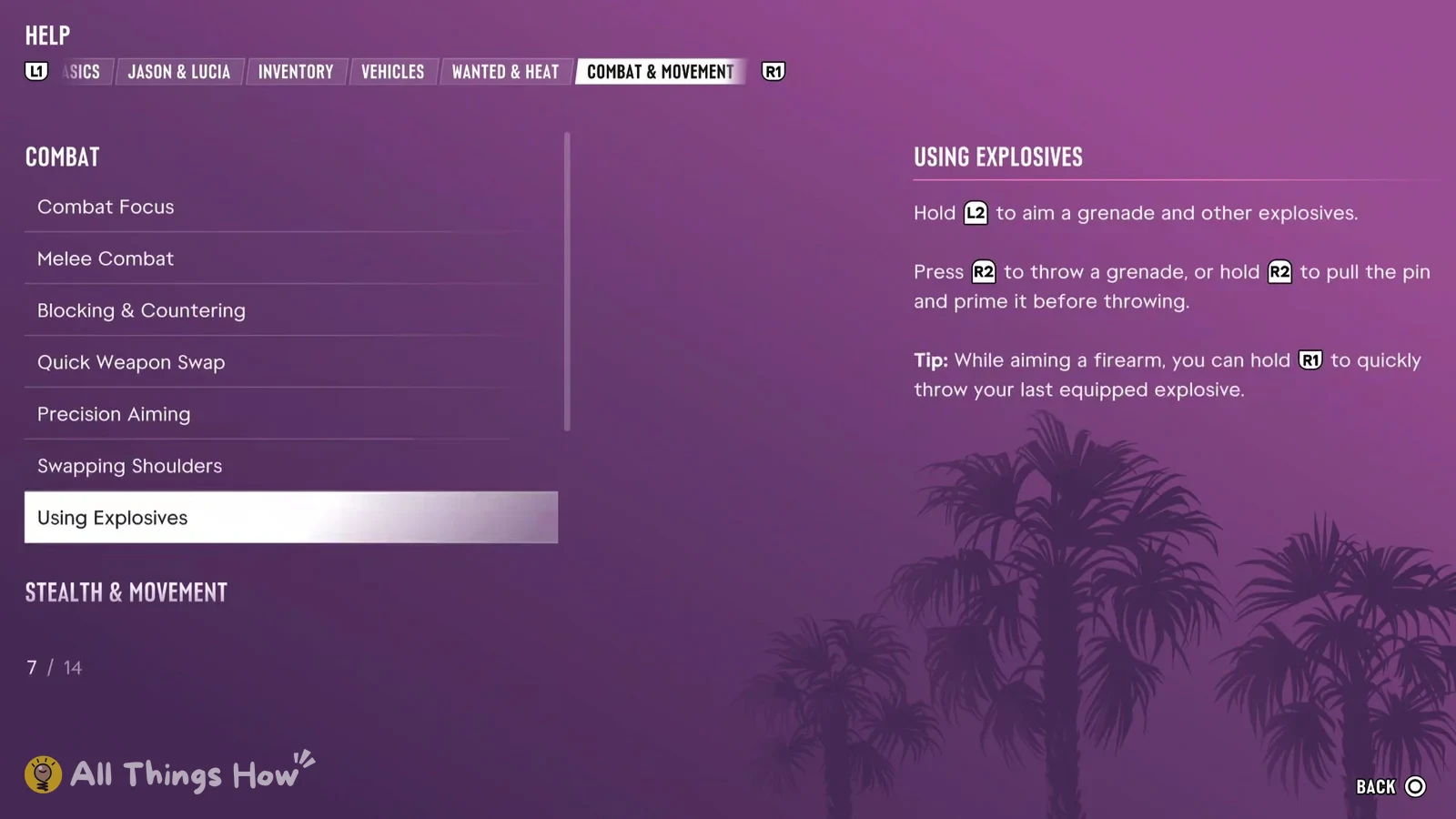
Grenades and other explosives use the same two triggers as a gun, and you can throw one straight away or prime it first. The “Using Explosives” entry starts with “Hold [L2] to aim a grenade and other explosives.”
Your throw depends on how long you hold the right trigger. The game says: “Press [R2] to throw a grenade, or hold [R2] to pull the pin and prime it before throwing.”
You don’t need to switch away from your gun to throw something. The game’s own tip is “Tip: While aiming a firearm, you can hold [R1] to quickly throw your last equipped explosive.”
How to use cover
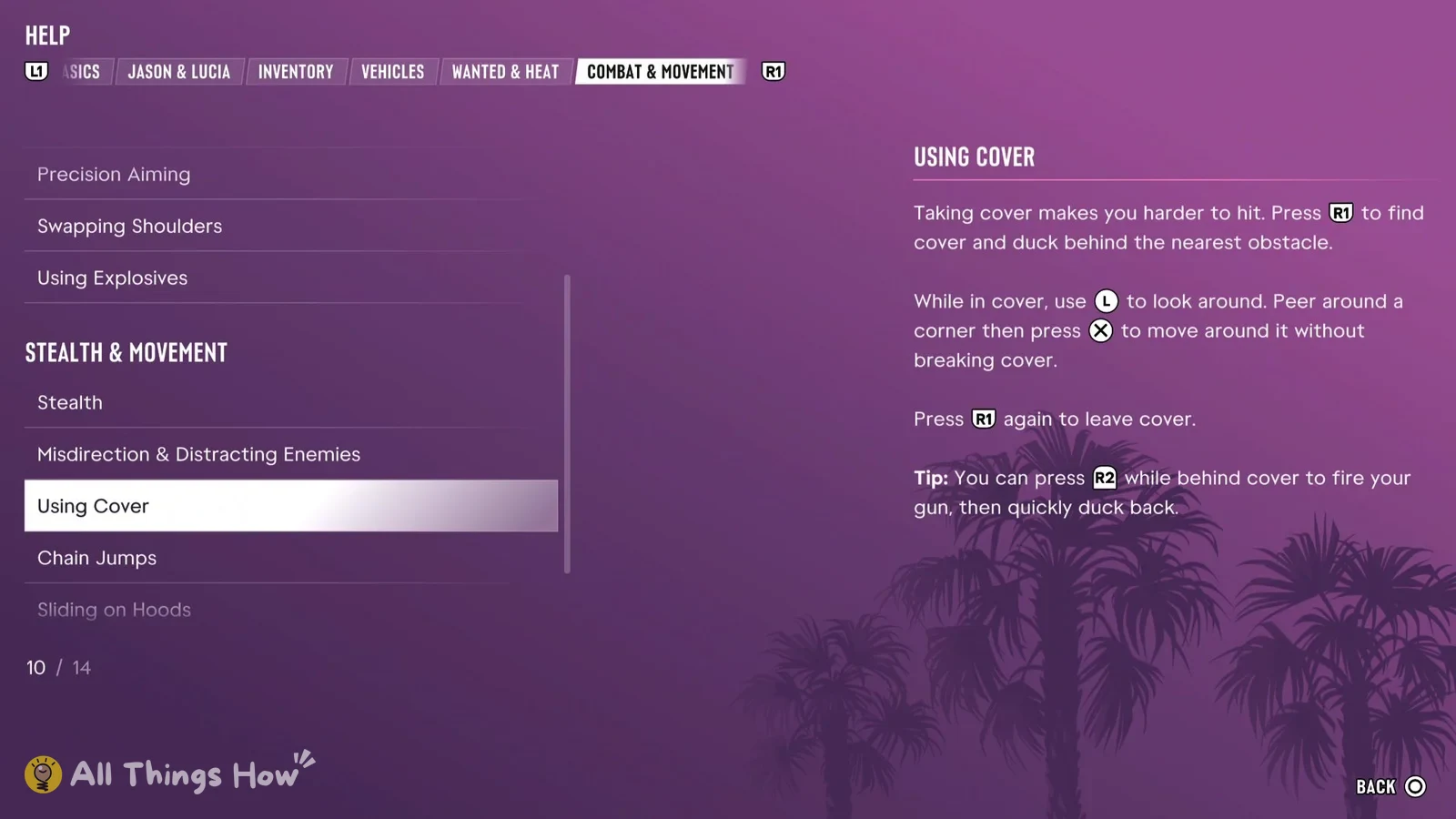
Cover is in the Stealth & Movement section of the same tab, under “Using Cover”. The game explains why you’d use it and how to get into it in one go: “Taking cover makes you harder to hit. Press [R1] to find cover and duck behind the nearest obstacle.”
How to distract and lure enemies
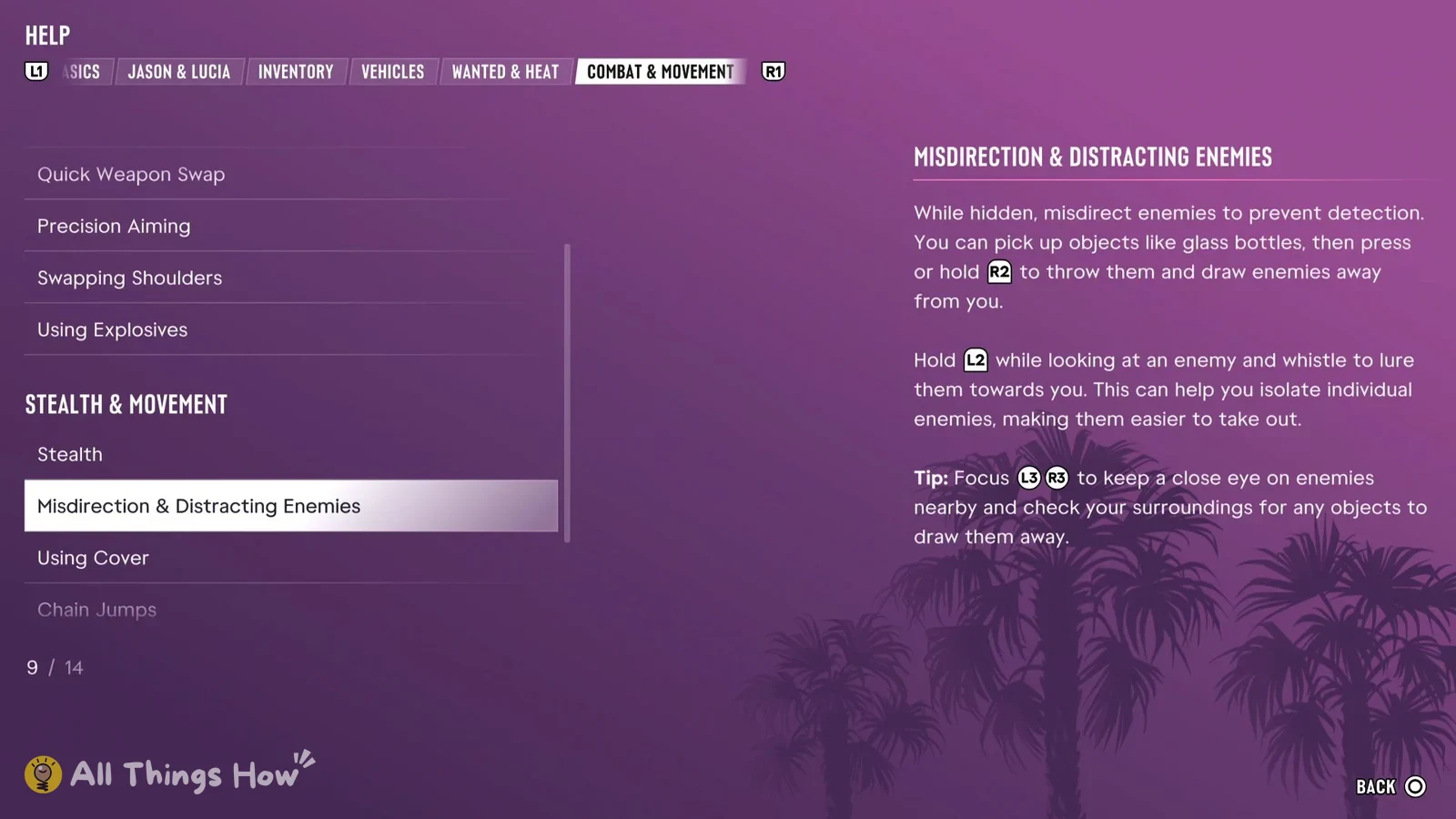
The “Misdirection & Distracting Enemies” entry covers two ways to move enemies around while you’re out of sight. Thrown objects pull them away from you: “While hidden, misdirect enemies to prevent detection. You can pick up objects like glass bottles, then press or hold [R2] to throw them and draw enemies away from you.”
To bring an enemy toward you instead, face them and whistle. The game says: “Hold [L2] while looking at an enemy and whistle to lure them towards you. This can help you isolate individual enemies, making them easier to take out.”
Focus helps with both, since it lets you track nearby enemies and spot things to throw. The tip reads “Tip: Focus [L3] [R3] to keep a close eye on enemies nearby and check your surroundings for any objects to draw them away.”
The first entry in the Combat section, “Combat Focus”, starts out locked and only shows “Continue Jason and Lucia’s story to learn more.”