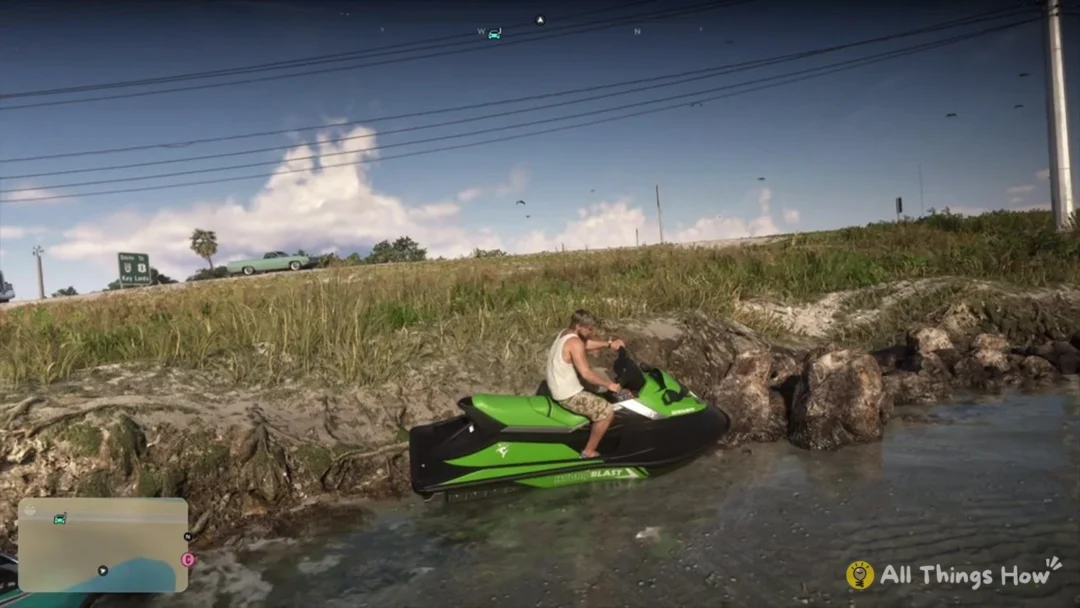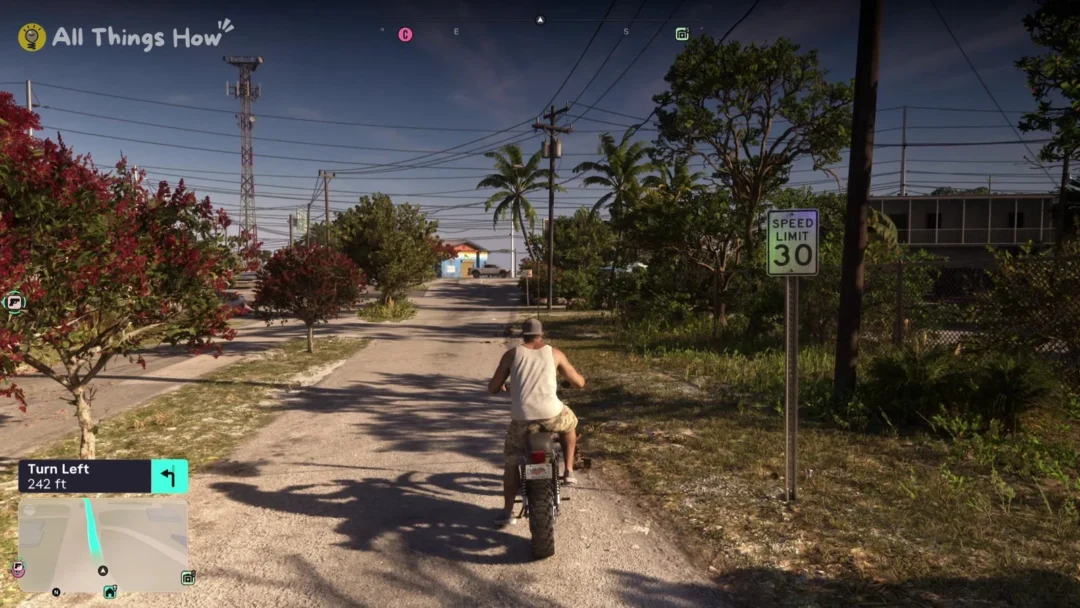
When the fuel warning pops up in Grand Theft Auto VI, the quickest way to a pump is the pause map. Its index has a separate list of gas stations, and picking one sends the map straight to it.
Quick answer: Hamlet has three of the five gas stations listed in the map index. To show a station on the map, open the pause map index, go to VEHICLES > Gas Stations and select one.
GTA 6 gas station locations listed on the map
Each entry in the GAS STATIONS list pairs a brand with an area. The table below follows the list’s own order. The card text column shows what the station’s card says when you highlight it.
| Gas station | Area (from the name) | Card text |
|---|---|---|
| 247 Gas – Key Lento | Key Lento | “Fill up on fuel or quickly service your vehicle.” |
| Arrow Gas – Hamlet | Hamlet | “Fill up on fuel or quickly service your vehicle.” |
| Globe Oil Gas – Hamlet | Hamlet | “Fill up on fuel or quickly service your vehicle.” |
| LTD Gas – Hamlet | Hamlet | – |
| Xero Gas – Tequesta | Tequesta | – |
Arrow, Globe Oil and LTD are all in Hamlet, which puts three of the five listed stations in that one area.
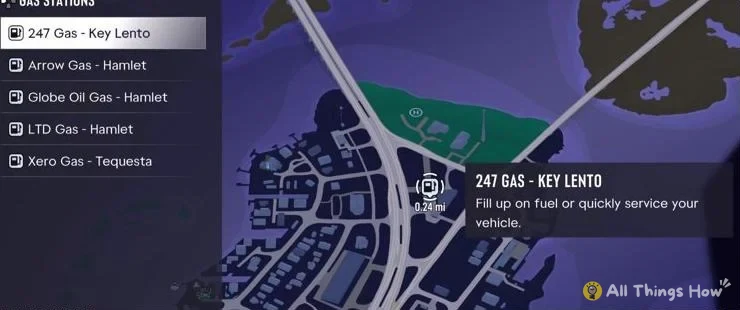
How to find a gas station on the GTA 6 map
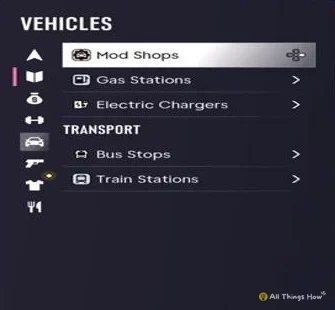
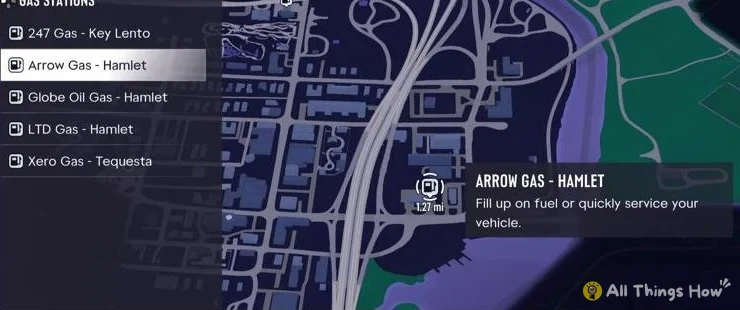
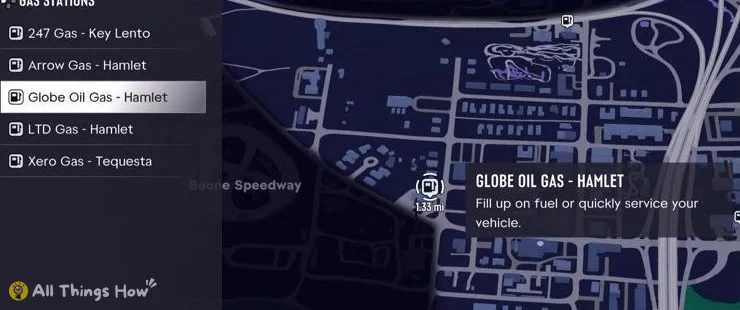
You’ll know you’ve got the right one when the map centers on the pump icon and the card shows the station’s name at the top.
GTA 6 gas stations with a convenience store
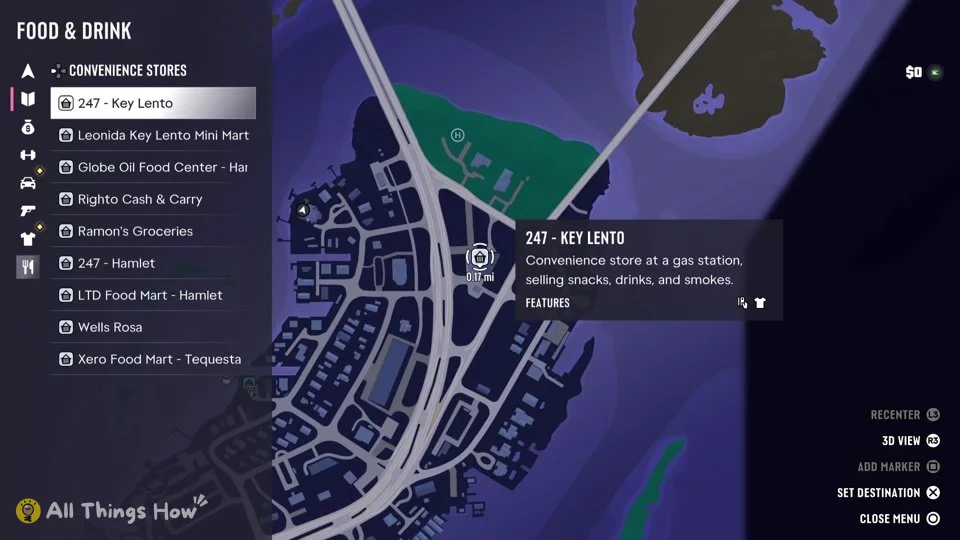
Under FOOD & DRINK > Convenience Stores in the same map index, four store cards say “Convenience store at a gas station, selling snacks, drinks, and smokes.” Those four stores share brand names with four of the gas stations:
- 247 – Key Lento
- Globe Oil Food Center – Hamlet
- LTD Food Mart – Hamlet
- Xero Food Mart – Tequesta
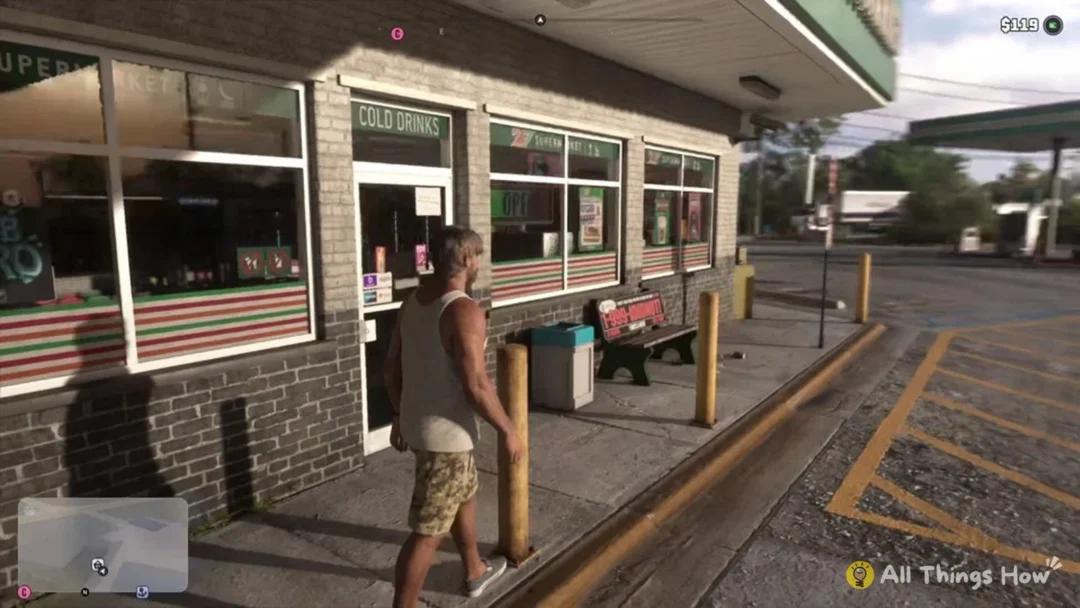
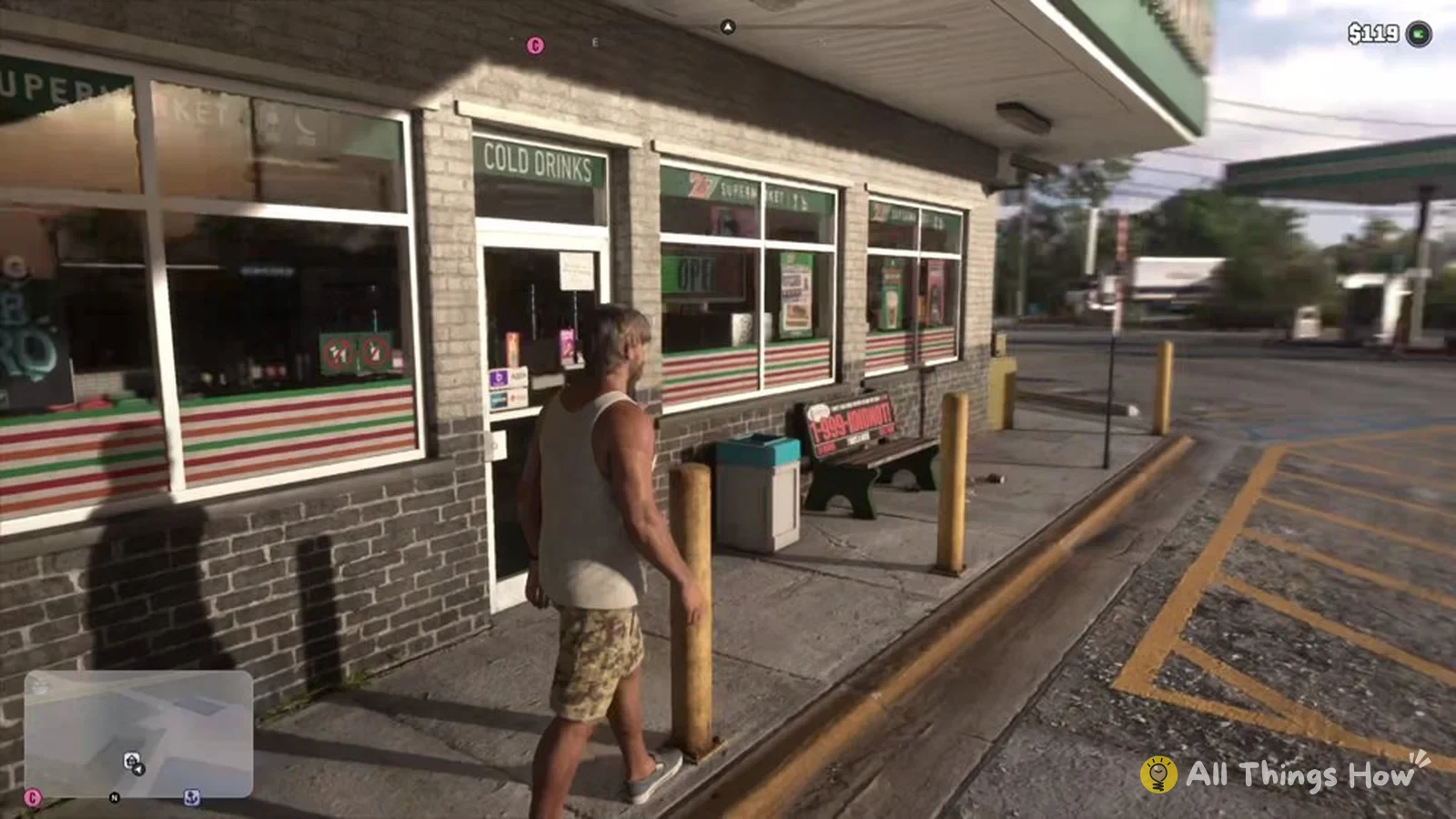
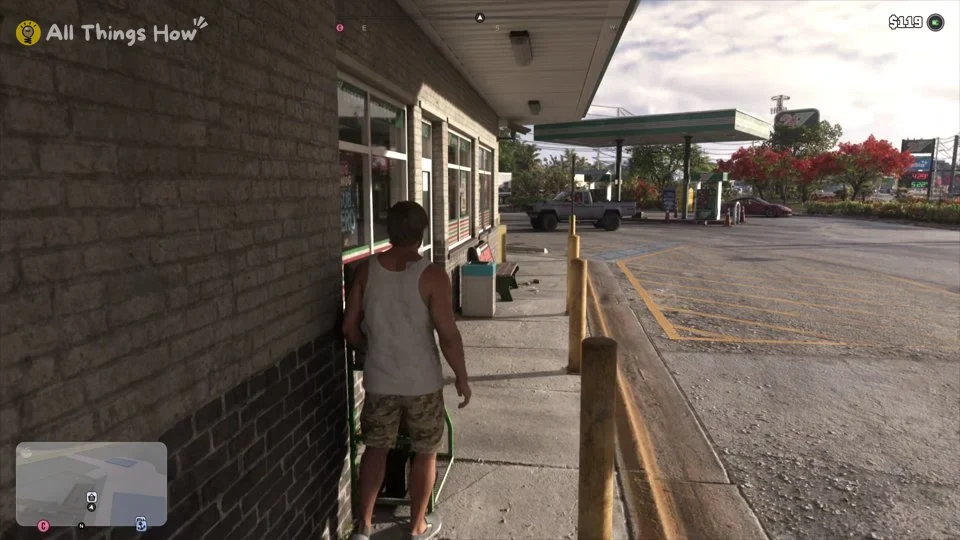
In Key Lento, the 247 store sits right next to its pumps under a canopy, and there’s a “COLD DRINKS” sign on the door.
What you can do at a gas station in GTA 6
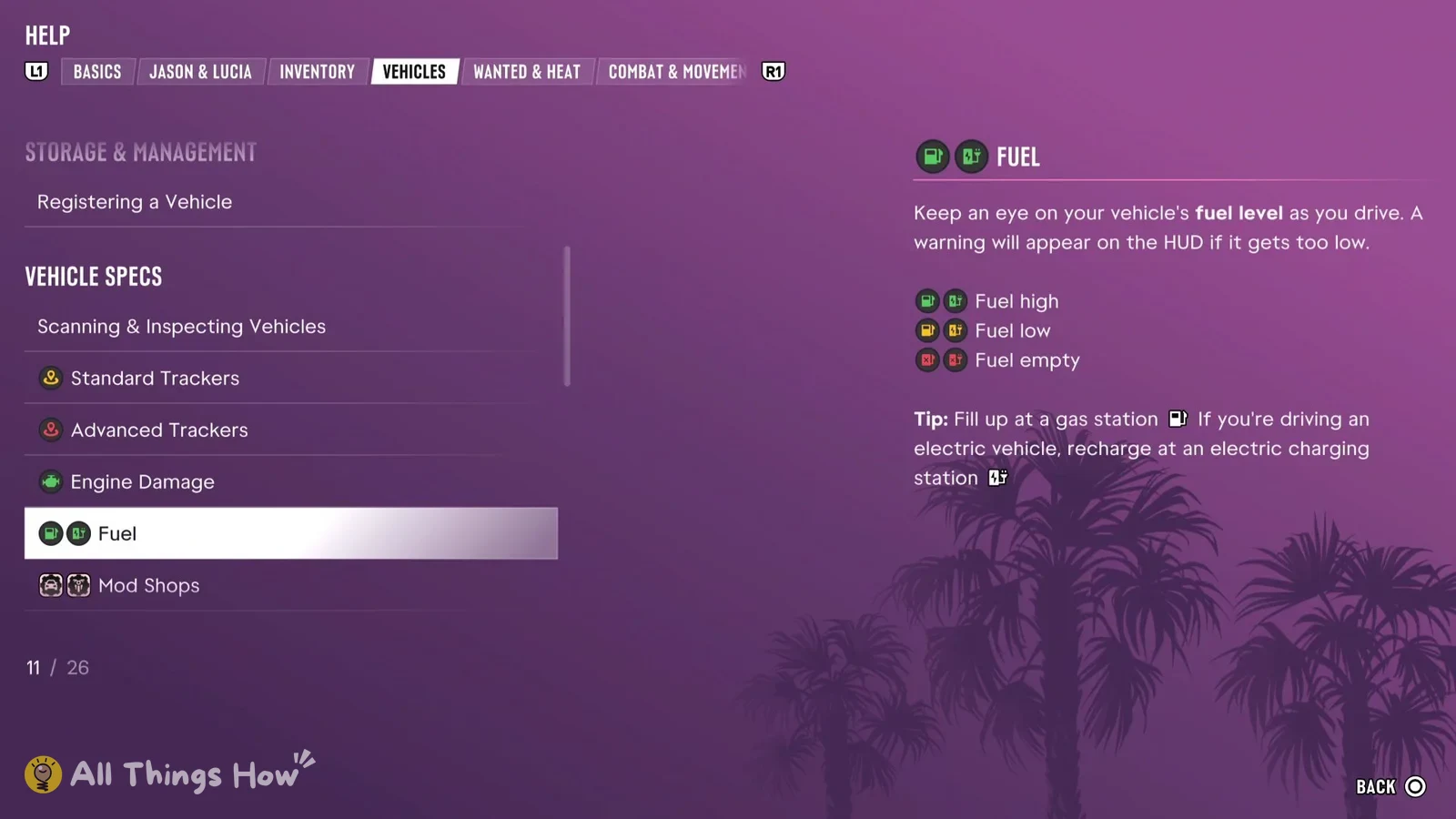
Gas stations take care of two things: fuel and small repairs. The “Fuel” page under Pause > Help > VEHICLES says: “Keep an eye on your vehicle’s fuel level as you drive. A warning will appear on the HUD if it gets too low.” The same page shows three fuel levels by color. Each level has a pump icon and a charging icon.
| Icon colour | Label |
|---|---|
| Green | Fuel high |
| Yellow | Fuel low |
| Red | Fuel empty |
The page ends with “Tip: Fill up at a gas station. If you’re driving an electric vehicle, recharge at an electric charging station”. The pump icon in that tip is the same one the map uses for gas stations. Electric chargers have their own Electric Chargers row in the VEHICLES group of the index.
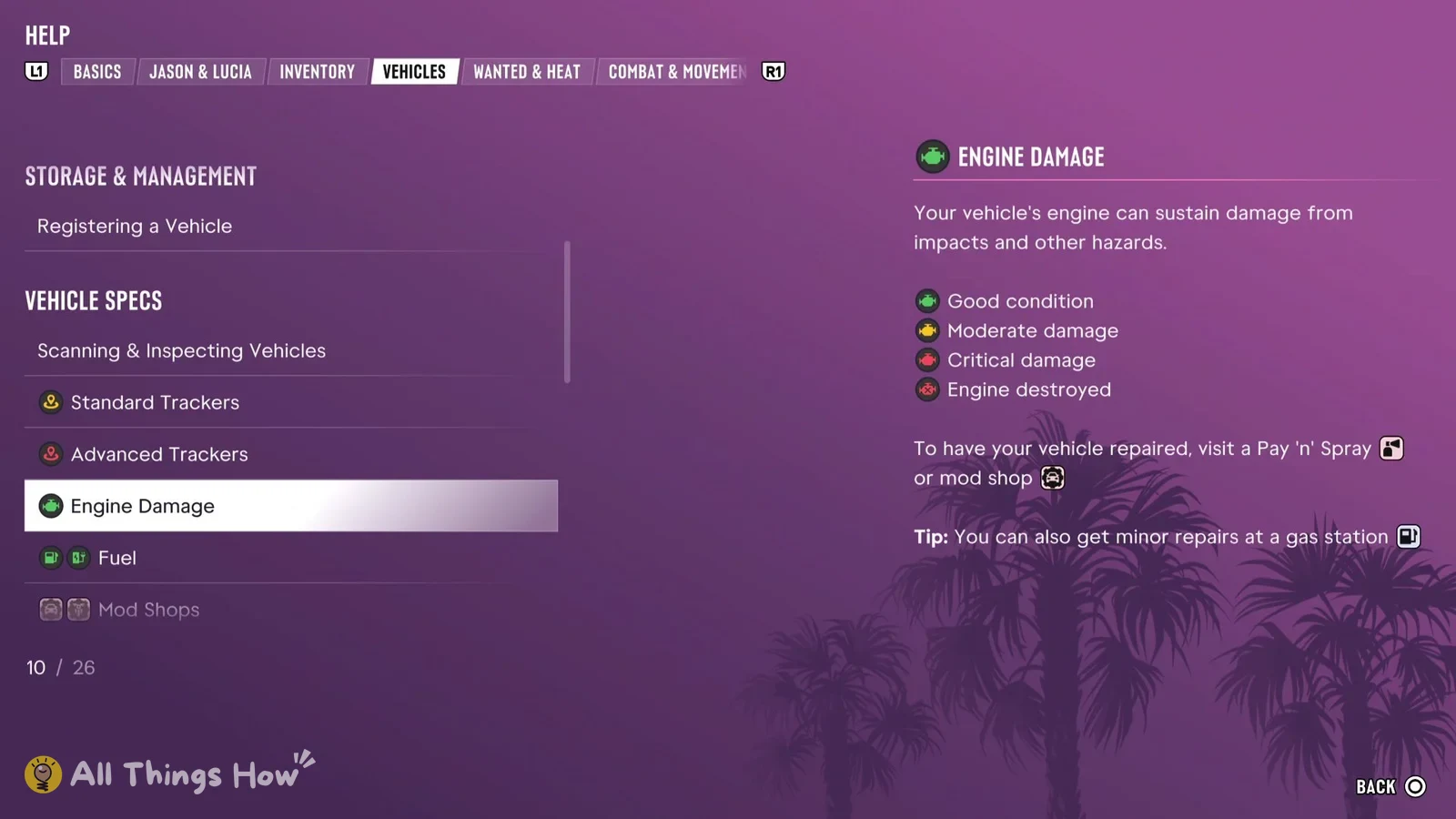
For repairs, the “Engine Damage” page in the same Help section says “To have your vehicle repaired, visit a Pay ‘n’ Spray or mod shop” and adds “Tip: You can also get minor repairs at a gas station”. That means a pump stop can fix small damage too, while bigger repairs need a Pay ‘n’ Spray or mod shop.