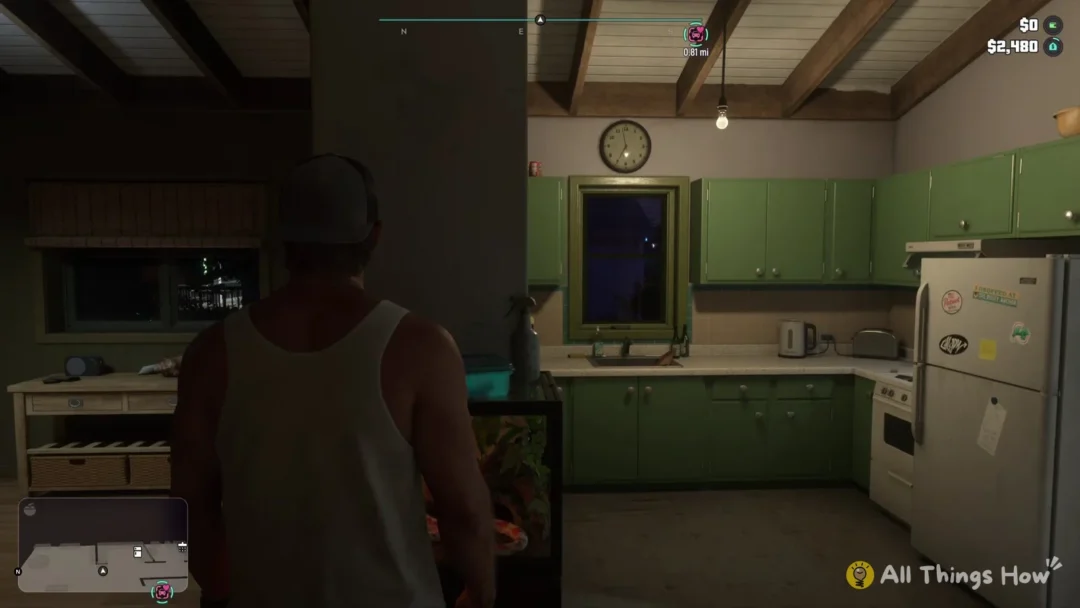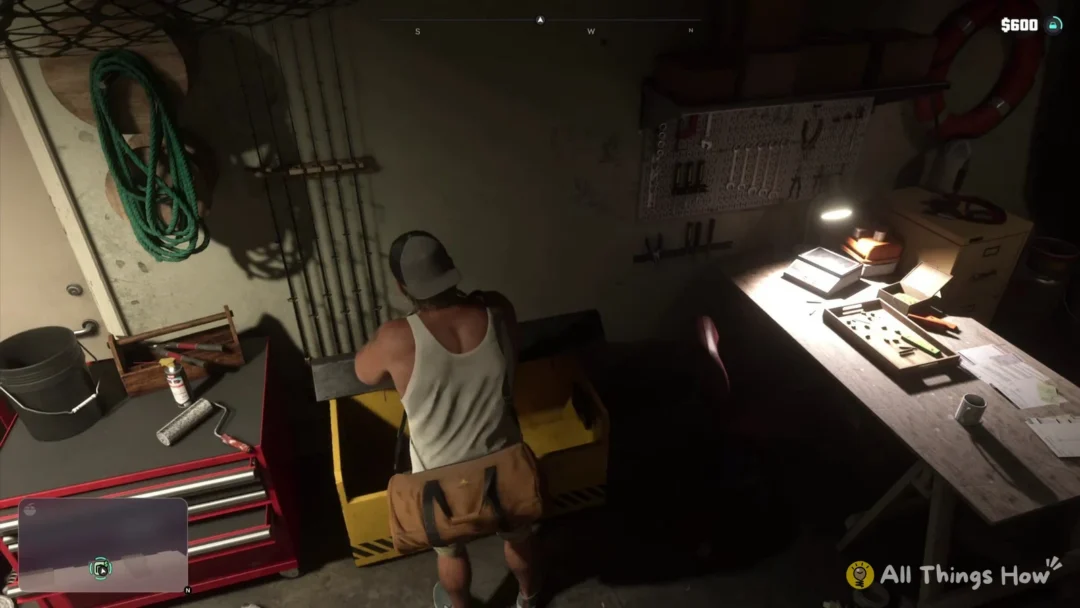
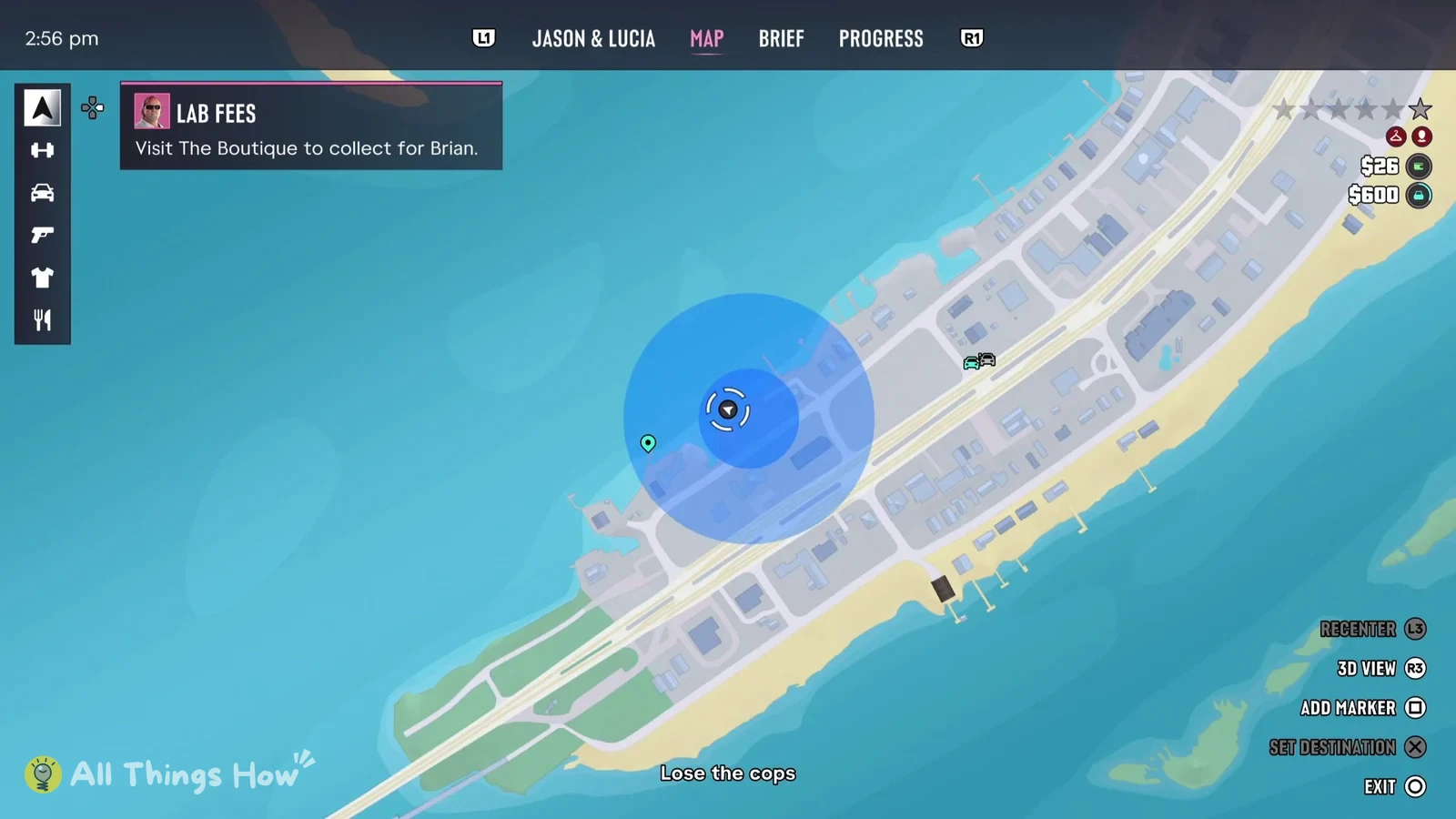
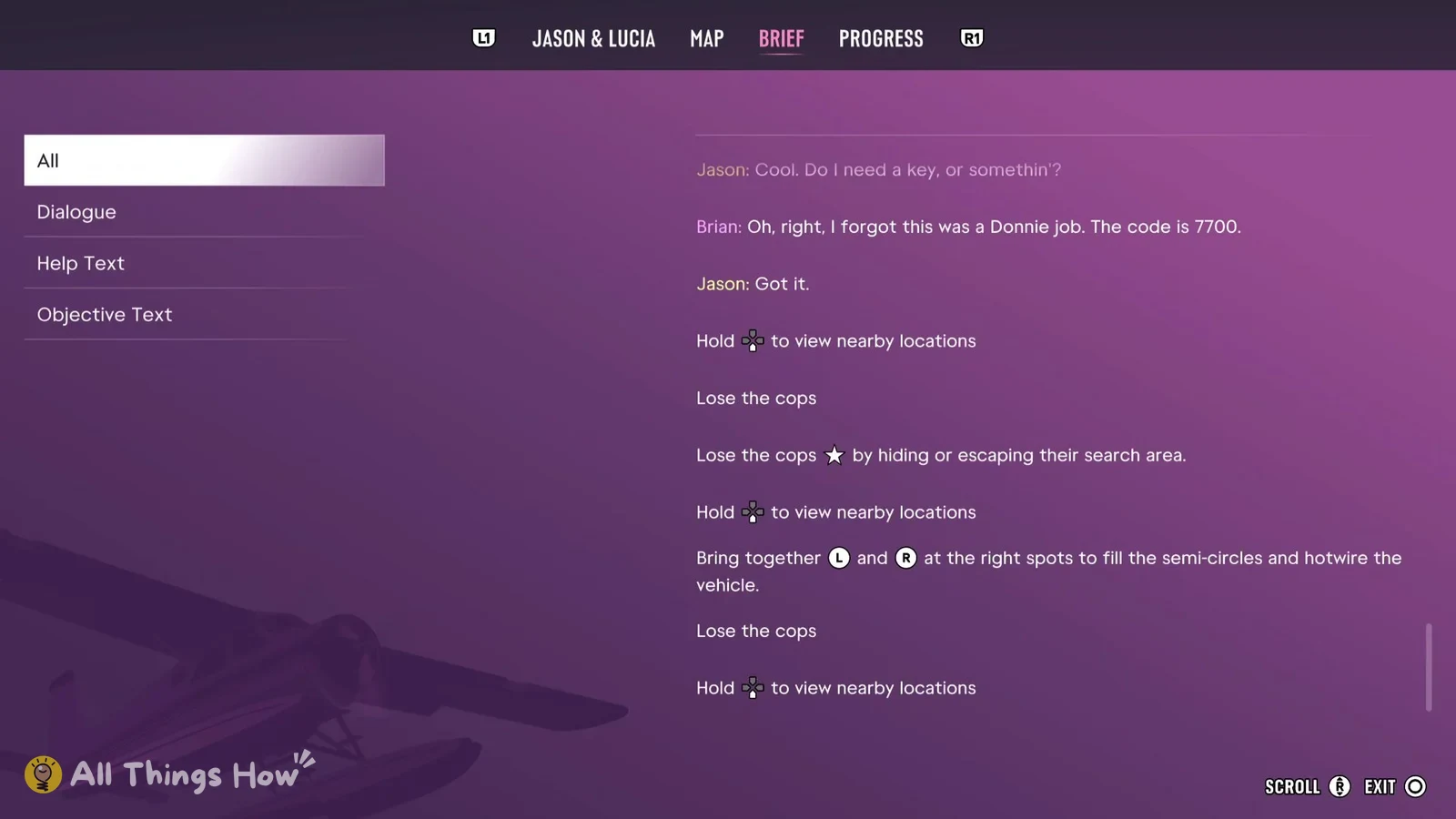
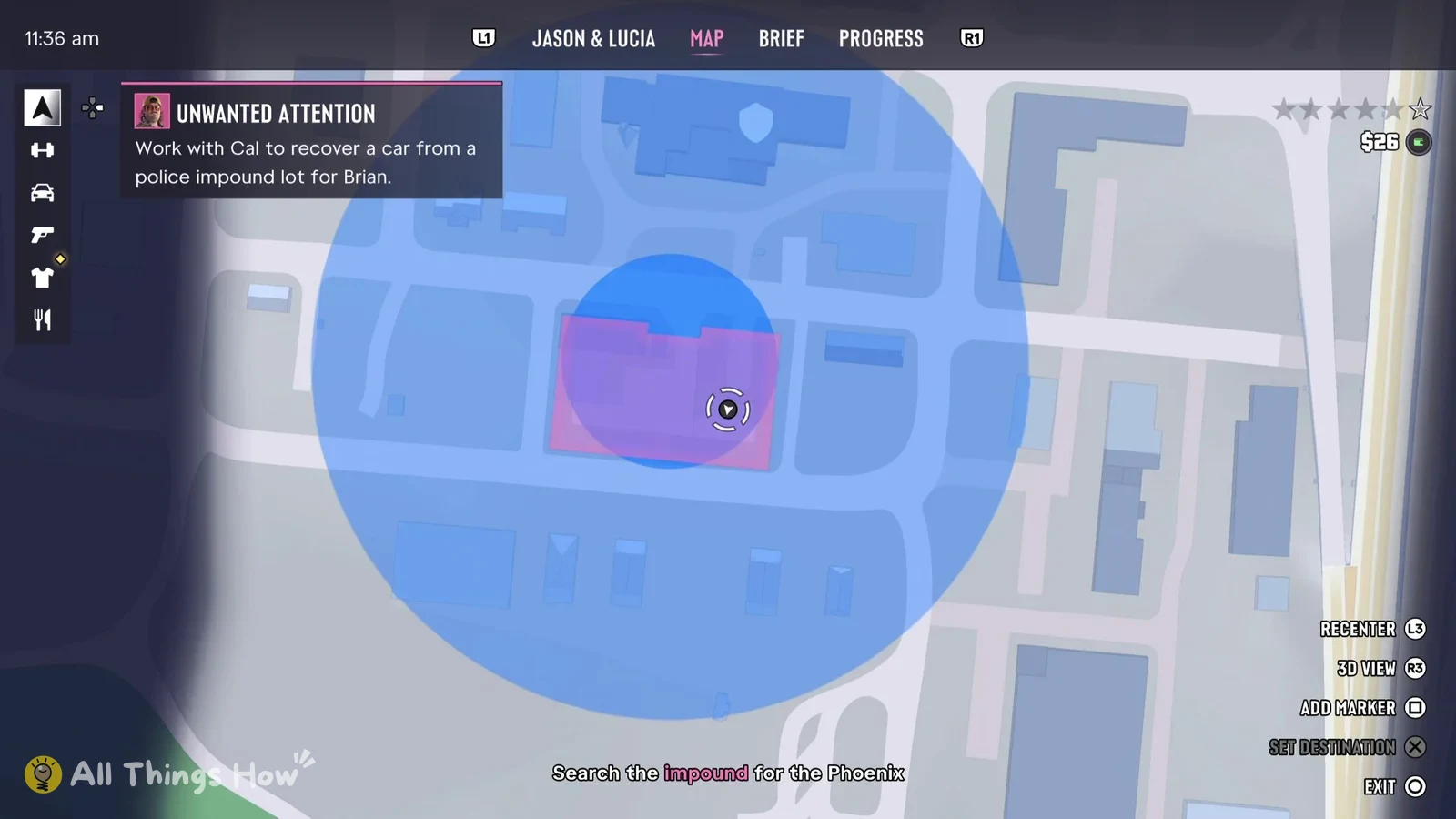
As soon as Jason gets a wanted level in GTA 6, a new objective shows up that reads “Lose the cops”. The game gives you the method in a help box, which you can read again later under Pause > Brief: “Lose the cops [star icon] by hiding or escaping their search area.” That search area is a circle on the pause map, and getting out of it and staying out of sight is how the stars go away.
Quick answer: Pause, find the blue search circle on the map, leave it by the shortest route and stay hidden until the stars go out and “Lose the cops” disappears. Swimming out to sea works.
How to lose the cops in GTA 6
These steps clear a one-star wanted level, like the one you get for stealing a car in Key Lento. Button prompts are the PS5 Default controls.
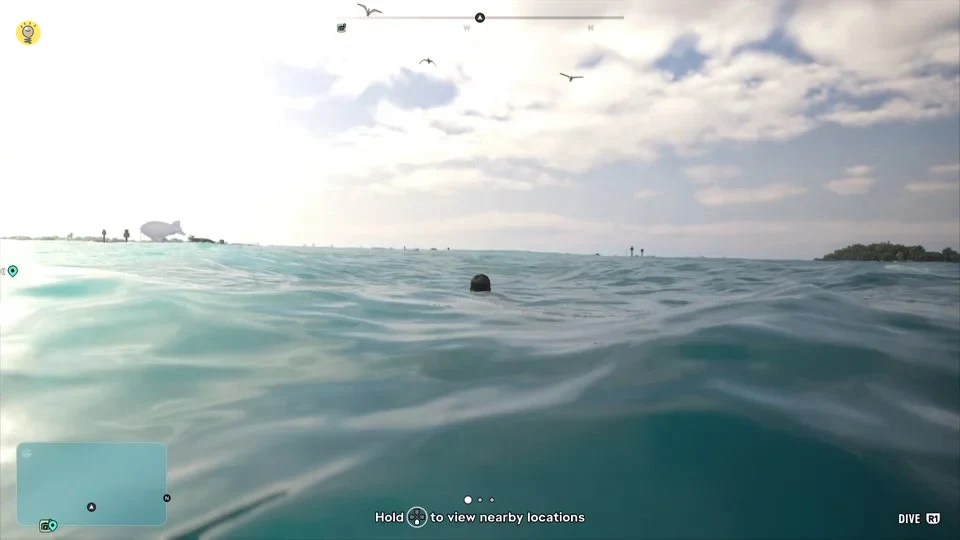
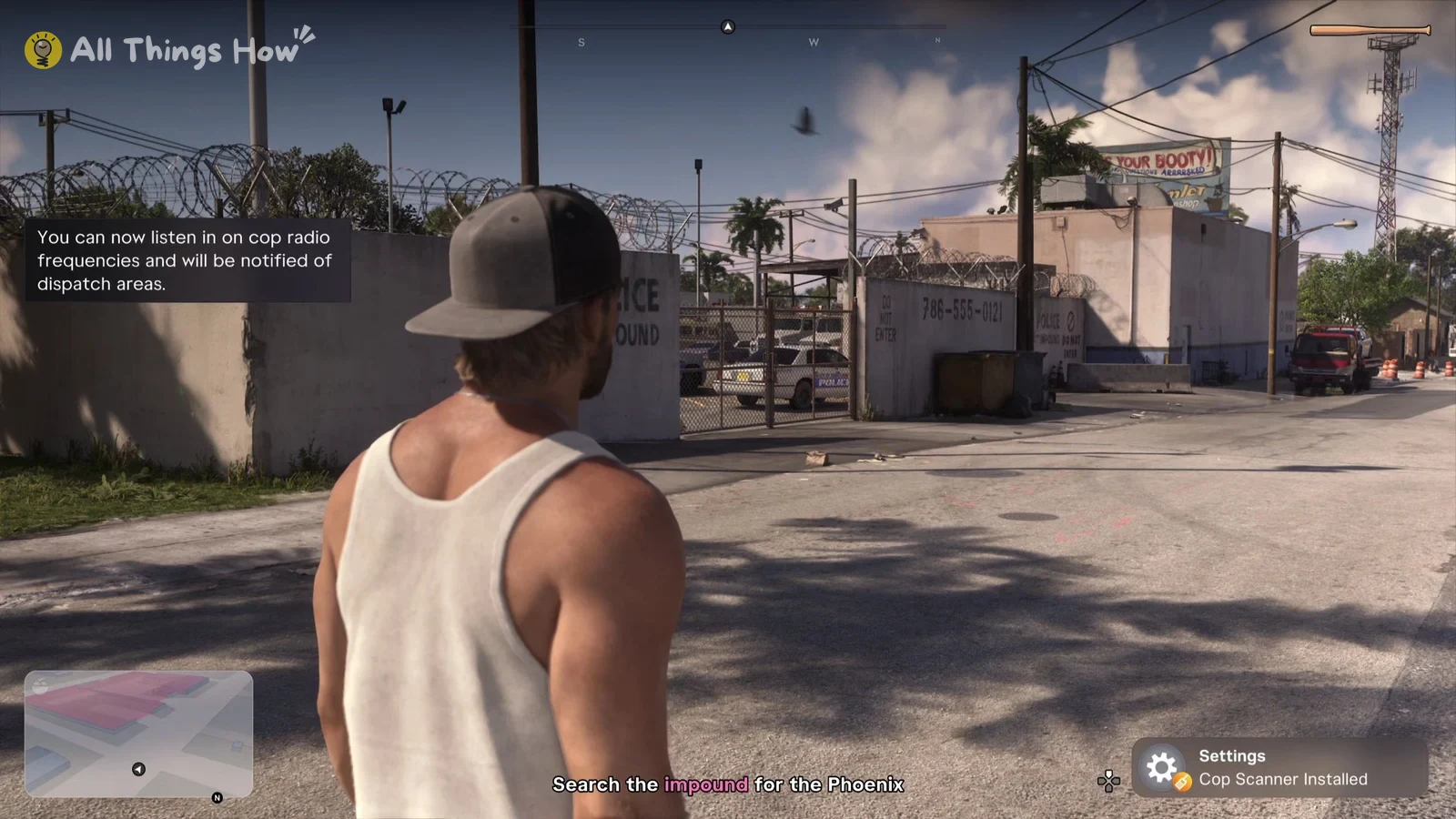
Swimming is just one way out that works. The help text also mentions hiding, and in places like the Hamlet police impound the game prompts you to “Move quietly and stay out of sight to avoid detection.” The escape also gets counted on the Stats page, where “1-STAR WANTED LEVELS EVADED”, “WANTED STARS LOST” and “ESCAPED FROM COPS” each go up by one.
Wanted stars and the search circle on screen
Six stars in the screen’s top-right corner show your wanted level. Active stars turn white, while inactive ones are faint outlines. The pause map also displays the six-star row in its top-right corner while you’re wanted.
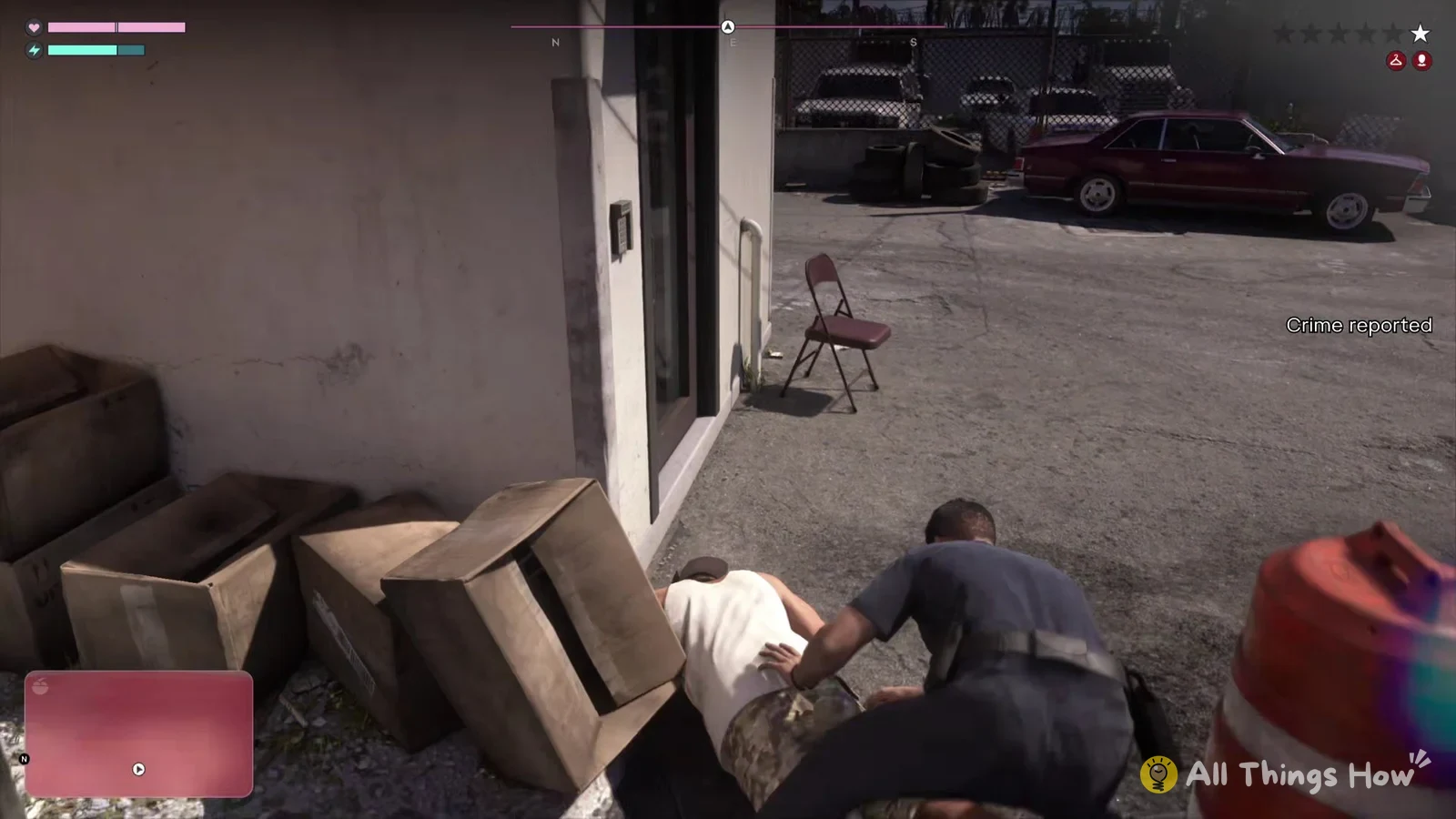
When someone sees Jason commit a crime, “Crime reported” pops up on the right side of the screen. On the pause map, the “Lose the cops” objective sits at the bottom while you’re wanted, and the size of the circle depends on where things happened:
- Key Lento: a few blocks, stretching out over the water.
- Hamlet police impound: the impound block plus the streets around it.
Surrender and getting busted in GTA 6
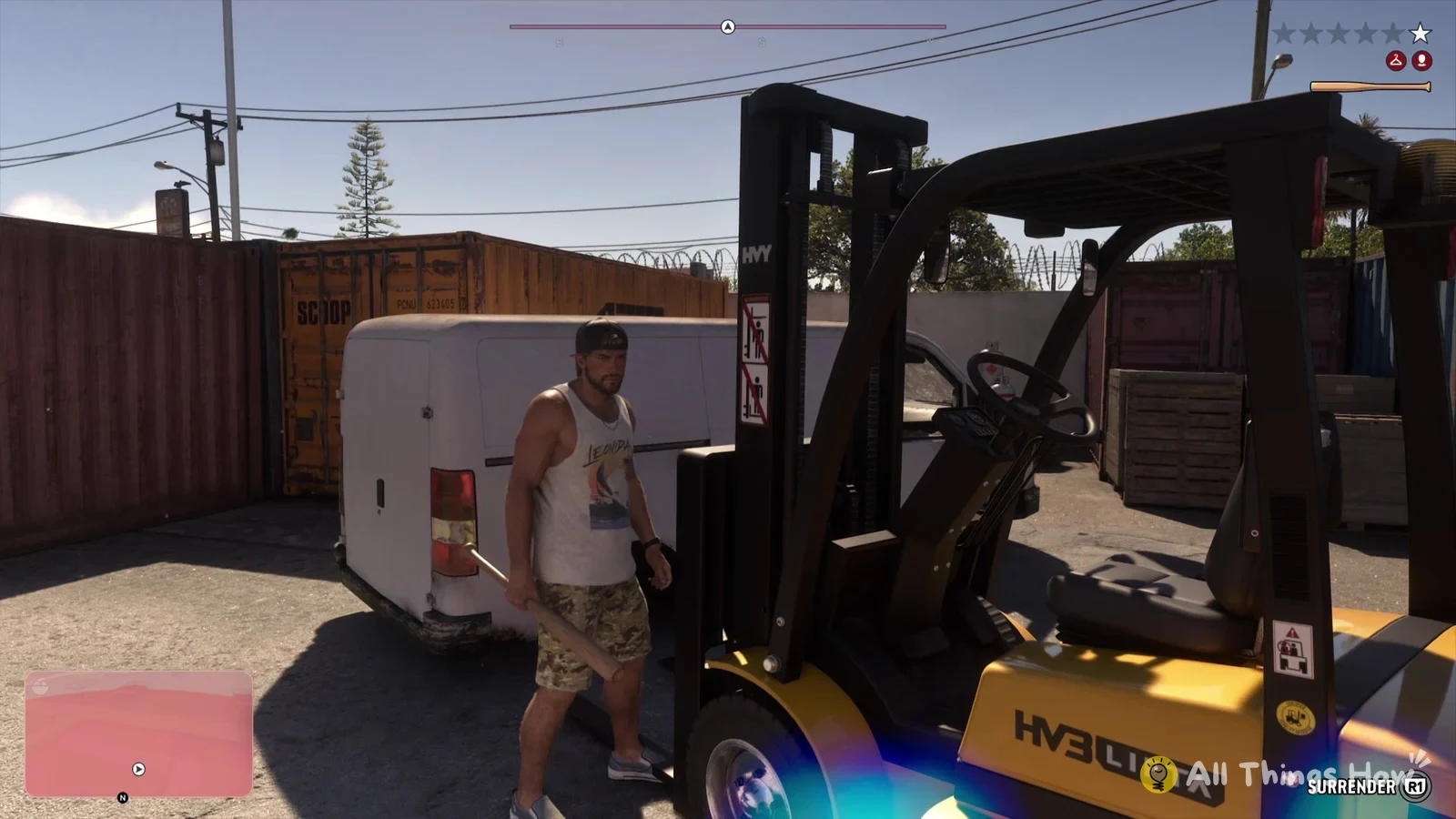
When you’re wanted and police are nearby, “SURRENDER” (R1) appears in the bottom-right corner. If an officer catches Jason, he’ll grab him and a Square button prompt will flash.
When you get caught, the game switches to a blue busted screen. If this happens during a mission, for example inside the Hamlet police impound, you’ll get three options:
- RETRY CHECKPOINT (Cross)
- RESTART MISSION (Triangle)
- QUIT MISSION (Circle)

Wanted stats GTA 6 tracks
Your police record is under Pause > Progress > Stats > GENERAL > Wanted & Heat, in the WANTED heading. They’re just an example of what each row counts, not goals to aim for.
| Stat | Example value |
|---|---|
| CRIMES REPORTED | 1 |
| TIMES WANTED | 2 |
| TOTAL WANTED STARS GAINED | 2 |
| 1-STAR WANTED LEVELS EVADED | 1 |
| 2-STAR WANTED LEVELS EVADED | 0 |
| 3-STAR WANTED LEVELS EVADED | 0 |
| 4-STAR WANTED LEVELS EVADED | 0 |
| 5-STAR WANTED LEVELS EVADED | 0 |
| LONGEST WANTED DURATION | 00:03:13 |
| TIME SPENT WITH A 6-STAR WANTED LEVEL | 00:00:00 |
| LONGEST TIME WITH 6-STAR WANTED LEVEL | 00:00:00 |
| WANTED STARS LOST | 1 |
| ESCAPED FROM COPS | 1 |
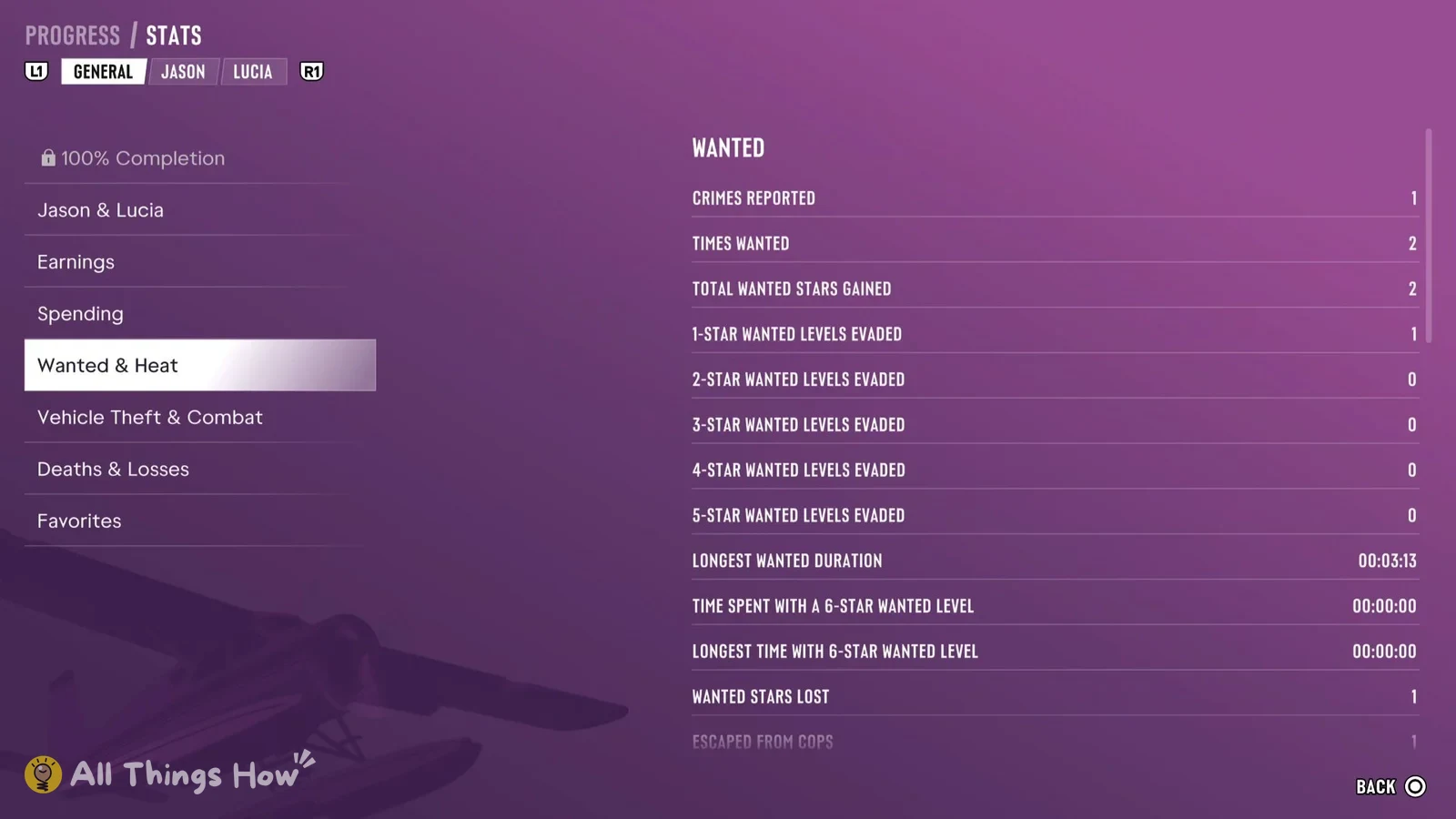
The page has rows all the way up to six stars, which matches the six-star row at the top of the screen.
The Cop Scanner on Jason’s phone
In the mission “Unwanted Attention”, Cal puts a Cop Scanner on Jason’s phone. You’ll see the notification “Settings – Cop Scanner Installed” along with a help box that reads “You can now listen in on cop radio frequencies and will be notified of dispatch areas.”