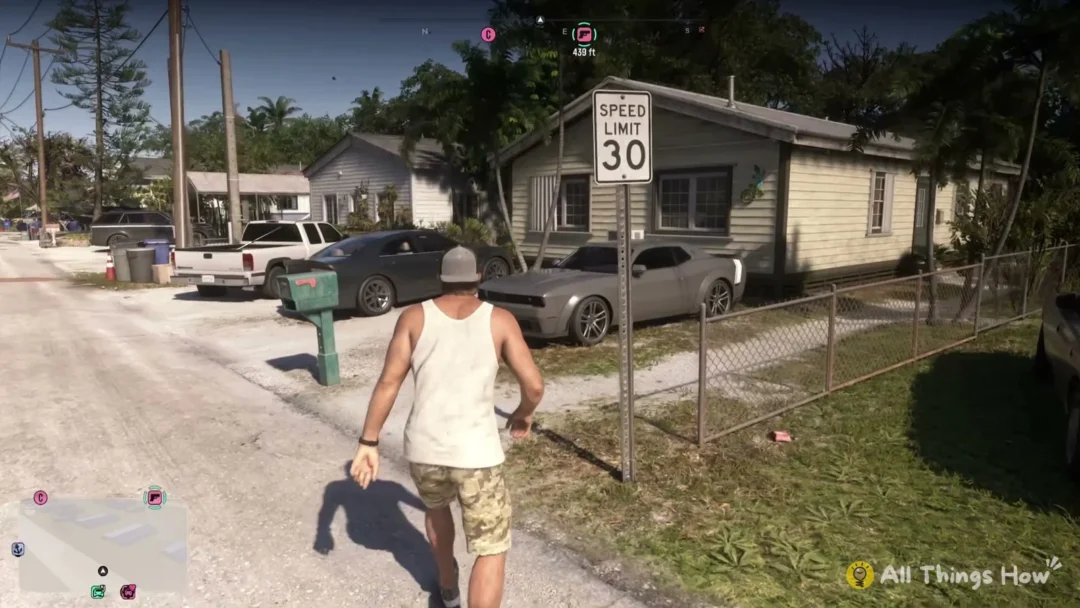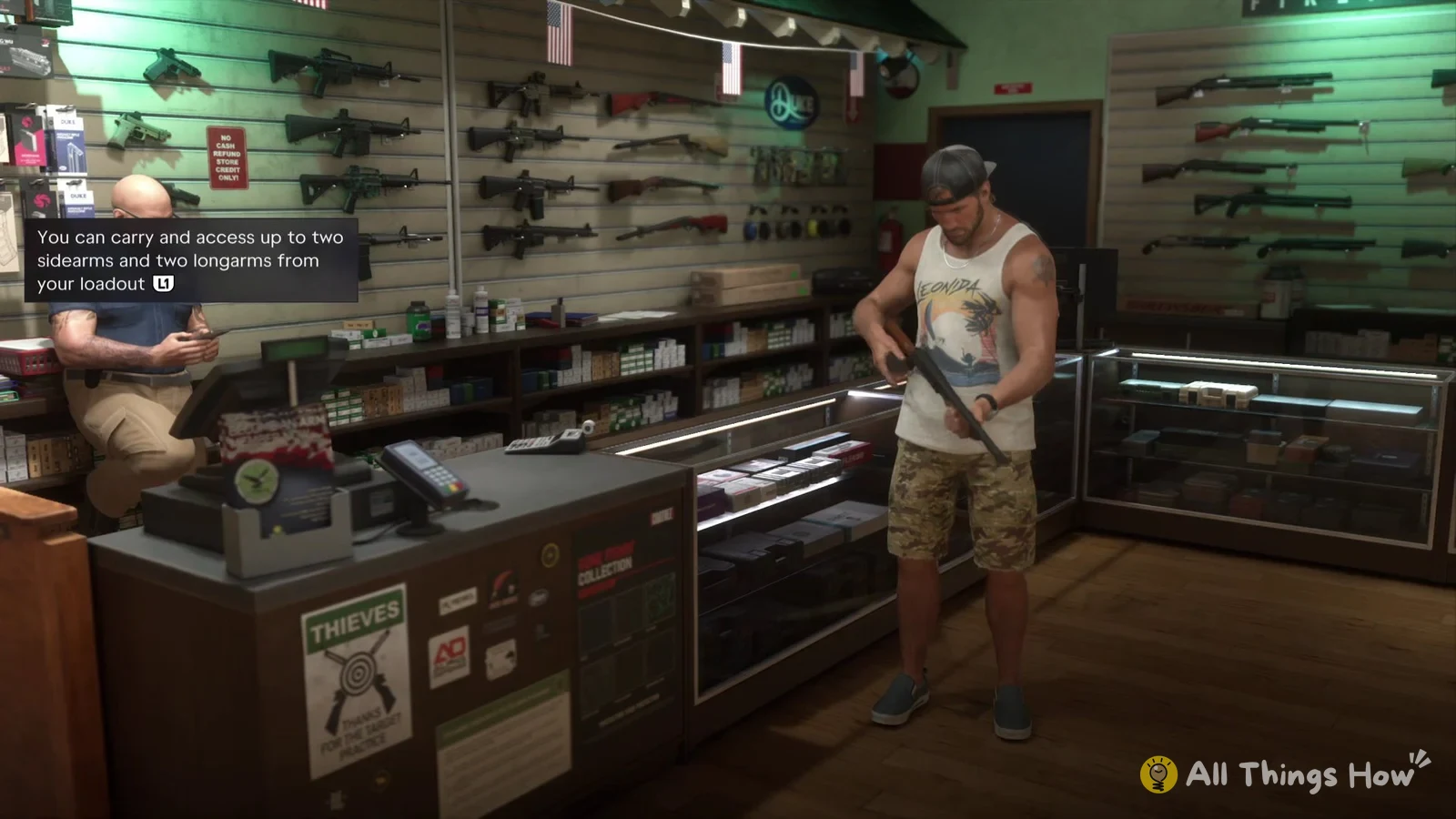
In GTA 6, you change your guns at Ammu-Nation. Each gun has its own Modify screen, and you’ll find it in the same shop menu where you buy weapons.
Quick answer: At an Ammu-Nation clerk, hold L2 and press Triangle, then buy a gun or press Cross on MODIFY for one you own. The ATTACHMENTS tab lists 11 types, and COSMETICS lists three.
How to modify a weapon in GTA 6
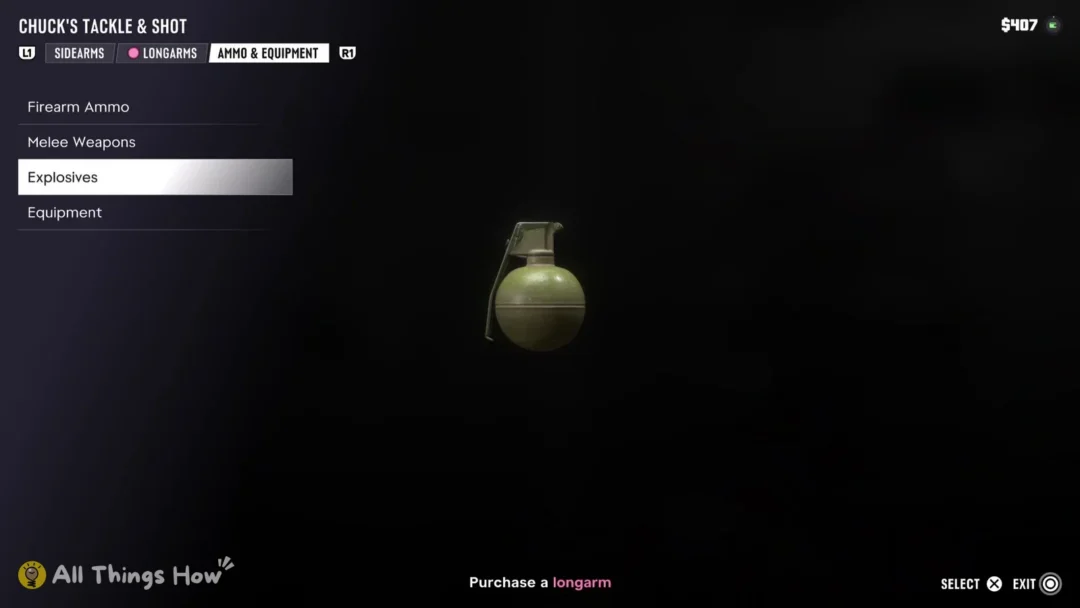
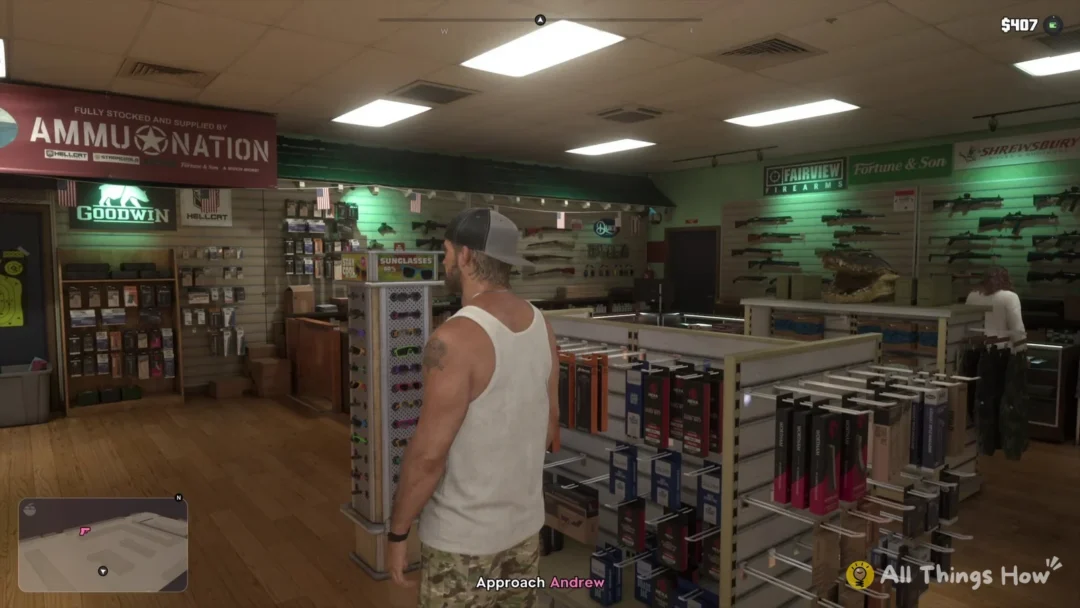
The button prompts below use the PS5 default controls. Chuck’s Tackle & Shot in Key Lento is one Ammu-Nation store where this works.
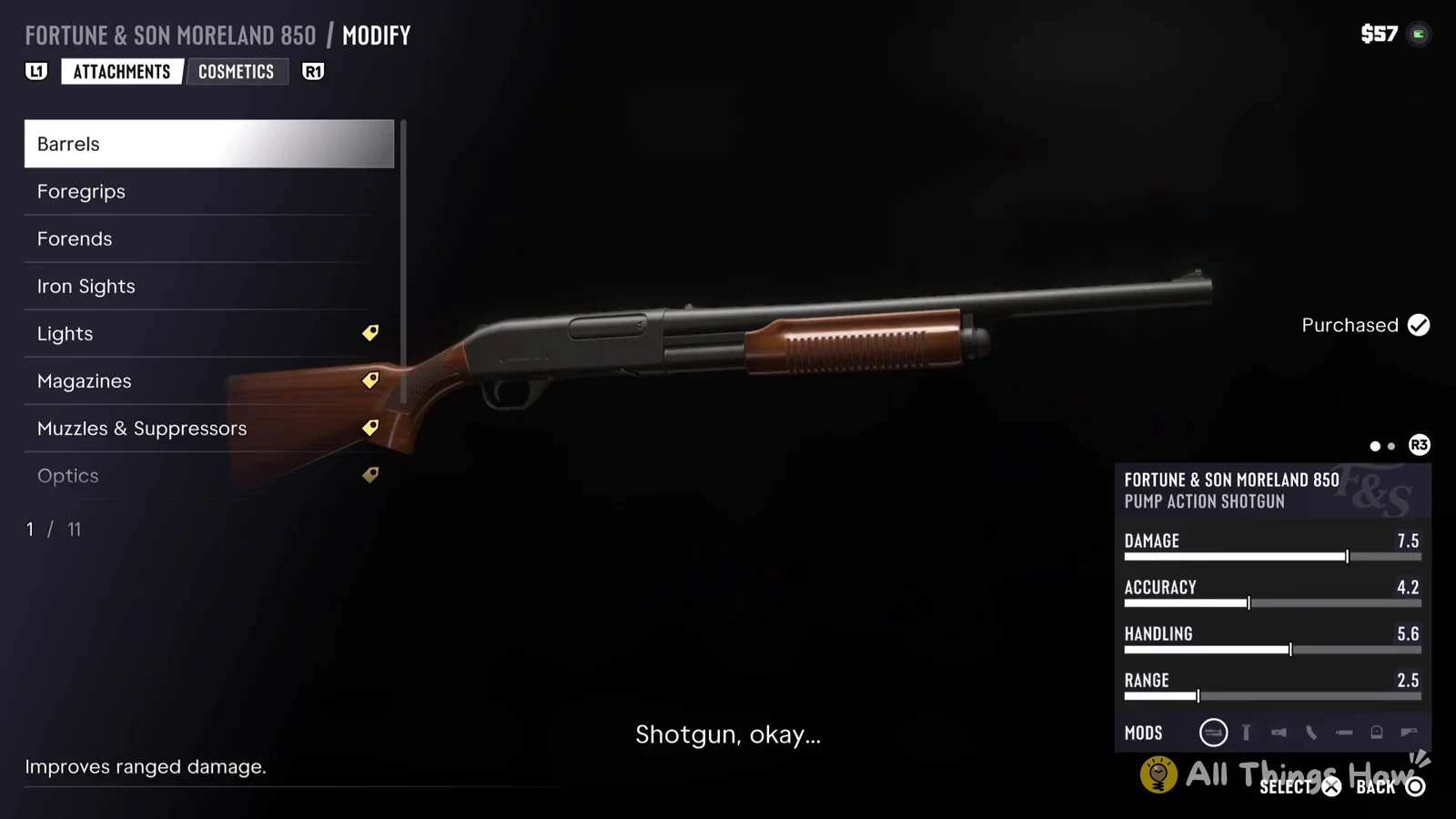
While the screen is open, the clerk Andrew says, “I’ll take a few bucks off an upgrade too, if you want.”
All 11 attachment types in GTA 6
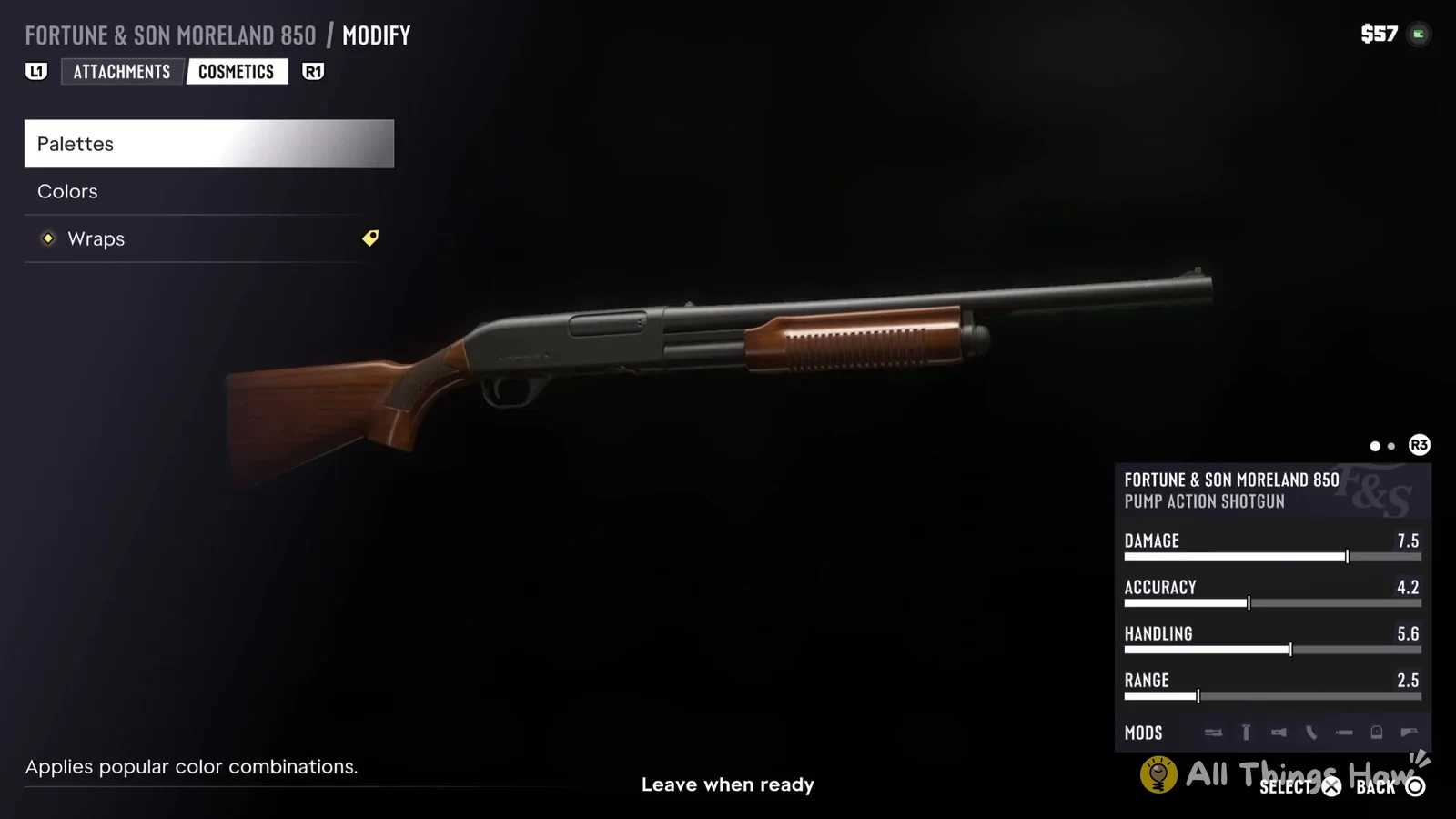
The ATTACHMENTS tab counts its entries from 1 / 11 to 11 / 11. Here they are in menu order on the Fortune & Son Moreland 850, a pump action shotgun, along with the text the game shows for each one.
| # | Attachment type | What the game says it does |
|---|---|---|
| 1 | Barrels | Improves ranged damage. |
| 2 | Foregrips | Improves recovery speed after firing. |
| 3 | Forends | Aftermarket visual styles. |
| 4 | Iron Sights | Makes manual targeting easier. |
| 5 | Lights | Illuminates targets in the dark. |
| 6 | Magazines | Changes ammo capacity. |
| 7 | Muzzles & Suppressors | Reduces recoil and noise. |
| 8 | Optics | Enables first-person view. |
| 9 | Pistol Grips | Swappable cosmetic options. |
| 10 | Saddles | Adds extra cosmetic flair. |
| 11 | Stocks | Improves stability while aiming. |
The Optics line is worth reading twice. The game doesn’t say scopes improve zoom or accuracy. It says “Enables first-person view.”
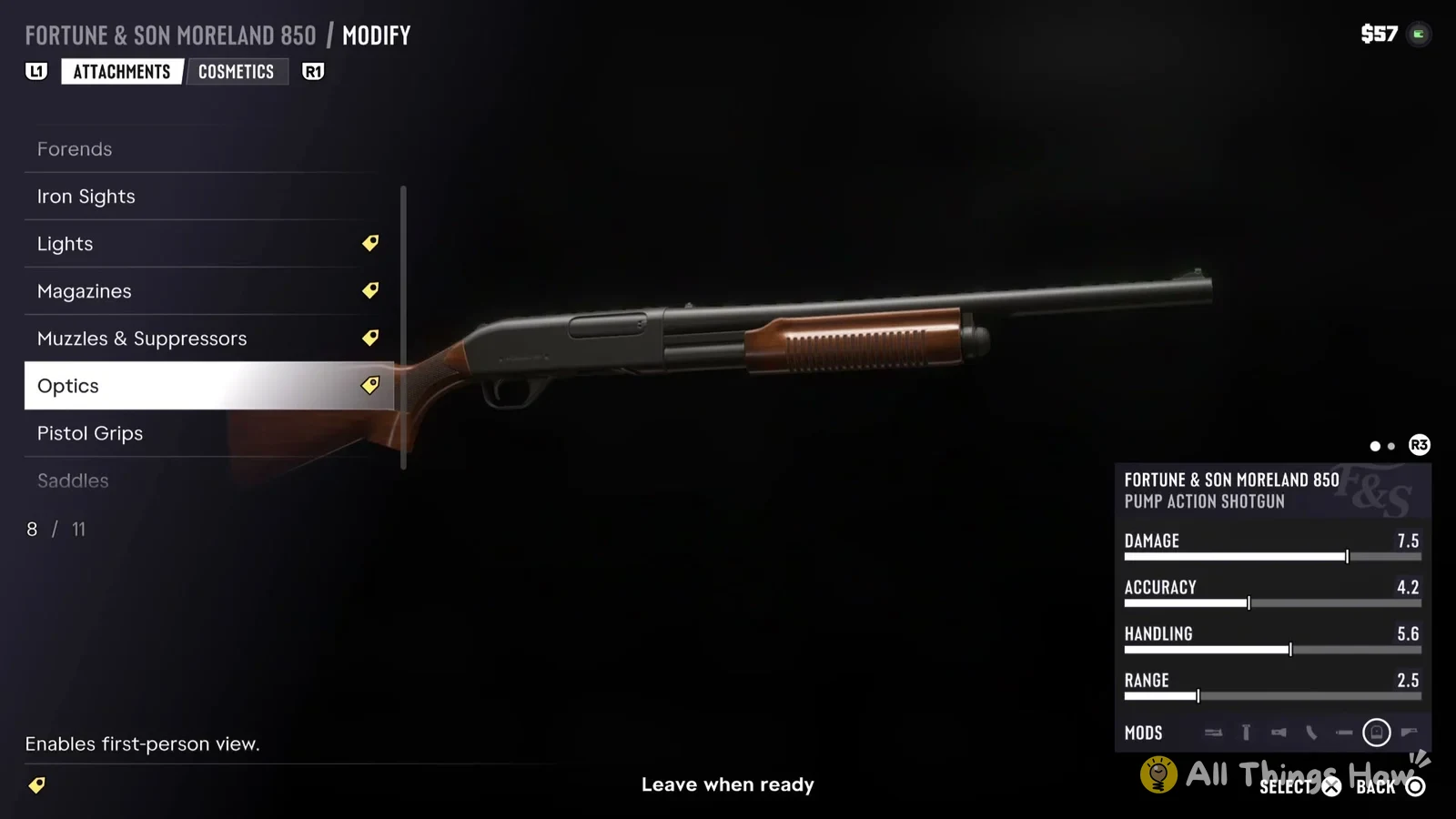
Which GTA 6 attachments change performance and which are cosmetic
Going only by the game’s own descriptions, eight of the 11 types describe an effect on how the gun handles or behaves:
- Barrels, for ranged damage
- For quicker recovery after firing: Foregrips
- Iron Sights, for manual targeting
- Lights, for seeing targets in the dark
- Magazines, for ammo capacity
- For less recoil and noise: Muzzles & Suppressors
- Optics, for first-person view
- Stocks, for stability while aiming
The other three, Forends, Pistol Grips and Saddles, are described only in visual or cosmetic terms, so pick those for looks.
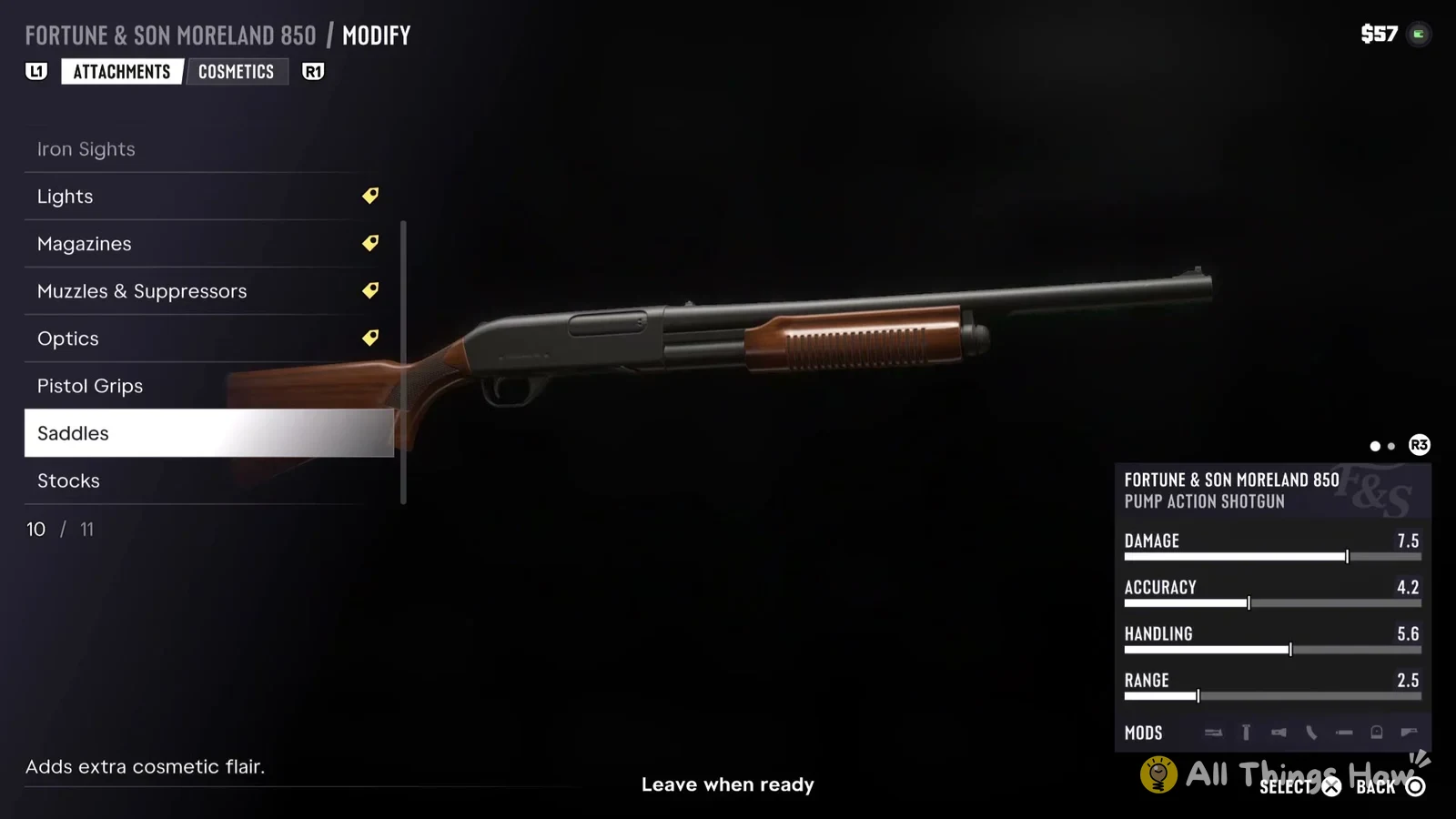
GTA 6 weapon cosmetics: Palettes, Colors and Wraps
Press R1 from ATTACHMENTS to reach the COSMETICS tab, which has three types: Palettes, Colors and Wraps. When you highlight Palettes, the game describes it as “Applies popular color combinations.”