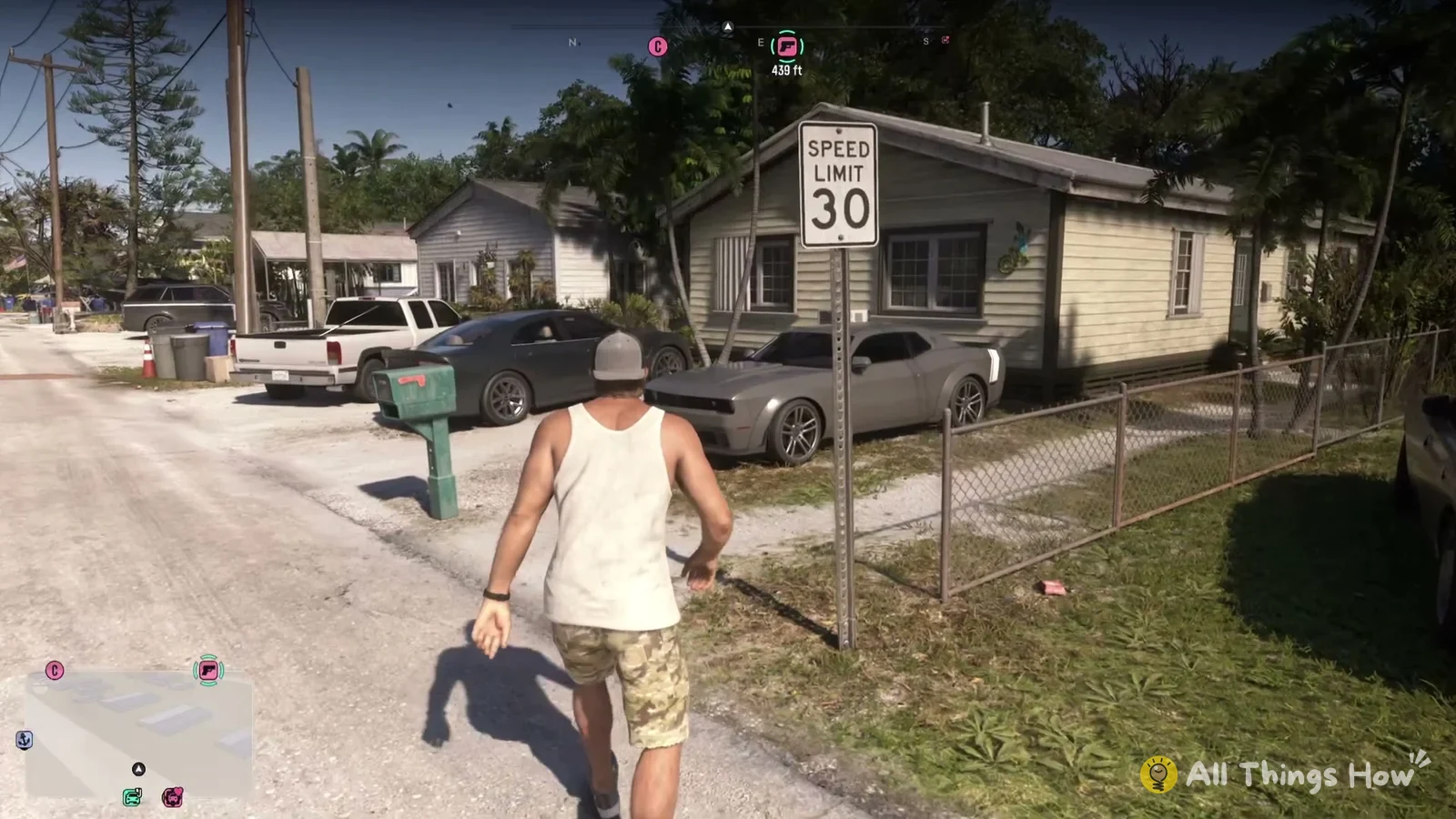
On November 19, 2026, Grand Theft Auto VI arrived on PlayStation 5 and Xbox Series X|S. Grand Theft Auto V lets you switch to a first-person camera whenever you like, but GTA VI doesn’t. The view is available in only two situations, though players have found a glitch that forces the camera into first person.
Quick answer: GTA 6 doesn’t give you a first-person mode to switch on. You get that view when you aim through a fitted optic or hold up your phone in a vehicle. PC Gamer has reported a glitch that can force the camera into first person.
GTA 6 first-person mode status
Game Rant reports that GTA 6 doesn’t have the classic first-person camera found in GTA 5 and Red Dead Redemption 2, and that nothing official has been said about first person arriving later. Tech Times reports the same thing: the game has no dedicated first-person camera option. It also cites VGC, which says Rockstar focused on third-person play instead of bringing over GTA 5’s full first-person mode. Rockstar Games hasn’t announced a first-person mode and hasn’t said anything about the glitch.
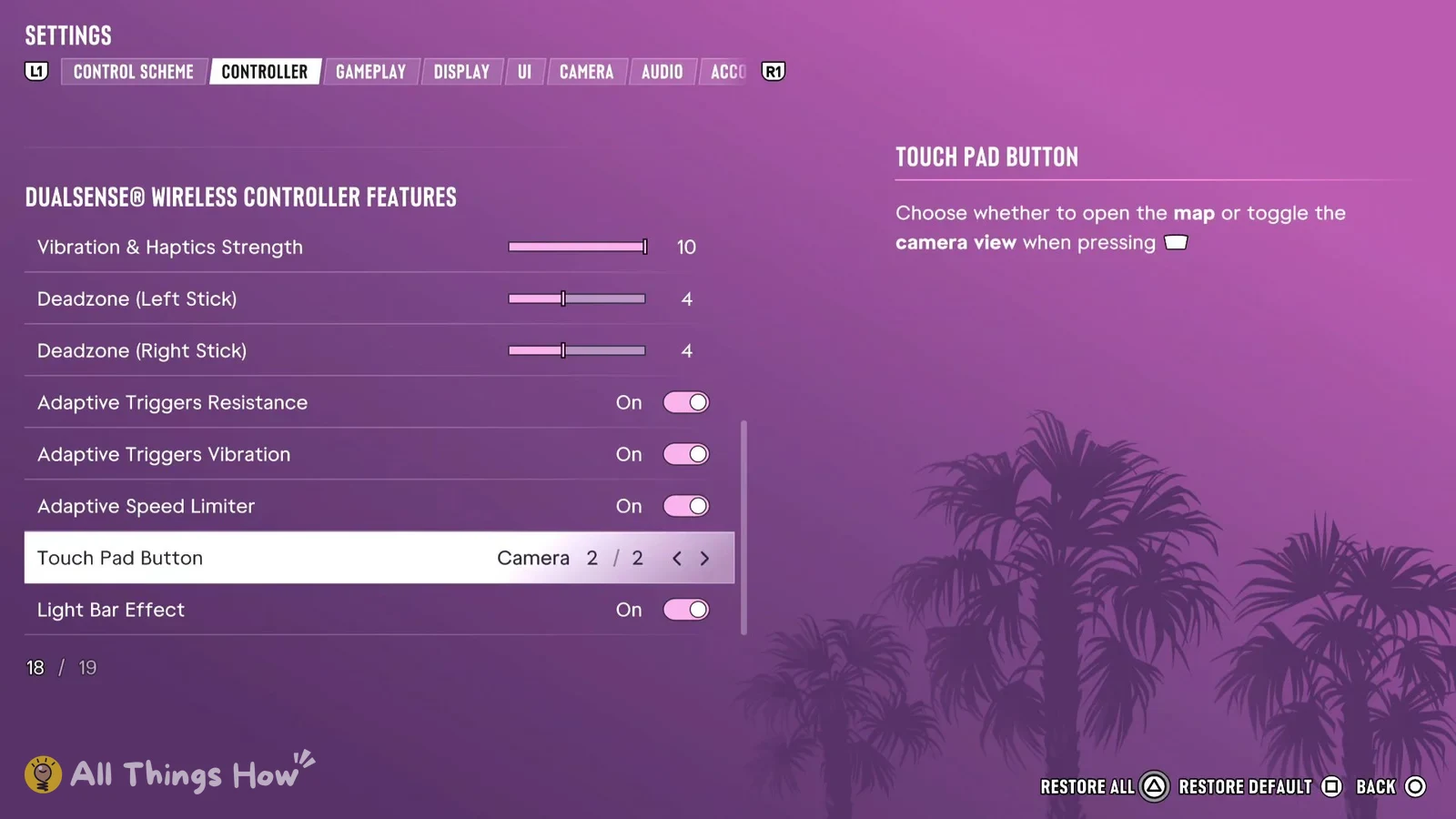
The settings menu doesn’t offer a first-person view. Go to Settings, then Controller, and look for Touch Pad Button. Its choices are Map and Camera, with Map picked initially. Switch to Camera to change how far the camera sits from your character by pressing the touch pad. The game doesn’t label any camera option as first person.
Cheats are no use for this. Game Rant says the game’s cheats don’t unlock a complete first-person camera.
GTA 6 first-person glitch: How to trigger it
This is an unintended workaround, not a feature, so a future update could remove it. PC Gamer reported the method, and Tech Times lists these steps. It uses the Touch Pad Button setting above, which is the View button on Xbox.
Make a save in a different slot before testing this. Neither outlet explains an official way to get out of the view.
Because the game wasn’t made for this kind of play, expect visual clipping and animations that look unfinished. Tech Times, drawing on PC Gamer’s testing, says the glitch still lets you explore and play in first person, though the view has rough edges.
Built-in first-person views in GTA 6
Outside the glitch, the game only switches to first person in these two cases:
| View | What you need | Can you move? |
|---|---|---|
| Scoped aiming | Optic fitted to a weapon | No, aiming only |
| Phone in a vehicle | Be in a vehicle, raise phone | Yes, you can drive |
Aim in first person with an Optic
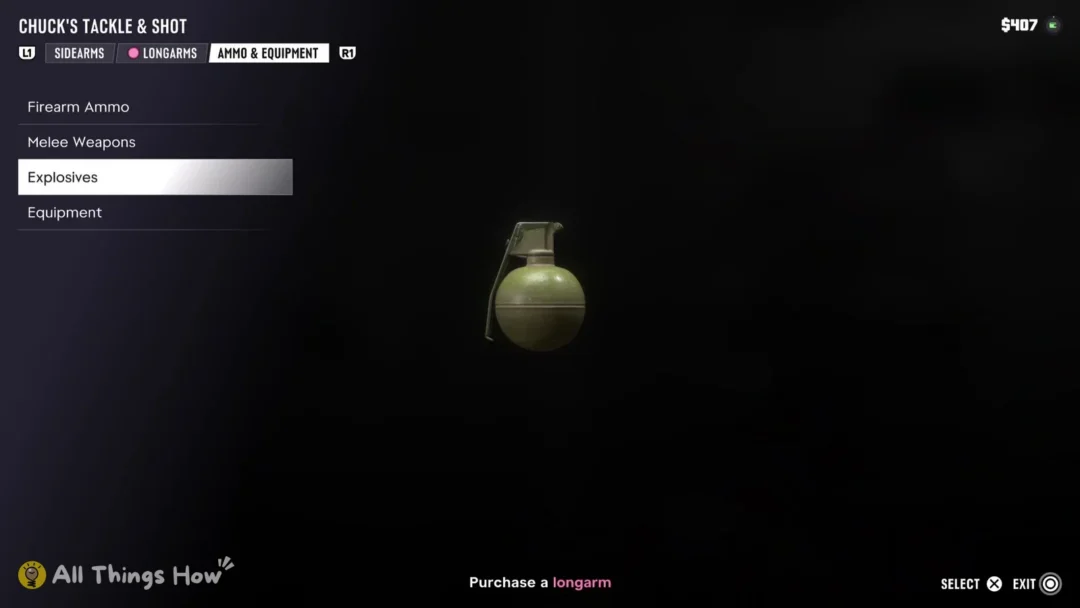
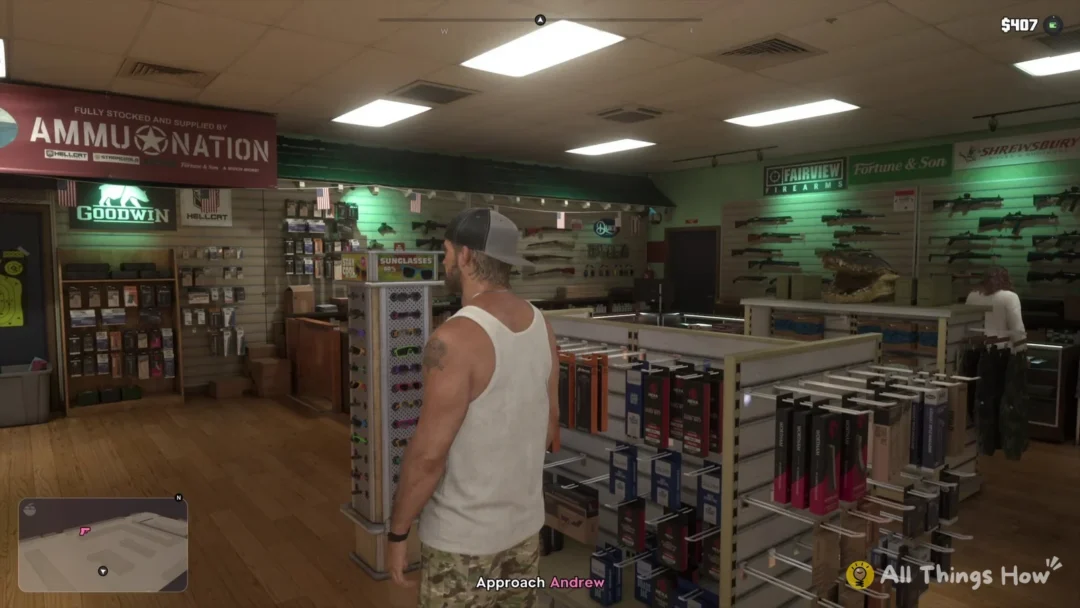
The game links first person to weapon optics. At Ammu-Nation, open a weapon’s Modify menu and look under Attachments for the Optics type. Its description reads “Enables first-person view.” Game Rant reports these steps using PS5 buttons.
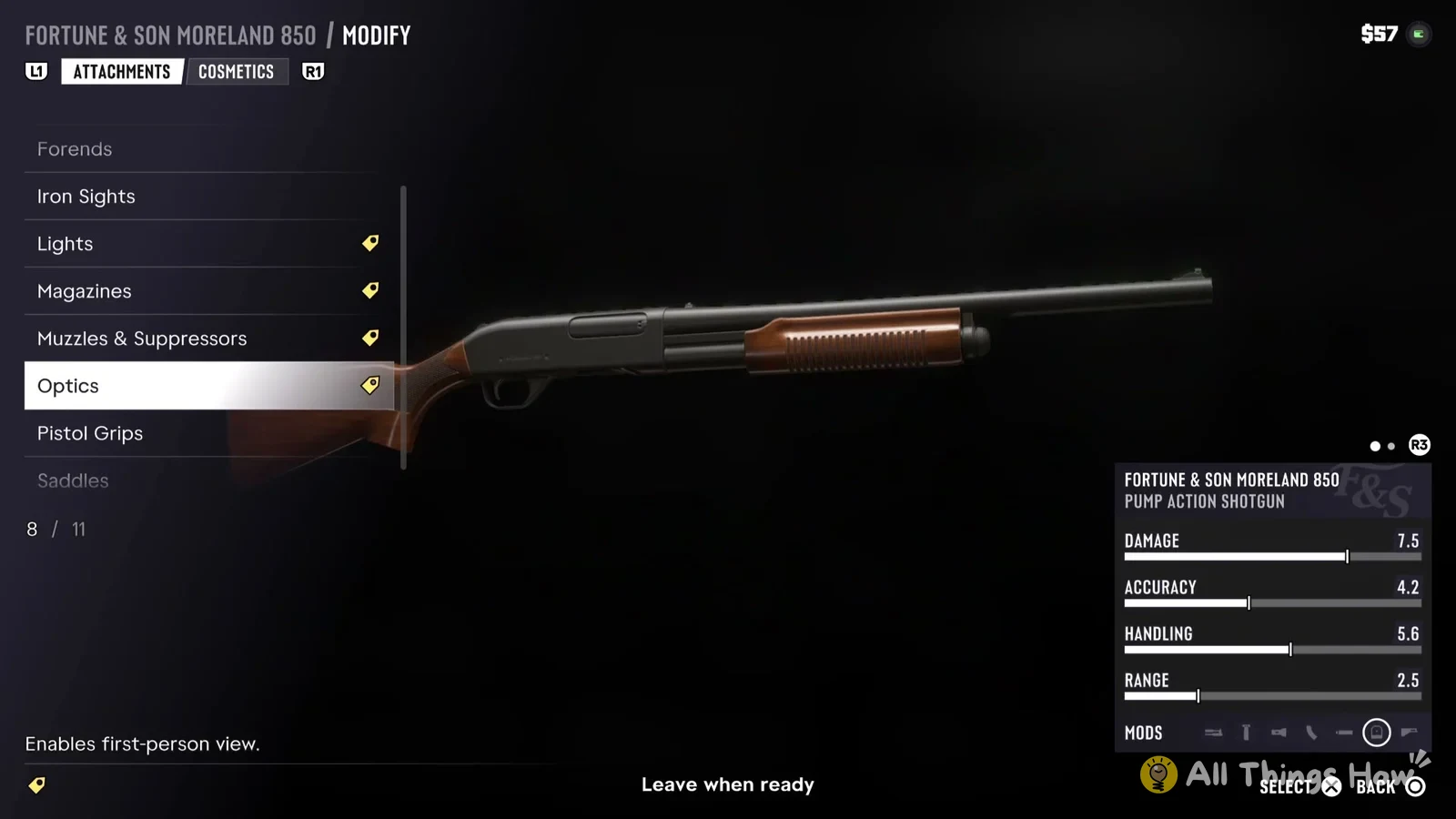
Game Rant says you can’t walk around in this view. It’s only for precision aiming at targets.
First person in a vehicle with the phone
Game Rant reports that raising the phone while you’re in a vehicle puts the camera in first person. On PS5, press up on the D-pad to raise it. The phone blocks part of the screen, but Game Rant notes you can technically still drive like this, and it’s the same moment the glitch above takes advantage of when you put the phone away.