Property in GTA Online works nothing like a real estate sale. You cannot click a button, hand back the keys, and collect a cash payout. Instead, Rockstar built a trade-in system that lets you replace one property with another and pockets you the price difference. If your goal is to free up a slot or move to a better location and claw back some GTA$, the trade-in is the only path.
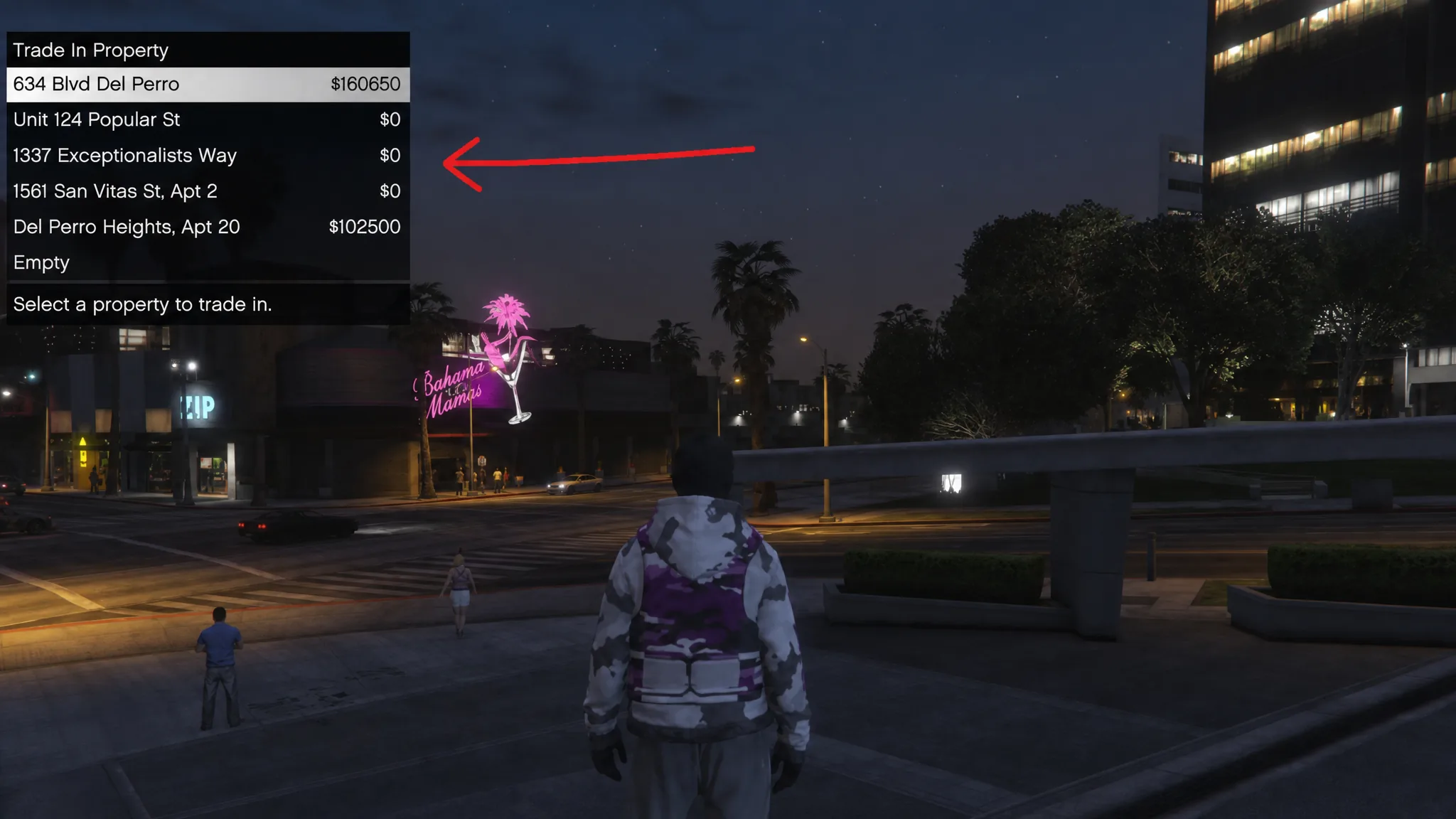
Quick answer: Open your phone, go to Dynasty 8 (apartments and garages) or Maze Bank Foreclosures (businesses), buy a property cheaper than one you own, and select your old property as the trade-in. The difference in value is credited to your account instantly.
You cannot sell property outright
There is no direct sell option for any building in GTA Online. Apartments, garages, offices, nightclubs, bunkers, none of them can be cashed out for money in the way you might expect. Once you buy a property, you will never see that exact amount returned.
Money-making businesses follow the same rule. Buying a Nightclub or a Bunker locks that spend in place. The only way to earn it back is by running the activities each business unlocks, such as passive Nightclub income. The trade-in system is the workaround, and it is how players “sell” without a real sell button.
How the trade-in value works
When you replace a property, the game credits a trade-in value based on the old property’s worth and subtracts it from the price of the new one. The return is roughly 50% of what you originally paid, so this is a way to recover part of your investment, not all of it.
Here is a concrete example. If you own a $1 million penthouse, its trade-in value is around $500,000. Swap it for a $100,000 apartment and the remaining $400,000 lands in your account. Downsizing from a costly property to a cheap one is the fastest way to pull cash out.
| Old property value | Trade-in credit | New property price | Net cash to you |
|---|---|---|---|
| $1,000,000 | ~$500,000 | $100,000 | ~$400,000 |
| $400,000 | ~$200,000 credit | $150,000 | ~$50,000 |
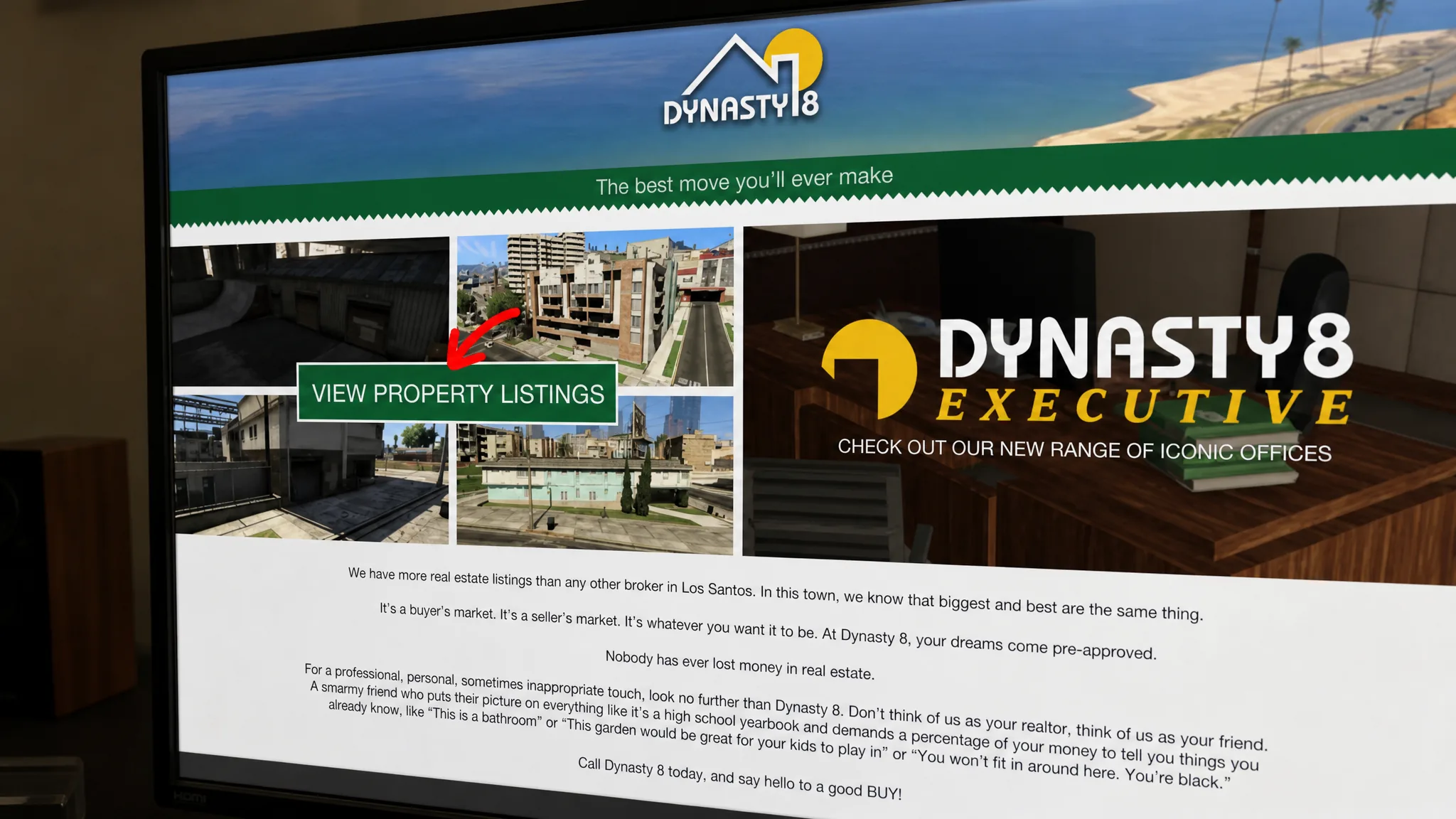
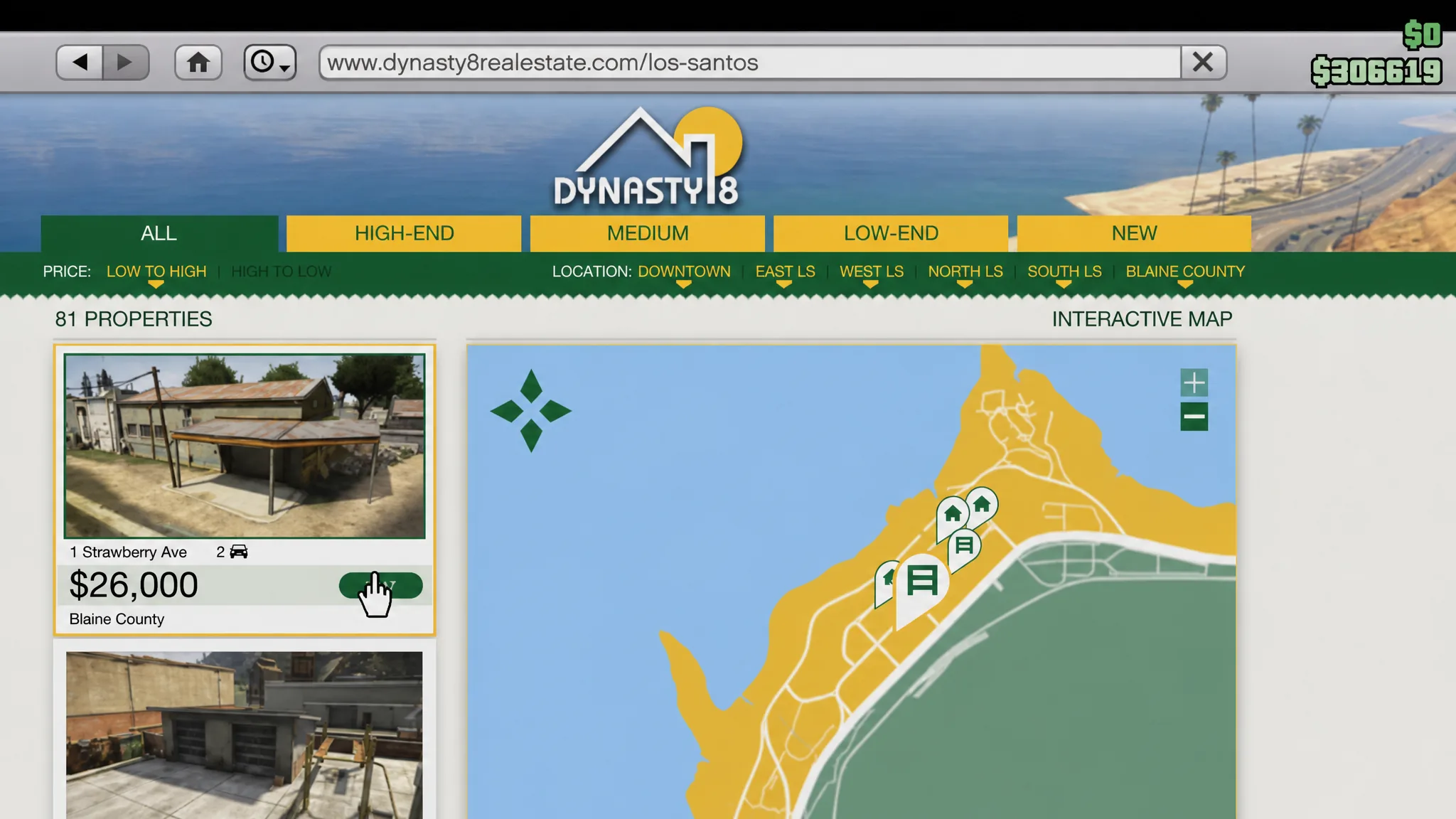
Trade in an apartment or garage through Dynasty 8
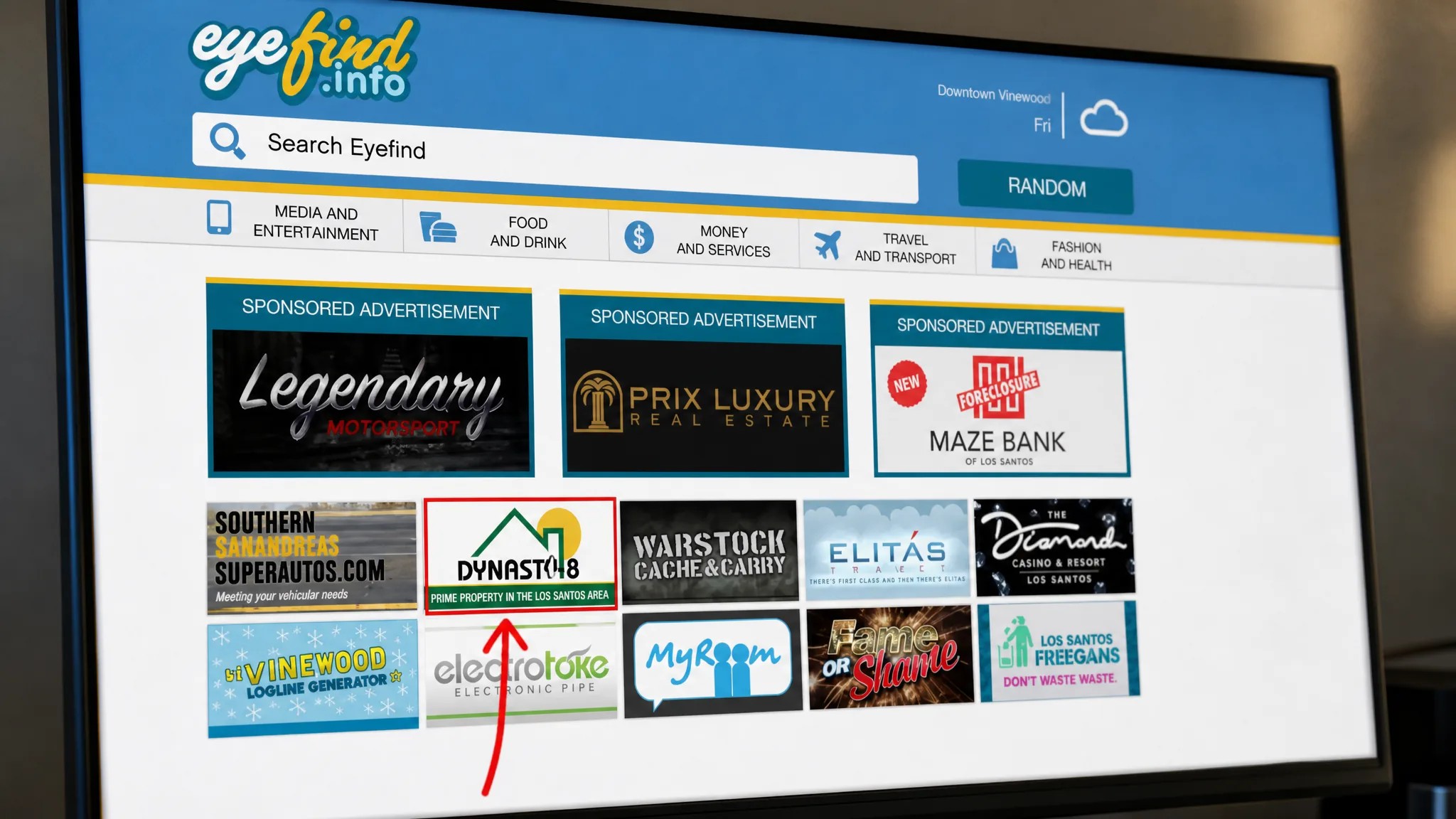
Trade in a business through Maze Bank Foreclosures
Businesses use a different site. Since you can normally own only one of each major business type, upgrading or moving forces you through an exchange rather than a fresh purchase. For CEO offices, use the Dynasty 8 Executive website instead.
Property ownership limits
You can own up to 10 properties in total, with a cap of one for each special business type. Garages and apartments can be stacked in multiples, but they still count toward that overall limit. You can only trade a property for another of the same category, so a garage swaps for a garage and an apartment for an apartment.
| Property type | Maximum owned |
|---|---|
| Facility | 1 |
| Bunker | 1 |
| Hangar | 1 |
| Nightclub | 1 |
| MC Clubhouse | 1 |
| Arcade | 1 |
| Auto Shop | 1 |
| Agency | 1 |
| Garages and apartments | Multiple, within the 10 total |
What you lose when trading a business
Trading a business resets its progress, so plan before you commit. Swapping a Bunker wipes your existing research progress, and the game warns you before the switch goes through.
For buildings that hold stock, such as Nightclubs or Hangars, you must clear out that stock before the exchange. Stored vehicles, supplies, and upgrades may not carry over to the new location either, which means buying some upgrades again. Because these properties are tied to active operations like biker missions or gunrunning, shut down anything ongoing first to avoid losing progress you cannot recover.
Note: GTA Online story-mode properties in single-player cannot be sold at all, and a property bought with Trevor stays with Trevor rather than transferring to Michael or Franklin.
The trade-in route rewards timing. The best moment to swap is when you are upgrading to a better location with more features, since you recover value and cut travel time in the same move. Pairing a downgrade with a genuine upgrade keeps your losses low while keeping your 10 slots working for you, and with GTA Online continuing after GTA 6 arrives, there is no deadline pressuring you to rush any of it.