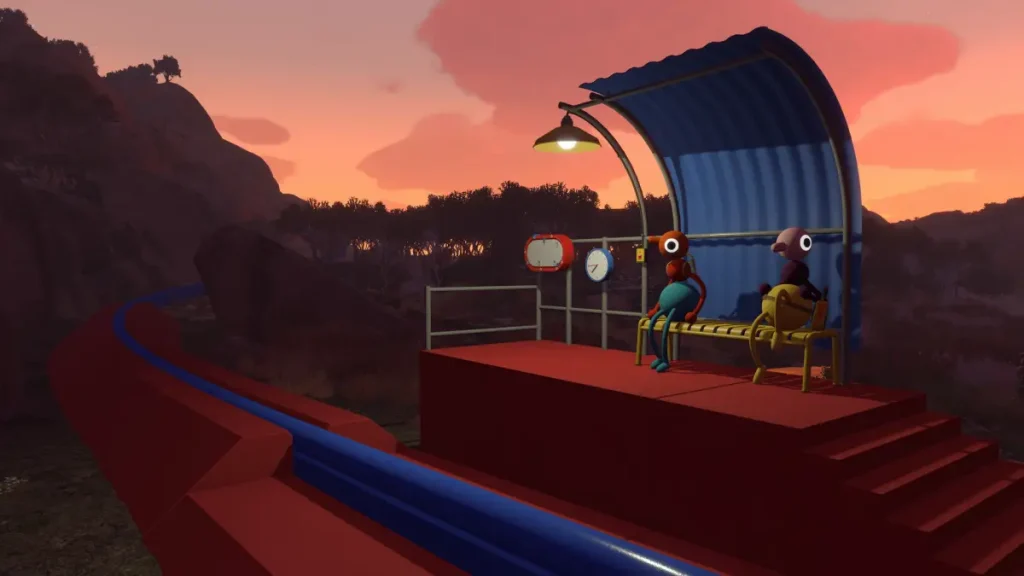
Big Walk is a cooperative online adventure from House House, the studio behind Untitled Goose Game, and it is built entirely around playing with other people. Before you round up a group, it helps to know exactly where it runs, what it costs, and how mixed-platform play actually connects.
Quick answer: Big Walk launches August 4, 2026 on Steam (Windows and Mac), PlayStation 5, and Nintendo Switch 2 for $19.99 with a 25% launch discount. Crossplay works across all three, so a PS5 player can join a Steam host using a shared Join Code. There is no confirmed cross-progression, and the save always stays with the host.
Big Walk platforms and release
Big Walk releases on August 4, 2026 across every announced platform at once. The PC and Mac versions ship through Steam, while console players get it on PlayStation 5 and Nintendo Switch 2. There is no Xbox version, and there is no Nintendo Switch (original) release, so the console side is limited to PS5 and Switch 2.
On PS5, online play requires a PlayStation Plus subscription, since the game is online-only and supports up to 12 players. You can wishlist and buy the PC version from the official Steam store page.
| Platform | Storefront |
|---|---|
| Windows PC | Steam |
| Mac | Steam |
| PlayStation 5 | PlayStation Store |
| Nintendo Switch 2 | Nintendo eShop |
| Xbox | No version announced |
Big Walk price and PS Plus
Big Walk costs $19.99 in the US, with a 25% launch discount applied for the first couple of weeks after release. Regional pricing lines up with that base cost.
| Region | Full price |
|---|---|
| United States | $19.99 |
| Canada | CA$25.99 |
| Europe | €18.99 |
| United Kingdom | £15.99 |
PlayStation Plus subscribers get an extra perk. Big Walk is available through PS Plus from August 4 to August 31, letting eligible PS5 players add it without paying the store price during that window.
Does Big Walk support crossplay?
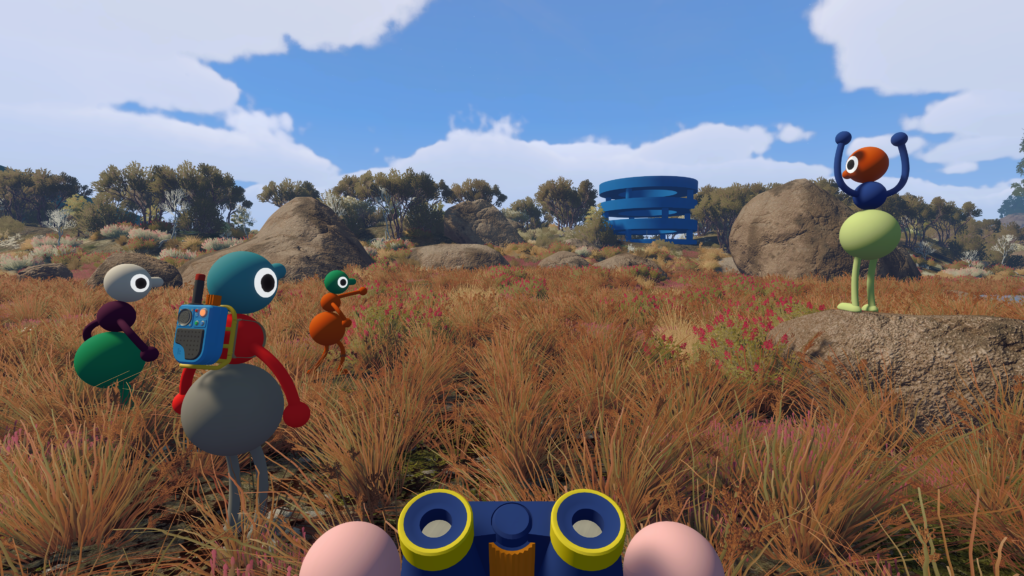
Yes. Crossplay is a launch feature, and it covers every platform the game ships on. A group can mix Steam, PS5, and Switch 2 players in the same session with no platform-specific restrictions. So a PS5 player can drop into a session hosted on a PC, and a Switch 2 player can join that same group.
| Platform | Crossplay | How to connect |
|---|---|---|
| Steam (Windows) | Yes | Friends list or Join Code |
| Steam (Mac) | Yes | Friends list or Join Code |
| PlayStation 5 | Yes | Friends list or Join Code |
| Nintendo Switch 2 | Yes | Friends list or Join Code |
| Xbox | No version | Not applicable |
There is no online matchmaking. Big Walk is built to be played with the same group over multiple sessions, so you cannot be paired with random strangers. Everyone in your party needs to be someone you invite directly.
How to join a Big Walk session
There are two ways in, and both start with the host launching a session first.
Hosting, saves, and cross-progression
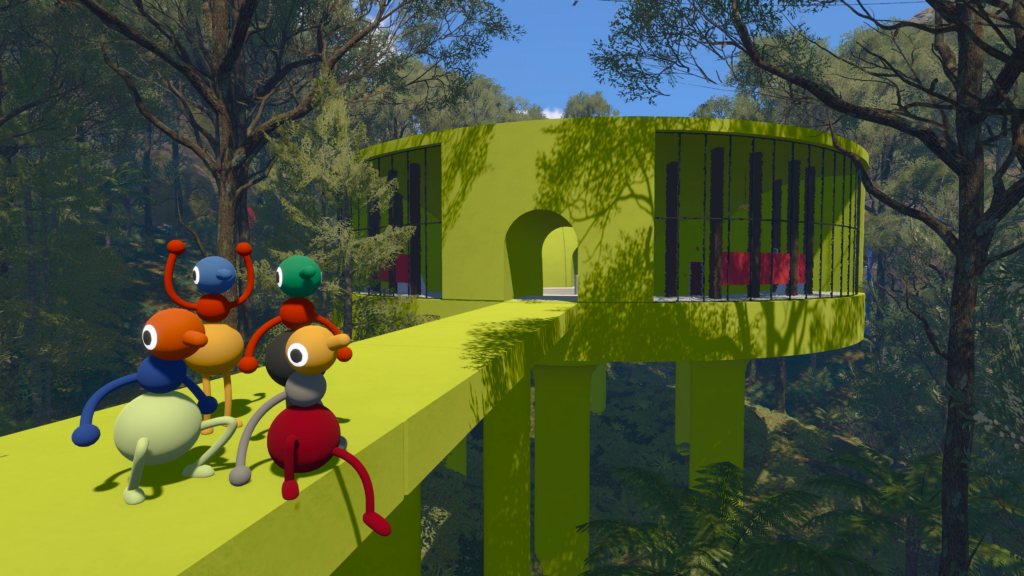
Big Walk uses a host-based save system, and this is the single most important thing to plan around. The host is the keeper of the save file, and the whole journey lives on their game.
- The host starts the session first, then everyone else connects.
- When the host ends the session, all other players are disconnected.
- To continue a saved journey later, you need the same host again.
- Progress saves automatically during play.
Cross-progression is a separate feature, and it is not confirmed. Crossplay lets different platforms join the same active session. Cross-progression would let one account carry its own progress between Steam, PS5, and Switch 2, and that is not something Big Walk offers. Joining a host from another system does not copy their journey to your console or account.
Because the save cannot be transferred and there is no host migration, pick a host who can reliably show up for future sessions. If a different player hosts, that group starts over from scratch.
Player count and world versions
Big Walk supports 2 to 12 players and has no single-player mode. You can technically start a session alone and wander a little, but the game is designed for teamwork and will not get you far on your own.
Each time the host starts a session, they choose a world version based on group size. Some parts of the world adapt to that choice. Treat the number as a minimum rather than a maximum, and pick a lower option if some players will not stay for the whole session.
| World version | Use it when |
|---|---|
| 2-player | Two people are present for most of the session |
| 3-player | Your core group is three people |
| 4+ player | At least four players are expected |
Smaller groups play as a focused co-op experience, while getting closer to 12 turns it into a louder, more chaotic hangout. The developers built it to work at any count in that range.
Communication is the whole game
Talking to your group is the core mechanic, not an optional layer. Big Walk uses proximity voice chat, so voices fade with distance, echo down corridors, muffle through walls, and crackle through walkie-talkies. In-game text chat has the same features and restrictions, so you can play the whole thing without a microphone and still get the intended experience.
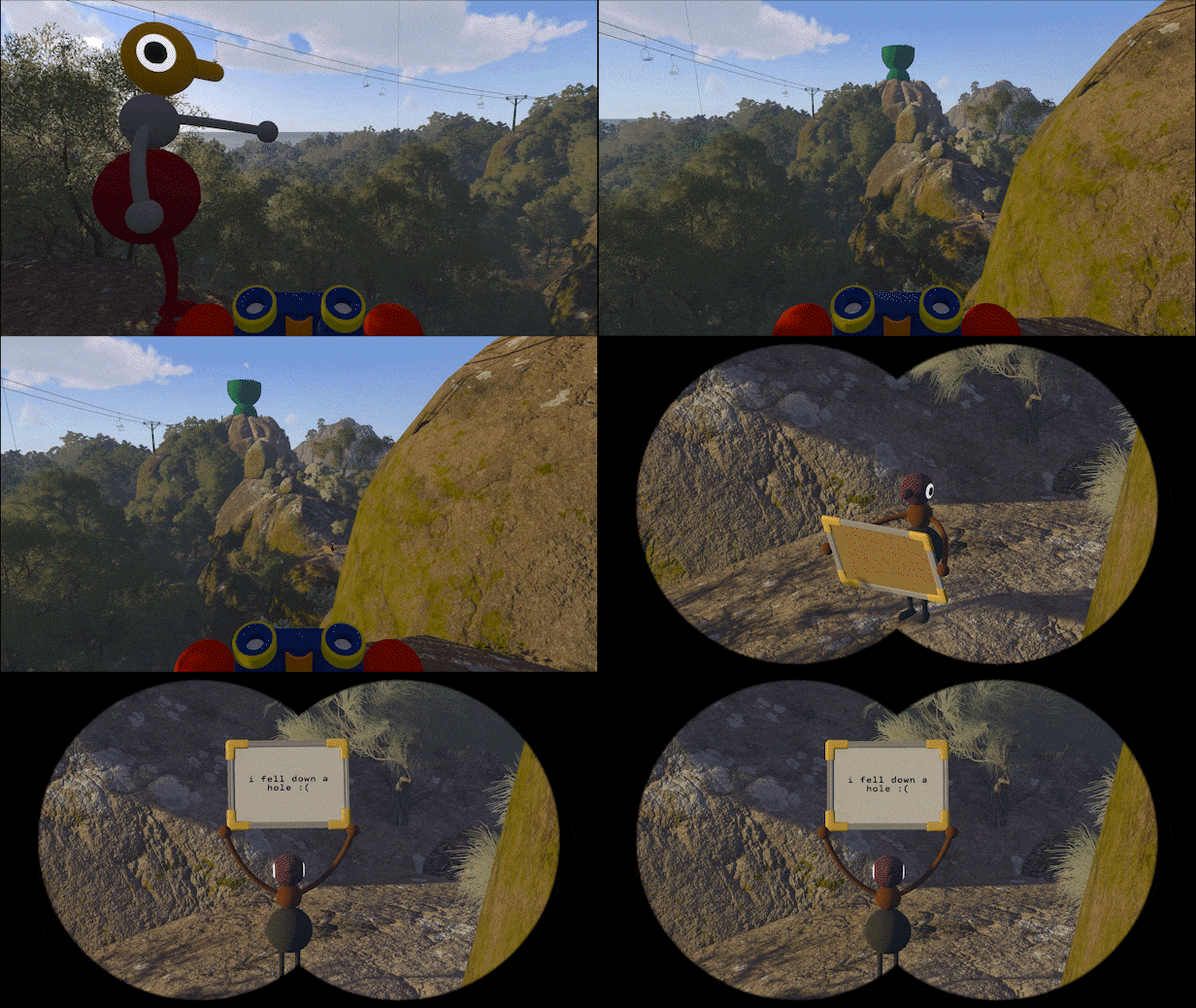
The game deliberately puts you in spots where you cannot hear each other and have to improvise. Tools and gestures fill the gap, including walkie-talkies, laser pointers, binoculars, megaphones, flares, and hand gestures for pointing and waving. On Switch 2, the built-in mic can handle voice, though chat features are more limited there than on PS5 or PC.
Both mouse and keyboard and controllers work on PC, and the game even supports the Switch 2’s mouse mode. Controls can be rebound on any platform.
If a session won’t connect
Most connection problems come down to a few things. Run through these before assuming something is broken.
- Confirm the host’s session is still active. If the host closes it, everyone drops.
- Make sure everyone is running the latest game version.
- Generate a fresh Join Code if a platform-friends session does not appear.
- Remember that resuming a saved journey requires the original host.
You will know a join worked when you drop into the host’s active world and can see and hear your group. With crossplay handling the platform side and a single Join Code tying everyone together, the main thing to settle in advance is who hosts, since that person carries the save for the entire adventure.