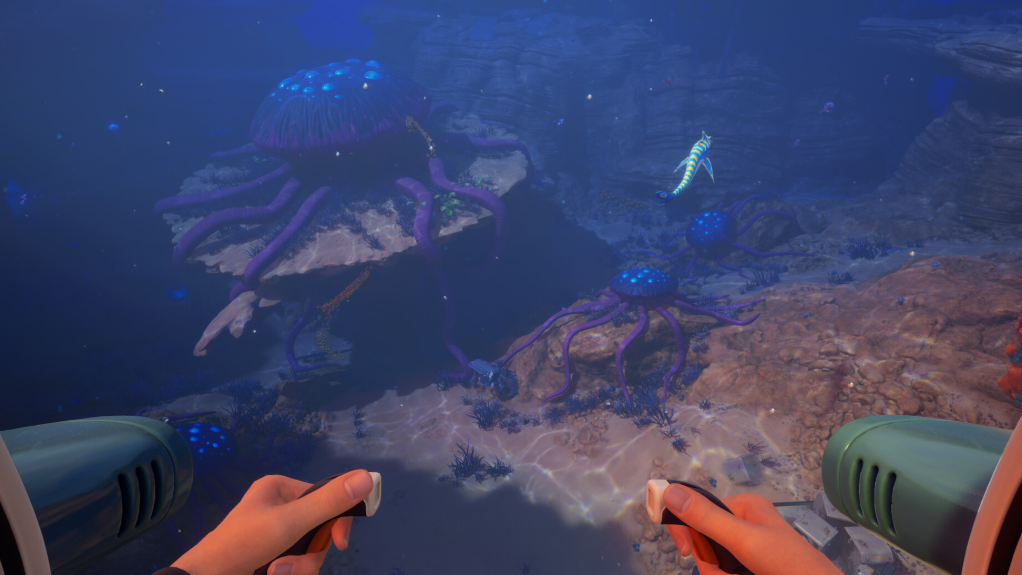
Dashing in Subnautica 2 is not a built-in movement key. It is an active Biomod you have to unlock, install at a Bio Lab, and then trigger underwater with Left Shift (or left stick click on a controller). On foot, there is no dash at launch.
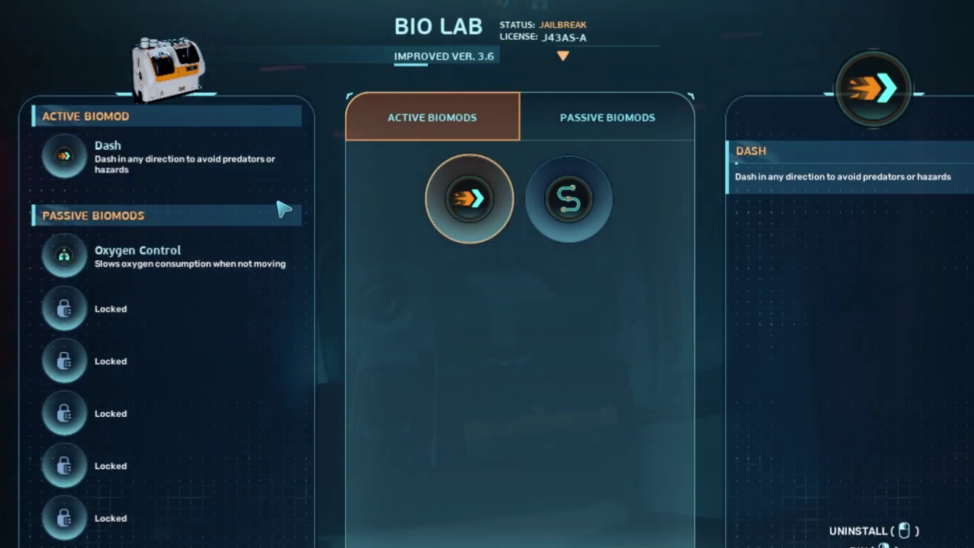
What the Dash biomod does
Dash is an active Biomod that gives you a short directional burst while swimming. The in-game description reads, “Dash in any direction to avoid predators or hazards.” It is the main escape tool against lunging creatures, useful for clearing tight cave passages, and helpful when oxygen is running low, and you need to reach the surface fast.
Two limits matter. The ability only works underwater, not while walking inside a base or on terrain. It also has a cooldown of roughly 5 seconds between uses, shown as a timer on the active biomod icon on the left side of the HUD.
Requirements before you can dash
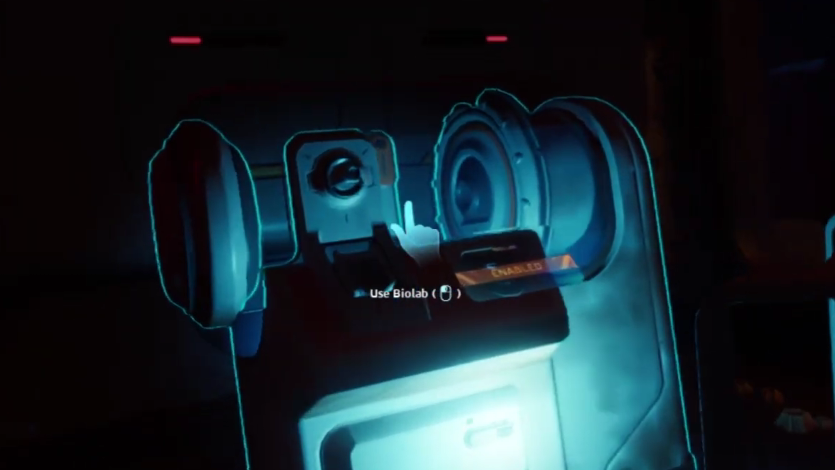
You need to progress the early story until the game introduces Biomods, then build a Bio Lab inside a base section. The Bio Lab is the interior facility that lets you slot active and passive biomods onto your character.
| Requirement | Detail |
|---|---|
| Story progress | Follow the opening objectives until Biomods are introduced |
| Structure | A habitat with room for an interior facility |
| Facility | Bio Lab (Interior Facilities tab in the build menu) |
| Build materials | Titanium, Mild Acid, Copper Wire |
| Power | Bio Lab must show “BIO LAB ENABLED” when you interact with it |
Unlock and equip Dash
How to trigger Dash
Once Dash is installed and you are swimming, press Left Shift on the keyboard or click the left stick on a controller. Your character lunges forward in the direction you are looking and moving. The icon in the upper-left HUD greys out and shows the cooldown counting down before you can dash again.
You can rebind the input under the controls settings. The relevant binding is the “active Biomod” key, not a separate “dash” key, because the same button triggers whichever active biomod is currently slotted.
Why your Dash key is not working
If Left Shift does nothing, one of these conditions is almost always the cause.
| Problem | Fix |
|---|---|
| You are on foot or inside a base | Dash only works while swimming underwater |
| Dash is not installed | Open the Bio Lab and click Install on the Dash entry |
| A different active biomod is slotted | Replace it with Dash in the Active Biomods tab |
| Cooldown is active | Wait around 5 seconds; watch the HUD icon |
| Story gate not reached | Progress until Biomods are introduced and the Bio Lab is buildable |
| Key rebind conflict | Check the “activate Biomod” binding in settings |
How to know it worked
Three on-screen signals confirm Dash is live. The Bio Lab menu shows Dash in the filled active biomod slot. The HUD displays a Dash icon on the left side while you swim. Pressing Left Shift produces a visible forward burst, followed by a circular cooldown sweep on that icon.
If you see the icon but no burst happens, you are almost certainly above water or standing inside the base. Get back into open water and try again.
Where Dash fits with other biomods
Dash is one slot. The Bio Lab also exposes a Passive Biomods tab, which runs independently and does not share the Left Shift trigger. A common early loadout pairs Dash as the active pick with Sea Skimmer or Oxygen Control on the passive side, so you keep an escape tool while also moving faster near terrain or stretching oxygen during scans.
Additional biomods are unlocked by scanning specific flora and fauna with the Bioscanner, a mid-game tool crafted from a Scanner, Enameled Glass, and Conduit Crystals. Dash itself is available from the Bio Lab without needing creature scans, which is why it is usually the first ability players slot.