Your Aniimo box fills up fast once you start catching for collection progress, better Potential, or rare variants. The management screen gives you plenty of tools to sort and release, but only one path actually adds more room to hold creatures.
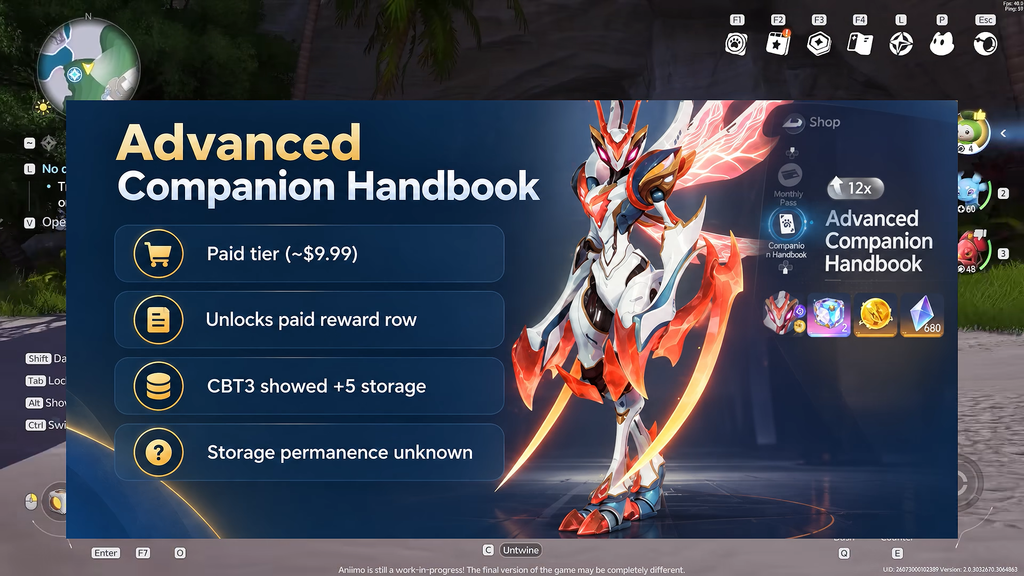
Quick answer: Buy the Companion Handbook battle pass with real money. The Advanced tier adds 5 storage slots and the Keepsakes tier adds 10. There is no free way to permanently raise your capacity.
Companion Handbook storage tiers
The Companion Handbook is a paid seasonal pass, running on a cycle of roughly 42 days. Extra Aniimo storage is one of its premium perks, and the amount depends on which tier you buy.
| Tier | Price | Storage increase |
|---|---|---|
| Advanced | $9.99 | +5 slots |
| Keepsakes | $19.99 | +10 slots |
You buy the pass directly inside the game. Once the purchase completes, the extra slots are applied to your Aniimo Management capacity automatically, so the total number your boxes can hold goes up.
Storage added through a pass is not permanent. When the pass lapses, that space expires and the game will show a message that the storage has expired and Aniimo cannot be placed inside it. Keep your creature count under your base capacity before a pass runs out.
How Aniimo storage capacity works
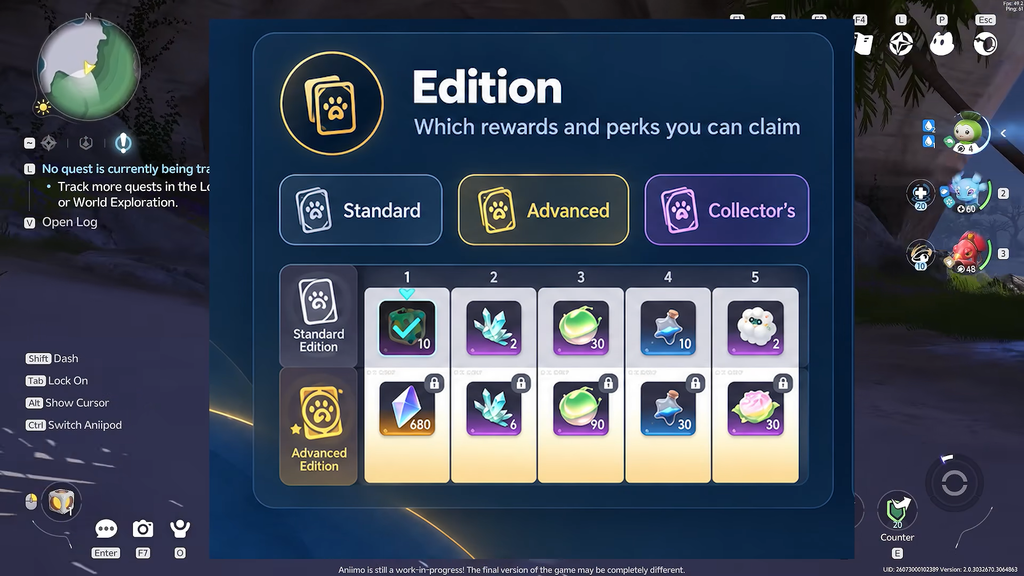
Your caught Aniimo live in the Aniimo Management screen, which is split into boxes. Each box holds up to 24 Aniimo. The bottom bar shows the box you are in and how full it is, for example Storage 1 (24/24), and clicking that name opens the full list of boxes with their counts.
Running out of room is a hard stop. When every box is full, the game blocks new catches outright with a message that there is not enough storage space in Aniimo Management. At that point you either expand capacity with a pass or make room by releasing.
The Storage Box you place as Home furniture is a separate system for items, not the box your caught Aniimo live in. Increasing creature capacity only happens through the Companion Handbook.
Free up storage without paying
If you would rather not buy a pass, the practical alternative is releasing Aniimo you do not need. Releasing returns a Farewell Gift, and the main reward is the Growth Bud, which grants 1,000 Aniimo EXP when used on a creature you keep. That turns a clear-out into a levelling budget.
Good candidates to release:
- Lumin Stage Aniimo with low ratings.
- Common and Good rarity Aniimo, since their stats trail Elite and Perfect catches.
- Duplicates you are not planning to evolve.
- Aniimo whose Personality fights their role, such as a DPS that boosts defenses instead of offense.
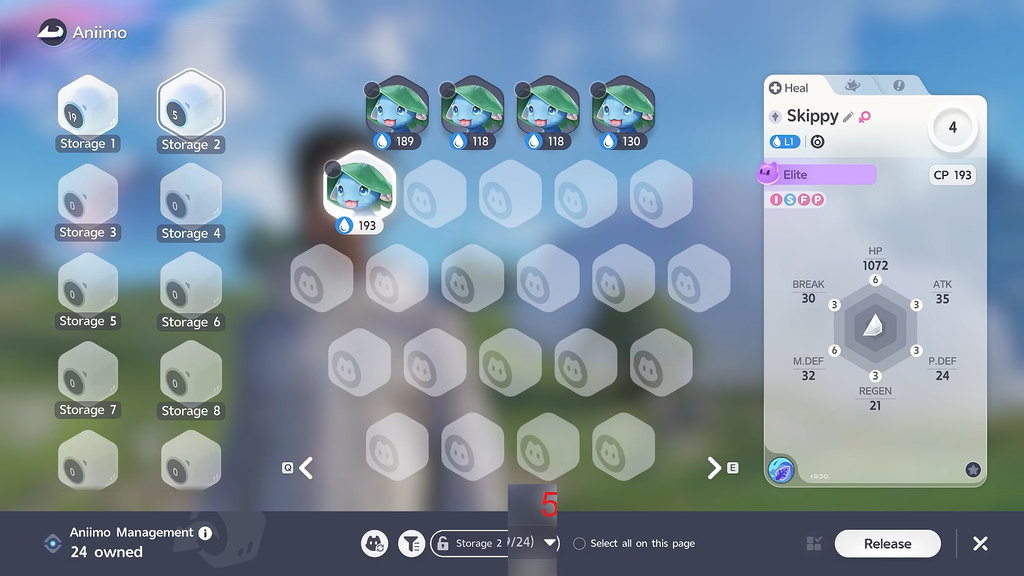
Mass release from Aniimo Management
Auto release at the Research Console
To stop weak catches from ever filling your boxes, use the Research Console at an Outpost. The report screen carries Release toggles for Potential grades. Switch on the grades you never want to keep, such as Common and Good, and any matching Aniimo are released automatically when you hand in the report, with the Farewell Gifts landing in your bag.
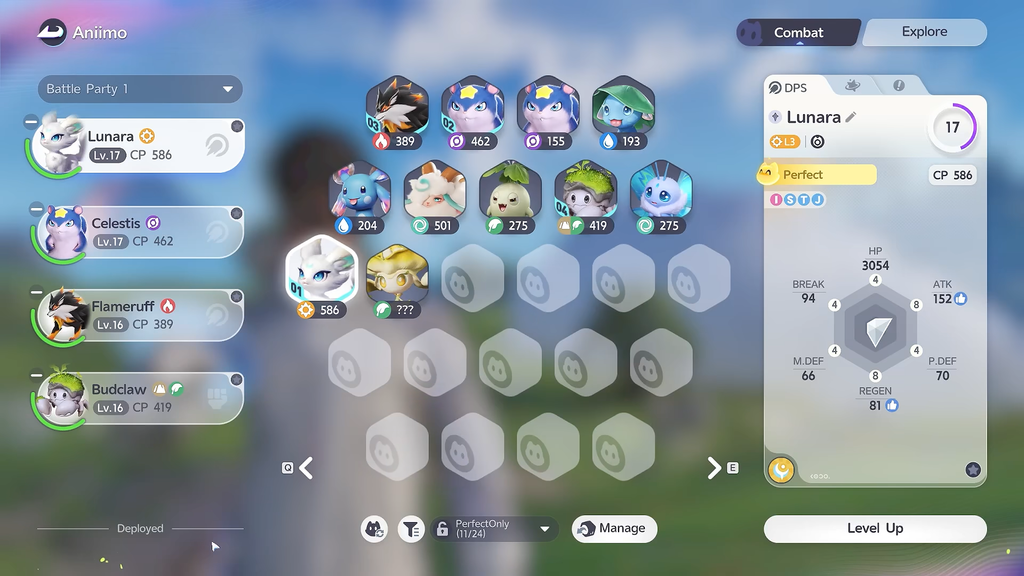
Confirming the change worked
After buying a Companion Handbook tier, open Aniimo Management and check the box list. Your total capacity rises by 5 or 10 depending on the tier, so the fill counts on the bottom bar allow more creatures than before. If you cleared space by releasing instead, the count next to a box drops immediately and the game lets you catch again without the storage-full message.