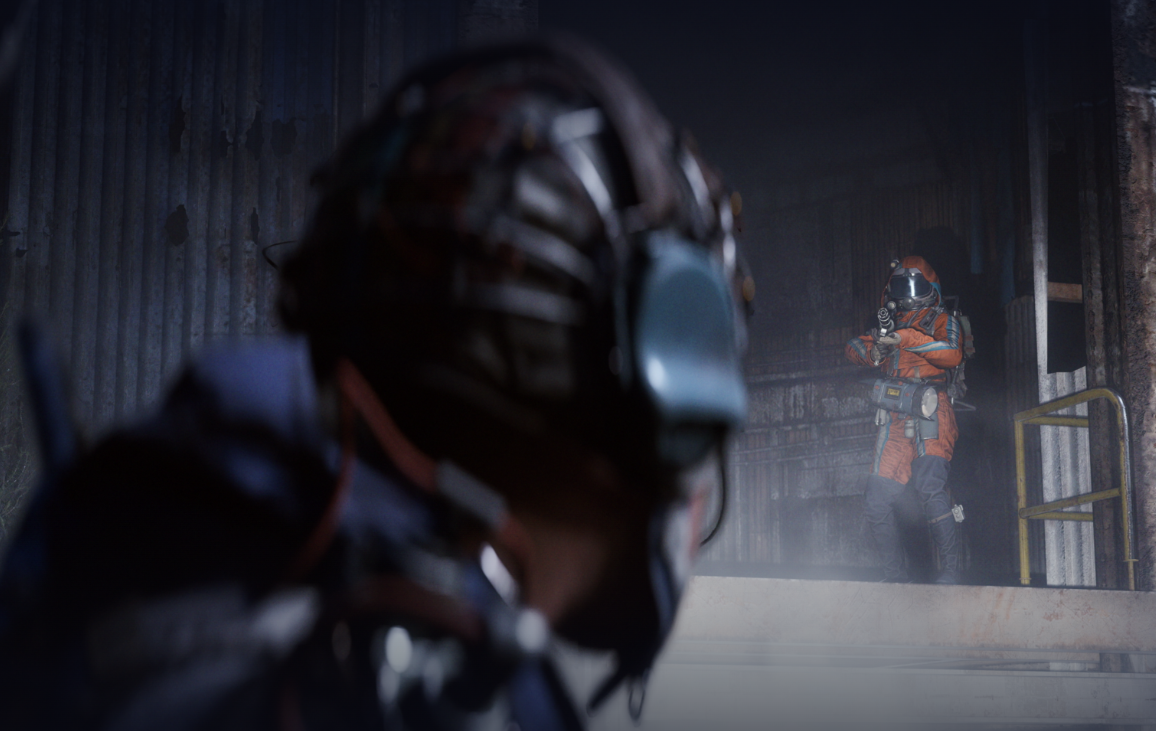
The “Don’t Shoot” line in ARC Raiders is a built‑in, pre‑recorded callout you trigger from the emote system. It’s designed for fast, clear communication with nearby players without opening your mic.
Use the emote wheel to play “Don’t Shoot” (PC, PS5, Xbox)
Move your mouse or right stick to highlight the “Don’t Shoot” option on the wheel. Keep the input held while selecting.
Release the emote input to confirm. Your character will play the “Don’t Shoot” voice line for nearby players.
On PC, toggle emote loudness with
K if you want your callout to play more quietly or more loudly relative to others nearby.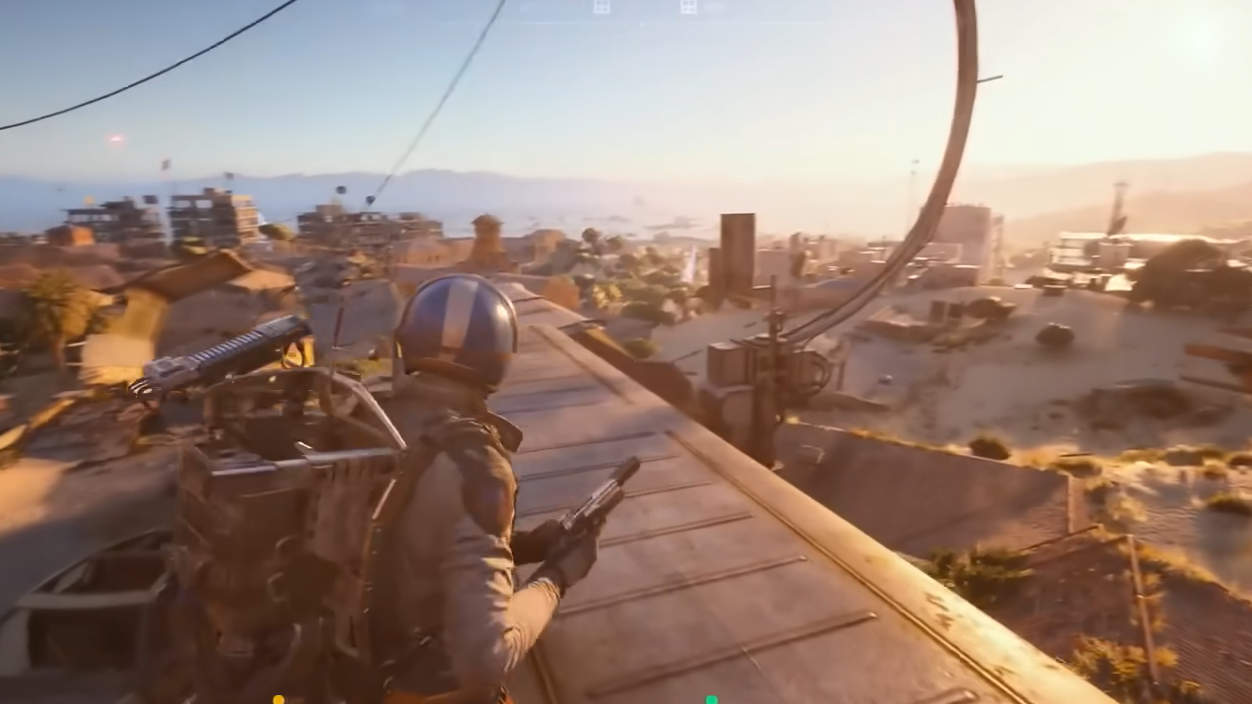
Access the second dialogue wheel on Xbox (if you don’t see it)
Say it with proximity voice chat (mic)
Signal friendliness without talking (holster)
Holster your weapon to show non‑hostile intent. On PC, press
H. On Xbox, hold Y. On PS5, hold Triangle.Default controls reference (PC, Xbox, PS5)
Use these defaults if you haven’t changed your bindings. Remapping is available for keyboard; controller remapping may not be available.
| Action | PC | Xbox | PS5 |
|---|---|---|---|
| Emote (open wheel). | G. |
D‑pad Up. |
D‑pad Up. |
| Proximity Voice Chat (hold to talk nearby). | B. |
D‑pad Down. |
D‑pad Down. |
| Push‑to‑Talk (squad only). | Z. |
LB + D‑pad Down. |
L1 + D‑pad Down. |
| Emote Loudness toggle (PC). | K. |
— | — |
| Holster / Unarmed. | H. |
Hold Y. |
Hold Triangle. |
Troubleshooting the “Don’t Shoot” emote
Confirm your bindings in Settings. Look for Emote, Push‑to‑Talk, and Proximity Voice Chat to make sure they match your inputs.
On PC, rebind the Emote key if it conflicts with another action. Keyboard/mouse inputs can be remapped; controller inputs may be fixed.
If others can’t hear your callout, toggle emote loudness on PC with
K and try again near other players.Once you know where the emote lives and which chat button does what, “Don’t Shoot” takes a second to communicate and often diffuses tense encounters.