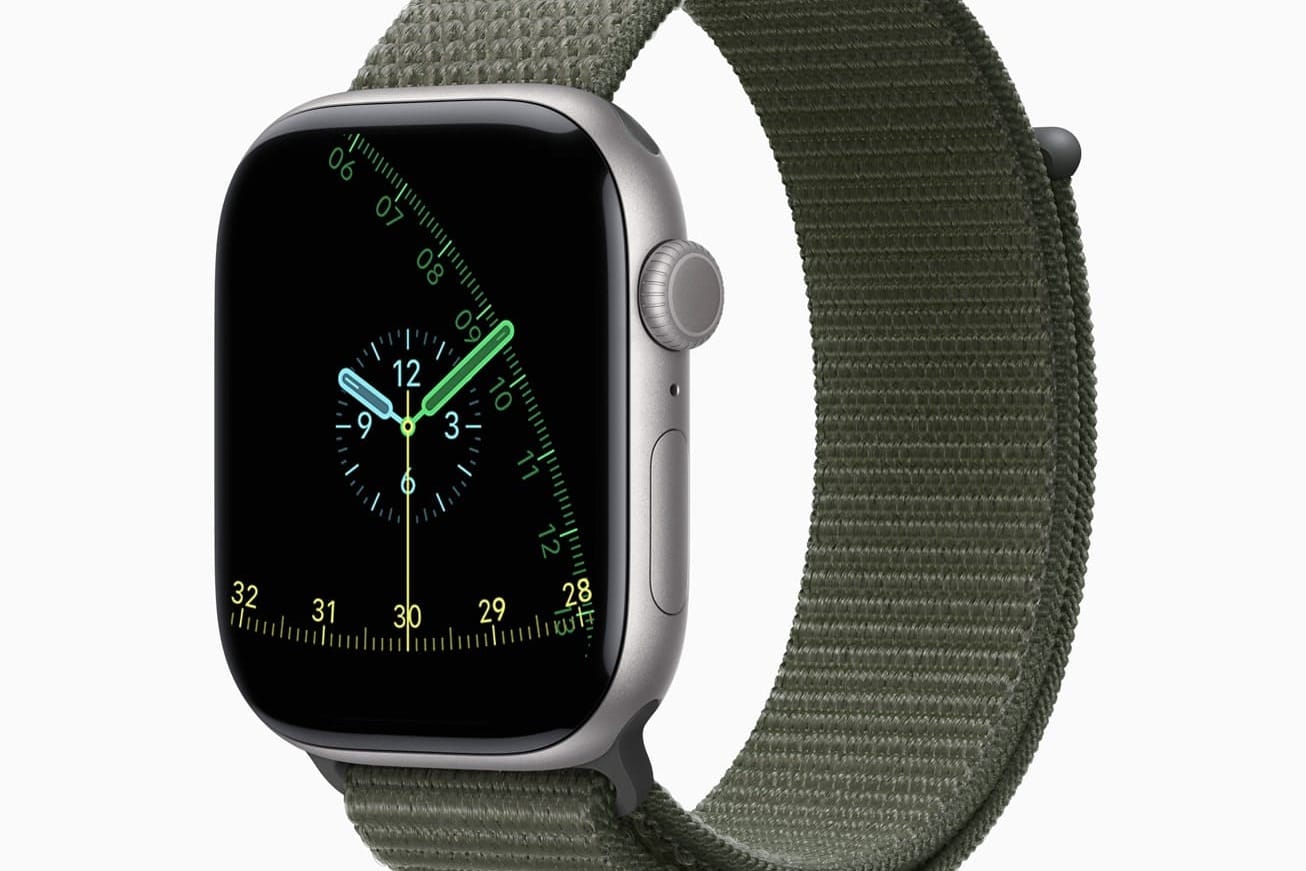
Exactograph is Apple’s modern take on a regulator clock, separating hours, minutes, and seconds for precise timekeeping. It arrives with watchOS 26 alongside Flow and other updates to the Watch Face Gallery.
Requirements and compatibility
Exactograph is available when your devices are updated to iOS 26 and watchOS 26. watchOS 26 supports Apple Watch Series 6 or later, Apple Watch SE (2nd generation) or later, and all Apple Watch Ultra models, and requires iPhone 11 or later running iOS 26. Waypoint (another new face) is Ultra‑only, and Hermès Faubourg Party is exclusive to Hermès models; Exactograph and Flow are available on supported non‑Ultra models.
Update your iPhone and Apple Watch
Settings > General > Software Update. This ensures the Watch app can fetch the new faces and gallery design.Settings > General > Software Update on the watch, or in the iPhone Watch app under My Watch > General > Software Update. Keep the watch on its charger with at least 50% battery.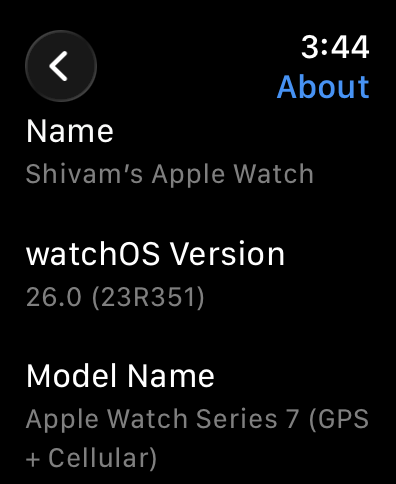
Add the Exactograph watch face
Face Gallery tab. Then, tap on the ‘New Watch Faces’ cover image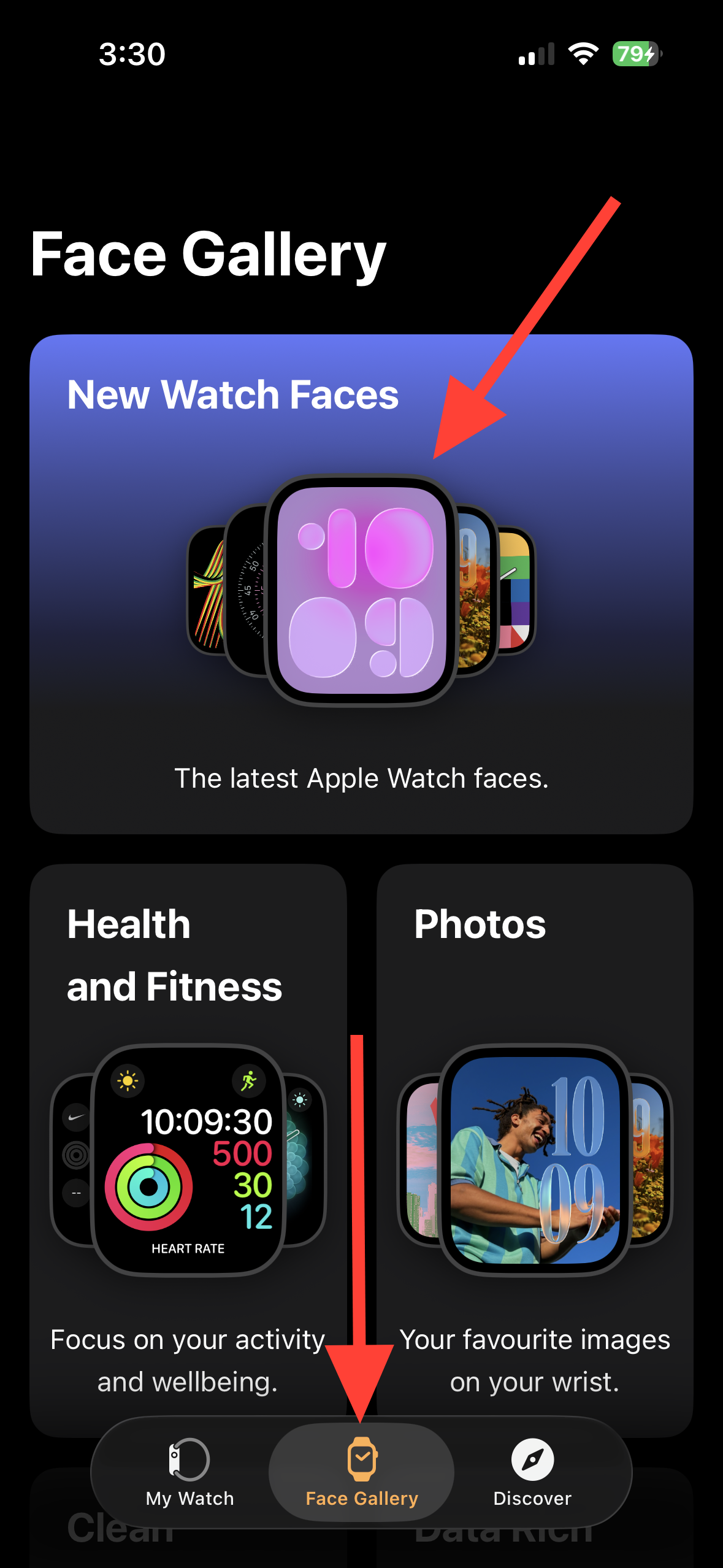
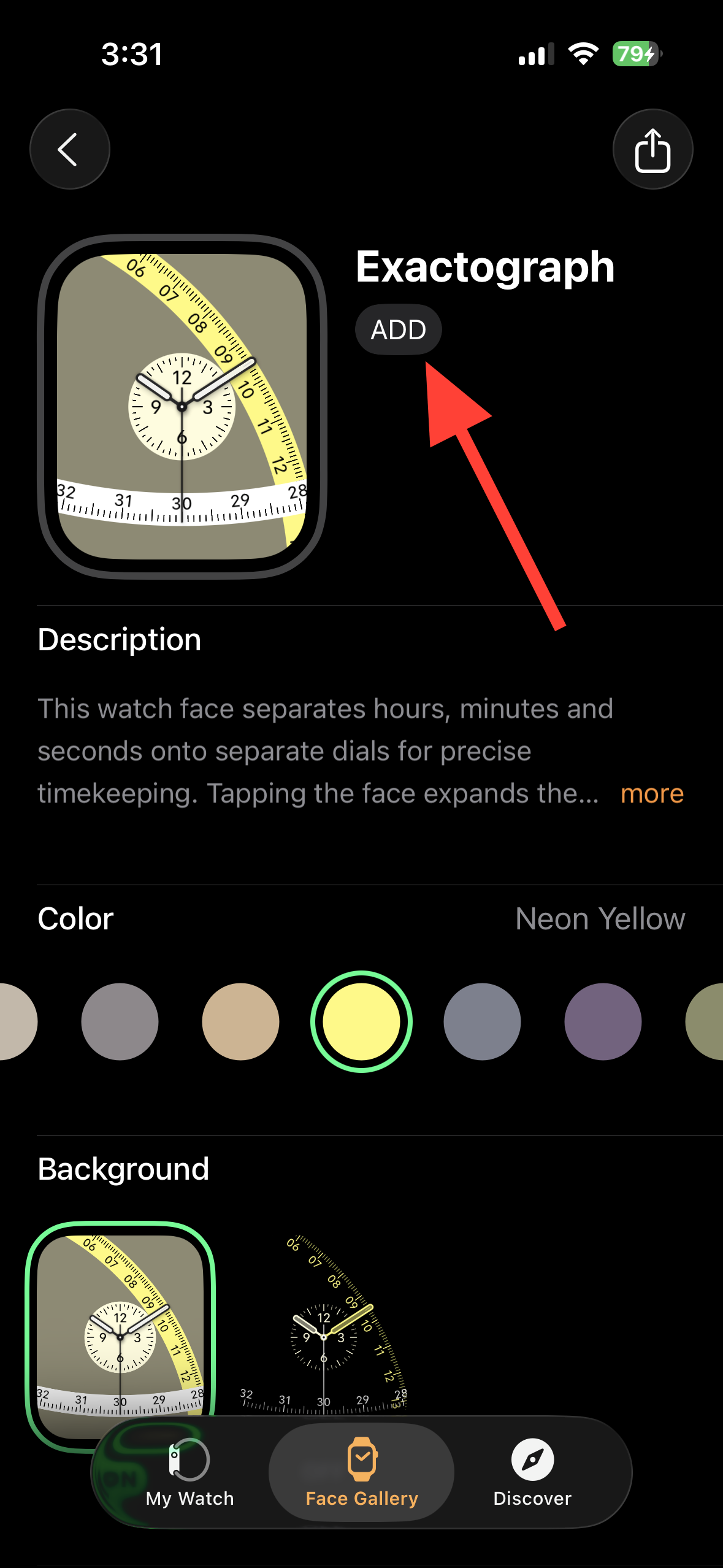
Add. This adds it to My Watch > My Faces.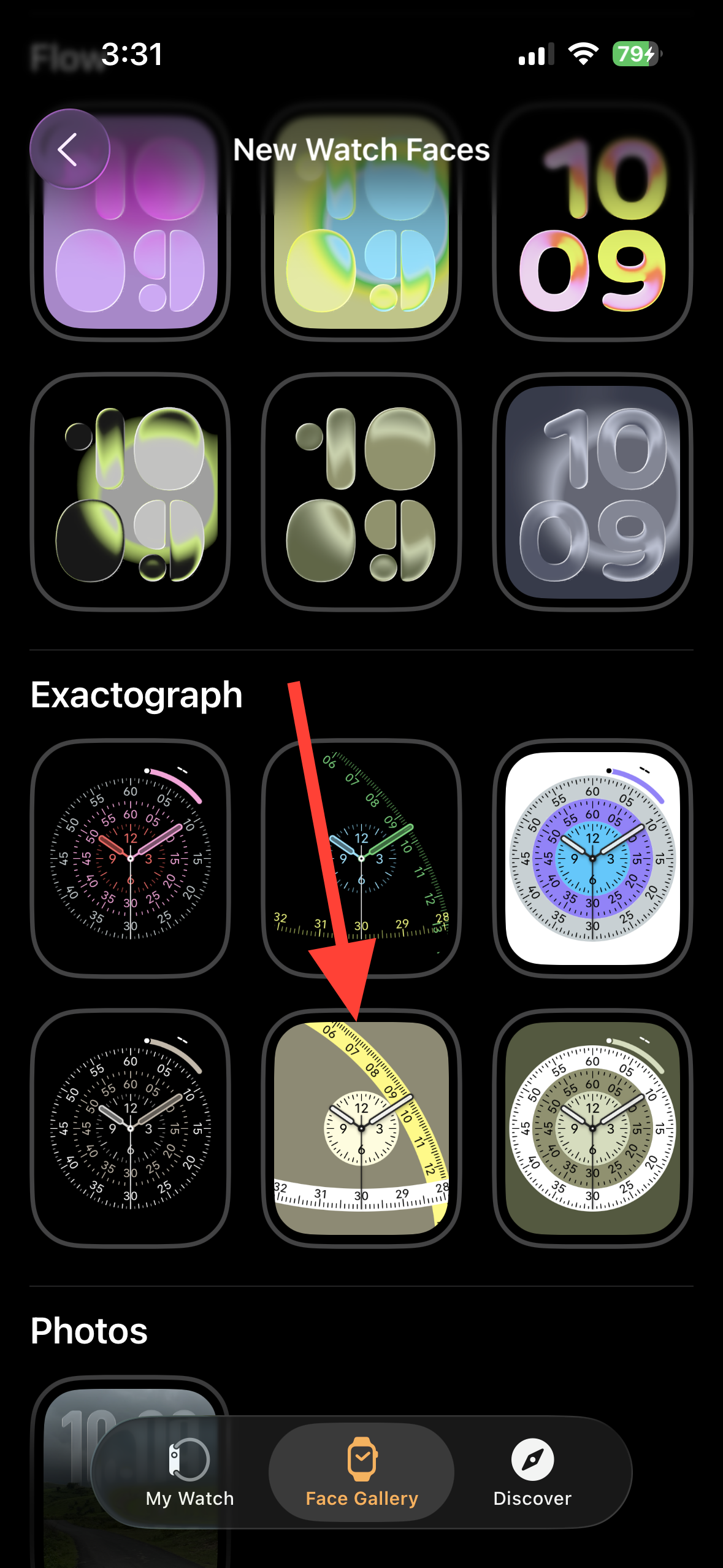
My Faces and selecting Set as current Watch Face. You can also long‑press your watch face on the Apple Watch, swipe to Exactograph, and tap to activate it.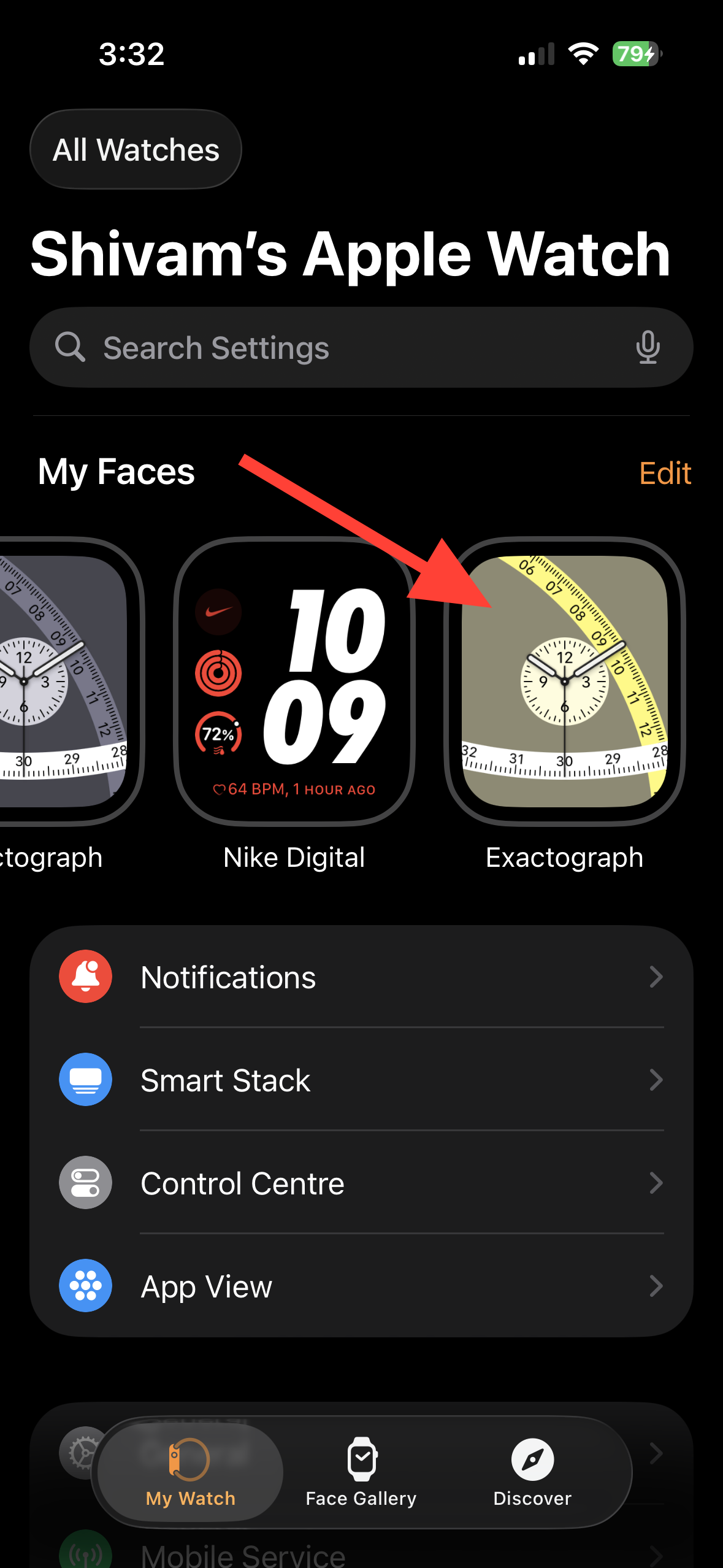
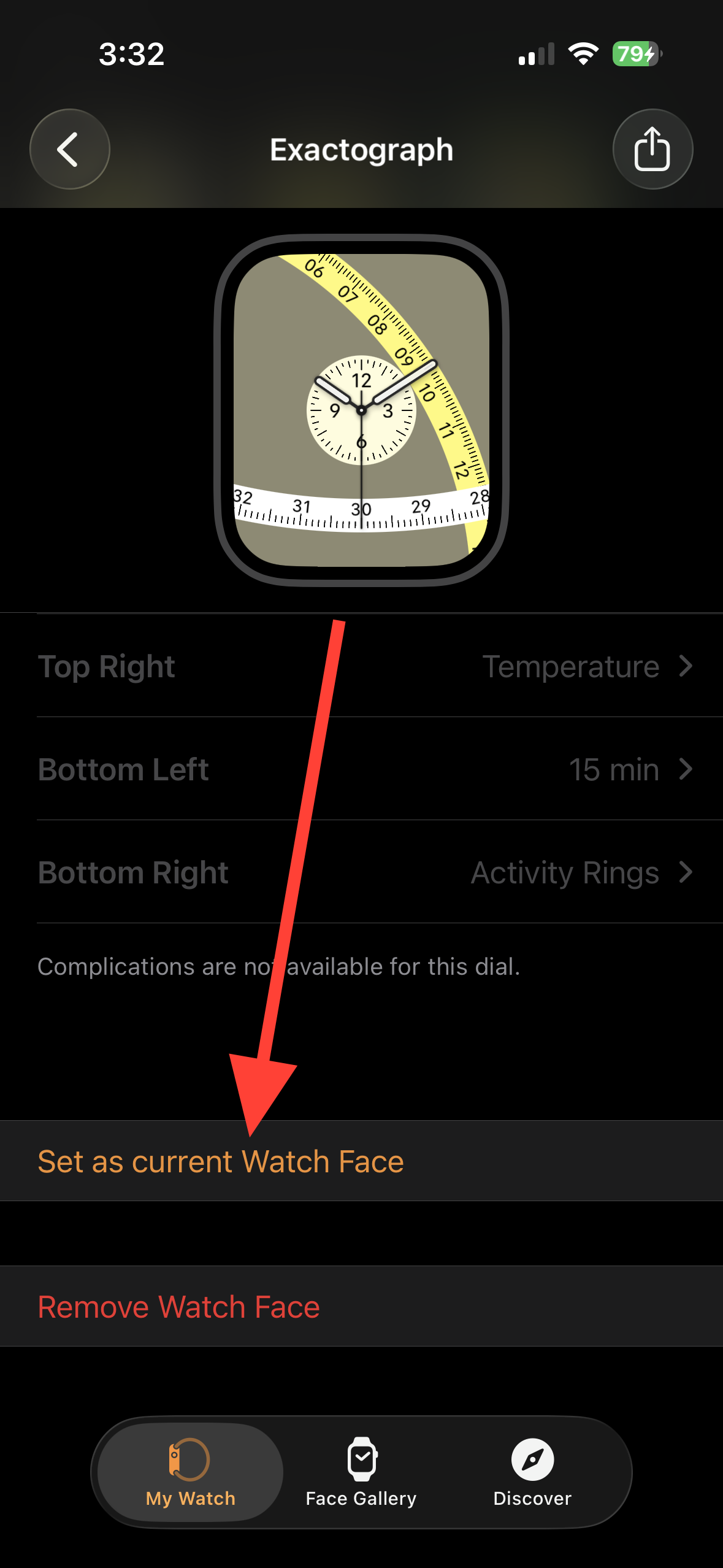
Customize Exactograph (styles, colors, complications)
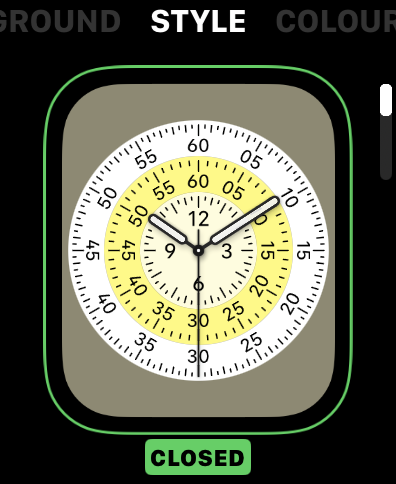
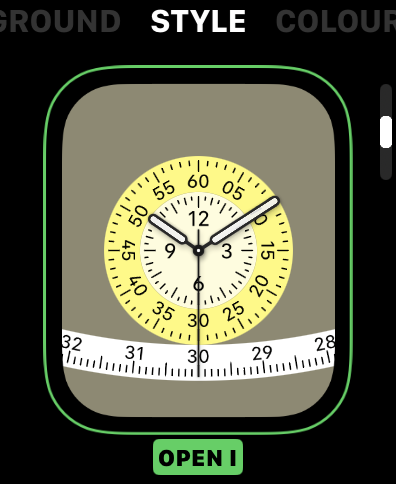
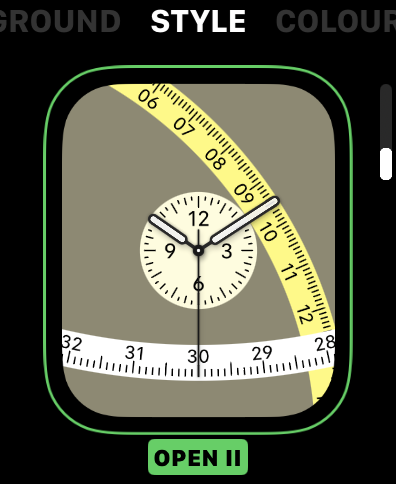
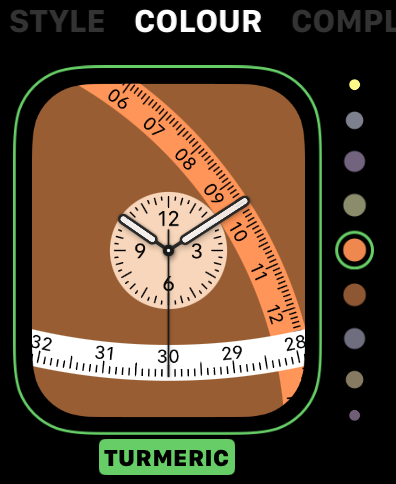
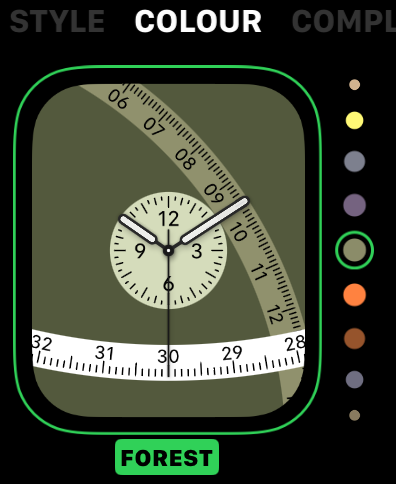
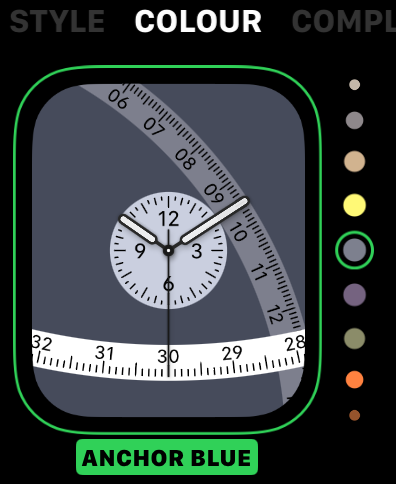
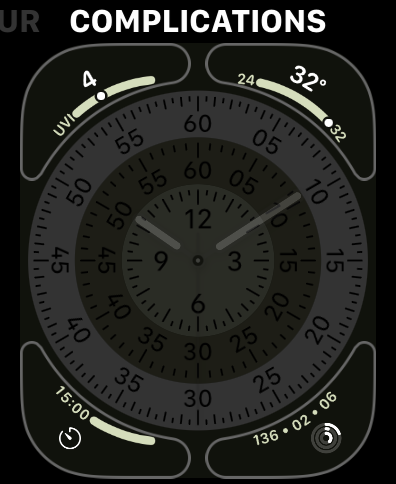
Suggested complication layouts
Use Exactograph’s corners to surface the data you check most often:
- Workday: Next event, Reminders, Weather conditions, Battery.
- Travel: World Clock (destination), Weather (destination), Compass shortcut, Activity rings.
- Training: Heart Rate, Workout shortcut, Activity rings, Timer.
Improve legibility and second‑by‑second visibility
watchOS 26 updates over 20 faces so a ticking seconds hand can remain visible without raising your wrist. If you care about precise timing, keep Always‑On enabled and select a high‑contrast color for the seconds scale so it’s readable at a glance.
Troubleshooting: Exactograph missing or not applying
Method 1 — Update both devices fully.
Method 2 — Check model eligibility.
Method 3 — Apply from the watch instead of iPhone.
New, and scroll to find Exactograph.Method 4 — Re‑pair as a last resort.
Notes and limitations
Exactograph’s regulator‑style layout prioritizes precise time reading over dense data. If you want more on‑screen metrics, pick the rings style to enable four corner complications. If you prefer a clean, time‑first view without complications, select a lines style. Waypoint is limited to Ultra models; Hermès Faubourg Party requires an Hermès watch.
Maintenance tips
Keep iOS and watchOS updated to receive face improvements and bug fixes. Revisit your complication choices periodically—what you need at a glance often changes with seasons, work patterns, and training blocks. If Always‑On seconds visibility matters to you, choose high‑contrast colors and avoid busy backgrounds.
With the right style and complication mix, Exactograph gives you second‑accurate timekeeping while still surfacing just the essentials you care about.