Emotes in Illegal Soccer are cosmetic animations you buy with coins, assign to a numbered slot, and play from a radial wheel during a match. They live in a different menu from the gadgets and items that actually change how a game plays, which is where most players get stuck — the Shop sells both, and they do not share a tab.
Quick answer: Buy an emote from the Daily Shop with coins, open the Inventory with X, switch to the Emotes tab, assign the emote to slot 1, then press P in a match and pick that slot from the wheel.
Emote menus and keys in Illegal Soccer
Three separate screens handle the full process. You buy in one, equip in another, and play the animation from a third that only exists during live play.
| Screen | Key | What it does |
|---|---|---|
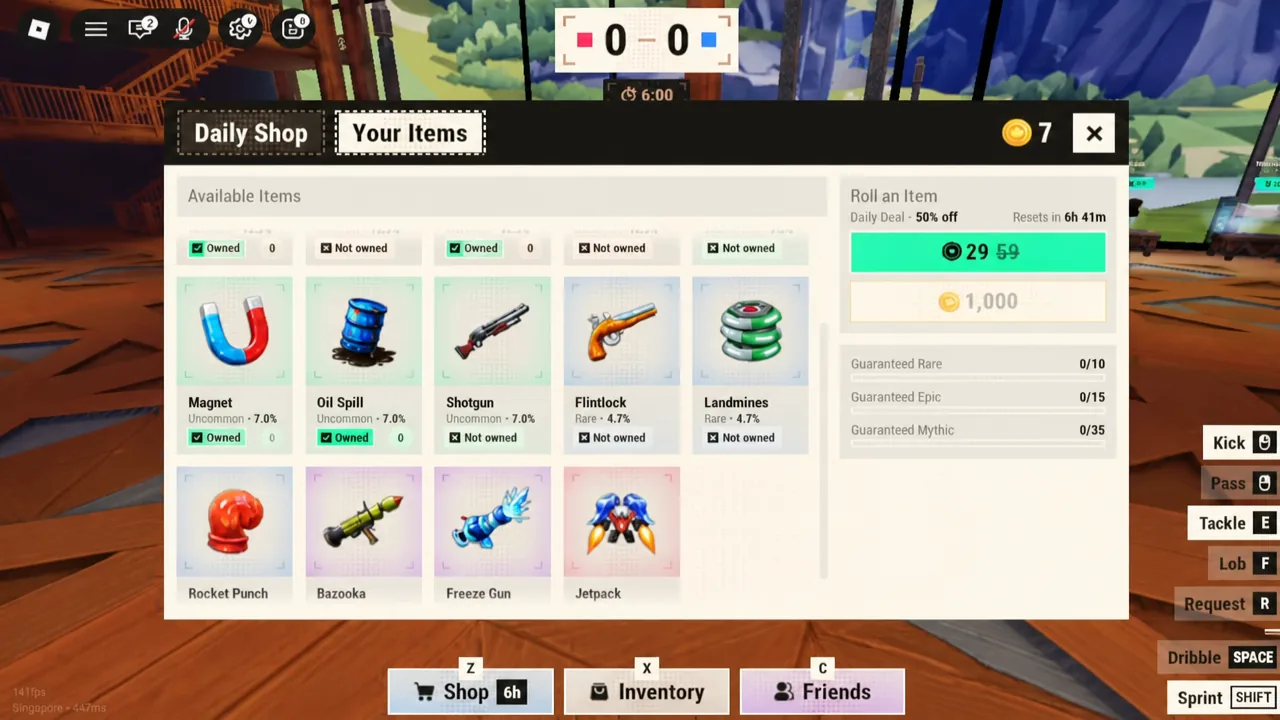
| Shop | Z | Daily Shop tab sells emotes for coins; Your Items tab handles gameplay item rolls |
| Inventory | X | Tabs for Jerseys, Balls, Emotes, and Goal Effects; assigns owned emotes to slots |
| Emote wheel | P | Radial menu in a match; select a slot to play the animation |
Coins are the only currency involved. You earn them after each match based on the result, so the balance you see in the Shop header is whatever your last few games paid out.
Buy an emote from the Daily Shop
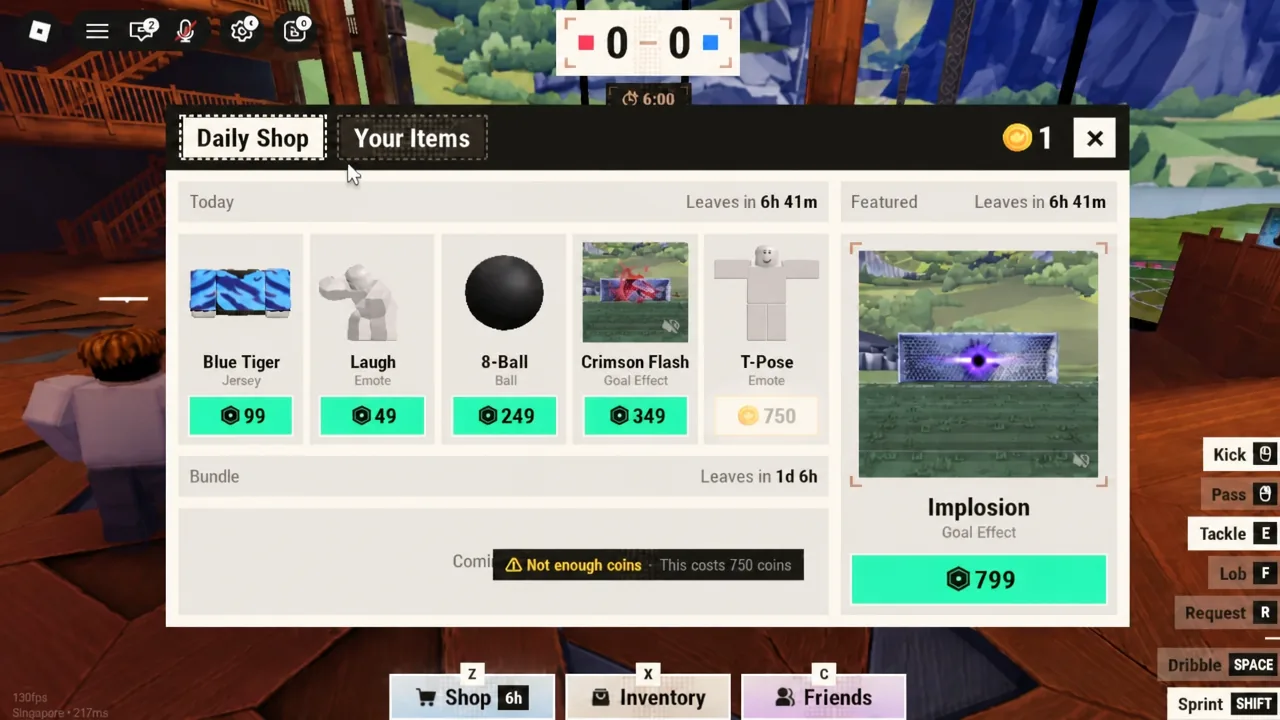
Z.Not enough coins message if your balance falls short.| Emote | Observed price |
|---|---|
| Laugh | 99 coins |
| T-Pose | 750 coins |
Equip an emote to a slot
X to open the Inventory. It usually lands on the Jerseys tab first, showing whatever kit you currently have equipped alongside the Default option.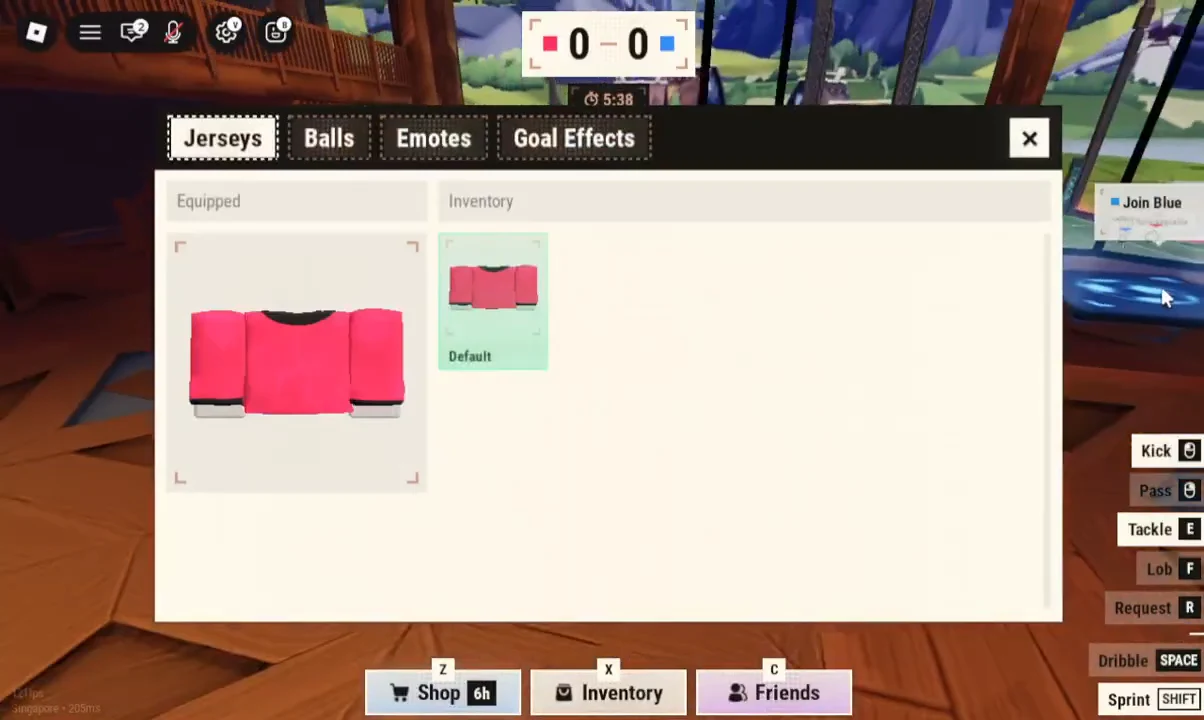
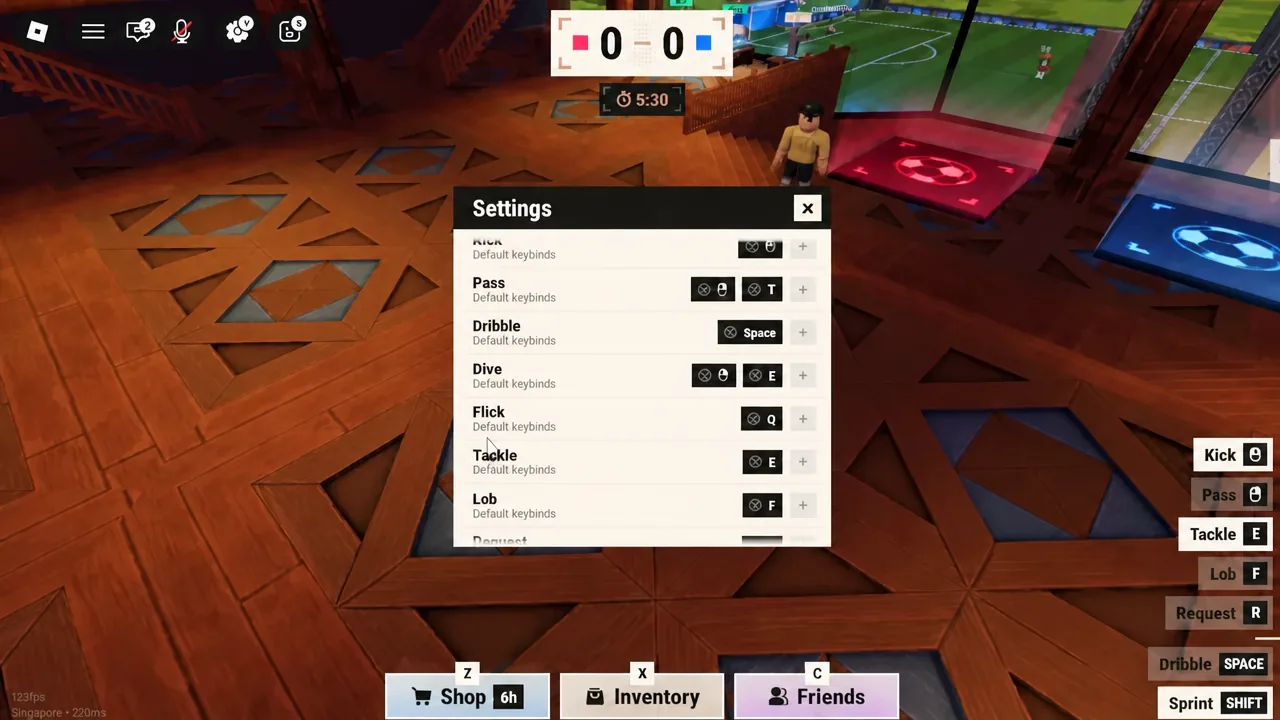
Note: if you want to confirm your keybinds before a match, the Settings menu lists the default inputs for movement and ball actions, including Space for dribble.
Play an emote during a match
There are no referees and no pause in Illegal Soccer, so an emote animation leaves you standing still while guns, tackles, and oil spills keep going. Save them for after a goal or during a dead ball rather than mid-possession.
Why an emote will not play
Failures come down to a small set of causes, and each one has a visible tell in the menus.
| Symptom | Cause and fix |
|---|---|
Not enough coins on purchase | Balance is below the listed price. Finish more matches, since coins pay out on results. |
| Emote missing from the Inventory | It was never bought, or you are on the wrong tab. Check the Emotes tab, not Jerseys, Balls, or Goal Effects. |
| Wheel opens with empty segments | The emote is owned but not assigned. Bind it to a slot from 1 to 8 in the Inventory. |
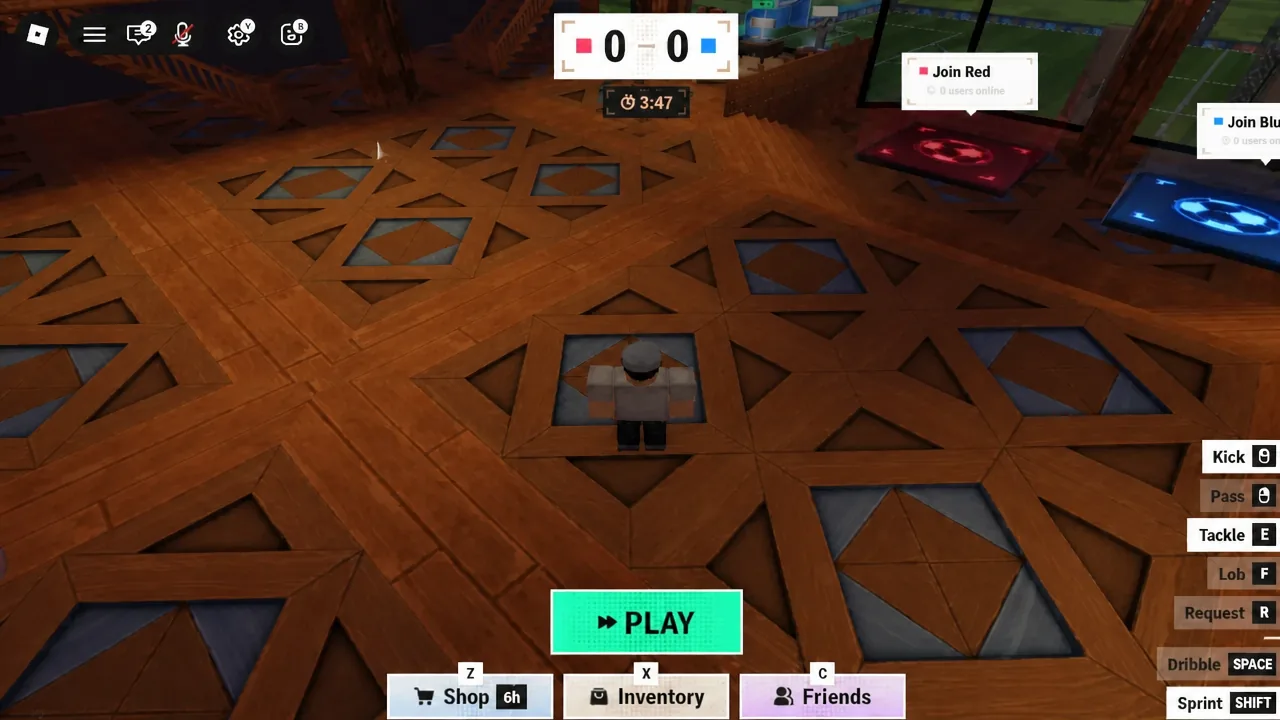
Nothing happens on P | You are in the lobby or intermission. The wheel is a match-only control. |
| Emote you wanted is gone from the store | The Daily Shop rotates. Wait for the refresh rather than spending coins on item rolls. |
Everything here runs on coins earned in normal play, so there is no separate unlock requirement or premium gate on the emote system itself. If you are starting fresh, load into Illegal Soccer on Roblox, play a handful of matches to build a balance, and buy the cheaper animations first — a 99-coin emote gets you the same wheel as a 750-coin one.