Grading is the fastest way to change how much an item sells for in Storage Hunters: Open World. Rather than dumping a valuable locker find straight onto your shelves, you hand it to the Grader, who inspects it and stamps it with a rating. That rating either boosts the sale price above the base value or drops it below, depending on what the Grader decides.
Quick answer: Take an item to the Grader NPC in the Shopping Mall, submit it, and wait for the reveal. A Three-Star grade sells for 200% of base value and a Two-Star for 135%, while a One-Star drops to 85% and a Replica to just 55%.
Where to grade items and what it costs
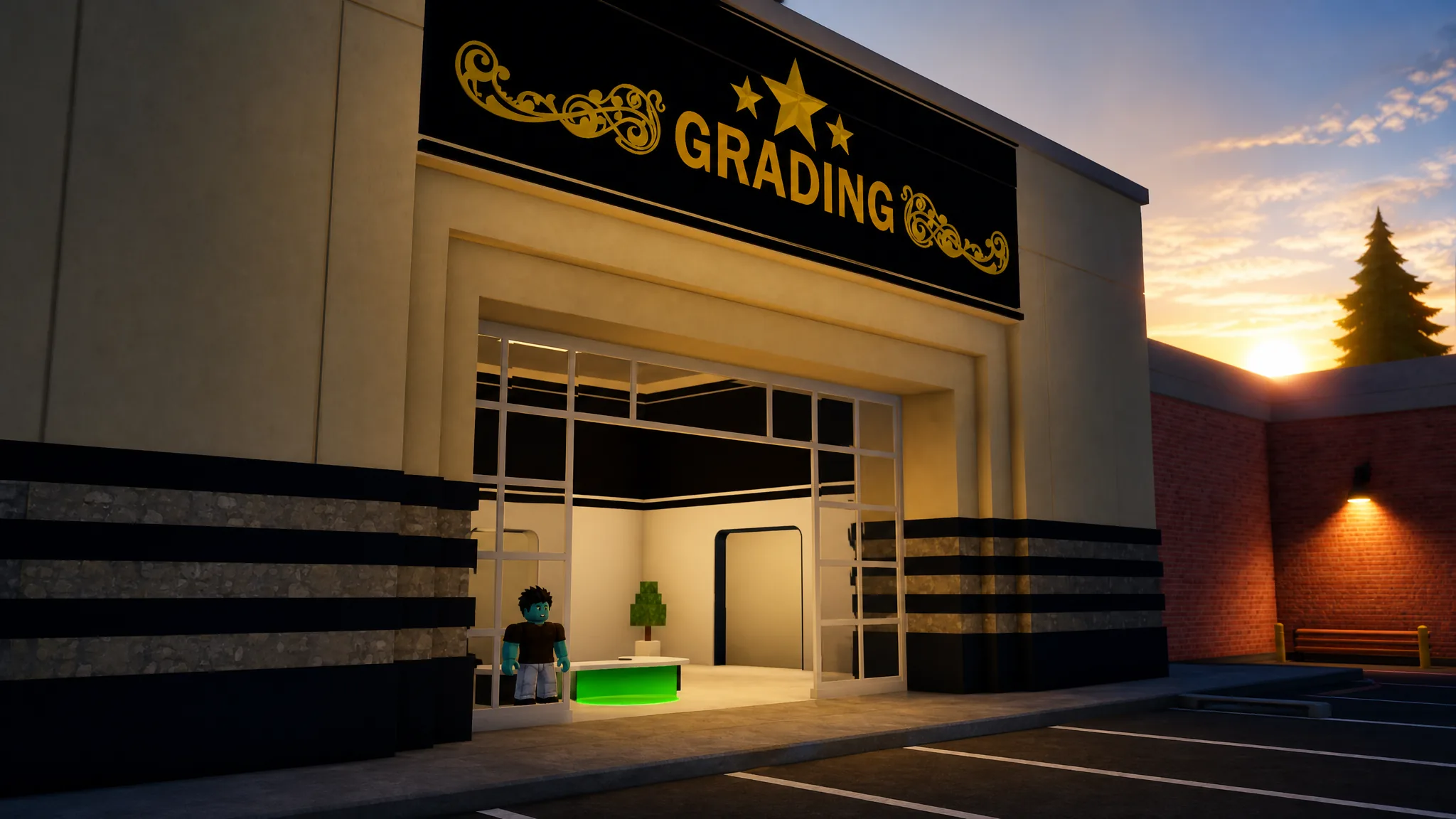
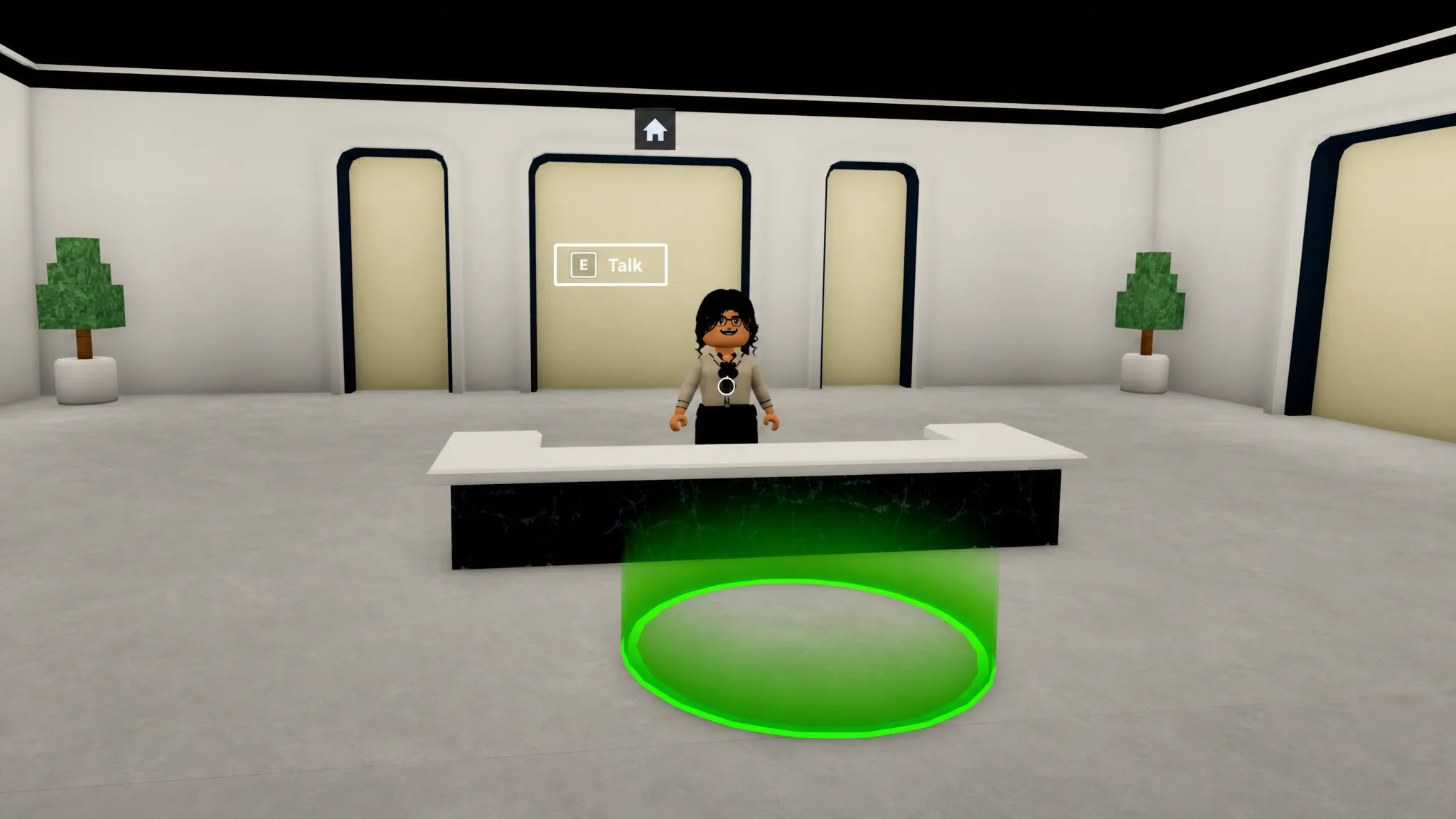
The Grader NPC sits inside the Grading Shop in the Shopping Mall. You bring items you won at auction, hand them over, and the Grader evaluates their quality. Lost Items collected around the map can be graded here too, so a run to the mall can cover more than just auction hauls.
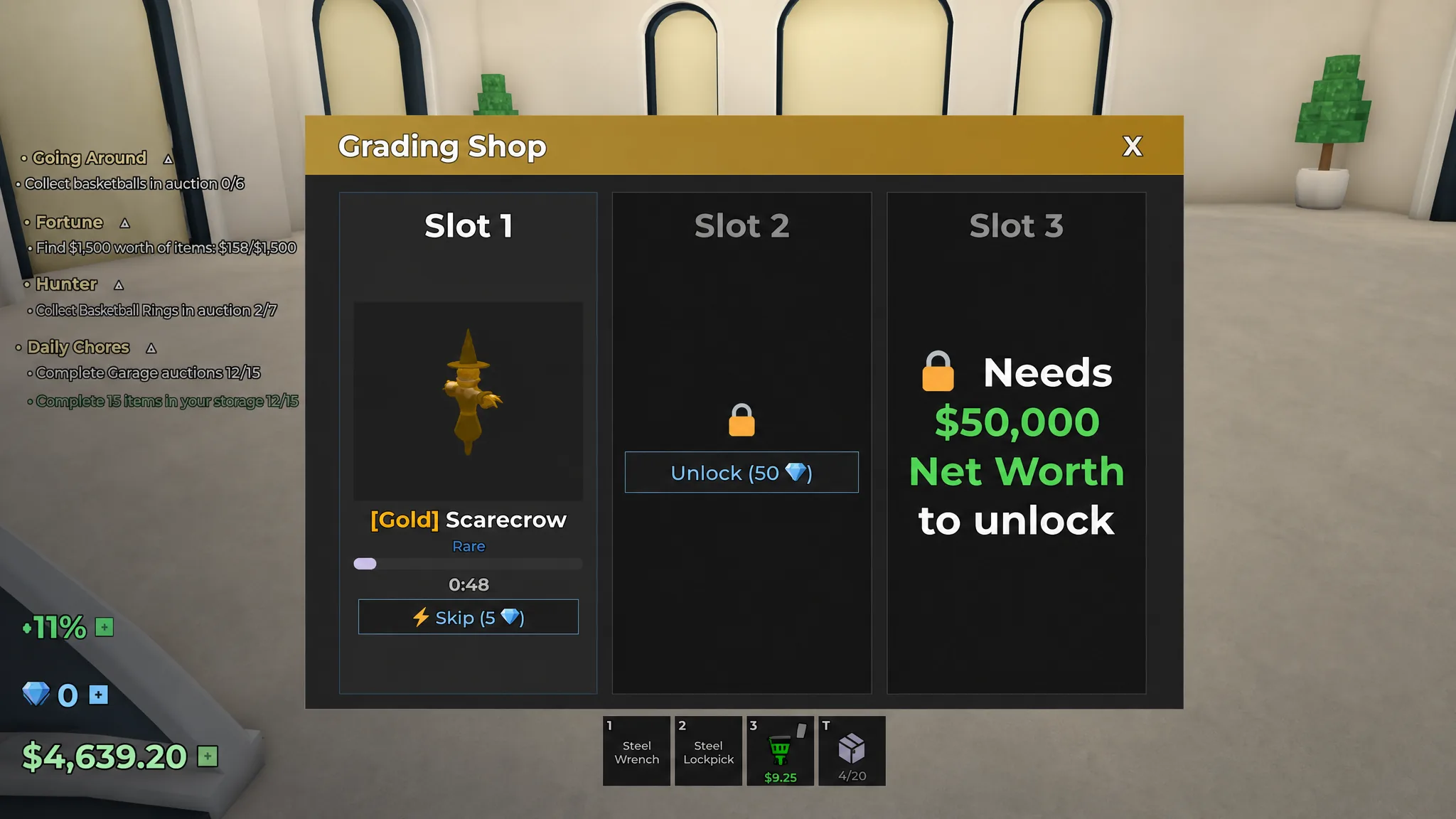
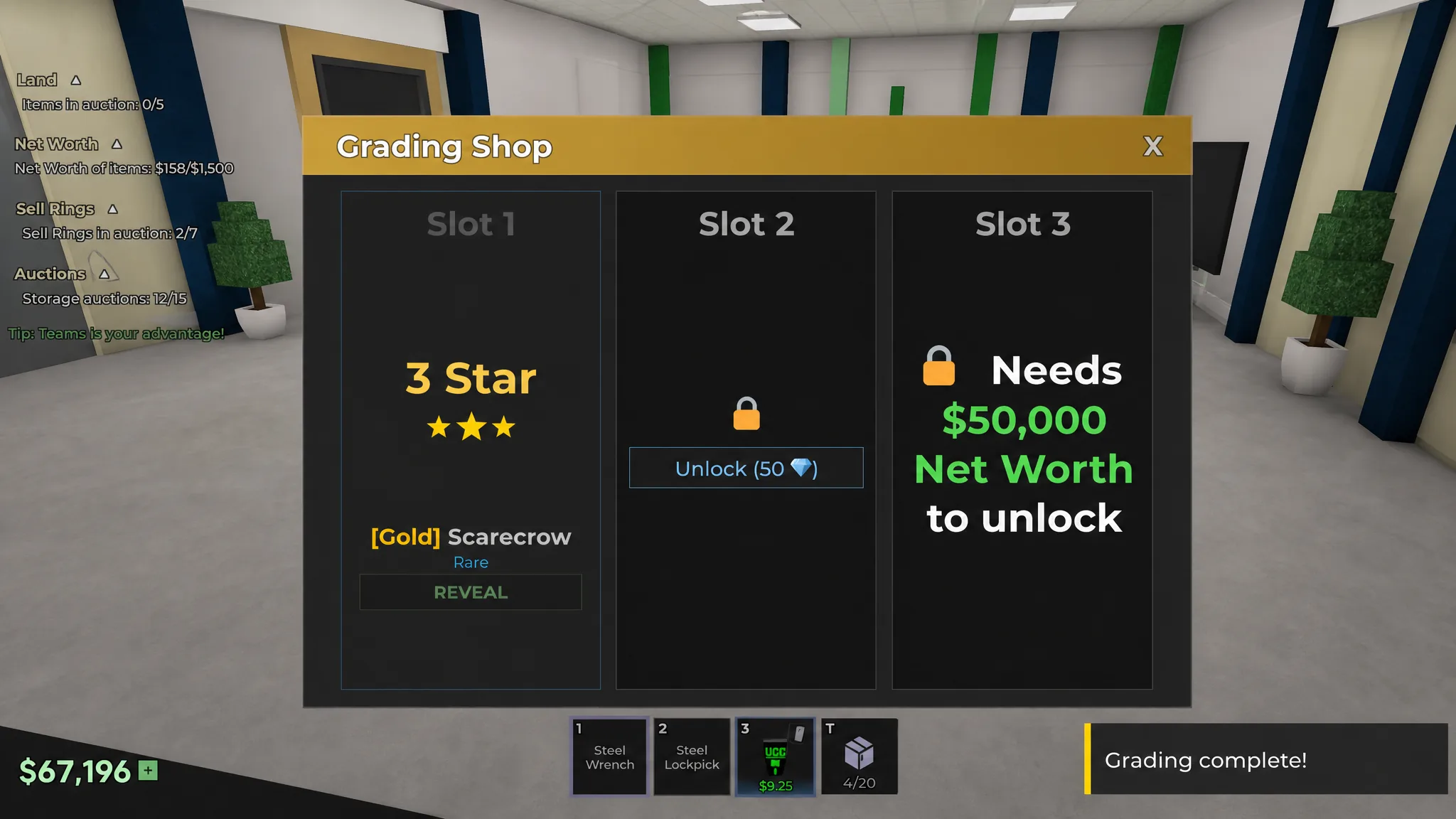
Grading itself is free. The only cost is time, and the wait scales with rarity. Junk items clear almost instantly, while Mythical items take much longer to process. If you do not want to wait, you can spend Gems to skip the timer and reveal the grade immediately.
The four grades and their sell multipliers
Every graded item lands on one of four ratings. Two of them raise the sale price and two of them lower it, so the outcome is not guaranteed profit. Here is exactly what each grade does to an item’s original value.
| Grade | Sells for | Effect on value |
|---|---|---|
| Replica | 55% | Below base |
| 1 Star | 85% | Below base |
| 2 Star | 135% | Above base |
| 3 Star | 200% | Above base |
Because Replica and One-Star both cut the price, a bad roll on a high-value item can cost you real money. The upside is large, though. A Three-Star doubles the base value, which makes grading worthwhile on items where you can afford the downside risk.
How to grade an item
Is grading worth it?
Grading is pure RNG, so there is no guaranteed win. It can lift a sale far above base value, but it can just as easily hand you a Replica or One-Star and shrink your profit. In practice, the low grades show up often, which is why caution matters most on expensive items where a bad roll stings.
The process being free helps, but the repeated trips to the Shopping Mall add up in wasted time. A practical habit is to batch your errands. Bring any items that need cleaning along with whatever you plan to grade, so a single visit handles both jobs instead of forcing two separate trips.
Note: You know grading worked when the reveal shows one of the four ratings and the Claim button returns the item at its new value. Weigh the Three-Star upside against the Replica and One-Star downside before you gamble a high-value find.