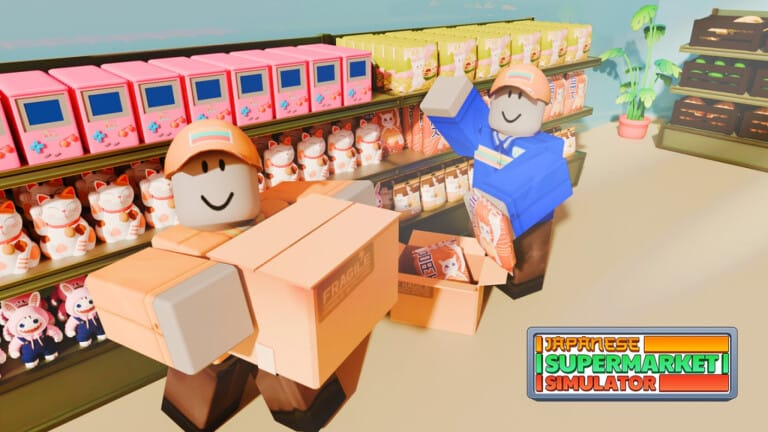
Running a konbini in Japanese Supermarket Simulator takes cash for licenses, shelving, and decorations, and codes give you a quick way to speed that up. Redeeming a working code hands you coin boosts, XP boosts, or temporary perks that make it easier to keep your store staffed and stocked.
Working Japanese Supermarket Simulator codes
These codes are confirmed active right now.
GAMEON— Grants an EXP boost for 30 minutes NEWMakingMoney— Doubles coin earnings for 30 minutesTHANKSSUSANNANDACID— Adds 2,000 coins to your balanceGettingBusy— Raises your max customer count to 4 for 30 minutesSPRINGTIME— Gives a 30-minute XP boostLEVELUP— Unlocks a free reward
How to redeem codes in Japanese Supermarket Simulator
Codes are entered from a small window inside the store, not from a menu on the main screen. Follow these steps in order.
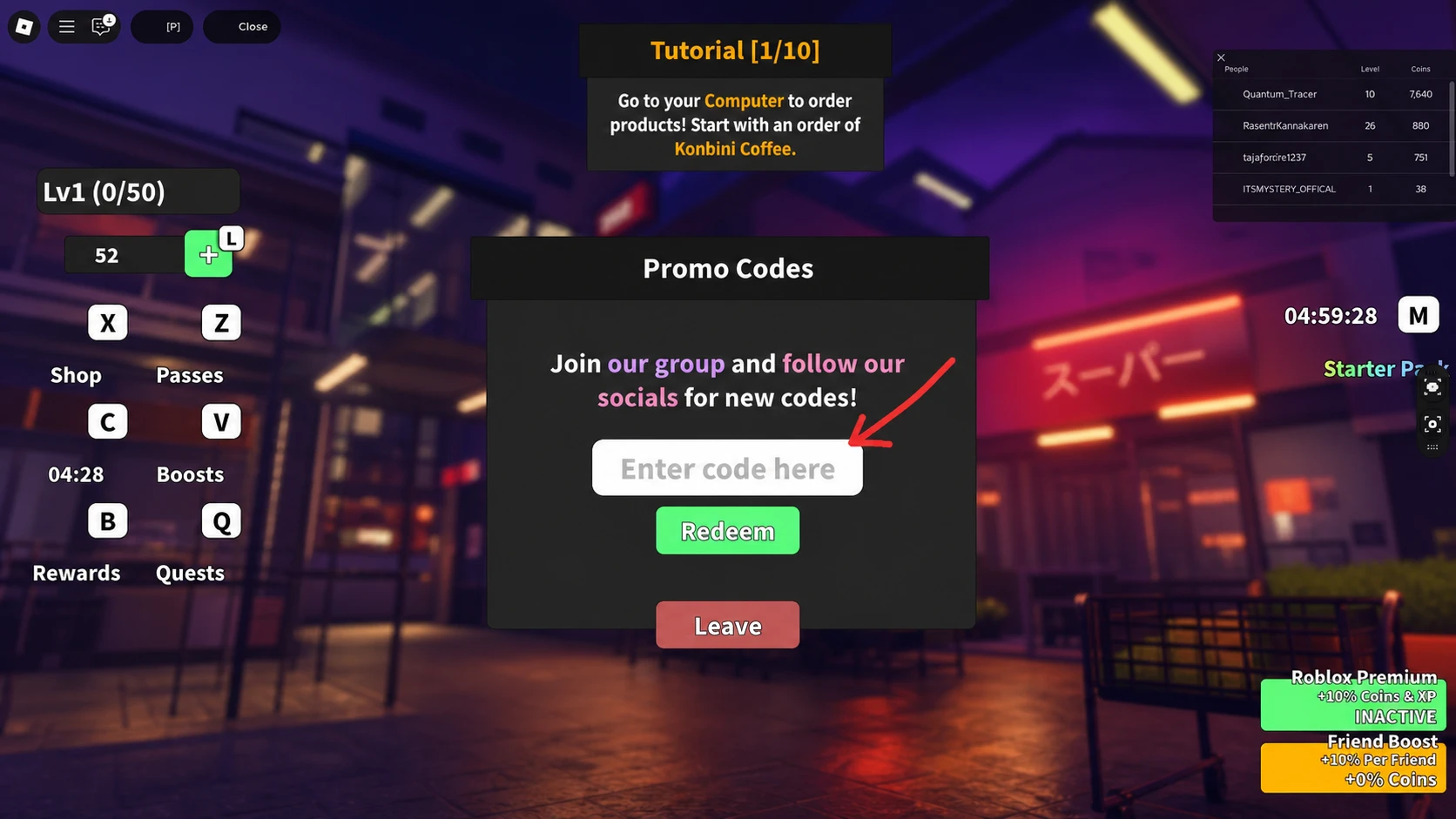
A successful redemption shows the coins, boost timer, or customer slot increase applied immediately in your store interface. If nothing changes after clicking Redeem, the code has likely expired or was typed incorrectly, since codes are case-sensitive.
Expired Japanese Supermarket Simulator codes
These codes no longer work but are listed for reference.
INSTOCKEXTRAHANDSPAYDAYATSUITURKEYDAY2XWKNDTrickTreatSOFLUFFY10KLIKESMINTYBONUSEXTRAXP
Where new codes get announced
New codes tend to show up first in the game’s description on its Roblox page or through its official community channels. The Japanese Supermarket Simulator Discord server is the fastest way to catch a code announcement as soon as the developers post it.
Coin and XP boosts from codes stretch furthest early on, when licenses, shelving, and store decorations still eat into a tight budget. Redeeming a code as soon as it appears means you get the full boost window instead of losing time to a code that’s about to expire.