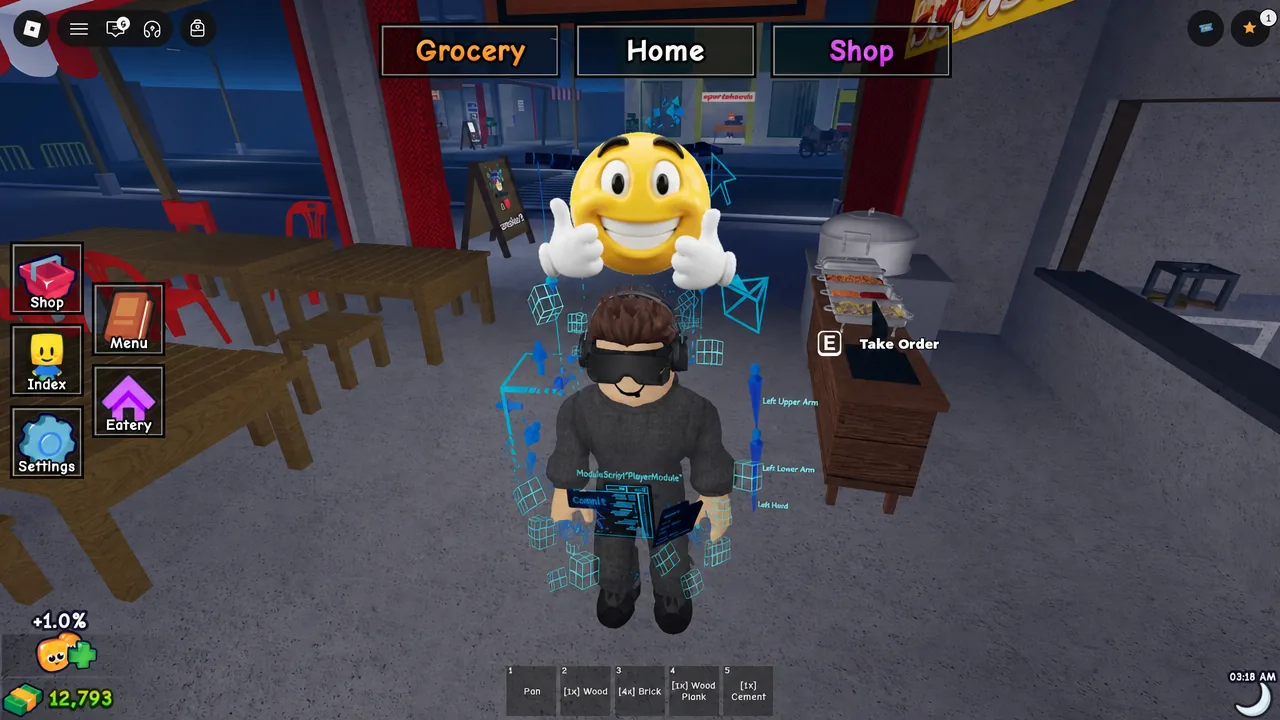
Karinderya, the Roblox restaurant sim where you run a Filipino eatery by taking orders, serving dishes, and upgrading your stall, is getting its first post-launch content update. The rollout has a fixed release time, so you can plan exactly when to log in.
Quick answer: The next Karinderya update goes live on Saturday, September 12, 2026, at 12:30 PM UTC.
Release time: Saturday, September 12, 2026, 12:30 PM UTC
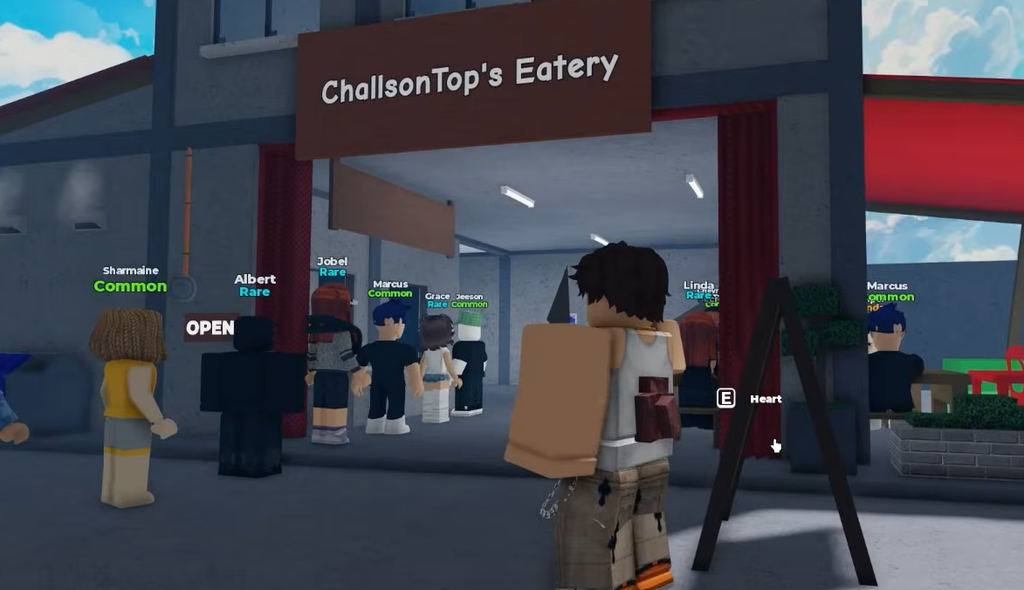
Karinderya update release time in your region
The update drops at the same moment worldwide, which is 12:30 PM UTC. The table below converts that single moment into local clock time so you know when the servers update where you are. New Zealand crosses into Sunday, September 13.
| Region | Local time |
|---|---|
| North America (PT) | Sat, Sep 12, 5:30 AM |
| North America (MT) | Sat, Sep 12, 6:30 AM |
| North America (CT) | Sat, Sep 12, 7:30 AM |
| North America (ET) | Sat, Sep 12, 8:30 AM |
| Brazil (BRT) | Sat, Sep 12, 9:30 AM |
| UTC | Sat, Sep 12, 12:30 PM |
| United Kingdom (BST) | Sat, Sep 12, 1:30 PM |
| Europe (CEST) | Sat, Sep 12, 2:30 PM |
| South Africa (SAST) | Sat, Sep 12, 2:30 PM |
| Russia (MSK) | Sat, Sep 12, 3:30 PM |
| India (IST) | Sat, Sep 12, 6:00 PM |
| Philippines (PHT) | Sat, Sep 12, 8:30 PM |
| South Korea (KST) | Sat, Sep 12, 9:30 PM |
| Japan (JST) | Sat, Sep 12, 9:30 PM |
| Australia (AEST) | Sat, Sep 12, 10:30 PM |
| New Zealand (NZST) | Sun, Sep 13, 12:30 AM |
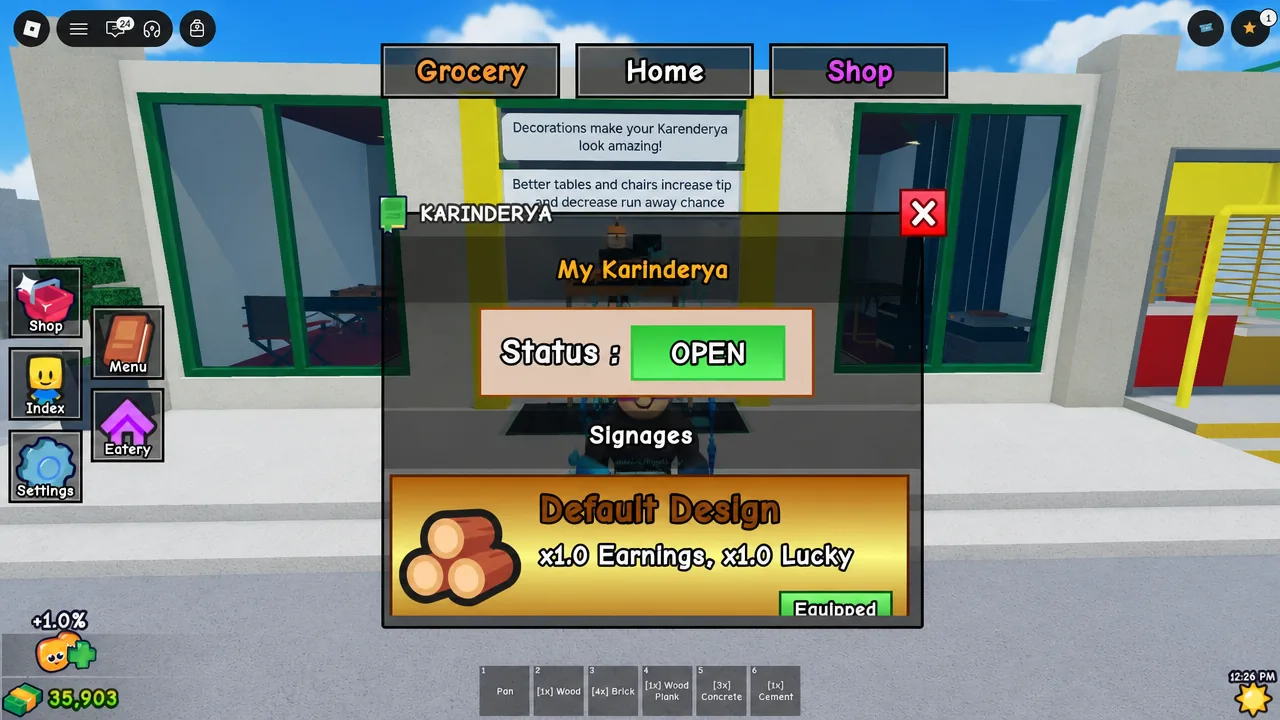
What the first Karinderya update could add
This is the first update since the game launched, and no patch notes have been confirmed yet. The points below are possibilities based on how the game is built, not guaranteed features.
- New restaurant upgrades such as extra tables, furniture, and customizable decorations to raise seating capacity.
- New floors or expanded areas that let you build outward and serve more customers at once.
- An improved worker or staff system with new ways to assign employees and manage orders.
- Additional food options and progression upgrades.
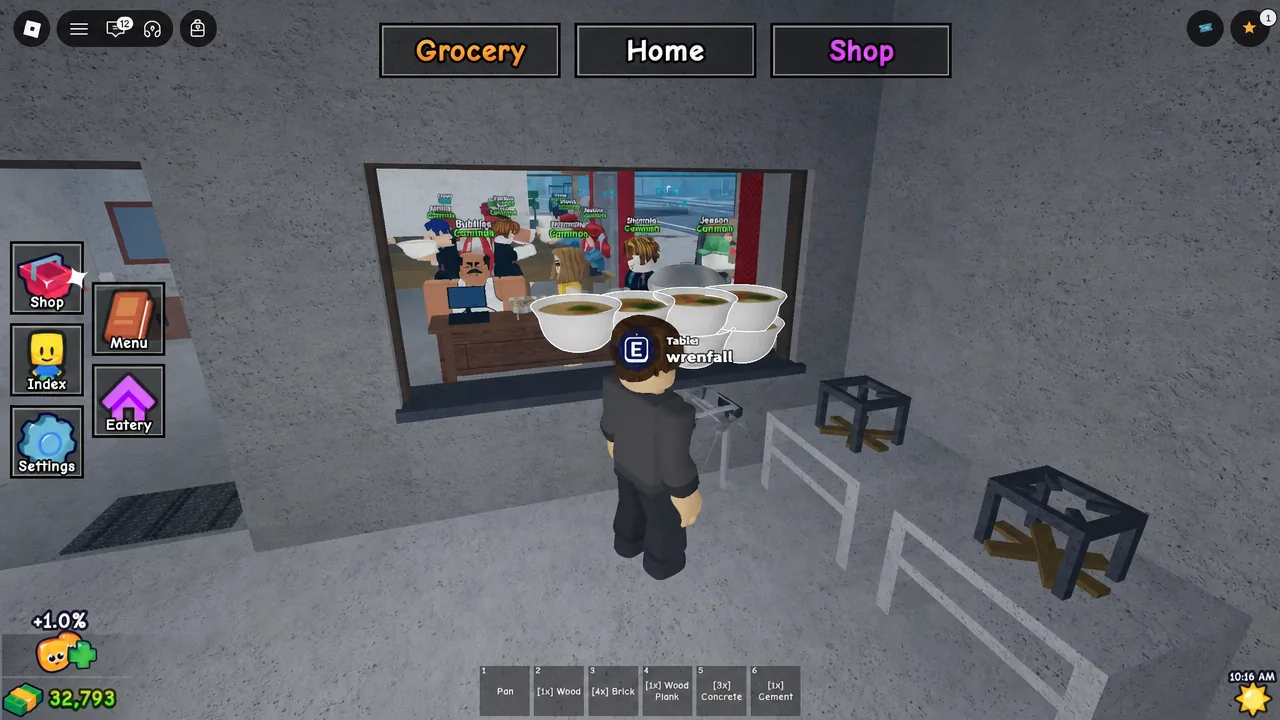
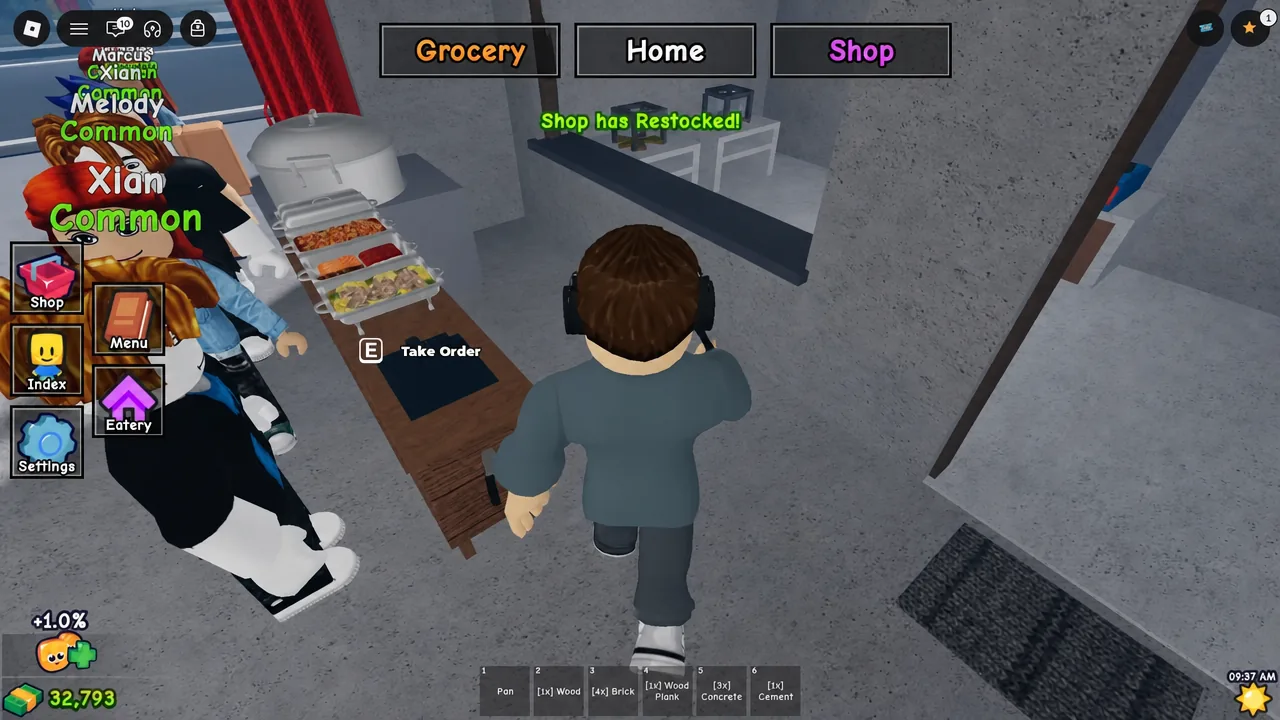
Because updates on Roblox restock the shop and refresh stock on the display tables, expect a fresh round of items to buy once the servers flip over.
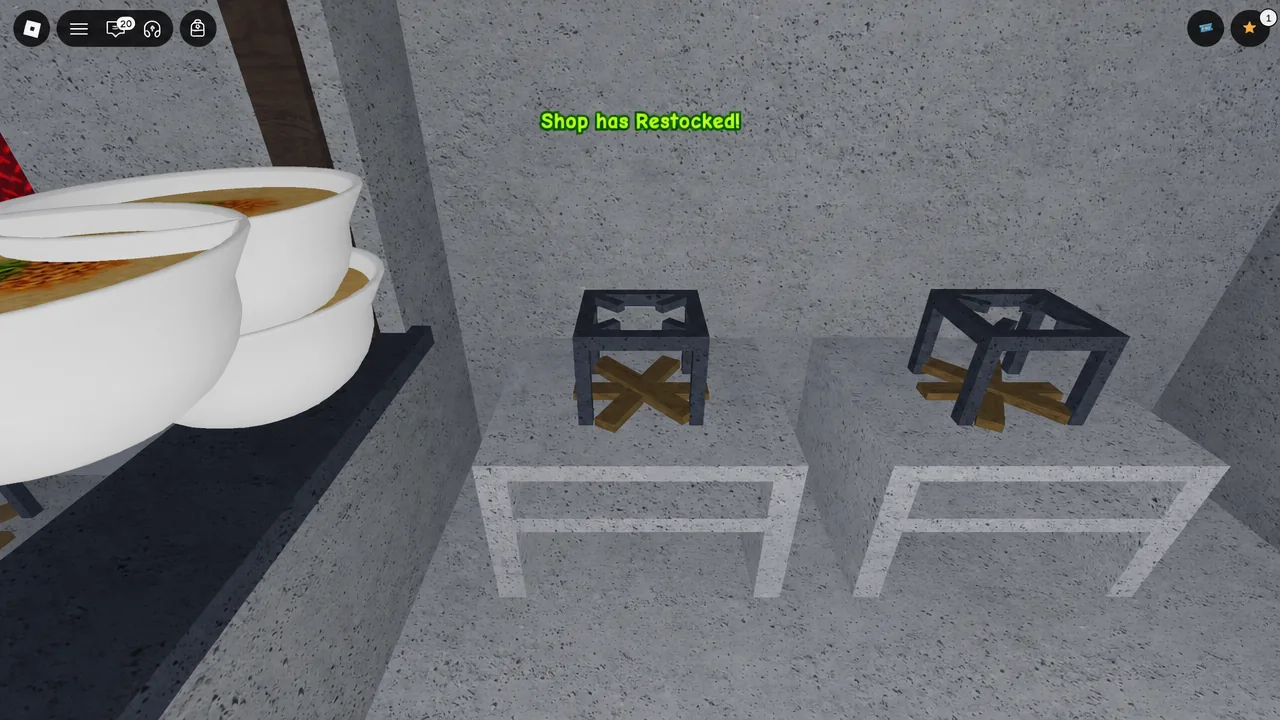
Grab active codes before the update
New codes usually appear around updates, so it is worth clearing the current batch first. These codes are live right now and hand out cash, furniture, and cooking gear you can spend on your stall.
| Code | Rewards |
|---|---|
| 50KCCU | 50,000 Cash |
| DECOPART1 | 5,000 Cash and a 2x Cash Potion |
| 3MVISITS | 10,000 Cash, 1 Folding Table, 1 Folding Chair |
| 2MVISITS | 5,000 Cash, 1 Deluxe Stove |
| BATINATAYOHA | 5,000 Cash, 3 Concrete, 1 Cash Potion |
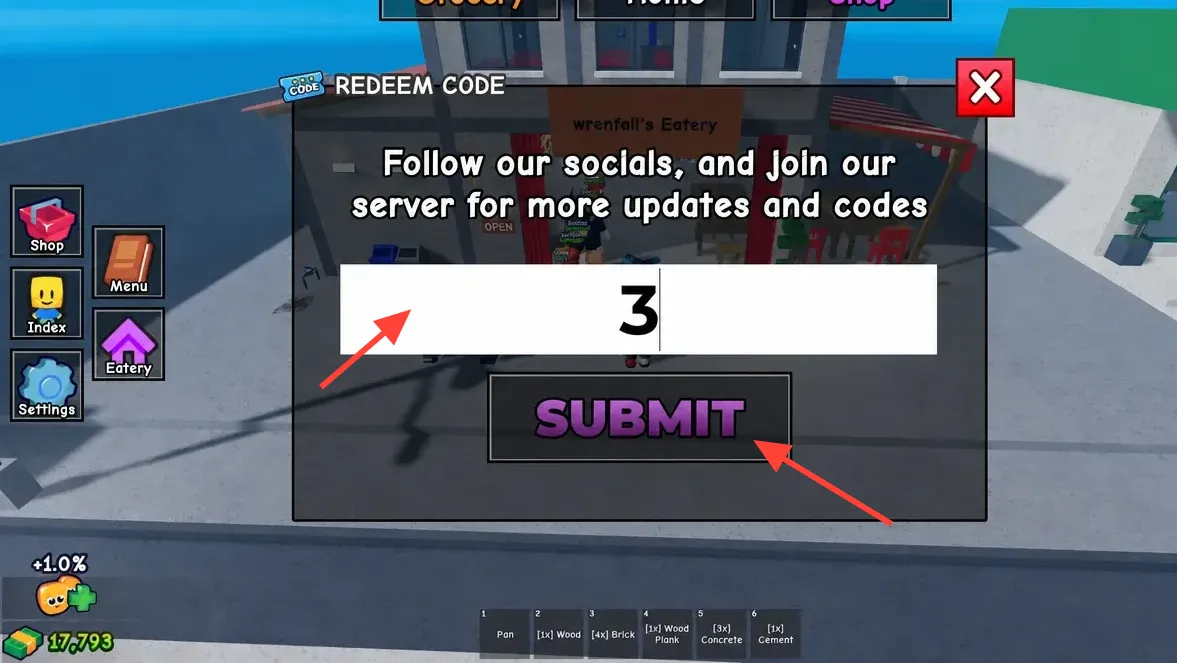
A valid code confirms with the rewards appearing on screen and dropping into your account. If a code fails, retype it exactly as written, since the game sometimes needs a moment to register a reward.
Mark September 12 at 12:30 PM UTC on your calendar and use the regional table above to catch the servers refreshing where you live. Fresh codes tend to follow major updates, so it is worth logging in shortly after launch and checking the official Discord server for any new rewards tied to the release.