KD Rattical is an Epic-rarity outfit added to Fortnite on April 16, 2026, during Chapter 7 Season 2. The skin features a skater rat design with a matching LEGO style, and it is tied to the Soaring Skies LEGO Pass rather than the Battle Royale Item Shop.
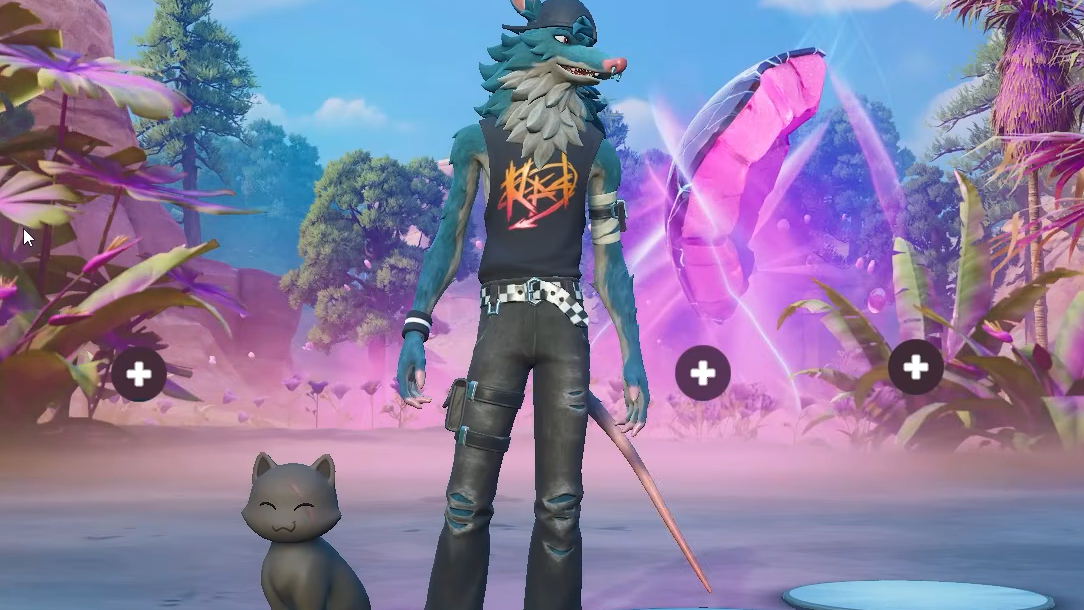
What KD Rattical includes
KD Rattical is the final outfit on Page 3 of the Soaring Skies LEGO Pass. Unlocking it grants both the standard Fortnite character model and a selectable LEGO style, which works across LEGO Odyssey and UEFN islands. The outfit carries the in-game description “Skate with rattitude” and the internal ID Character_RadRat.
| Detail | Value |
|---|---|
| Rarity | Epic Outfit |
| Source | LEGO Soaring Skies Pass, Page 3 |
| Pass cost | 1,200 V-Bucks |
| Release date | April 16, 2026 |
| Pass expiry | September 12, 2026 |
| Chapter | Chapter 7, Season 2 |
How to unlock KD Rattical
The outfit requires buying the correct LEGO pass and then earning enough XP to reach its page. Buying the pass alone does not deliver the skin.
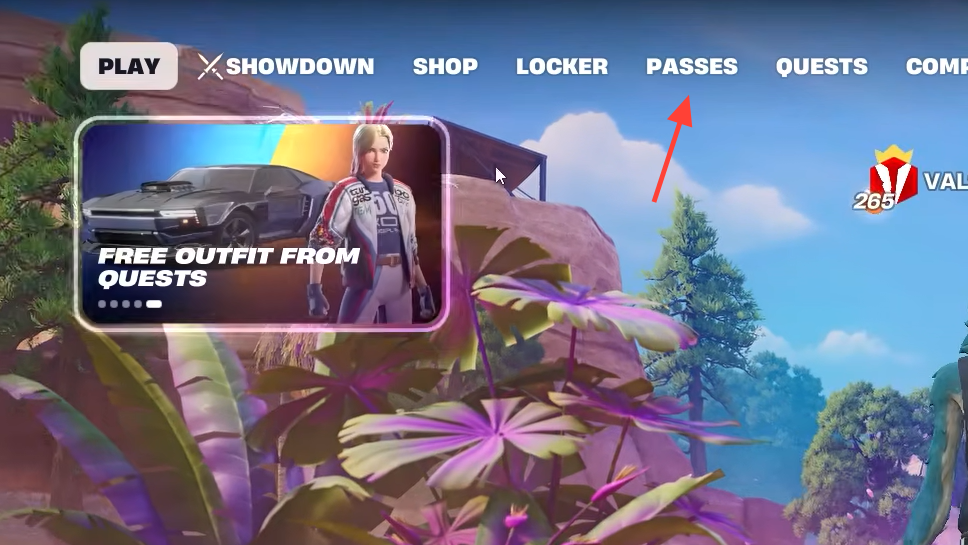
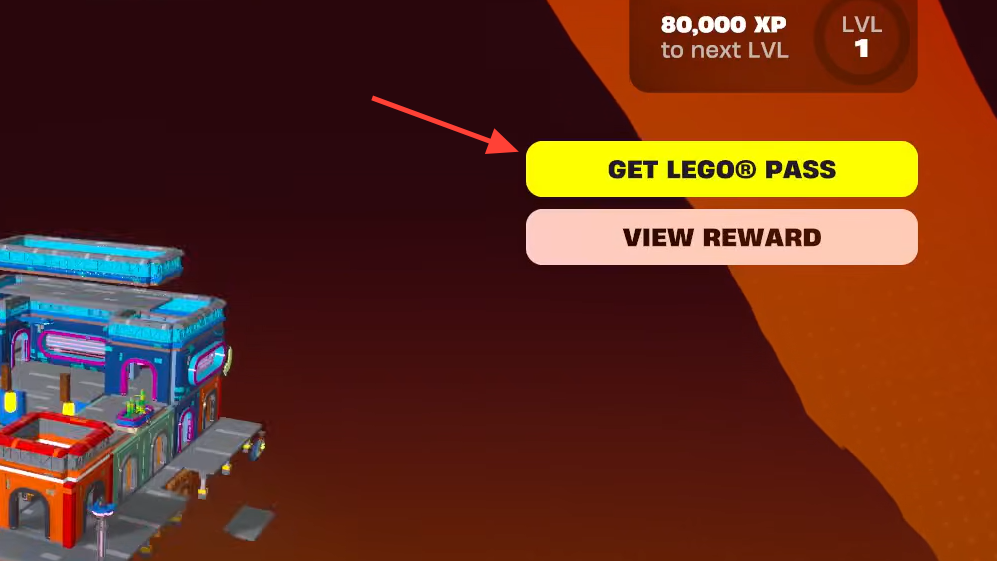
Why the skin doesn’t appear right after purchase
The LEGO Pass uses level-based progression, not instant grants. The outfit is positioned at the end of Page 3, which means you need to earn enough pass levels to reach it before the claim button becomes available. If you already have significant pass progress at the time of purchase, the skin can still require additional levels depending on how far Page 3 sits from your current level.
If you prefer not to grind, Epic allows buying levels directly in the pass menu, the same way tier skips work on the standard Battle Pass.
Fastest ways to earn LEGO Pass XP
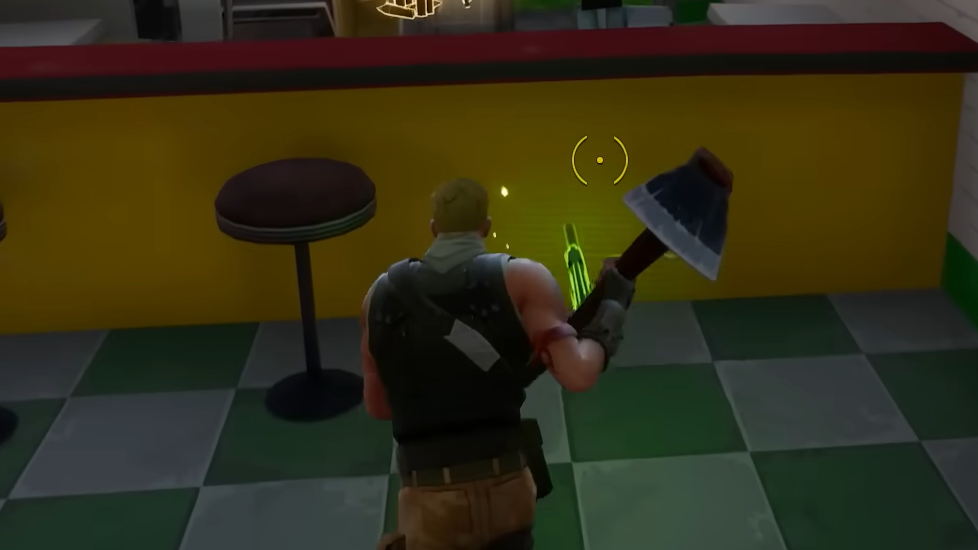
Because XP pools across modes, the quickest approach is to play whichever mode you already enjoy and stay consistent with daily and weekly quests.
- Complete daily and weekly quests, which give the largest XP payouts per time spent.
- Play Battle Royale or Blitz matches for steady match XP and elimination bonuses.
- Run Fortnite Festival jam tracks for passive XP while playing music.
- Spend time in LEGO Odyssey, where build and exploration objectives grant XP tied to the LEGO pass.
Deadline and ownership after expiry
The Soaring Skies LEGO Pass stays active until September 12, 2026. Any outfit unlocked on the pass before that date remains in your locker permanently. If the pass expires before you reach Page 3, the KD Rattical reward becomes unclaimable through this pass cycle.
Will KD Rattical come to the Item Shop
Epic has stated that items from LEGO Passes are not permanently exclusive to the season they appear in, which leaves the door open for a later Item Shop release. An Item Shop price around 1,500 V-Bucks would be typical for an Epic-tier outfit of this type, but no return date has been confirmed. Claiming through the LEGO Pass remains the only guaranteed way to own the skin right now.
How to confirm the unlock worked
Once you earn enough XP, Page 3 of the LEGO Pass will show a claim prompt on the KD Rattical tile. After claiming, the outfit appears in your locker under the Outfits category, and the LEGO style becomes selectable when editing the skin. You can also verify ownership by searching “KD Rattical” in the locker filter; both the standard and LEGO variants should appear.