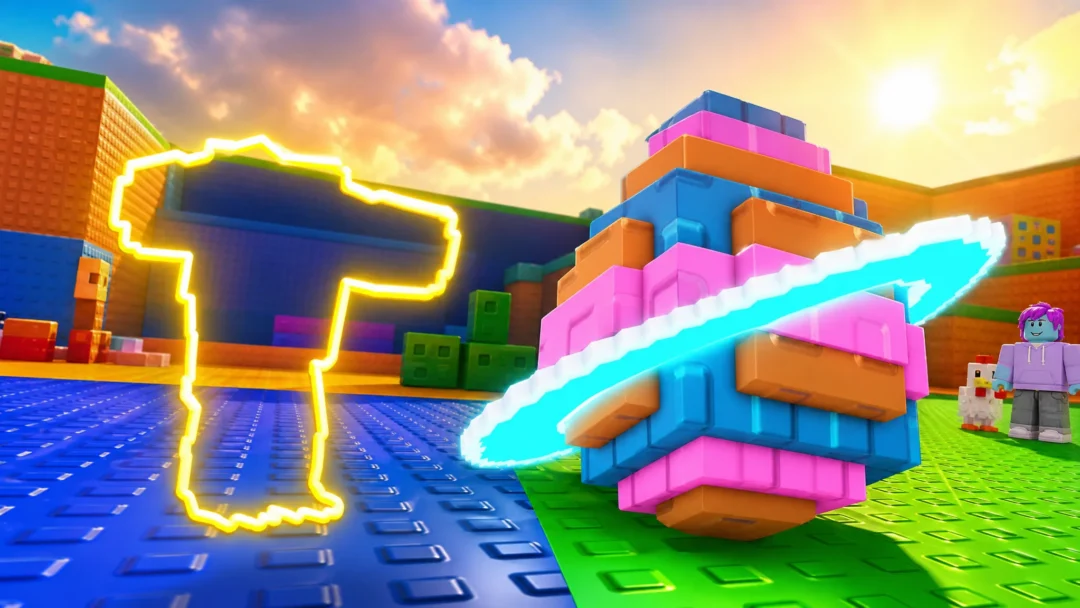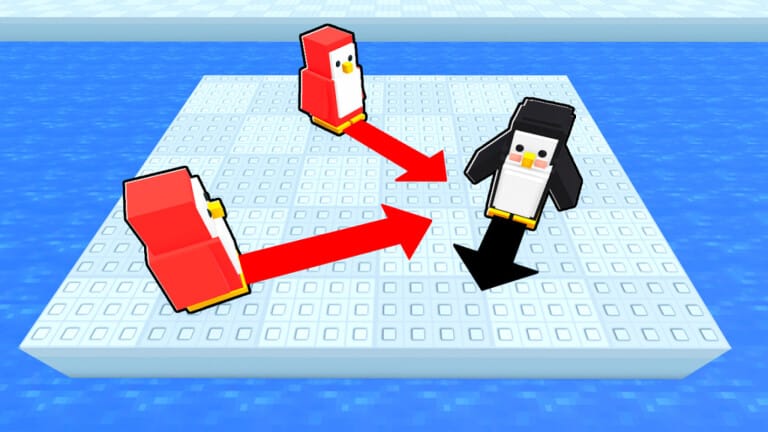
Knockout is the Roblox arena game where players secretly aim an arrow before time runs out, then get launched around a shrinking platform when everyone’s move is revealed. Codes are the fastest way to stock up on Ice, Spins, and cosmetic skins without grinding matches.
Working Knockout codes
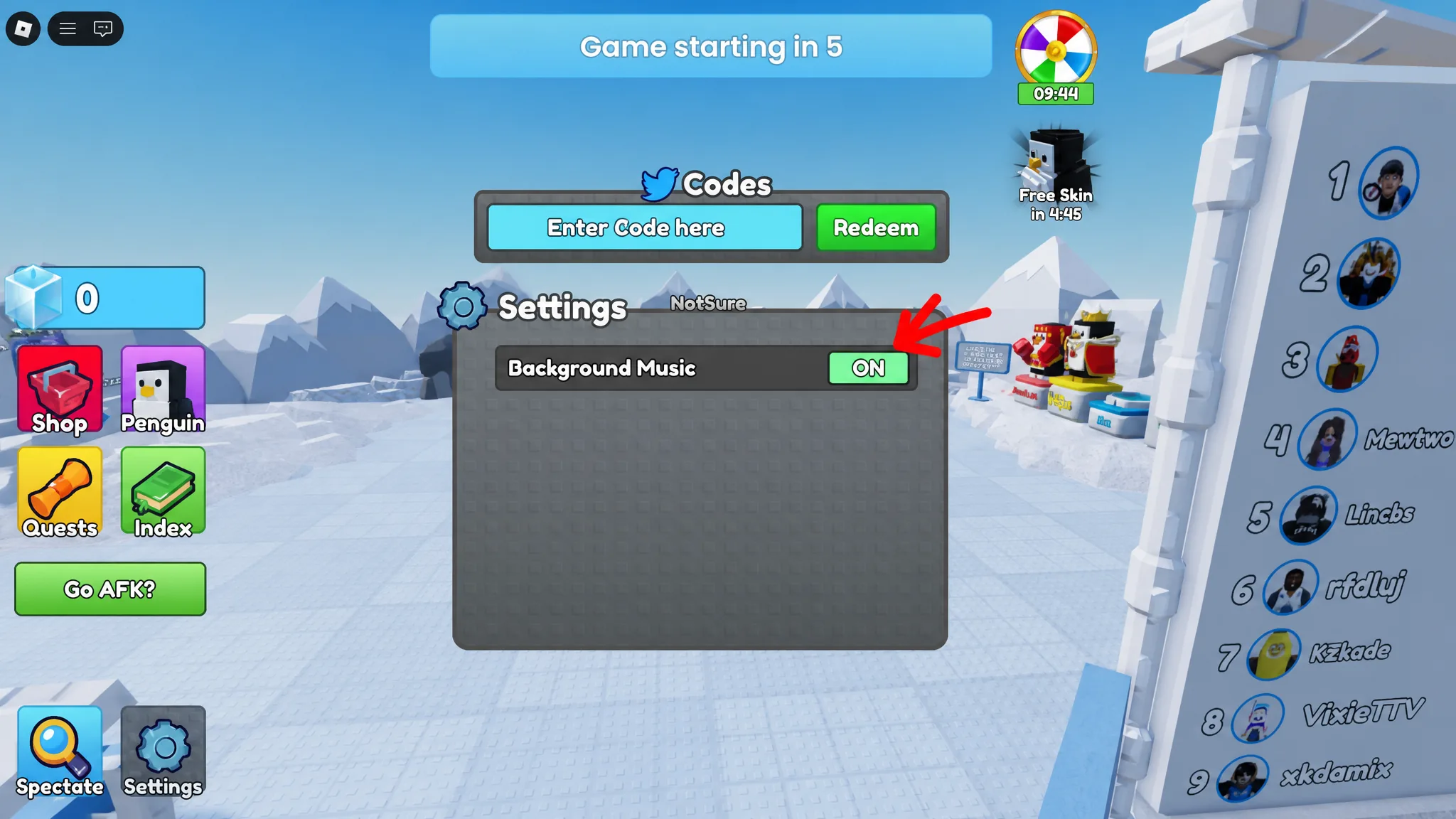
Type these into the game’s code box exactly as written below to claim the rewards attached to each one.
EMPERORRETURNS— 500 Ice NEWTHANKSFORPLAYING— 3 Spins NEW
How to redeem codes in Knockout
Expired Knockout codes
These codes no longer produce rewards. Some previously unlocked penguin skins or currency tied to past events like Valentine’s, Lunar, and St. Patrick’s promotions.
BEMMY— Bemmy skinCIRCUSEVENTCRABRAVE— 750 IceHAPPYEASTER— 3 SpinsSOCIALHUB— 350 IceSPRINGFOLTYNADMINABUSESORRYQUESTS— 5 SpinsSTEAK— 750 IcePUNCHMONKEY— Punchy skinHOTPOTATOMODE— 3 SpinsPOOLMAPSTPATRICKS— 25 Clover CurrencyTEMPLETILES— 5 SpinsDOOMSDAY— 25 Lava ShardsLAVA— 750 IceBOOGIE— 3 SpinsDISCO— 50 Disco BallsVINDOOLY— Vinguin skinADMINABUSE— 500 IceLUNAR— 5 SpinsLANARAE— Milo (Calana) skinRUSSO— Russoguin skinVALENTINES— 750 IceSORRYVALENTINES— 40 HeartsTEAMS— 5 SpinsBUNDUN— Jerome skinDELAYMAPS— 500 IceLIKES— 400 IceSORRYLOVE— 3 SpinsCOLD100KTHANKS
Where new Knockout codes get announced
New codes tend to show up around game updates and events, so the fastest way to catch one before it expires is to watch the official Knockout Discord server, specifically the announcements and codes channels. The braxworks community on the Roblox platform also posts updates when fresh codes go live.
Codes in Knockout are case-insensitive and don’t need spaces trimmed, but they do need to match the exact spelling shown above. Ice, Spins, and skins earned from redemption apply instantly, so a successful entry shows up as a numeric bump in your currency or a new item waiting in the Prize Wheel.