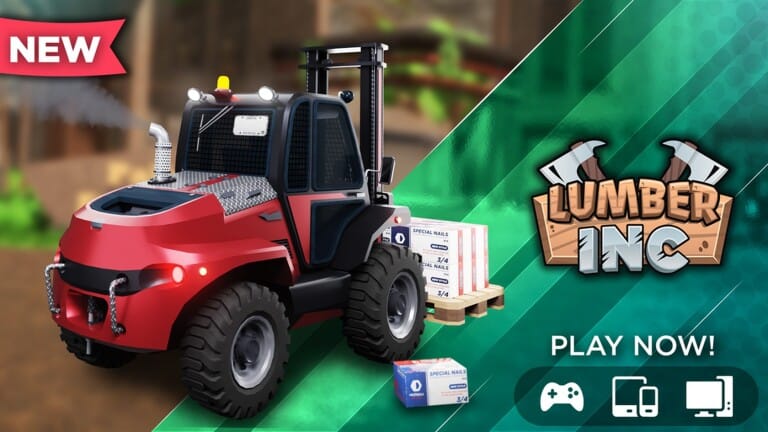
Lumber INC puts you behind the wheel of a logging operation, where chopping trees, hauling logs, and pressing pallets at the sawmill all convert into Cash you can spend on better saws and vehicles. Codes are the fastest way to pad that starting balance without grinding through the early game.
Working Lumber INC codes
There are no active Lumber INC codes right now. The list below will be refreshed the moment the developer releases new ones, so it’s worth bookmarking this page and checking back.
How to redeem codes in Lumber INC
Redeeming a code takes place entirely inside the in-game store, not the Roblox chat window. Follow these steps once a new code goes live.
Where new Lumber INC codes get announced
New codes typically surface on the developer’s official channels before anywhere else, especially around milestones like follower counts, visit totals, or holiday events. The Lumber INC Discord server is the most reliable place to catch announcements as they happen, and joining The Lumber Company Roblox group keeps you in the loop for community-driven drops. The developer also posts occasional updates on X under the handle @DutchDevelop.
Expired Lumber INC codes
These codes have already stopped working, so entering them into the Code box will not grant any Cash or rewards.
dispatchingILoveFridays!!!1Mvisits!2KLikes!5KLIKES10KLIKES!10MIL!strappingdownHappy2026!Happy Birthday25Christmas25code10Kmembers!Halloween25
Cash from redeemed codes goes a long way toward skipping the slowest part of Lumber INC, letting you buy a bigger truck or a faster saw before you’ve cut down your first hundred trees.