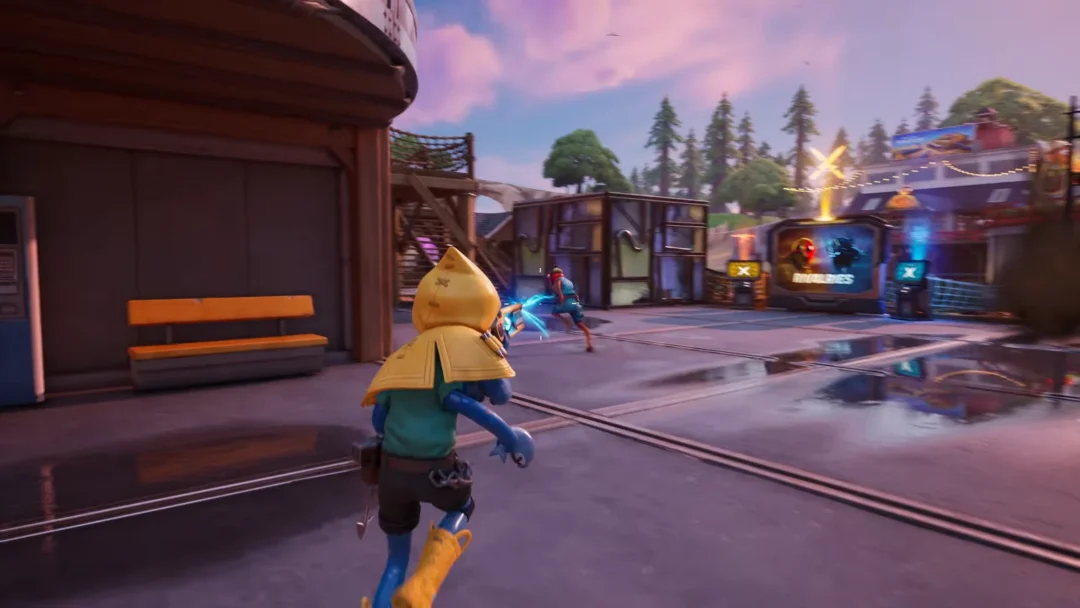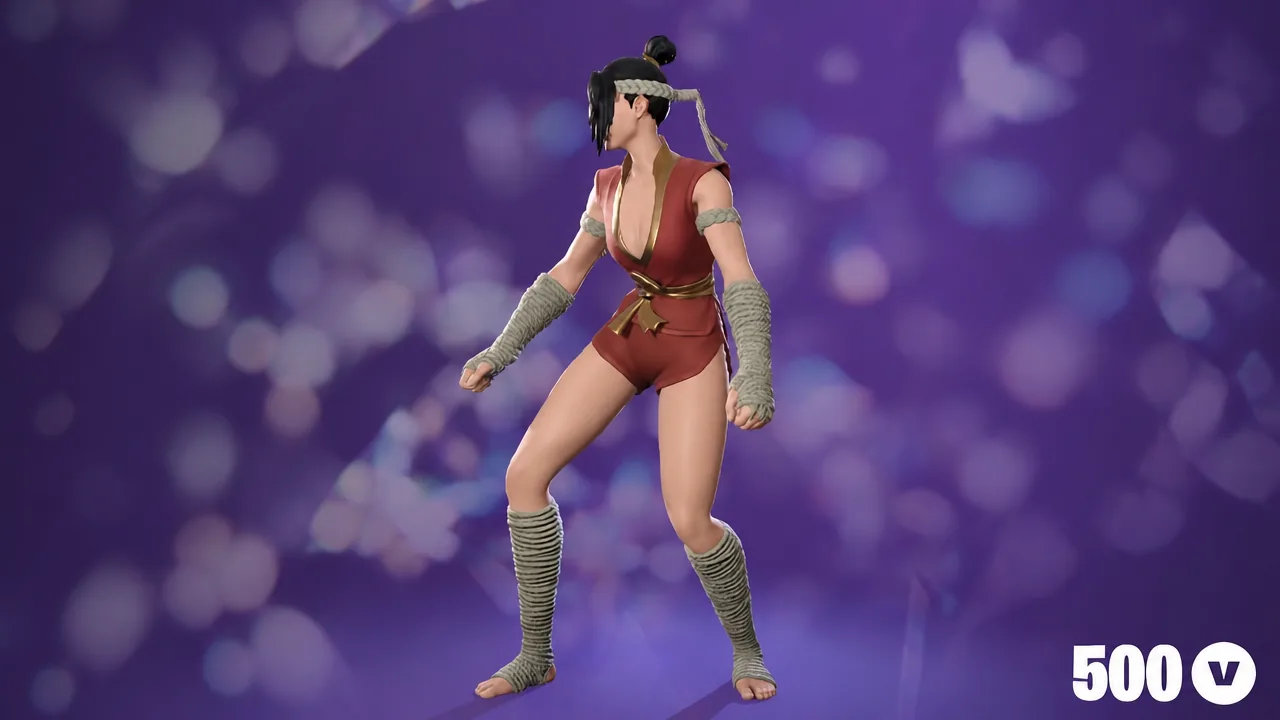
Lush Life is an Icon Series dance emote in Fortnite, built around Zara Larsson’s track of the same name. It arrived on August 31st, 2026 during Chapter 7 Season 4 and is sold directly in the Item Shop rather than earned through a Battle Pass or challenge.
Quick answer: Buy Lush Life from the Fortnite Item Shop for 500 V-Bucks while it is in rotation, then equip it from the Emotes section of your Locker.
Lush Life emote price and where to buy it
The emote costs 500 V-Bucks. There is no bundle requirement and no cheaper variant, so the price is the same whether you buy it in-game or through the web storefront. Purchases made on the official site are attached to your Epic account and show up in-game after your next login or a Locker refresh.
Note: emotes bought once are permanent. Lush Life leaving the shop does not remove it from an account that already owns it.
Lush Life emote details
| Field | Value |
|---|---|
| Name | Lush Life |
| Type | Emote (Dance) |
| Rarity | Icon Series |
| Price | 500 V-Bucks |
| Description | Living for the summer. |
| Item ID | EID_MobbedUp |
| Introduced | Chapter 7, Season 4 |
| Release date | August 31st, 2026 |
| Source | Item Shop |
The internal ID, EID_MobbedUp, does not match the display name. That mismatch is normal for Fortnite cosmetics and is not a sign of a placeholder or unfinished item.
What the Lush Life dance looks like in game
The routine opens with wide arm swings, a full spin, and a held pose. From there it moves into pointing and stepping forward, with the hands doing most of the work through the middle of the loop.
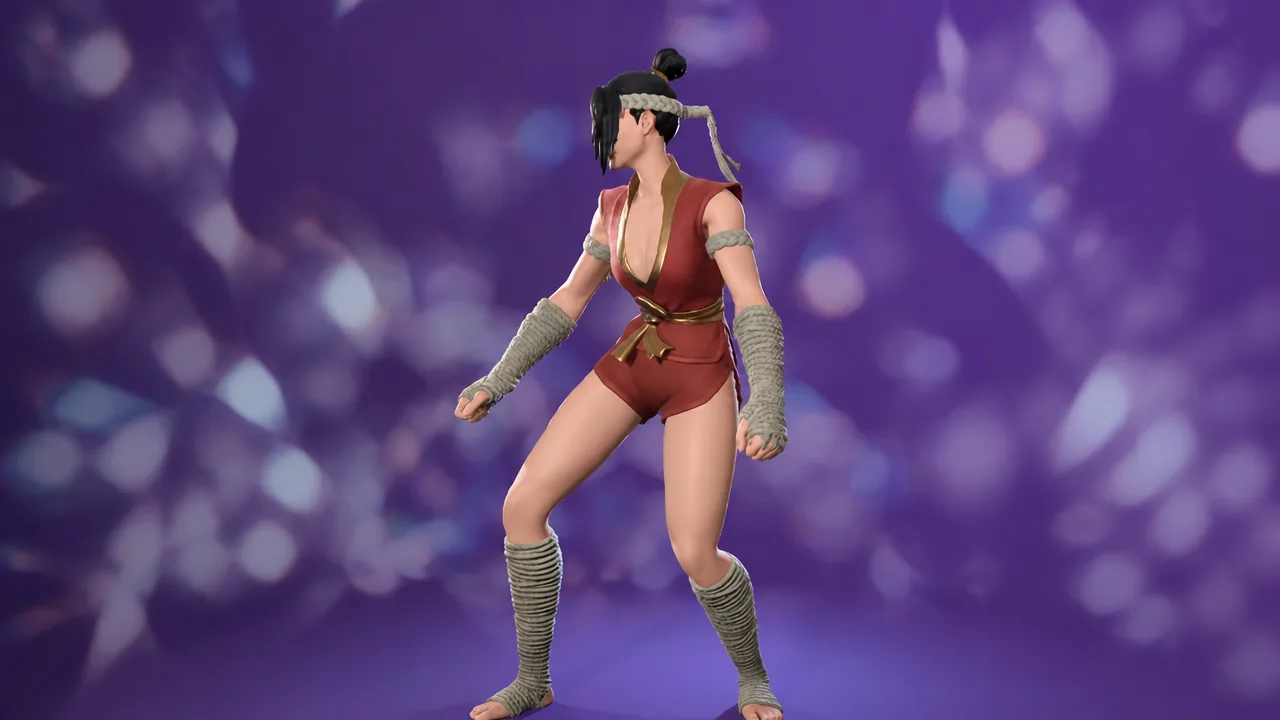
Past the halfway mark the character adds fist-pump motions and a point toward the camera, then closes with a wave and a pose before the animation restarts. It is a looping emote, so it continues until you move, shoot, or cancel it.
Pairing Lush Life with the Mali outfit
Mali is a Chapter 7 Season 4 Battle Pass outfit and a common pairing for this emote because both come from the same season. The outfit ships with several style variants, including the base look, Gloomwarden Grove Mali, Slappy Slurpwaters Mali, and Peril Peak Mali, plus a Pixel toggle that can be switched on or off in the Locker.
Owning Mali is not required to use Lush Life. Emotes are outfit-agnostic, and buying one has no effect on the other.
Why players say the song section is wrong
A large share of the reaction to Lush Life has focused on the audio rather than the animation. The choreography matches the dance most people associate with the track, but the portion of the song playing underneath it is not the section where that dance occurs in the original music video.
This is a presentation complaint, not a bug. The emote functions normally, and no change to the audio has been announced.
Shop rotation and availability
Lush Life has appeared in the Item Shop on consecutive days since launch, and it is currently listed to rotate out on September 4th. Icon Series emotes return on their own schedule, and no fixed return window is published in advance.
| Item Shop date | Notes |
|---|---|
| August 31st, 2026 | First appearance, release day |
| September 1st, 2026 | Second appearance |
If the emote is not visible in the shop when you look, it has rotated out. The only way to obtain it is to wait for it to return, since it is not tied to a quest, a pack, or a crew subscription.
How to confirm the purchase worked
If a web purchase does not show up in the Locker, close the game fully and relaunch. Cosmetics bought outside the client sometimes do not sync until the next session start.
For anyone weighing the 500 V-Bucks, the deciding factor is usually the audio rather than the movement. The dance itself is faithful and loops cleanly, so the question is whether the song section it uses bothers you enough to skip it.