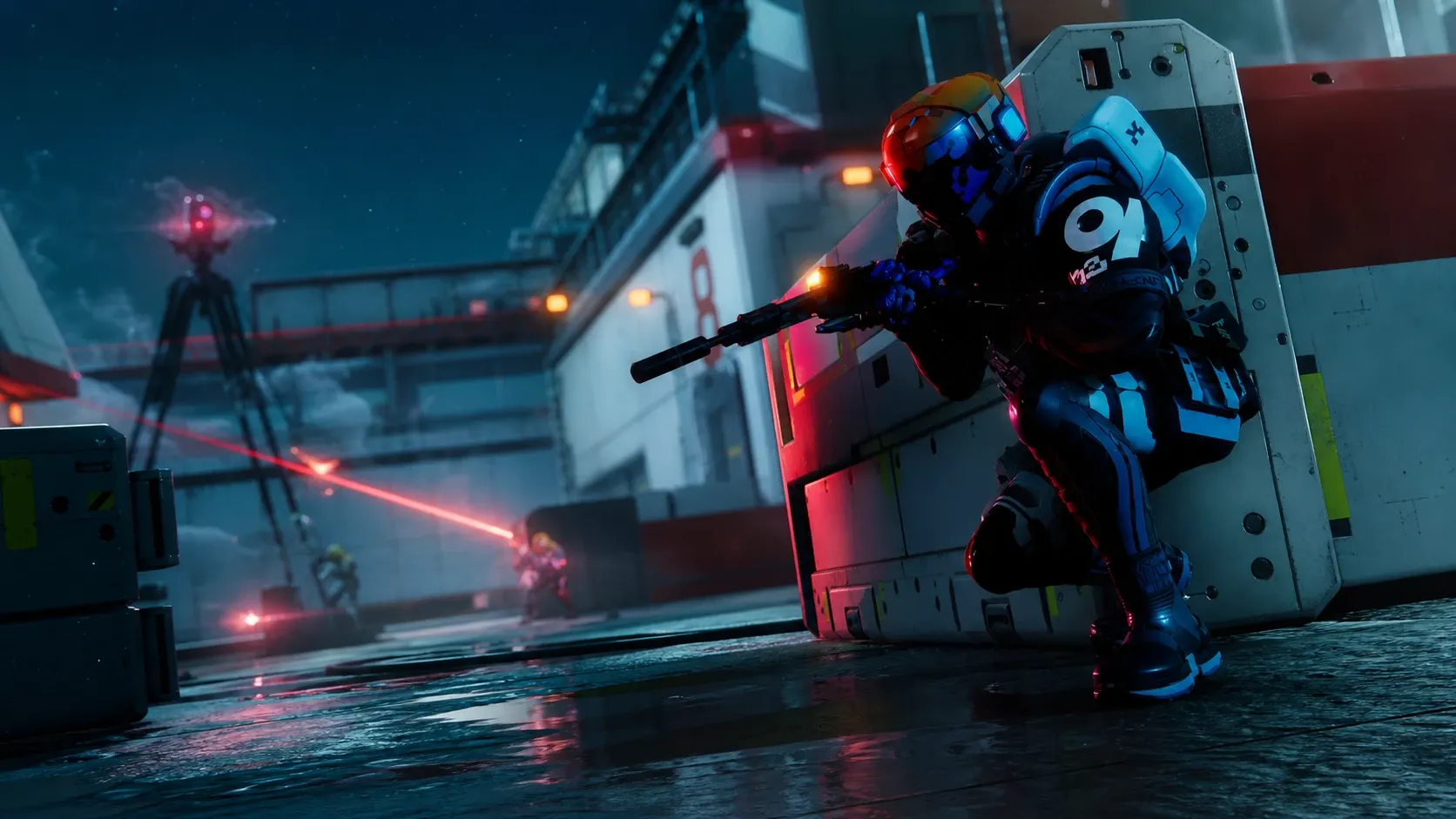
To mark the start of Marathon Season 2, Bungie is handing out a free cosmetic bundle on each platform. Where you play decides which one you get, and every bundle includes a Runner Shell style, an Overrun AR weapon style, a profile background, and a weapon charm. The three sets are visually distinct, so the rewards are tied to Steam, Xbox, or PlayStation rather than being a single shared pack.
The Season 2 rewards went live alongside the launch on June 2, 2026. There is no confirmed end date for these bundles, so the safest approach is to add each one to your account as soon as you can in case the offer is removed later.
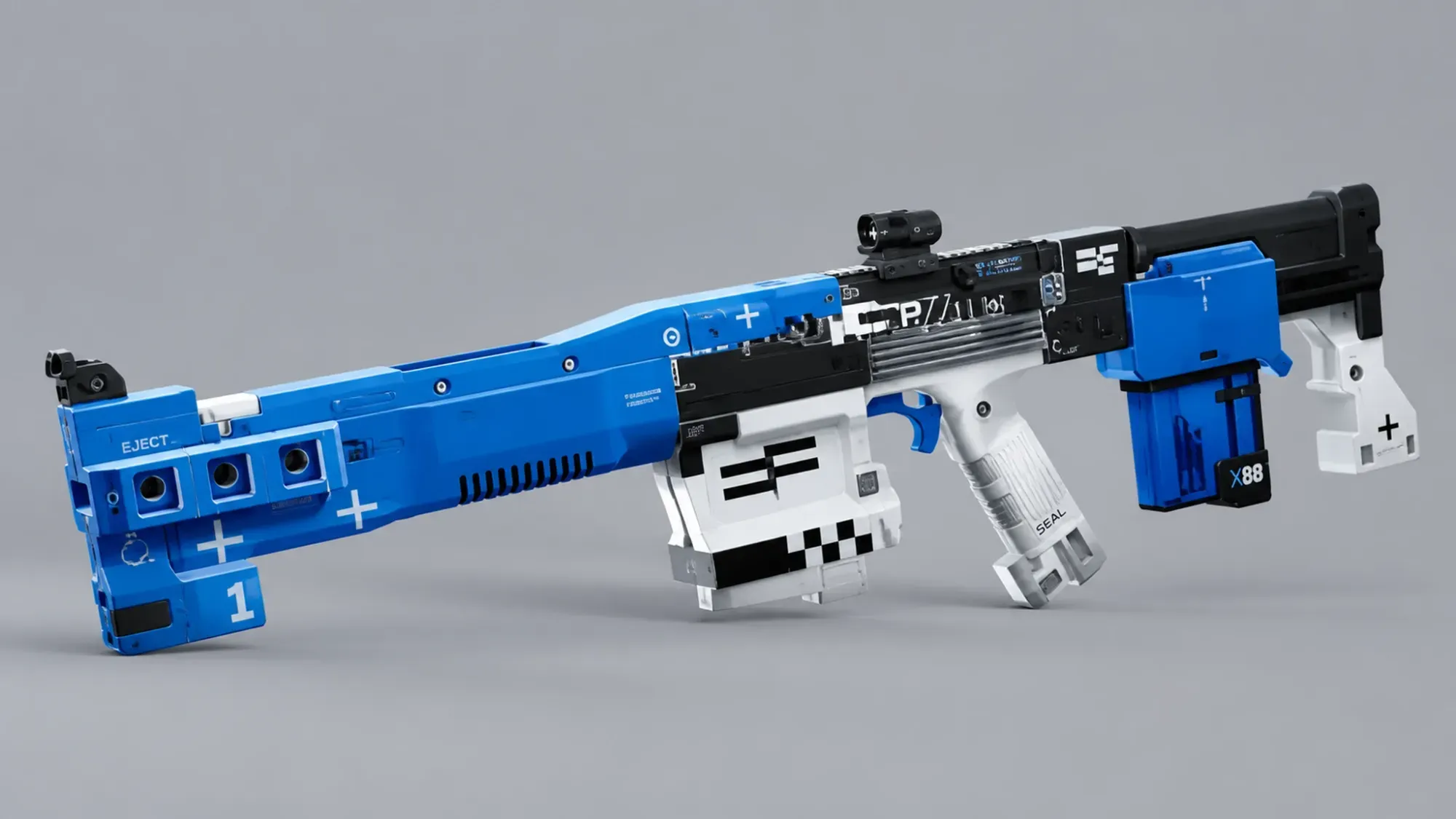
PlayStation: Null Tempest bundle (PS Plus)
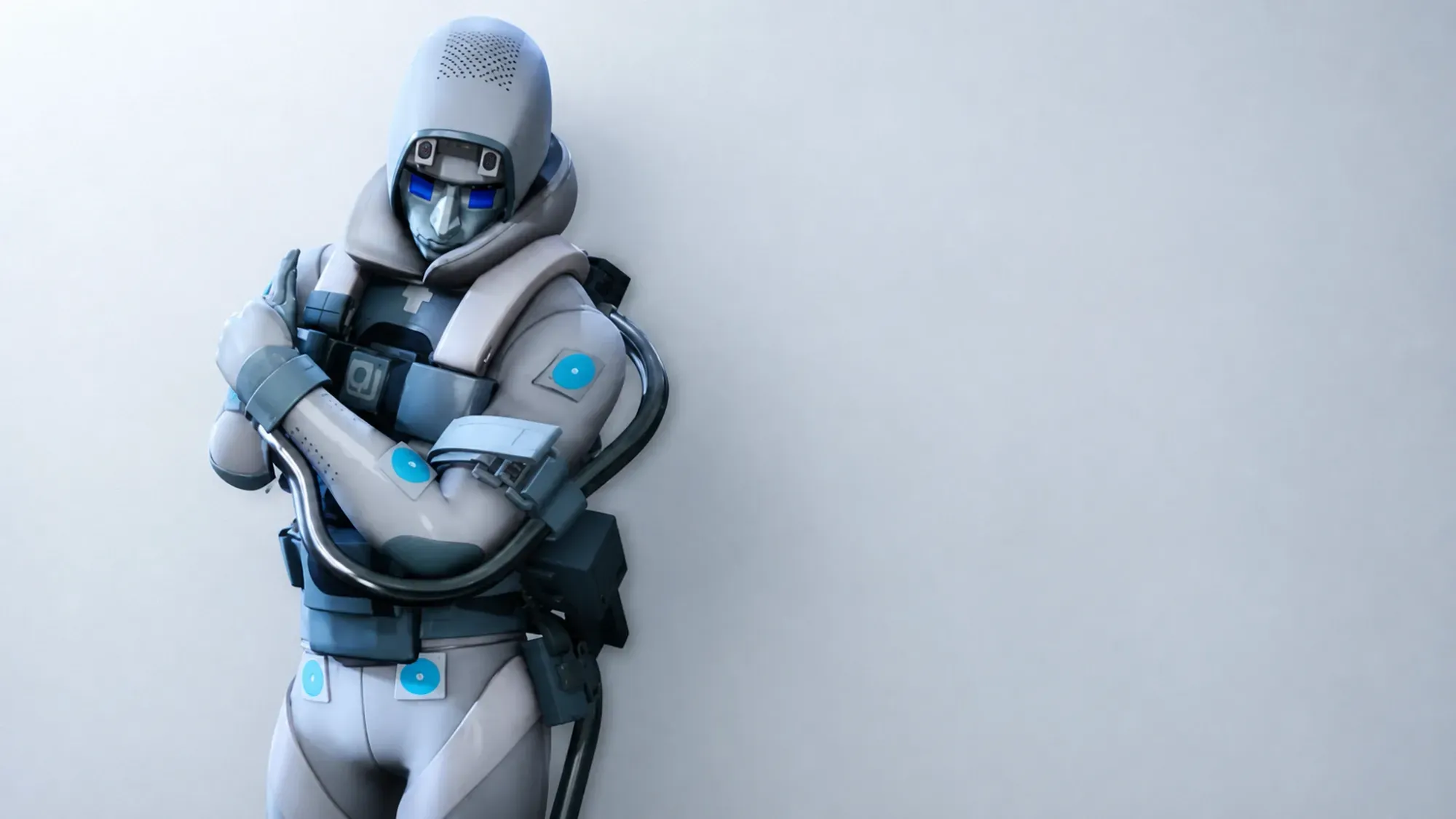
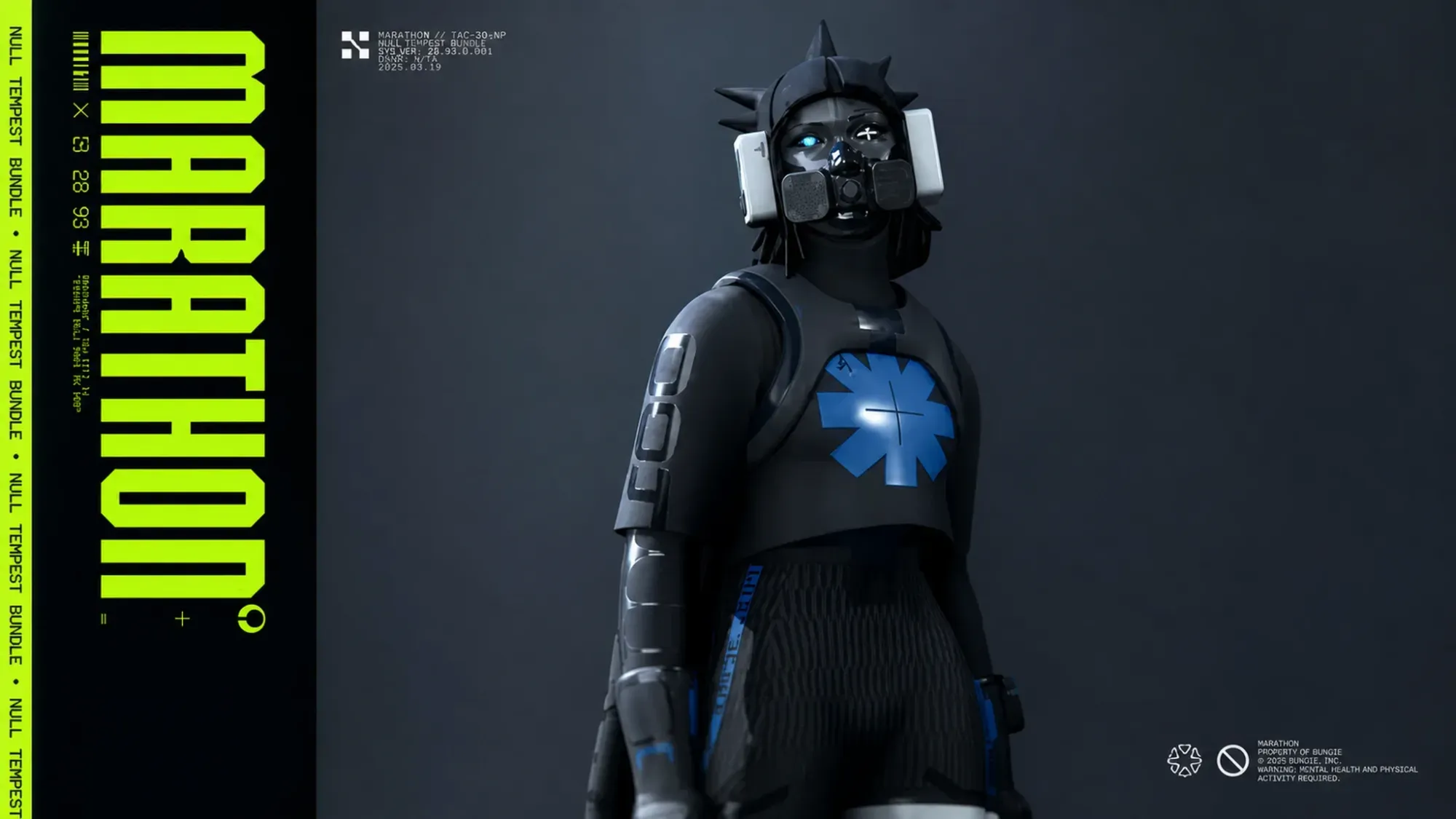
The PlayStation reward is the Null Tempest bundle, built around a black and blue color scheme. It is sponsored by PlayStation Plus, so you need an active PS Plus subscription to grab it. Once claimed, the cosmetics appear in the Customize tab the next time you open the game.
| Item type | Reward |
|---|---|
| Runner Shell style | Vandal – Null Tempest |
| Weapon style | Overrun AR – Null Tempest |
| Profile background | Tempest Factor |
| Weapon charm | TEMPESTworm |
Steam: Spectral Mist bundle
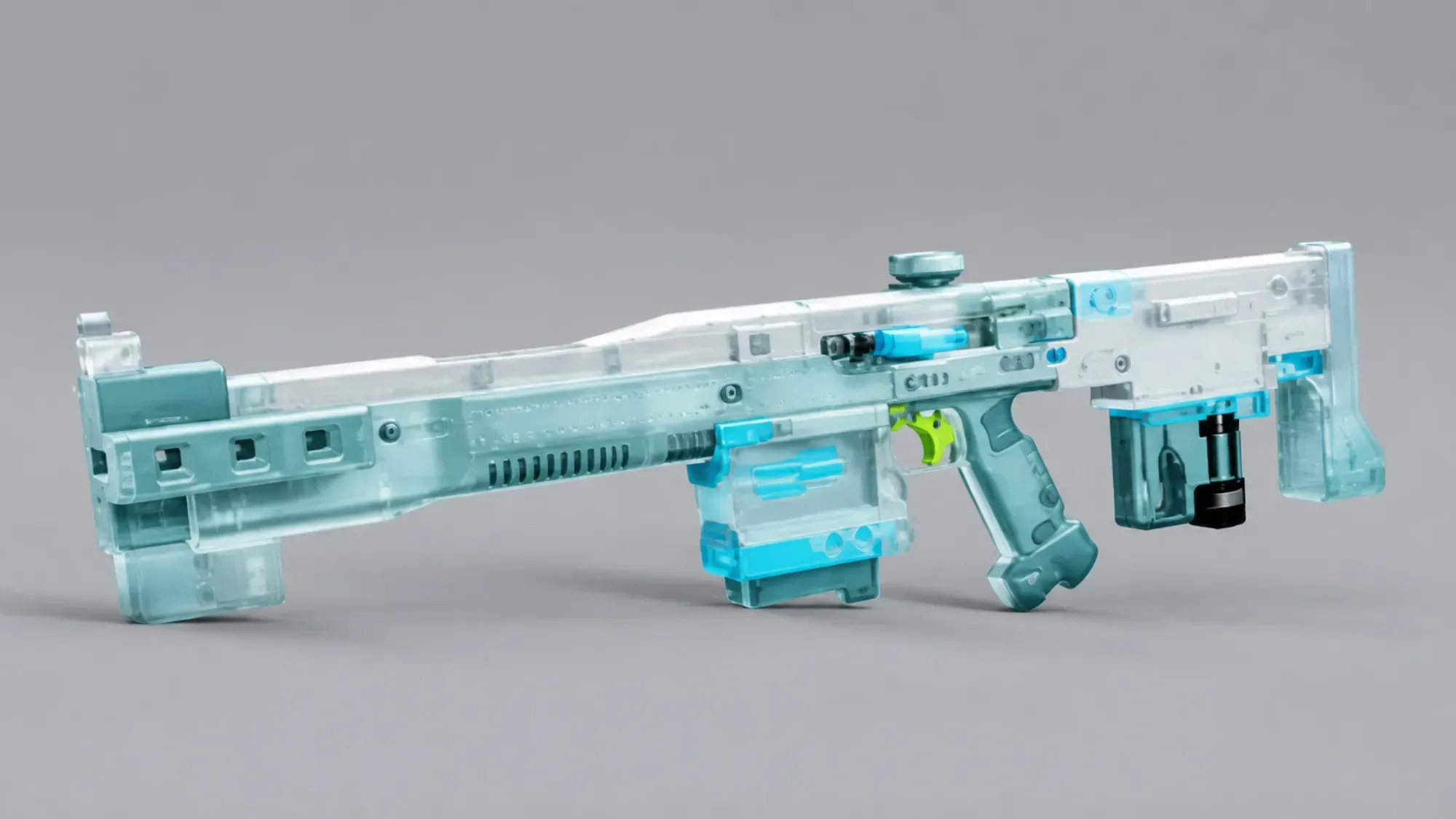
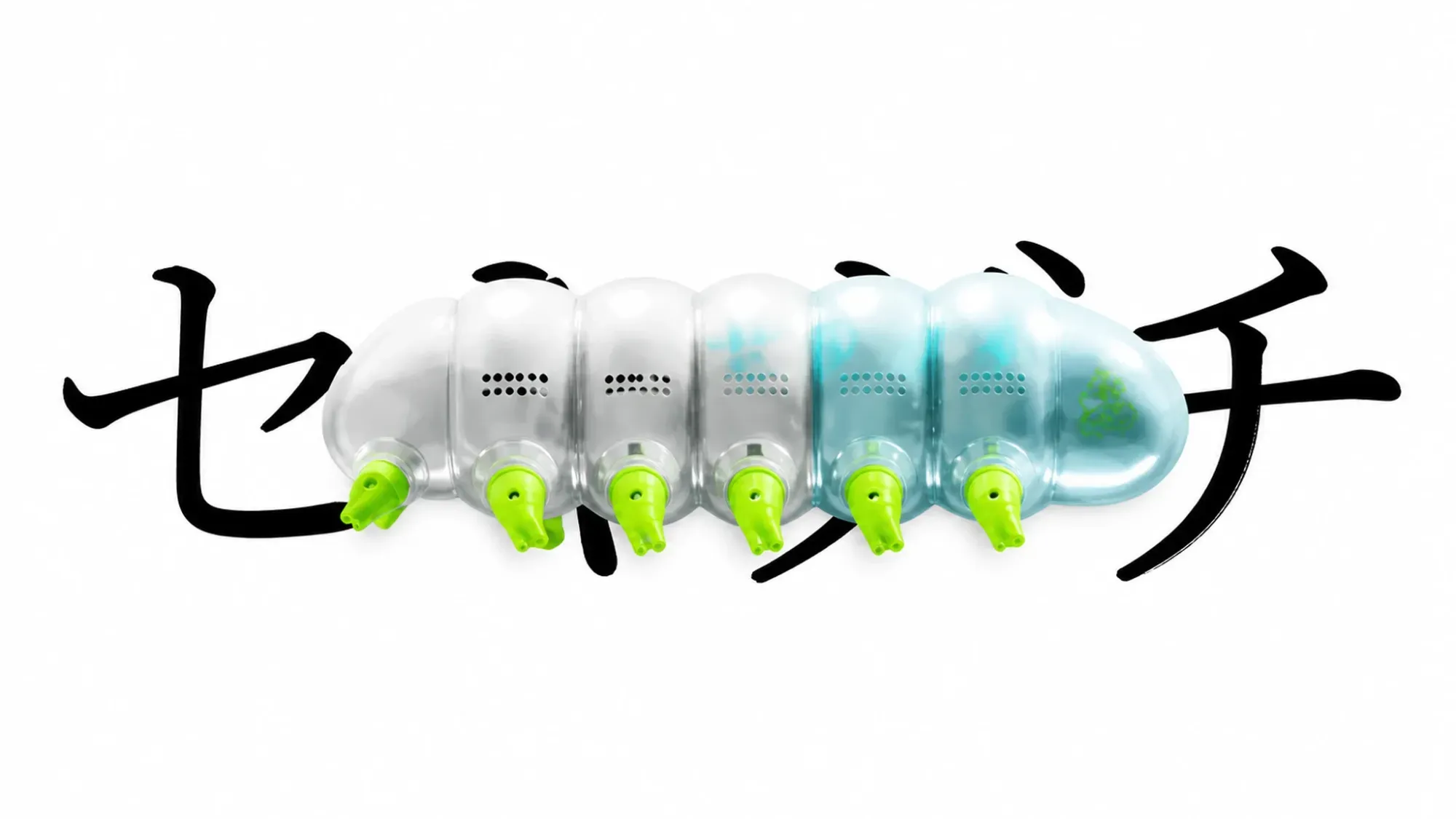
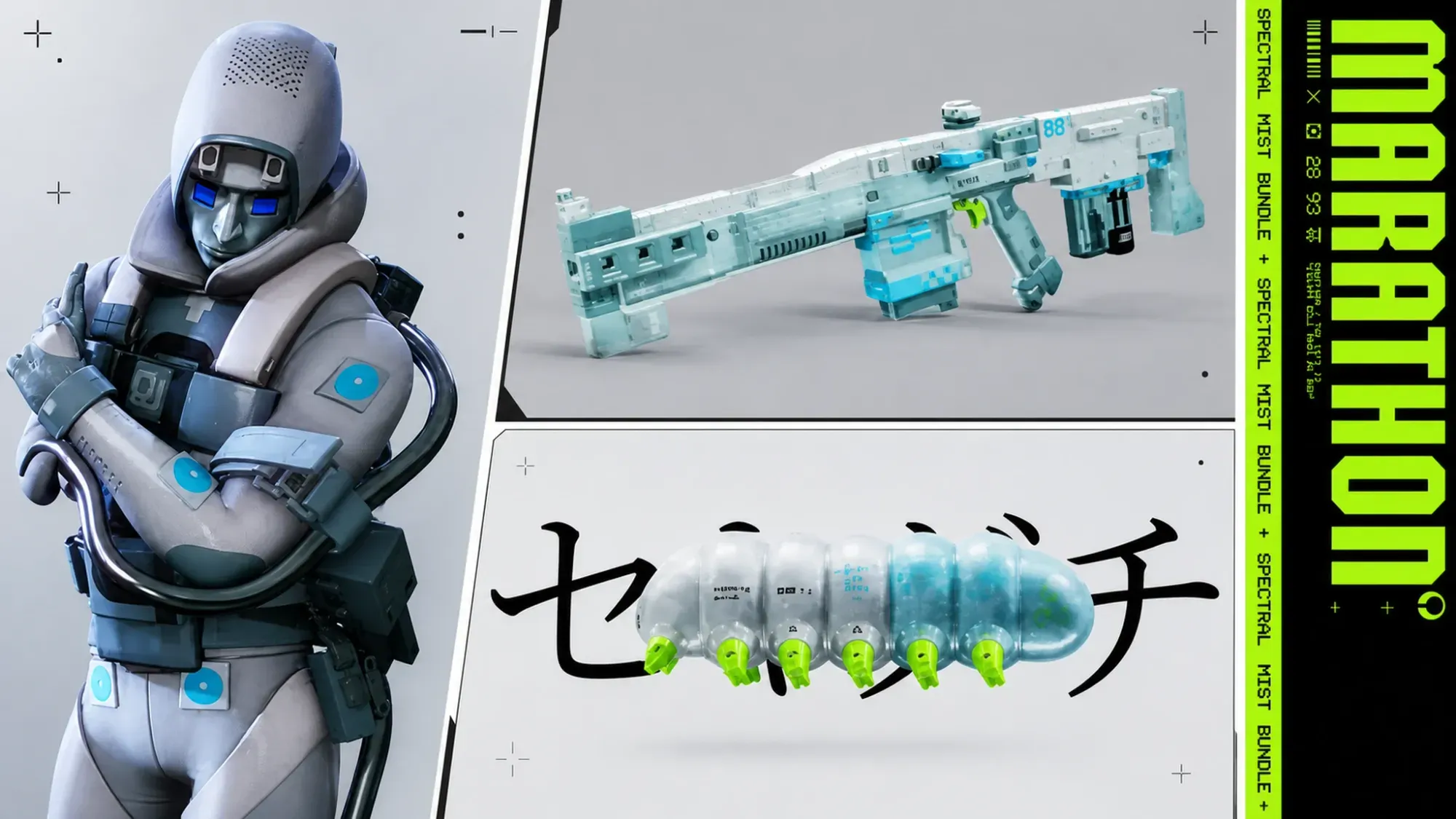
On Steam, the reward is the Spectral Mist bundle, which dresses the Assassin Runner Shell and the Overrun AR in white and cyan. It is added straight from the game’s store listing, with no subscription required.
| Item type | Reward |
|---|---|
| Runner Shell style | Assassin – Spectral Mist |
| Weapon style | Overrun AR – Spectral Mist |
| Profile background | Internal Affair |
| Weapon charm | MISTworm |
Xbox: Emerald Impact bundle
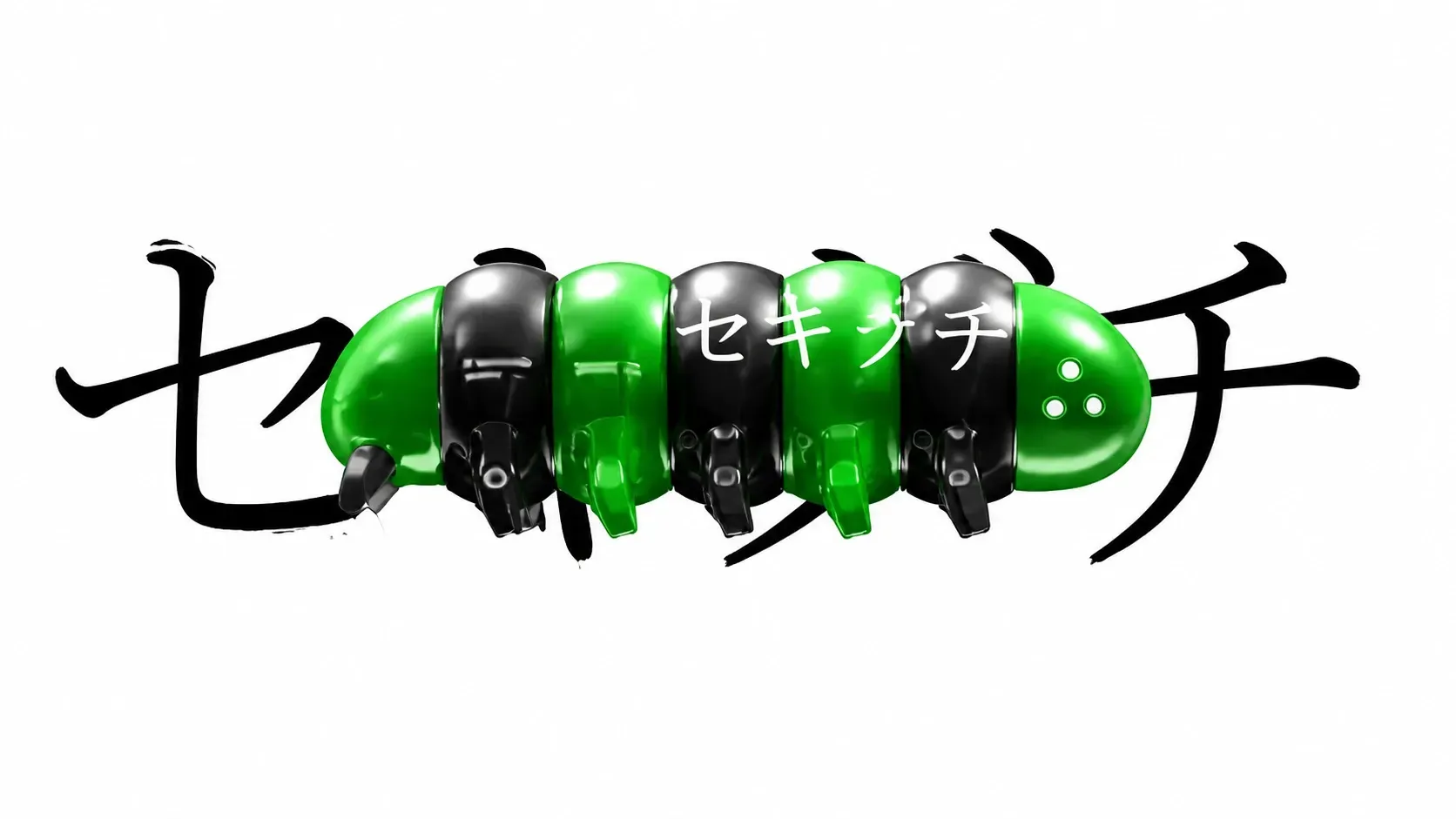
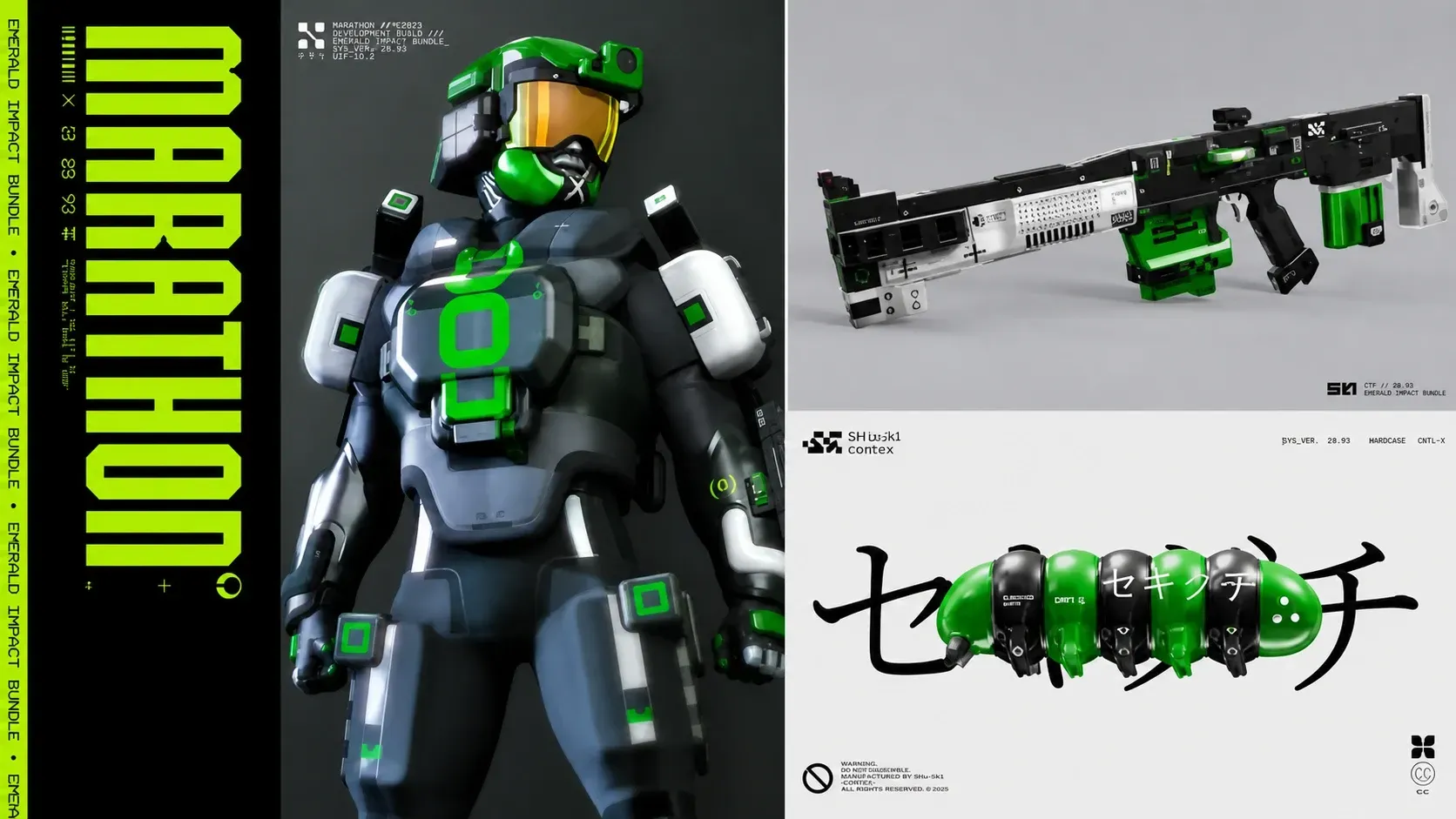
Xbox players receive the Emerald Impact bundle, which uses a black and green look across the Destroyer Runner Shell and the Overrun AR. It is found under the Add-Ons section of the game’s store page.
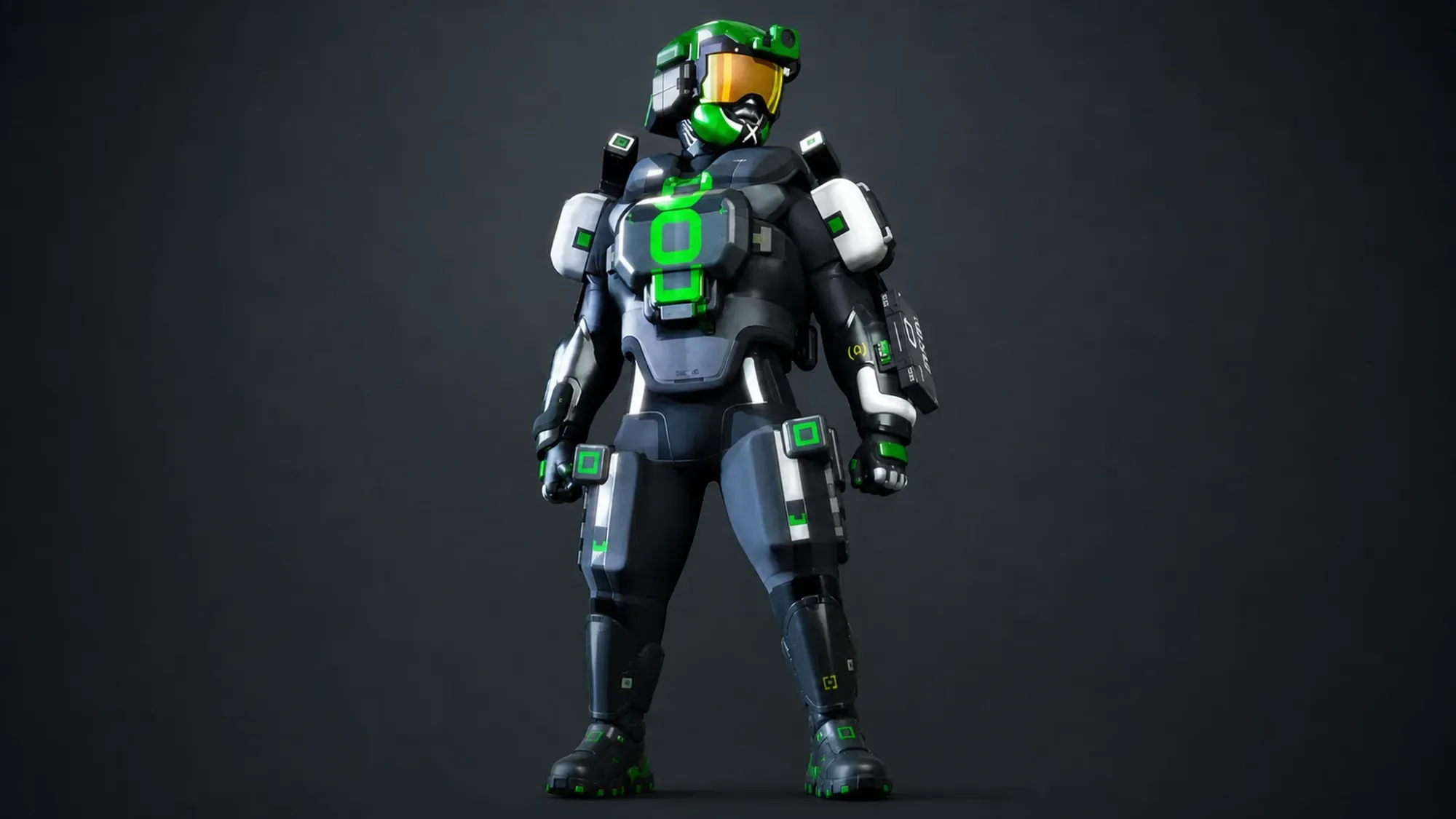
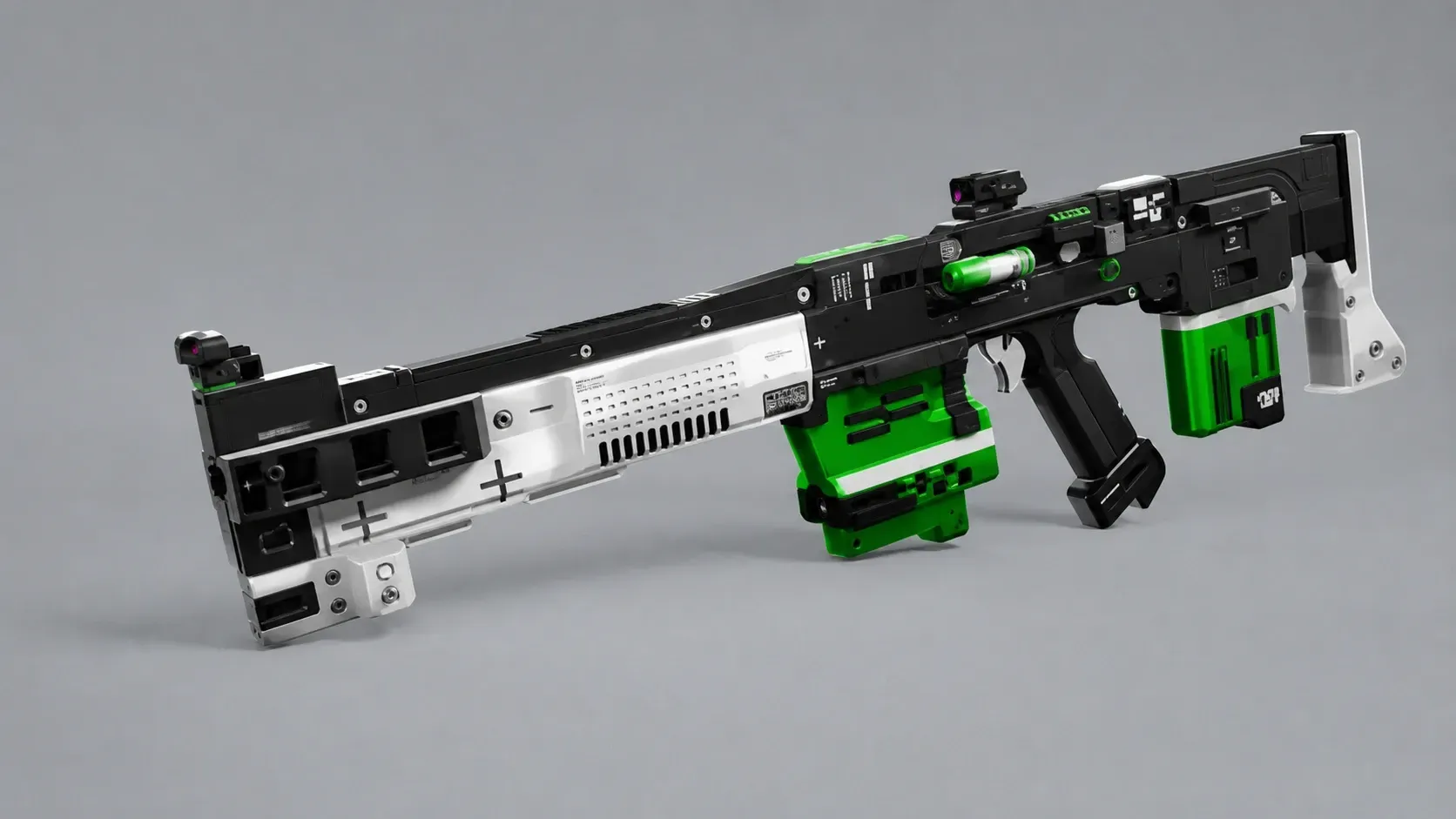
| Item type | Reward |
|---|---|
| Runner Shell style | Destroyer – Emerald Impact |
| Weapon style | Overrun AR – Emerald Impact |
| Profile background | Impact Orientation |
| Weapon charm | IMPACTworm |
How to confirm the bundle worked
You will know the claim went through when the four items show up in the Customize tab after you next log into Marathon. The cosmetics do not appear instantly inside the store. They are delivered the next time the game loads your profile, so a quick restart is the fastest way to see them.
If a bundle is missing, the most common reasons are claiming it on a different account than the one you play on, or, for PlayStation, not having an active PS Plus subscription. Make sure the store purchase and your game profile use the same account, then relaunch the game.
Because no expiration has been confirmed for these Season 2 cosmetics, adding all three to your account where you have access is the simplest way to lock them in before anything changes. Each set is exclusive to its platform, so the look you end up with depends entirely on where you claim it.