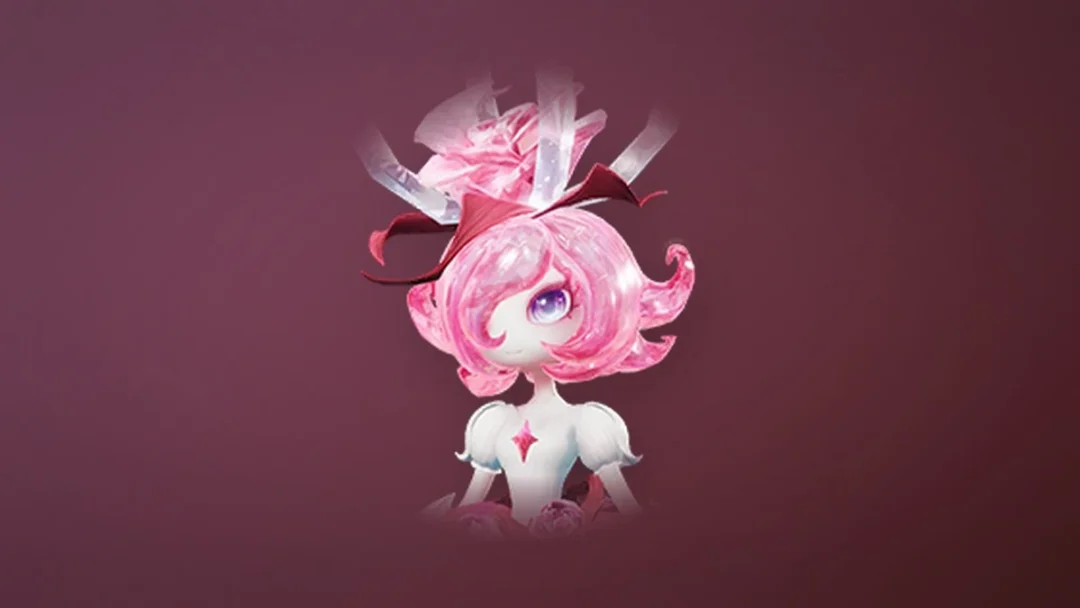
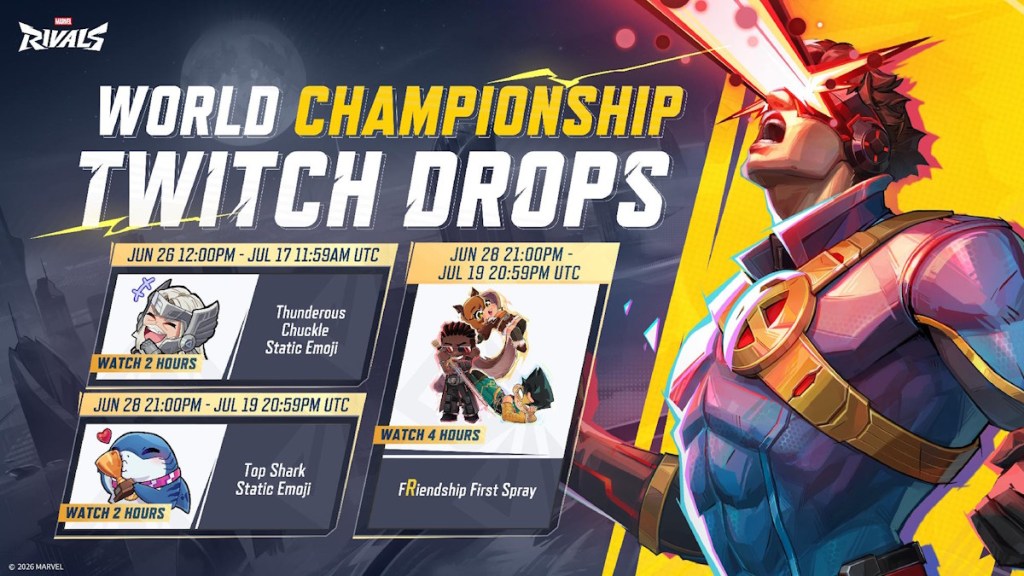
Three exclusive cosmetics are tied to the first Marvel Rivals Creator World Championship, a tournament with a $300,000 prize pool that pits popular content creators against each other. The rewards come through Twitch Drops, so you earn them by watching the broadcasts rather than playing matches. None of the three items appear in the in-game store, which makes the watch window the only way to add them to your account.
Quick answer: Link your Marvel Rivals account to Twitch at marvelrivals.com/twitchdrops, then watch the official or a participating Marvel Rivals Twitch channel with the Drops Enabled tag for the required time. Claim each reward from your Twitch Drops inventory before it expires.
Creator World Championship rewards and watch times
The campaign hands out two static emojis and one spray. Each item unlocks at a different watch threshold and has its own active window, so the totals do not stack into a single timer. You need to accumulate the listed hours within each item’s window.
| Reward | Watch time | Window (UTC) |
|---|---|---|
| Thunderous Chuckle Static Emoji | 2 hours | June 26, 12:00 PM – July 17, 11:59 AM |
| Top Shark Static Emoji | 2 hours | June 28, 9:00 PM – July 19, 8:59 AM |
| fRiendship First Spray | 4 hours | June 28, 9:00 PM – July 19, 8:59 AM |
The full Twitch Drops event runs from June 26, 2026 at 12:00 PM UTC through July 19, 2026 at 9:00 PM UTC, which lines up with the tournament schedule. Watch progress fills while a stream is open, so you do not need to keep the window in focus or the sound on.
How to claim the Twitch Drops
How to confirm the rewards landed
After you claim a drop on Twitch, it is delivered through your in-game email rather than appearing instantly in your collection. The cosmetics usually show up within a few minutes. If they are missing, restart Marvel Rivals to force a refresh.
Note: in-game reward emails expire 30 days after they arrive, so open and claim them promptly to avoid losing the items.
Common reasons the drops do not unlock
- You are watching a stream without the Drops Enabled tag, so no progress accumulates.
- Your Twitch account is not linked to the Marvel Rivals account you play on.
- You earned the progress but never clicked claim, and the drop expired before you returned to your inventory.
- Each reward can be claimed only once per Twitch account; relinking to a different game character will not unlock it again.
The Top Shark emoji and fRiendship First spray do not start counting until June 28 at 9:00 PM UTC, so early viewing only banks progress toward the Thunderous Chuckle emoji. Plan your watch time around each item’s window if you want all three before the campaign closes on July 19.