Marvel Rivals error codes can interrupt a session during launch, login, or matchmaking. Most stem from server overload, platform-specific network configuration, or antivirus interference. The reference table below lists every currently known code, followed by targeted fixes grouped by type.
All Marvel Rivals Error Codes – Quick Reference
| Error Code | Meaning | Primary Platform |
|---|---|---|
| 2100 | Connection error | All |
| 10 (or 5) | Server connectivity issues | All |
| 4 | Network error | PlayStation |
| 21 | DNS issue | Xbox |
| 211 | Steam server issue | PC (Steam) |
| 220 | Server connectivity / unknown | All (PC focus) |
| 258 | Login failure | All |
| 2103 | Server load error | All |
| LS-0014 | Epic Games file issue | PC (Epic) |
| 99% loading | Loading screen stuck | PC (primarily) |
General Fixes That Apply to Most Errors
Before targeting a specific code, run through these steps — they resolve the majority of problems without requiring any platform-specific action. Restart Marvel Rivals fully, then restart your router by unplugging it for 30 seconds. On PC, confirm the game is updated through Steam or the Epic Games Launcher. On consoles, check for game updates from the dashboard before attempting anything else.
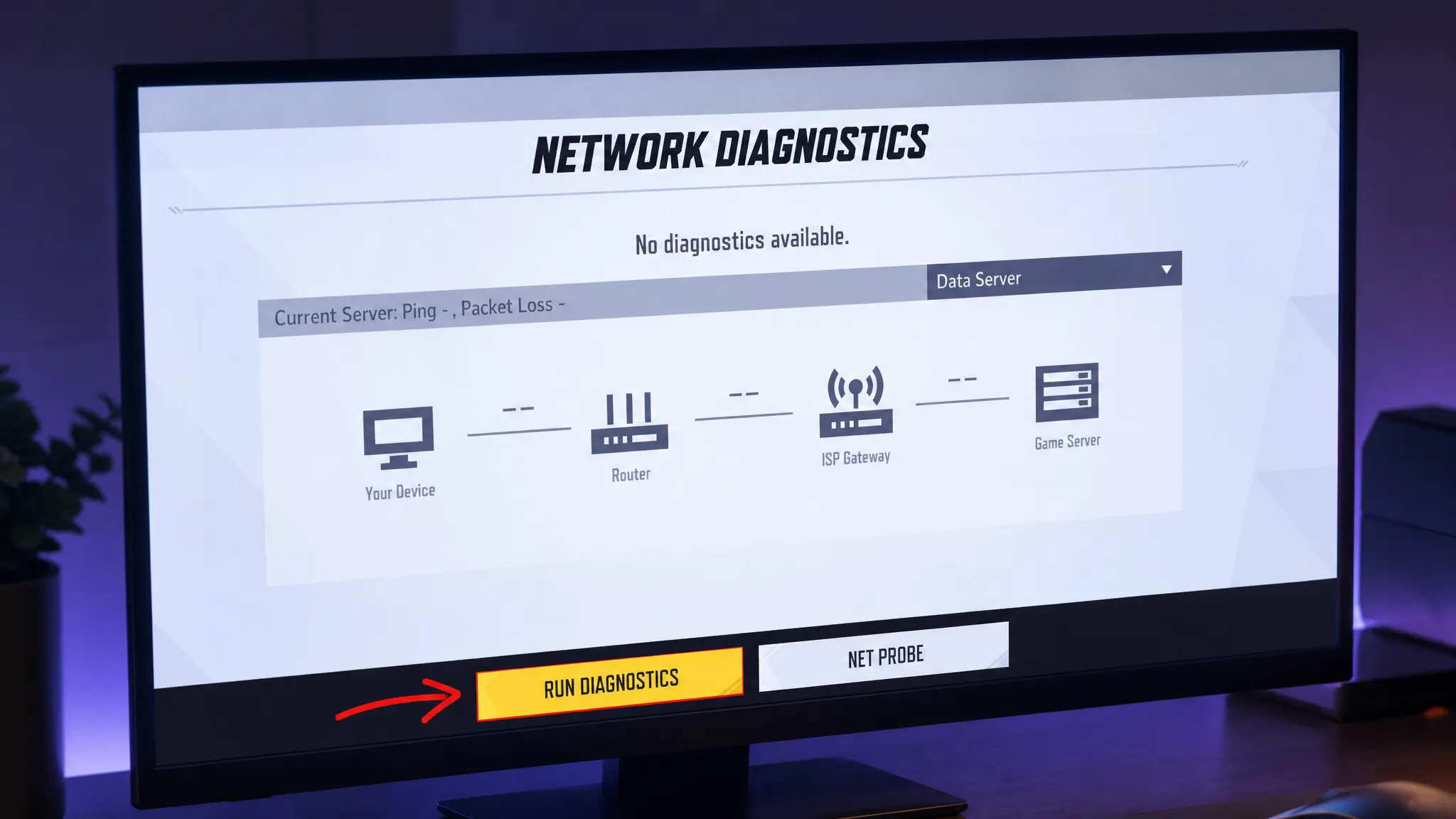
The in-game Network Diagnostics tool, accessible through the settings menu, is a particularly effective step that addresses several connection-related codes at once. Run it, then close and relaunch the game. Also check Marvel Rivals’ official X account or a server-status aggregator before doing anything else client-side — if the servers are confirmed down, no local fix will help and waiting is the only option.
Connection and Server Errors: 2100, 10, 220, 2103
Error code 2100
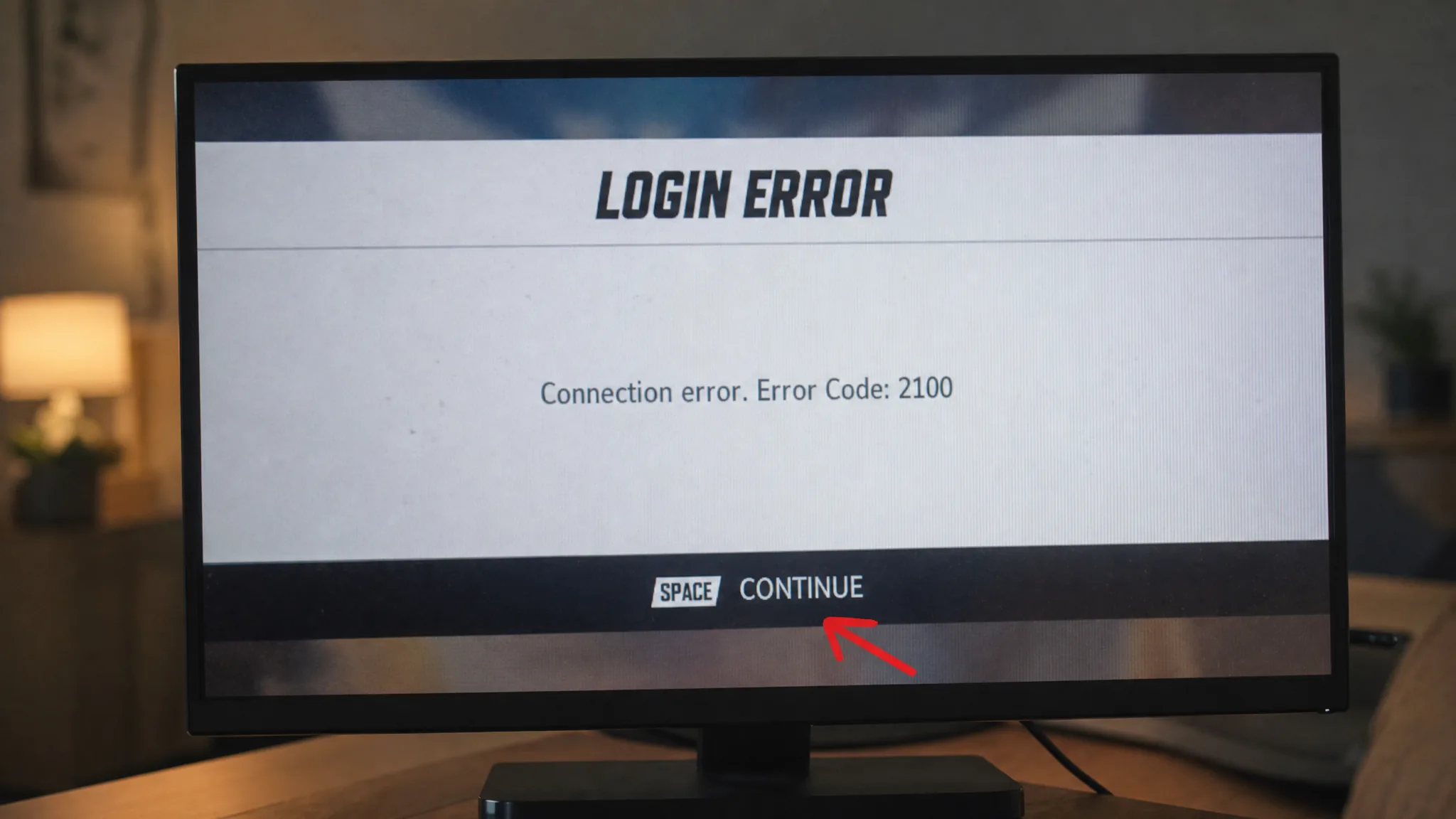
Error code 2100 is one of the most frequently reported login errors in Marvel Rivals and prevents players from reaching the lobby on any platform. Running Network Diagnostics in the settings menu, then closing and relaunching, resolves this for most players. If the problem continues, restart your console or PC. A router restart — unplugging the device for 30 seconds — is another reliable step that has cleared this error for many players.
Error code 10 (also shown as code 5)
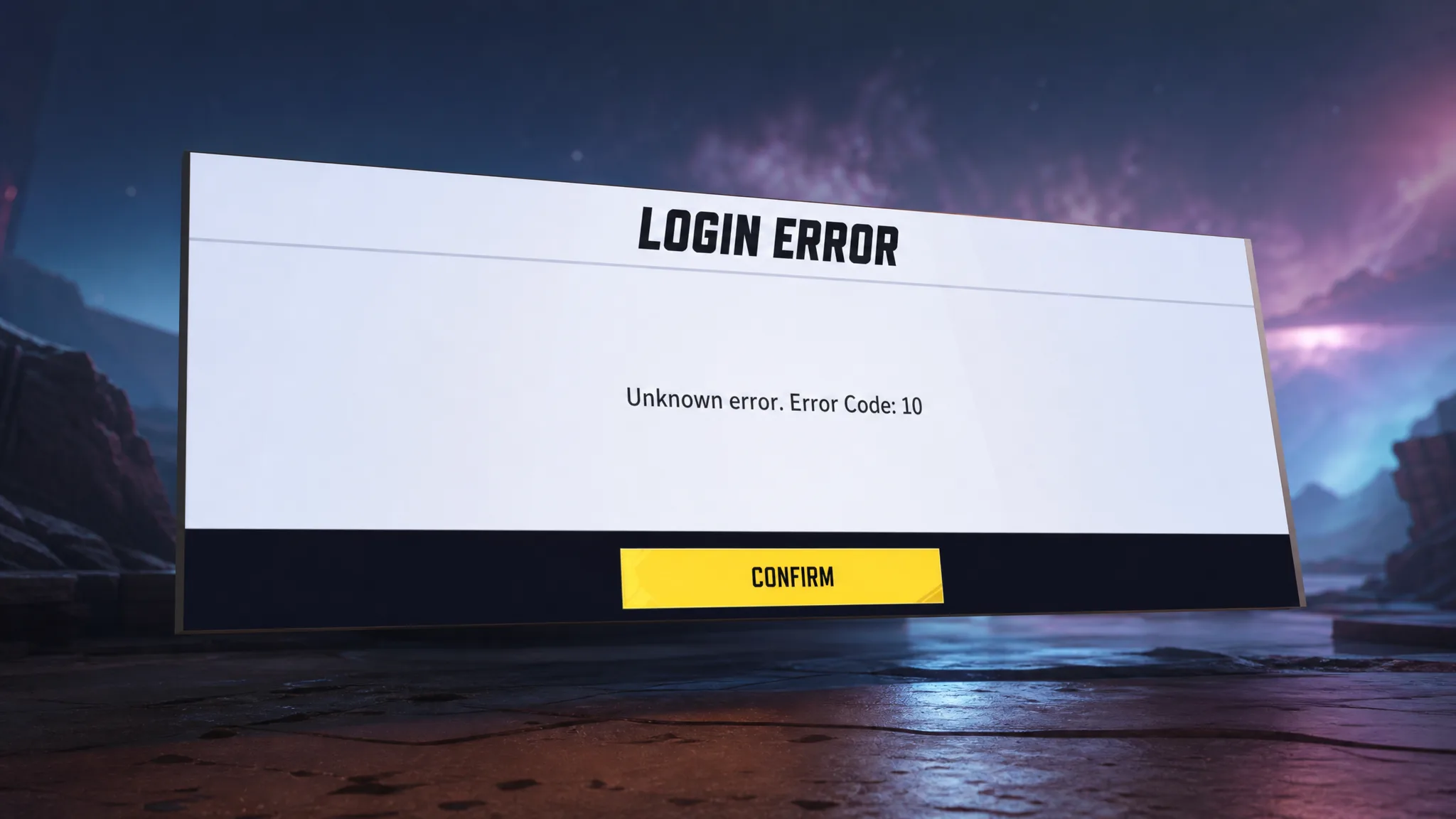
Error code 10 — sometimes displayed as code 5 — has been present since Season 1 and signals a breakdown in connectivity with the game’s servers. The cause can be official server downtime, an unstable internet connection, or corrupted local game files.
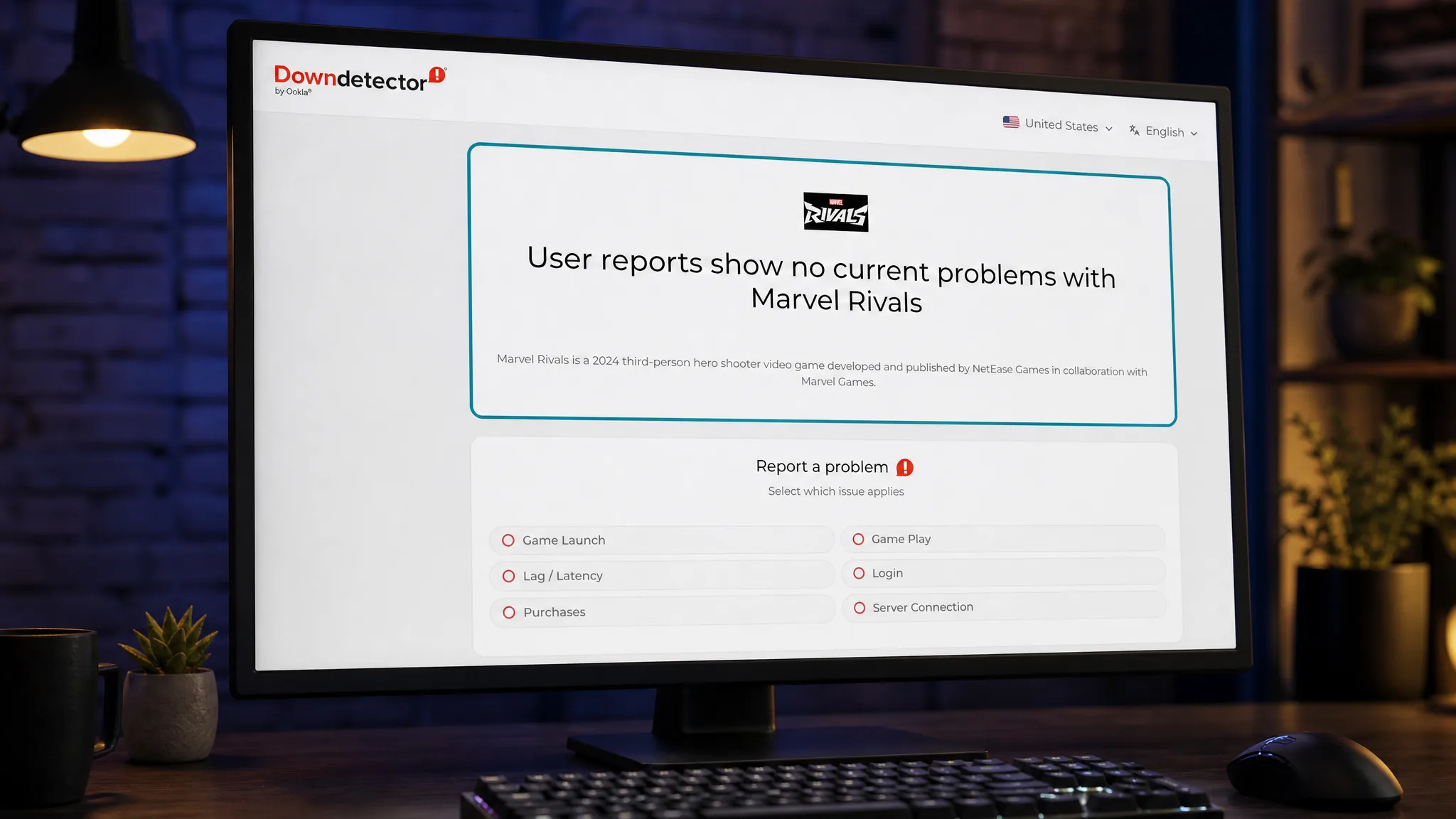
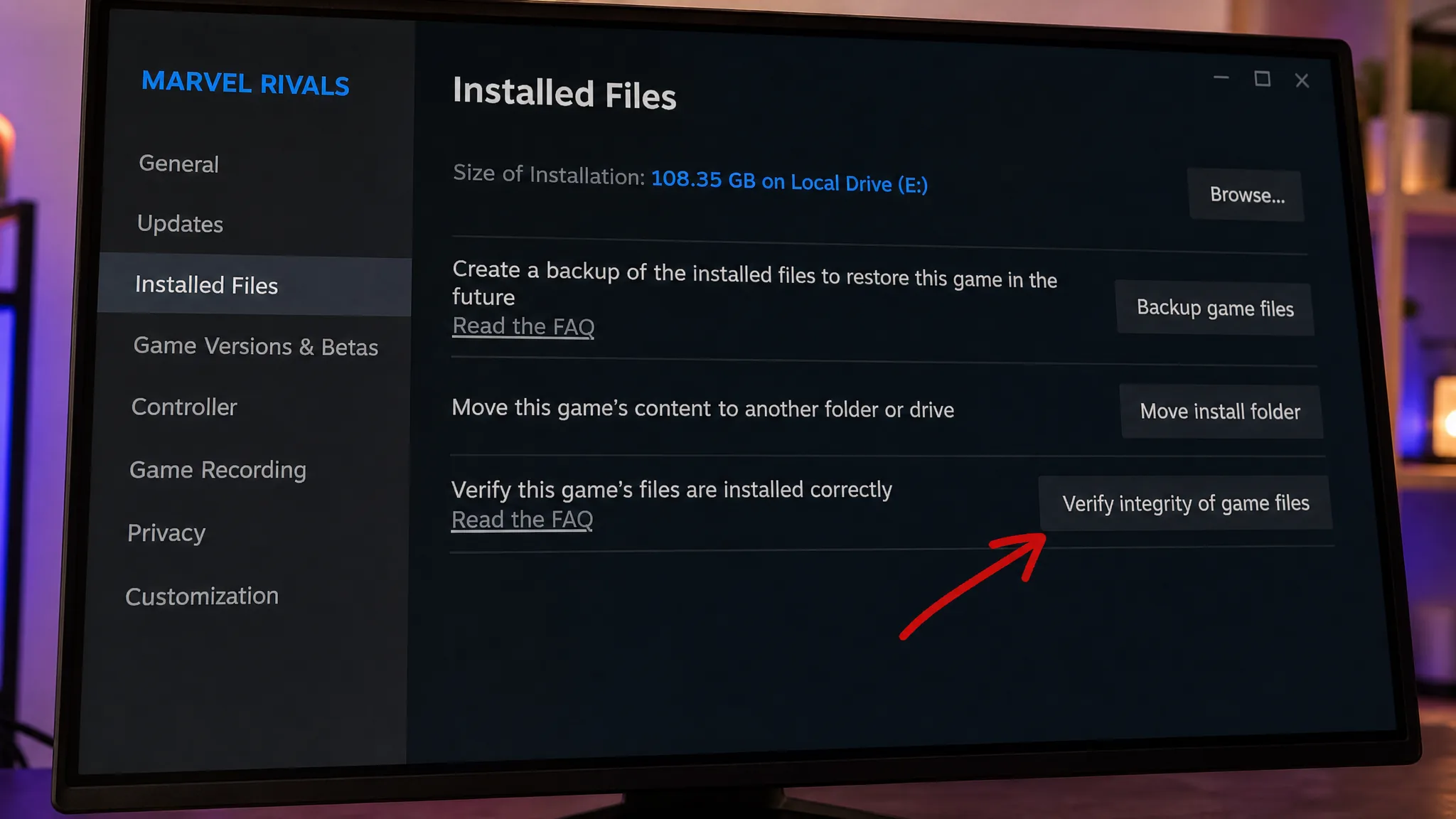
Check server status first using Marvel Rivals’ official X account or an aggregator like Down Detector. If servers are live, restart your router and relaunch the game. Steam players should also verify the integrity of game files from the Properties section in their library — corrupted data is a frequent trigger for this error. Running Network Diagnostics in the game settings is another effective step worth taking before assuming the problem is server-side.
Error code 220
Error code 220 is listed in-game as an unknown error but consistently points to DNS configuration or firewall interference on the player’s end. It has affected players across all platforms since launch. Flushing the DNS cache is the recommended first step, followed by switching to a different DNS server. If the error continues, check whether antivirus software is flagging Marvel Rivals files and add the game as an exception. Temporarily disabling the firewall can confirm whether it is the source of the block.
Error code 2103
Error code 2103 displays the message “Operation frequency is too high.” This appears when the game’s servers are overwhelmed by simultaneous login attempts — most commonly at the start of a new season. There is no client-side action that resolves it. Waiting for NetEase to stabilize the server load is the only course of action.
Platform-Specific Errors: 4, 21, 211, LS-0014
| Error Code | Platform | Primary Fix |
|---|---|---|
| 4 | PlayStation (PS4 / PS5) | Update game; toggle Wi-Fi; check PSN status |
| 21 | Xbox | Switch DNS to 8.8.4.4 in advanced network settings |
| 211 | PC (Steam) | Wait for Steam weekly maintenance to end |
| LS-0014 | PC (Epic Games) | Add Marvel Rivals folder as antivirus exception |
Error code 4 (PlayStation)
Error code 4 appears on PS4 and PS5 when there is a network failure communicating with Marvel Rivals’ servers. Update the game to its latest version first, since this error has coincided with major updates in the past. If the game is current, toggle your Wi-Fi off and then back on. Check the PlayStation Network service status as well — PSN maintenance has triggered this error previously, and if the service is down, no local fix will work until it recovers.
Error code 21 (Xbox)
Xbox players encounter error code 21 when a DNS configuration problem disrupts their connection to the game. The most targeted fix is switching the DNS in Xbox’s advanced network settings from 8.8.8.8 to 8.8.4.4. If that does not resolve it, connecting through a mobile hotspot with a VPN active on that device has worked for some players. Restarting the game is worth attempting first, and reinstalling Marvel Rivals is a last resort if nothing else works.
Error code 211 (Steam)
Error code 211 affects Steam and Steam Deck players exclusively and surfaces during Steam’s weekly maintenance window when Steam servers go temporarily offline. There is nothing to configure on the player’s end — waiting for maintenance to complete and the servers to return is the only option.
Error code LS-0014 (Epic Games)
LS-0014 appears for players launching Marvel Rivals through the Epic Games client. Despite looking like a launcher problem, antivirus software is almost always the actual cause — it blocks or quarantines files within the Marvel Rivals installation folder. Adding the Marvel Rivals folder as an exception in your antivirus settings clears this error.
Login and Loading Errors: 258 and the 99% Loading Bug
Error code 258
Error code 258 is a login failure that occurs when authentication through the game launcher does not complete, often during periods of high player traffic. It was most common at the original game launch. The fix is straightforward: attempt to log in repeatedly until the connection goes through. This error typically clears on its own once traffic eases, and it is rare in the current version of the game.
99% loading screen stuck
The loading screen freezing at exactly 99% has been reported since the closed beta and mainly affects PC players. Installing Marvel Rivals on an SSD is the most effective long-term fix, since faster read speeds prevent the timeout that causes the hang. If the game is already on an SSD, verifying game files through Steam is the next step. Disabling anti-aliasing and Super Resolution in the game’s display settings has also resolved this issue for some players. The bug is less frequent in the current build.
Keeping Marvel Rivals updated to the latest version is the simplest baseline step for all of these errors. NetEase has patched out multiple error codes across seasonal updates, and running an outdated build can reintroduce problems that were already fixed on the server side.