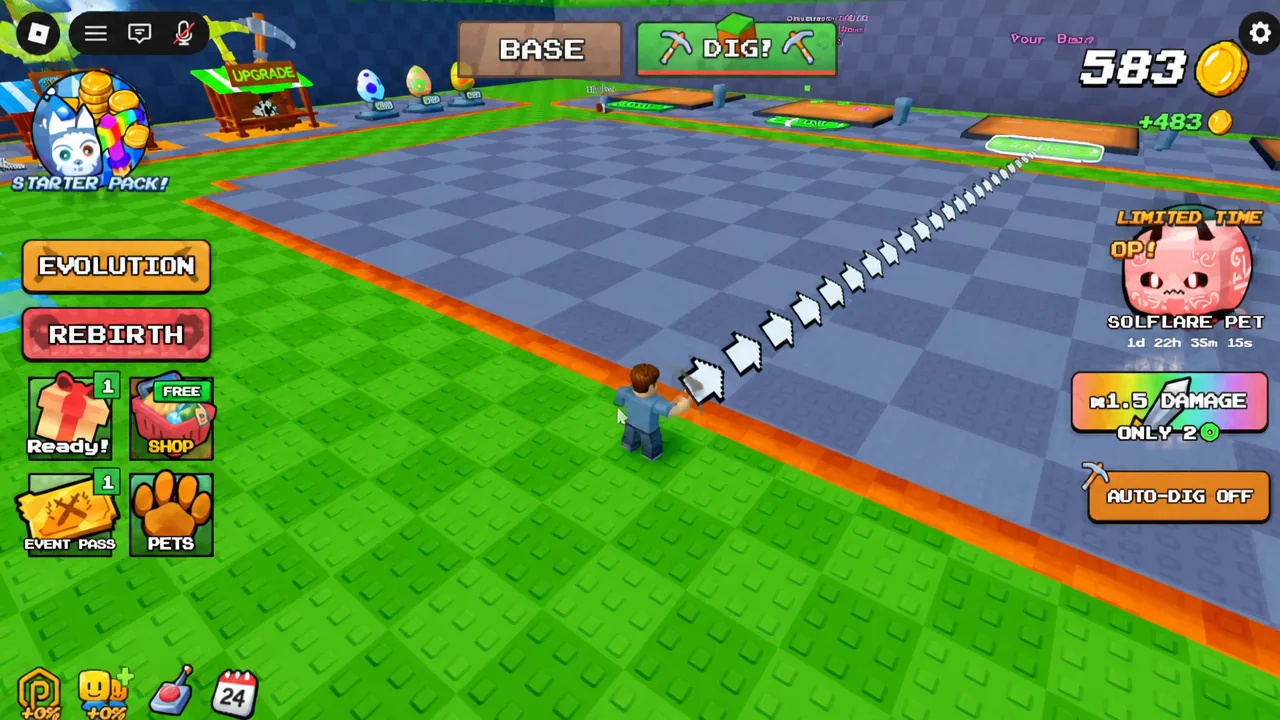
Merge & Dig Simulator is an incremental simulator on Roblox built around one repeating cycle: swing a pickaxe at blocks, bank the cash, then combine identical pickaxes into stronger ones so the next zone breaks faster. Everything else in the experience — enemies, zone champions, rebirth, pets — sits on top of that cycle. Getting the order right in the first ten minutes is what separates a smooth start from a slow one.
Quick answer: Claim the free wooden pickaxe from the Level 1 merge board at the base, walk into the DIG! portal to break blocks and defeat enemies for coins, then head back and spend 100 coins per pickaxe on the merge board, drag matching pickaxes together to upgrade their tier, and hit EQUIP BEST before every run.
The core loop: dig for cash, merge for damage
Cash comes from digging, and damage comes from merging. Those two systems feed each other, so you never want to stall on either one for long. A weak pickaxe still earns coins, it just earns them slowly, which is why the fastest opening is a short dig run followed by an immediate trip to the merge board.
Pickaxes are bought onto a grid at the base. Two matching pickaxes combine into a single higher-tier tool with more damage, and that higher tier can itself be merged with another copy of the same tier. Because you always need pairs, buying two of something cheap is usually better than saving for one expensive slot.
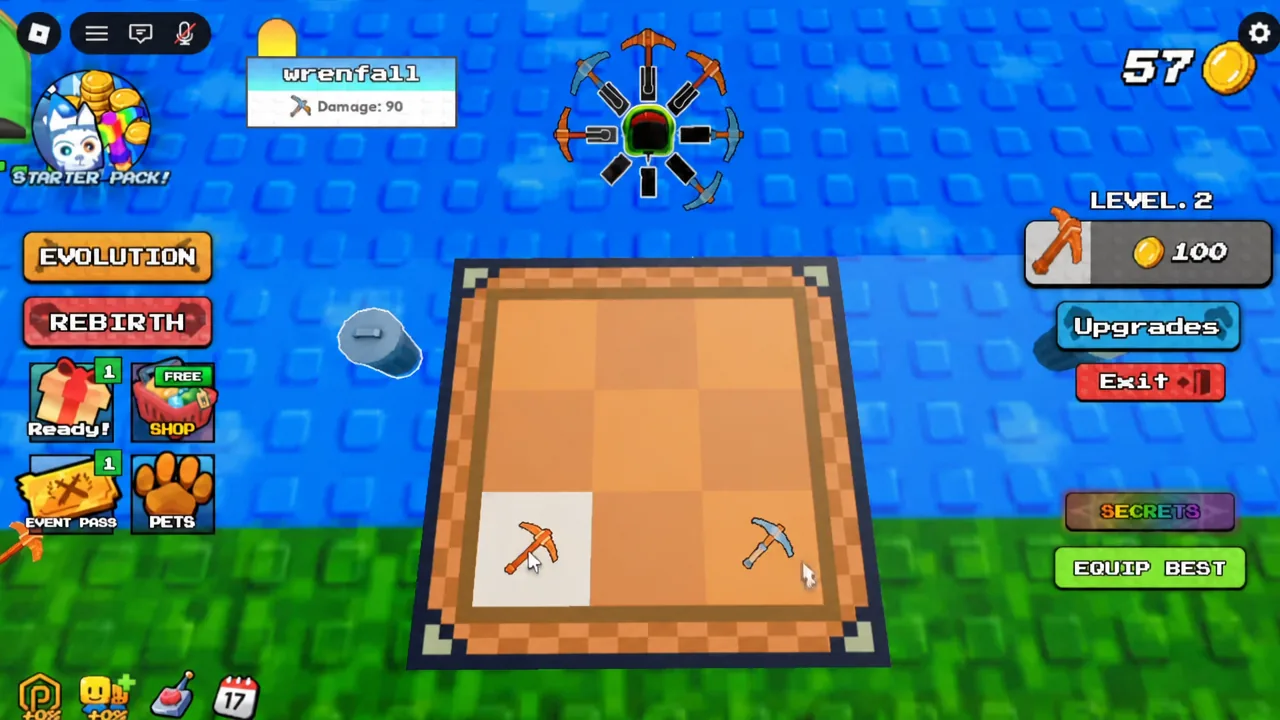
Your first run: base setup and the DIG! portal
Damage gates and which blocks to hit
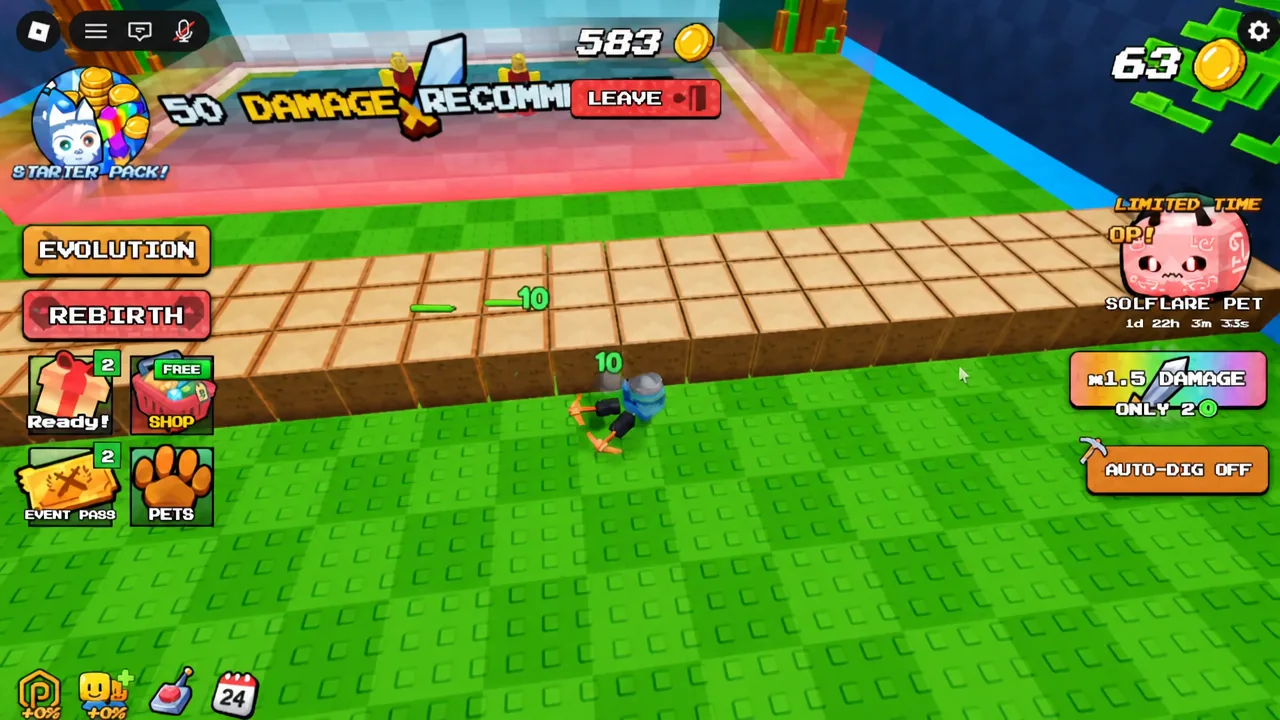
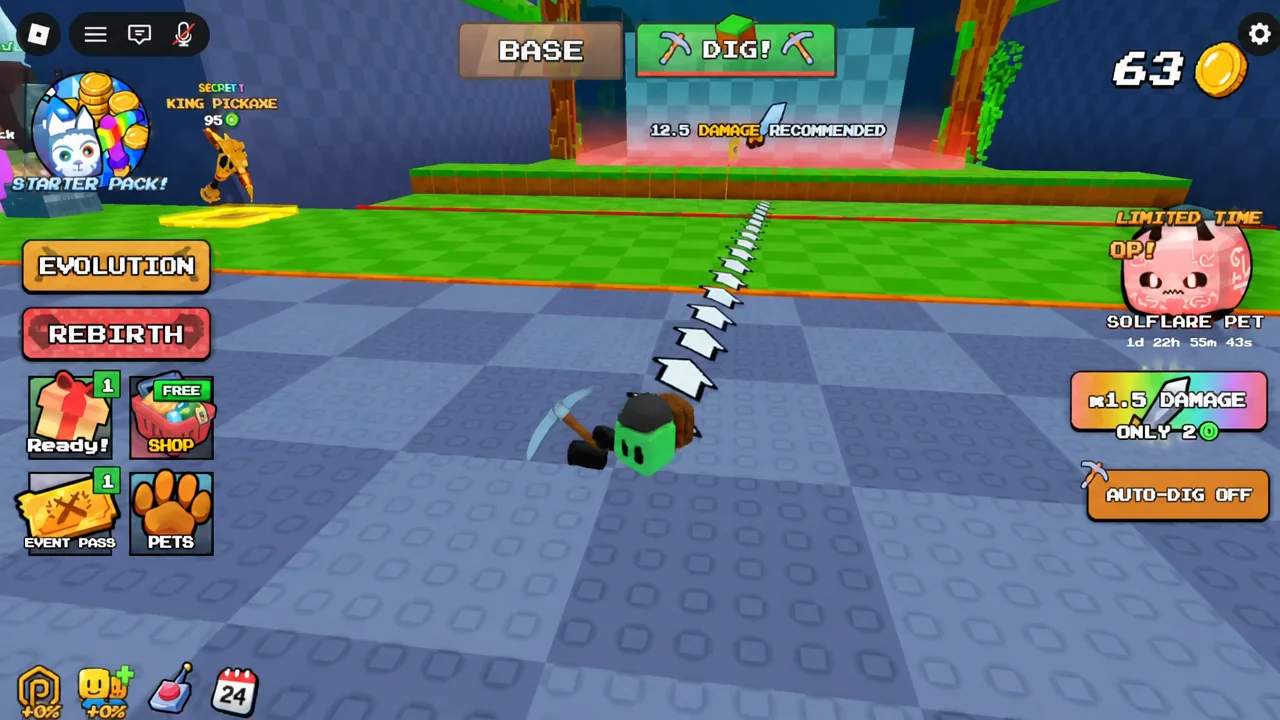
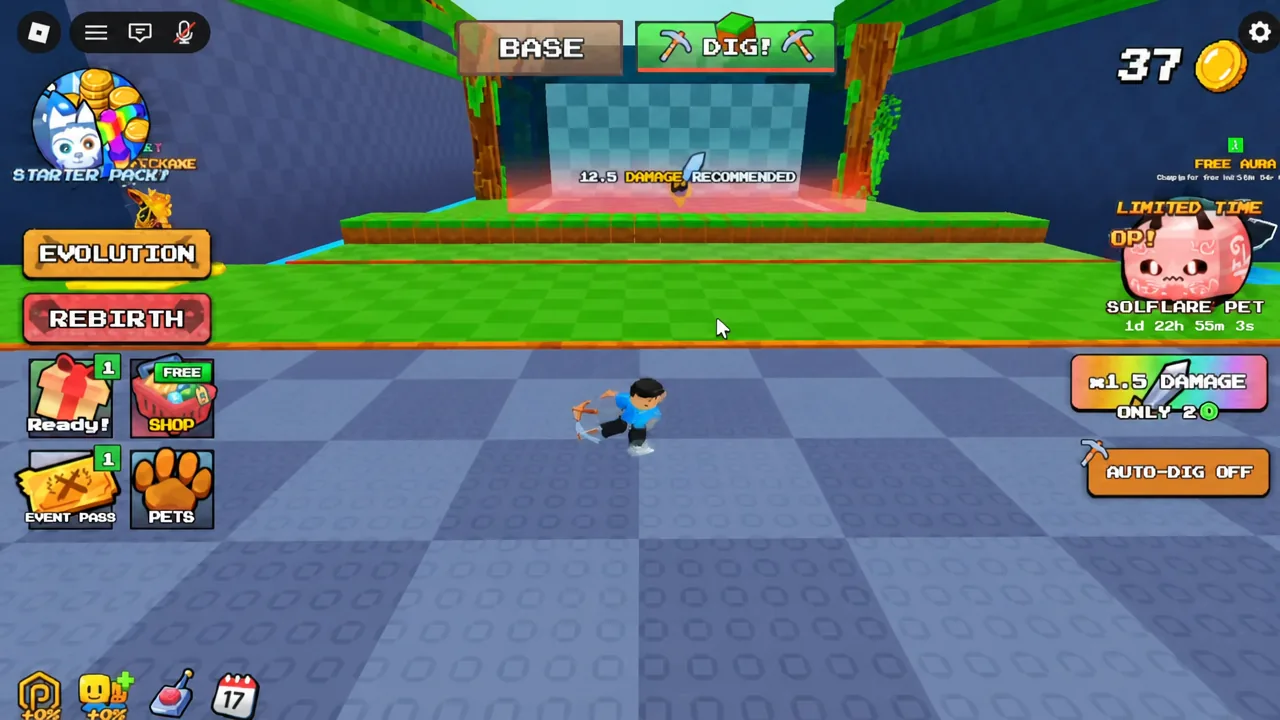
Dig areas post a recommended damage figure before you commit to them. Those numbers are guidance rather than a hard lock, but ignoring them turns a run into a stalemate where blocks regenerate attention faster than you clear them. Merging to roughly 120 damage is a comfortable target before you start pushing the mid-tier areas.
| Posted requirement | What it means for you |
|---|---|
| 12.5 DAMAGE RECOMMENDED | Opening area. Reachable with the free wooden pickaxe plus one or two merges. |
| 50 DAMAGE RECOMMENDED | Second tier. Needs a few 100-coin purchases merged into higher tiers first. |
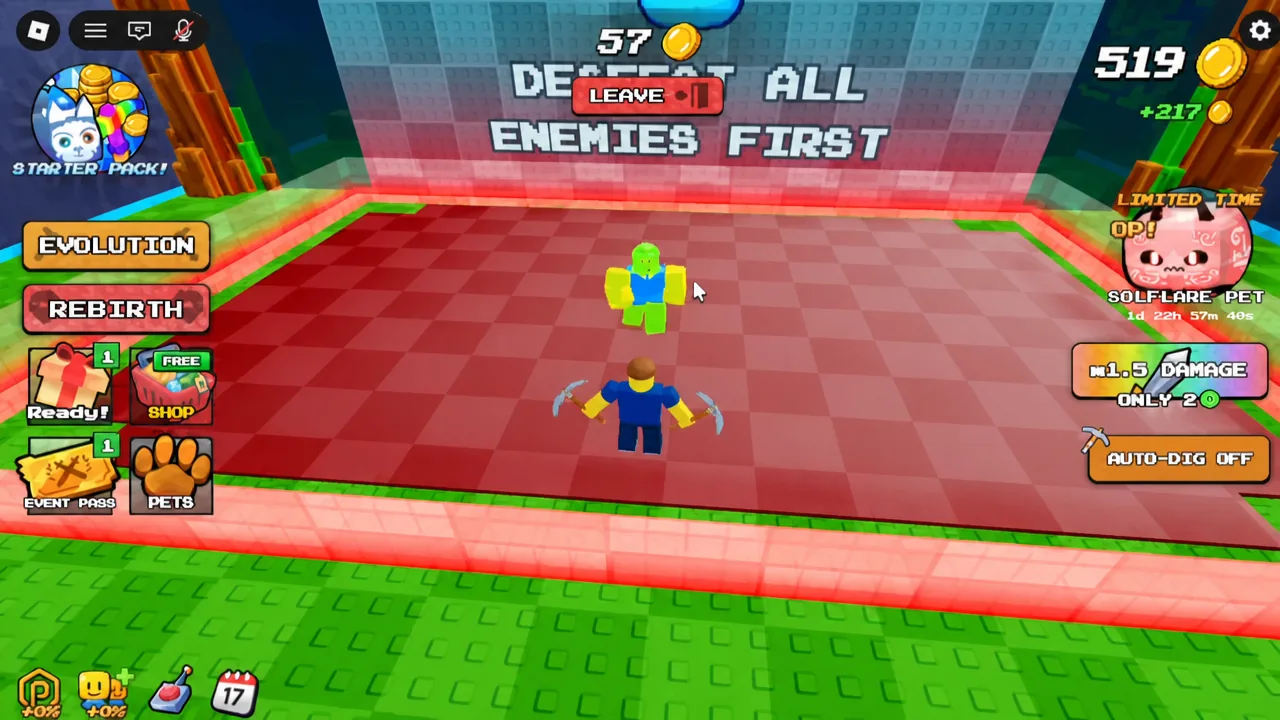
| DEFEAT ALL ENEMIES FIRST | The area stays blocked until every enemy in it is cleared. |
| 250 DAMAGE RECOMMENDED | Later zone. Expect several merge cycles and an EQUIP BEST pass before entering. |
Enemies are not optional filler. Where a zone displays DEFEAT ALL ENEMIES FIRST, progress is gated behind clearing them, and the LEAVE button on that screen is your way out if the fight is going badly. Retreating, merging, and coming back is almost always faster than grinding a fight you cannot win.
On your second run the difference is immediate. With upgraded damage equipped, blocks along the marked path break in fewer swings and coins accumulate quickly enough to fund the next round of merges without a long grind.
Redeem the Release code for a free Coin Potion
One code is currently active, and it is worth entering before your first serious dig run. Release grants a single Coin Potion, which boosts coin income for a limited window — the sort of thing that pays for itself only if you drink it while you are actually digging, not while you are standing at the merge board.
Release into the Enter Code box exactly as written with no stray spaces, and press VERIFY.If nothing appears, the cause is almost always the input itself. Retype the code character by character, match the capitalisation shown, and remove any space pasted in from the end of the string. New codes are announced on the game’s official Discord server, usually around updates.
Longer-term progression: champions, rebirth and pets
Past the early merge grind, the experience marks progress with zone champions. Defeating the first zone champion, THE KING, awards a badge that only a small fraction of players hold, and the second zone champion, 1x1x1x1, sits far further out — its badge is rare enough to be classed as near-unobtainable for most players. Treat both as damage checks rather than skill checks.
The base also houses REBIRTH and EVOLUTION options alongside pets such as the SOLFLARE PET and Tenebris Pet. These are multipliers layered on top of the same loop, so the decision rule stays constant: spend on whatever shortens your next dig-and-merge cycle, not on whatever looks the most impressive on the board.
Note: Roblox Plus subscribers receive an extra 15 percent cash, and the experience runs on small five-player servers, so rejoining for a fresh server is quick if the interface ever gets stuck after an update.
When to check back for changes
The developer, xFrozen x Dudes, ships updates every Saturday. That cadence matters for two reasons: code rewards and interface wording can shift, and new content can change which zone is worth farming. If a panel label or a value on screen no longer matches what you expected, trust the live interface over anything you noted down earlier.
Keep the rhythm short and repetitive and the game opens up quickly. Dig until the blocks stop breaking at a comfortable pace, return, buy in pairs, merge, press EQUIP BEST, and then step into the next zone whose recommended damage you have just cleared.