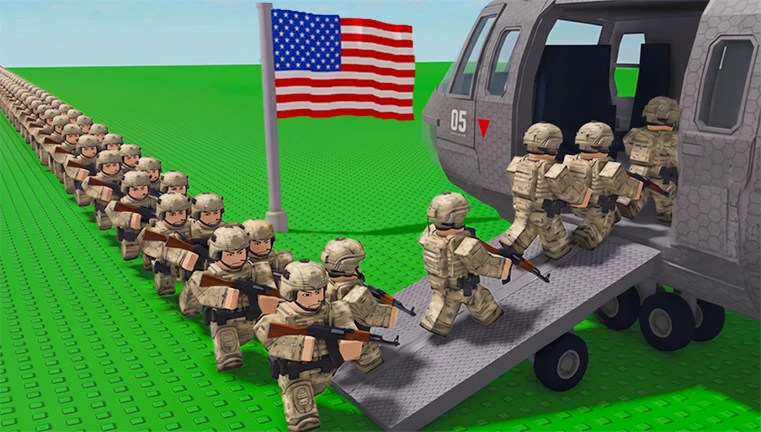
Mini War is a Roblox tactical strategy game where you build up your country, train an army, and capture territory from rival players. Codes hand out free Gems that speed up your progress without extra grinding.
Working Mini War codes
Only one code is active right now, so redeem it before it gets swapped out for something new.
GENERALS— 50 Gems
How to redeem codes in Mini War
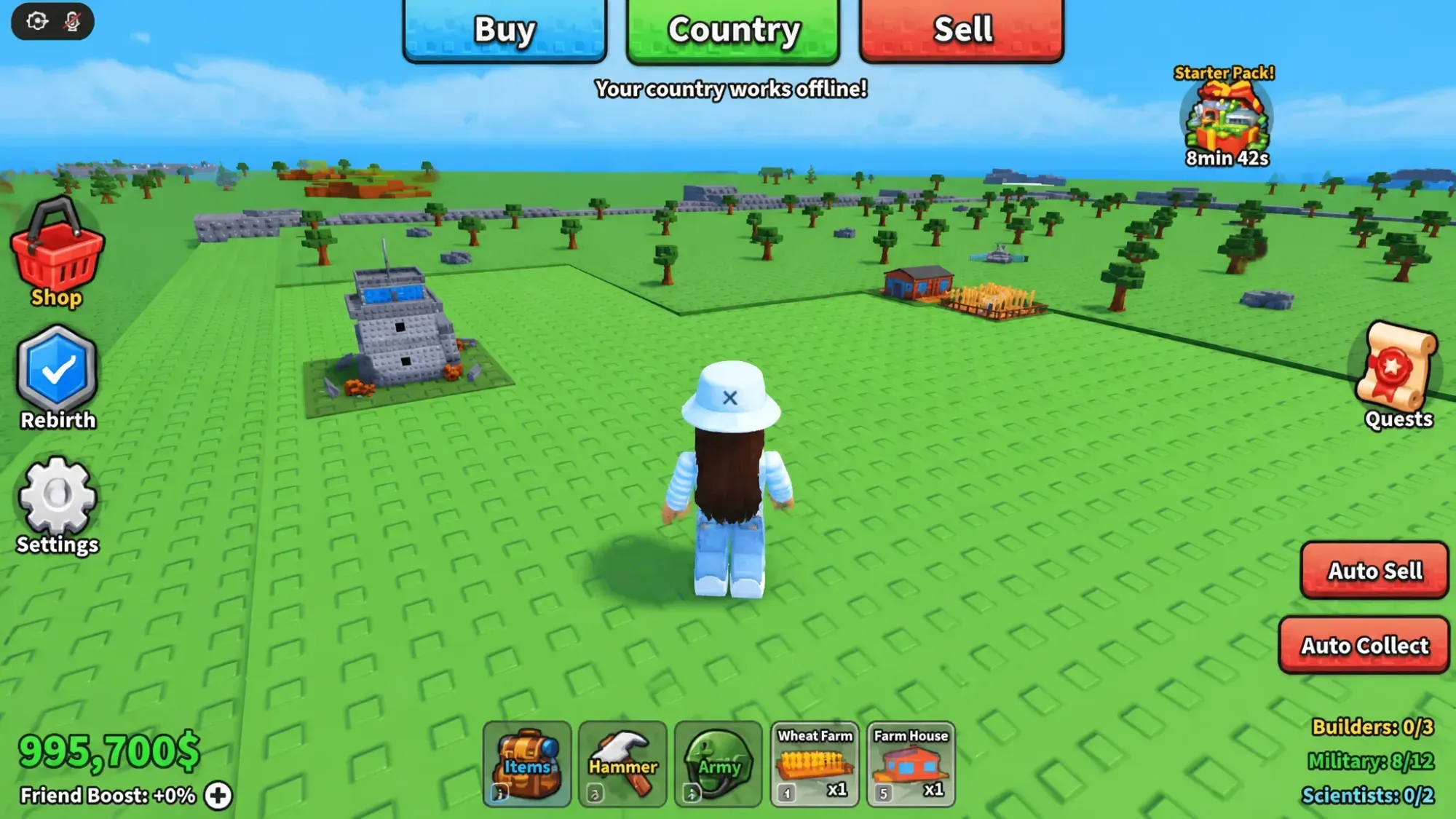
A successful redemption adds the Gems straight to your account balance, which you can confirm by checking your currency total in the shop or your inventory.
Expired Mini War codes
ThisWebsiteHasFakeCodesAndTheyDontWorkLOL— previously gave 50 Gems and 10 Border Towerstungtungsahur— previously gave assorted freebiesNOLAGPLZ— previously gave 1 Border Tower and 10 GemsDISCODOGTOPSECRETMEGAHIPERULTRACODE— previously gave 99 Border Towers plus assorted road and grass tilesMINIWAR— previously gave 5,000 Cash and 50 Gems
Where new Mini War codes get announced
New codes typically show up alongside content updates and get posted in the game’s official Mini War Discord server, as well as through the M&M Community group on Roblox.
Gems earned from codes can go toward upgrading factories, buildings, and other military assets that would otherwise take much longer to unlock through regular play.