Buying Mortal Shell 2 early gets you cosmetics, not codes. There is no redemption portal, no key to type in, and nothing to download separately. The skins — the game calls them Shades — are attached to your account and only show up once you have played far enough to reach a Beacon.
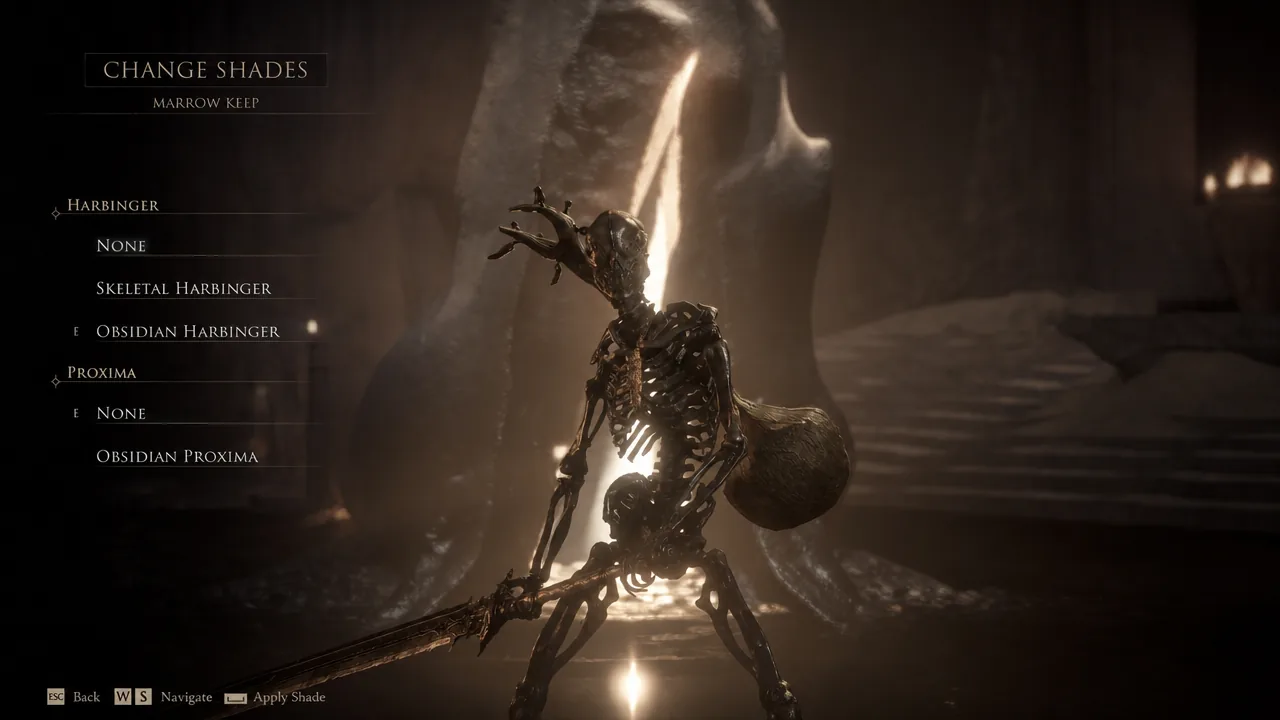
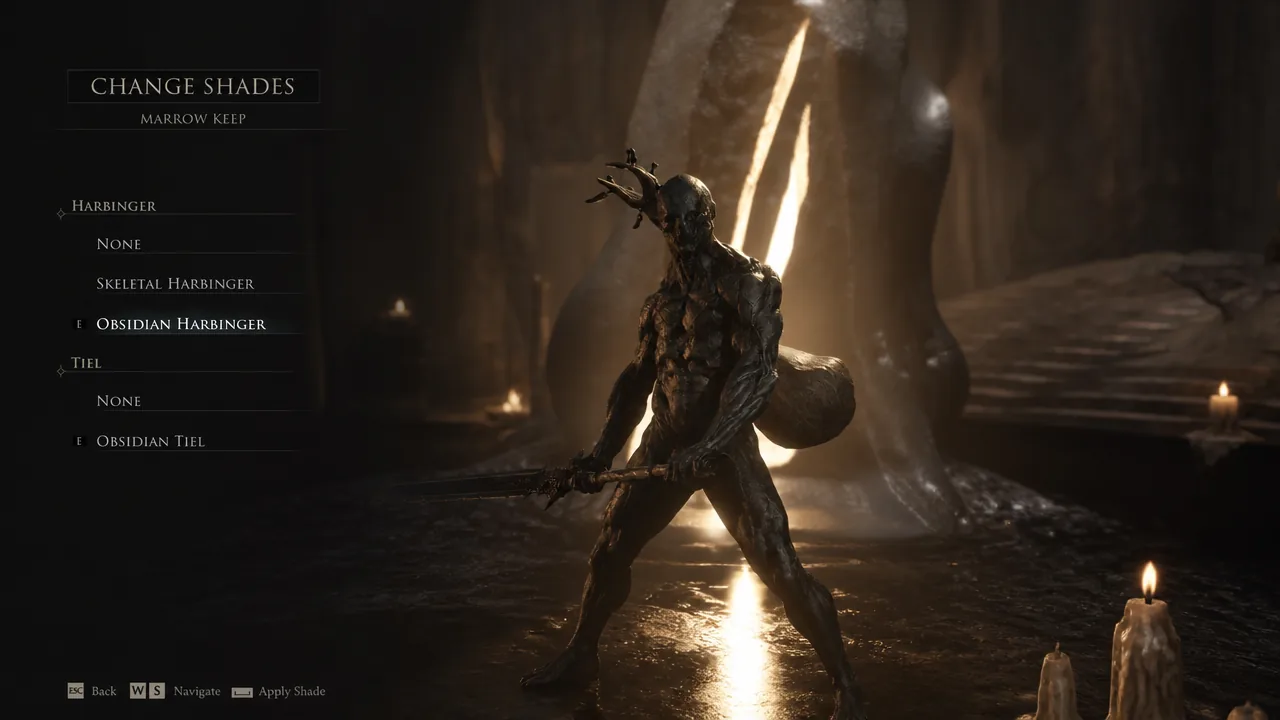
Quick answer: Finish the tutorial by killing the Tar Golem, reach Marrow Keep, then choose “Change Shades” at any Beacon. The two Harbinger shades are selectable right away; each Obsidian Shell shade only appears after you unlock that Shell and equip it as your active Shell.
Check that the bonus registered before you play
If your pre-order or Devout Edition entitlement went through, a pop-up appears on screen as soon as you boot the game telling you the extra content has been granted. That message is the confirmation — you do not need to look anywhere else in the menus.
No pop-up means the rewards were not tied to your account, and no amount of progress in the game will make them appear. In that case the fix is on the storefront side, so contact support for the platform you bought on.
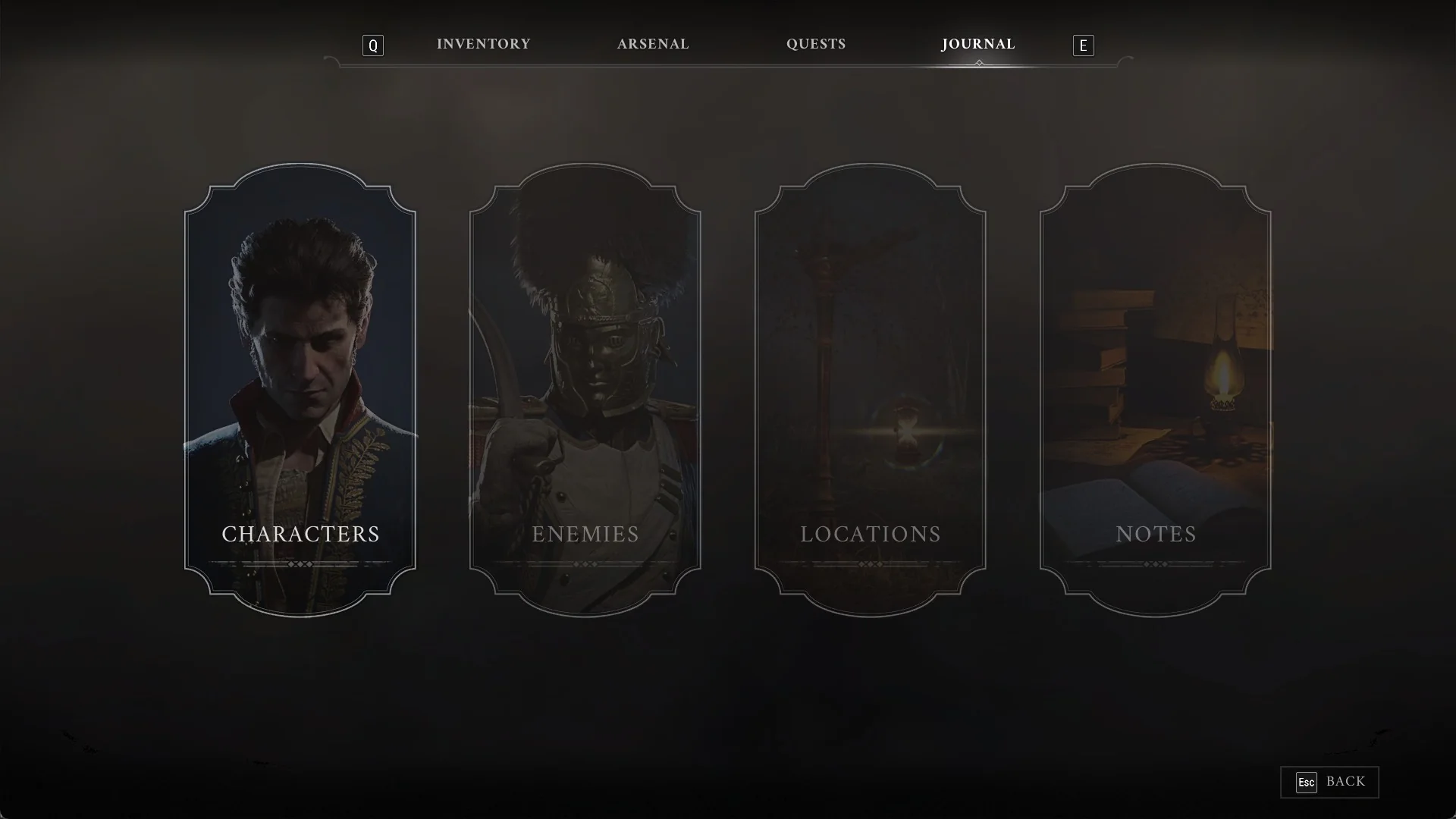
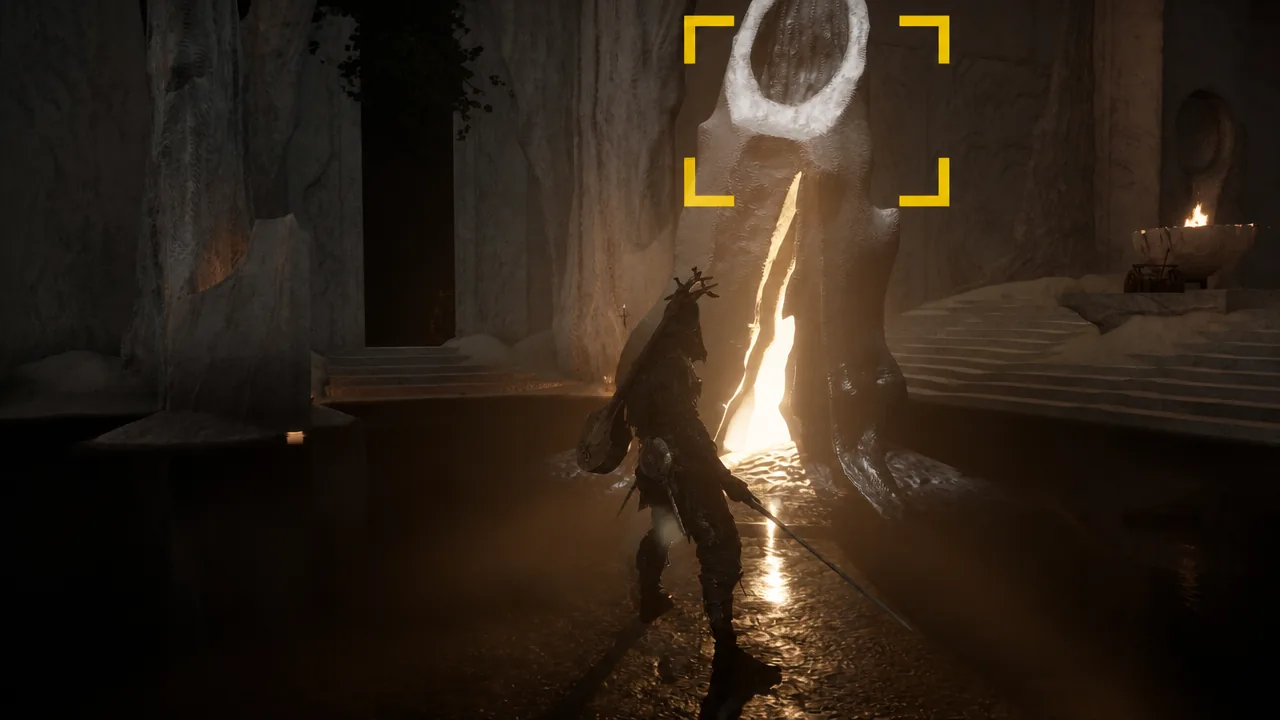
Reach Marrow Keep and open Change Shades
Every Shade included with each purchase
Two Shades come from pre-ordering any edition. The other eight are the Obsidian Skin Pack, and they are exclusive to the Devout Edition — one for each playable Shell.
| Source | Shades |
|---|---|
| Pre-order (any edition) | Obsidian Harbinger, Skeletal Harbinger |
| Devout Edition Obsidian pack | Obsidian Eredrim, Obsidian Proxima, Obsidian Tiel, Obsidian Sariel, Obsidian Gragu, Obsidian Genessa, Obsidian Smert, Obsidian Lazlo |
None of these change stats or gameplay. They are appearance swaps only, applied on top of the Harbinger or a Shell you already own.
Why the Obsidian Shell Shades are missing from your menu
This trips up most Devout Edition owners. The eight Obsidian Shades are not sitting in a list waiting to be equipped at the start of the game. Each one is locked behind the Shell it belongs to, so it only becomes selectable once two conditions are true.
- You have found and unlocked that Shell somewhere in the world.
- That Shell is currently your active Shell when you open Change Shades at a Beacon.
Obsidian Tiel, for example, is unavailable until Tiel is in your possession and equipped. Swap to Tiel, return to a Beacon, and the shade appears in the Shell slot next to the Harbinger slot.
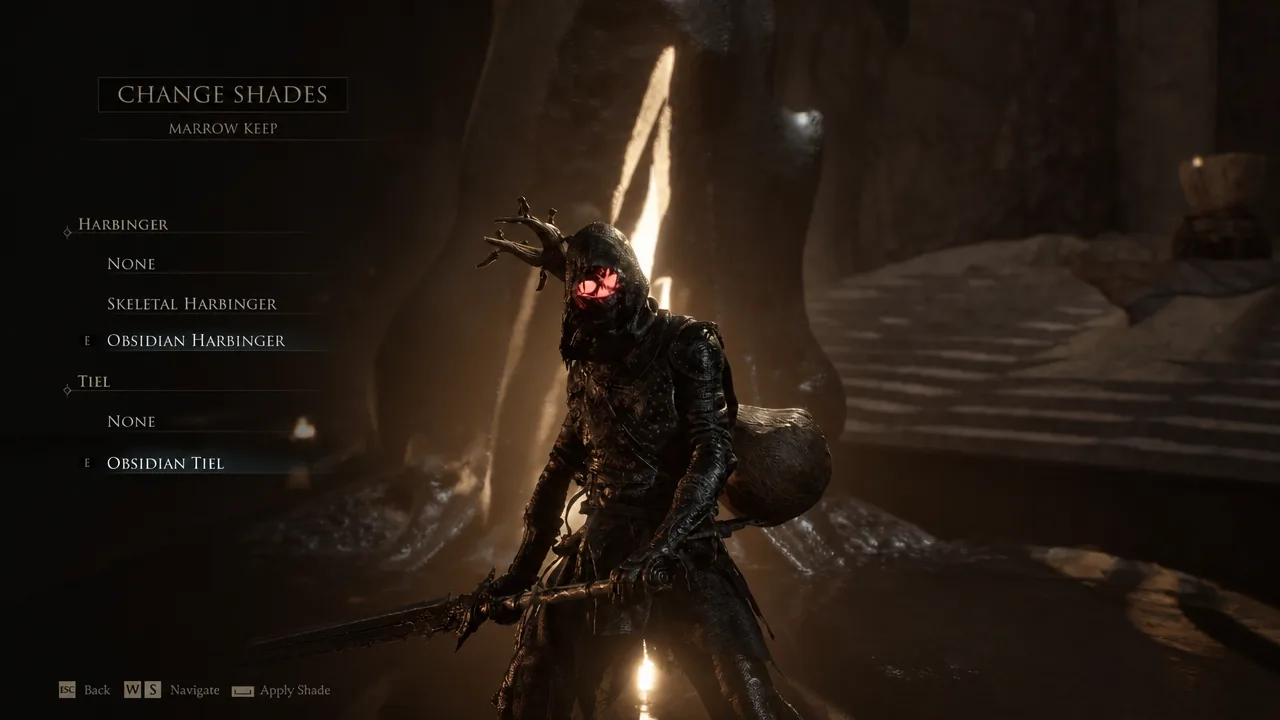
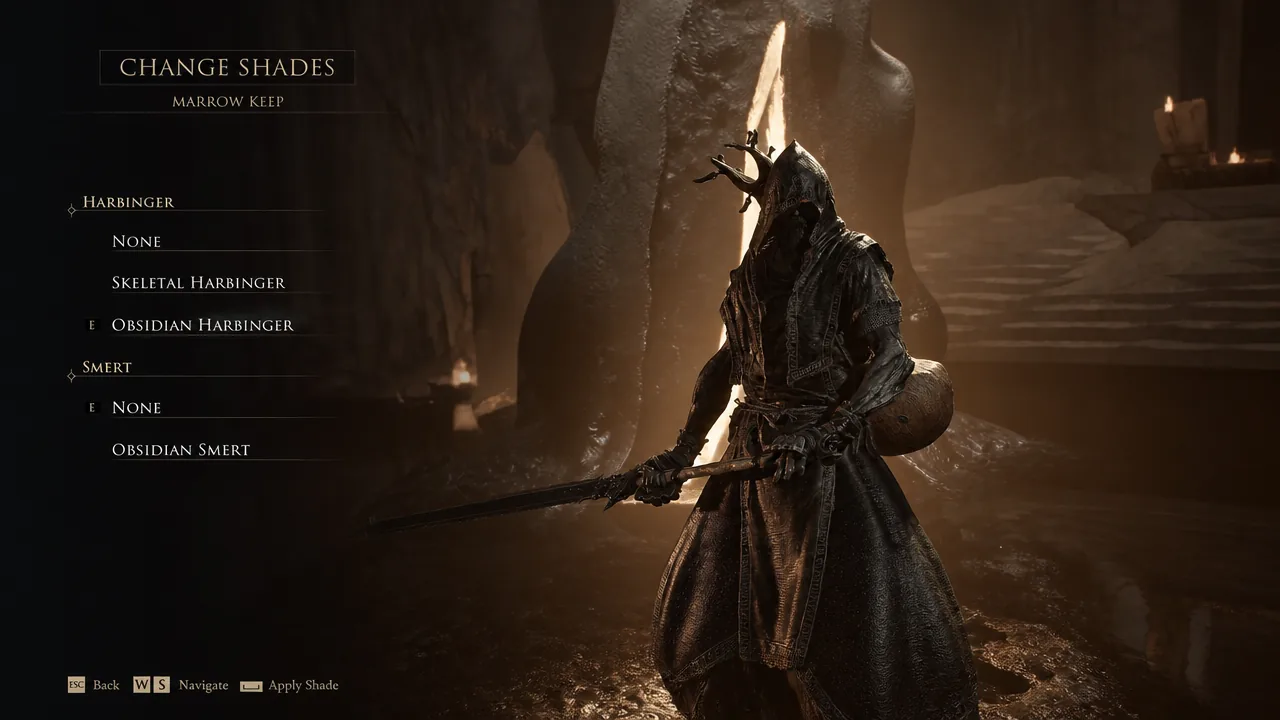
The same rule applies to Smert. There is no way to preview or apply the Obsidian version while you are wearing a different Shell, so the menu will simply show fewer options than you expect early on.
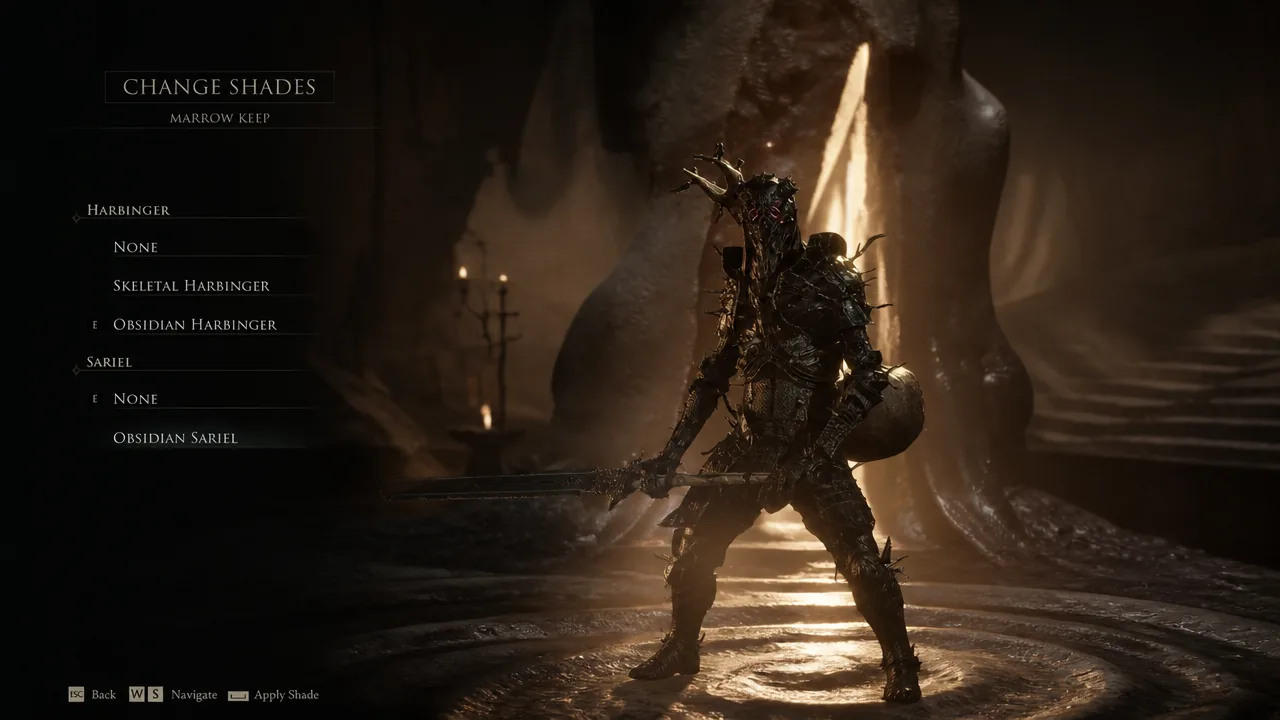
Sariel behaves identically. Browse through the Shell slot with Sariel equipped and the Obsidian variant sits alongside the default look, with a live preview before you commit.
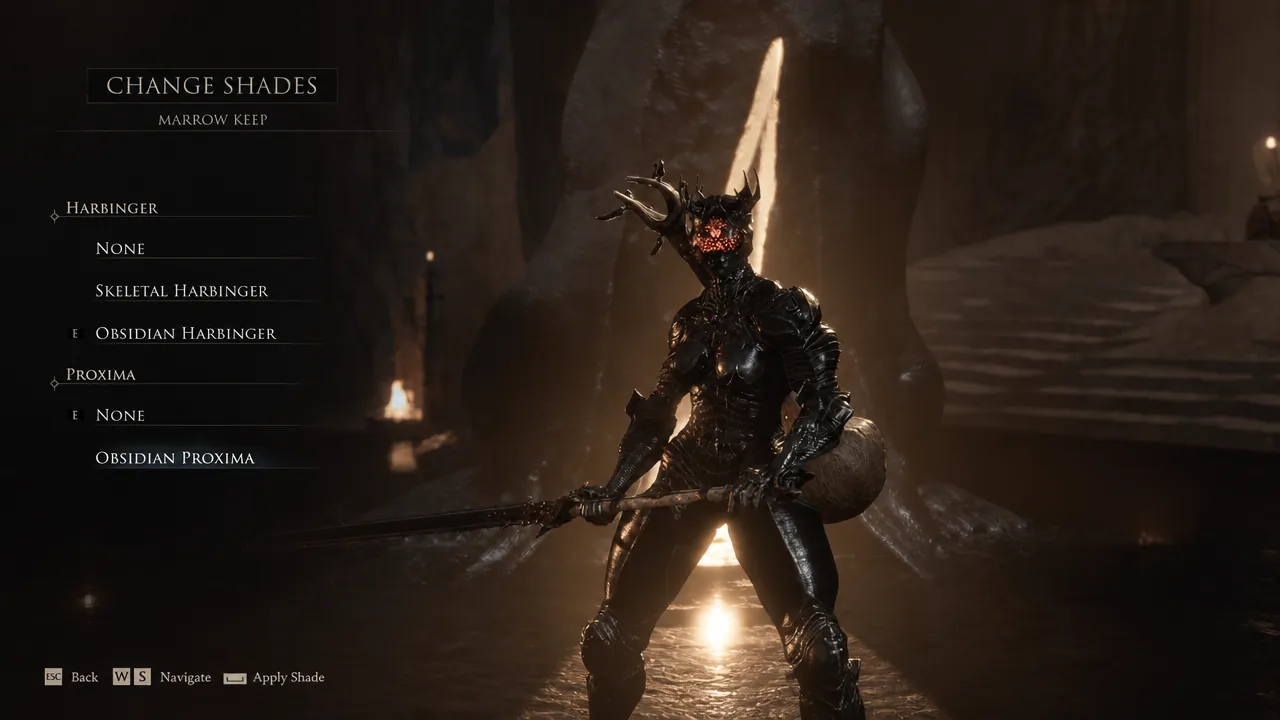
Selecting None in the Shell slot puts that Shell back to its default appearance. Handy if you want the Obsidian look on the Harbinger but the standard armor on Proxima.
Lazlo is the same story, and so is Genessa — the last of the eight Shells. Until you track down Genessa in the world, its Obsidian shade stays out of reach no matter how many Beacons you visit.
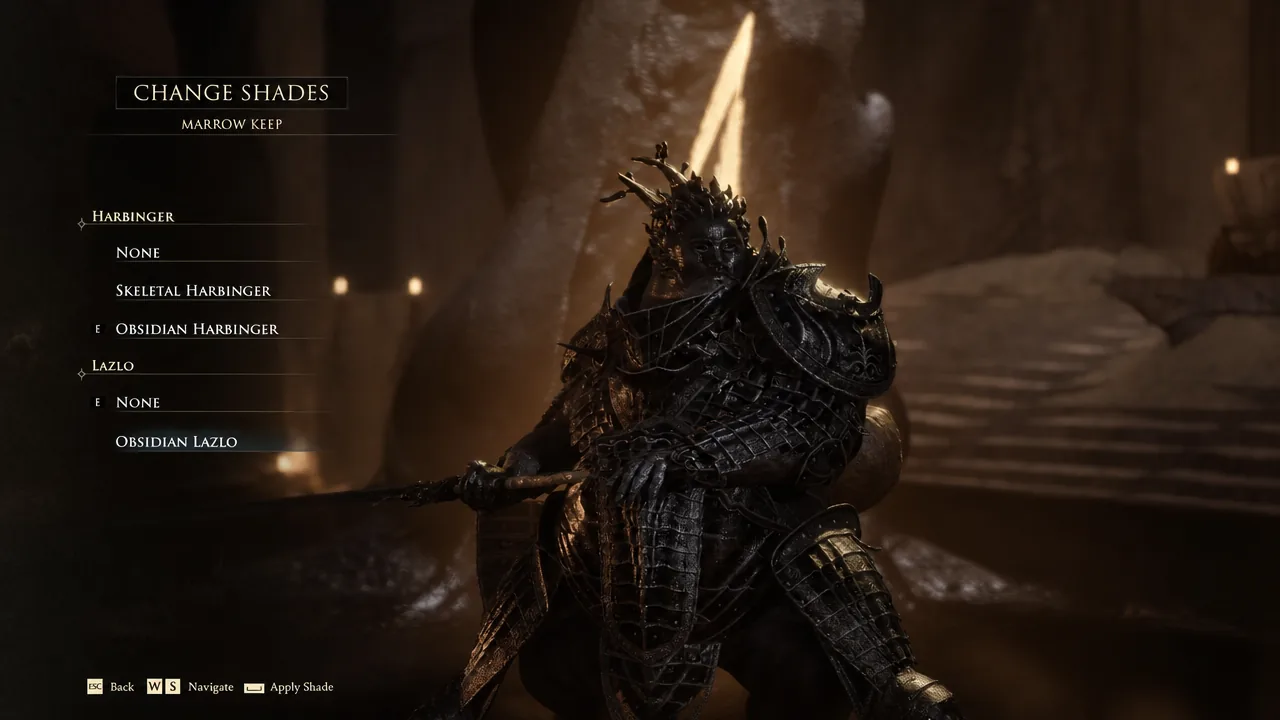
Note: the Obsidian pack is not the only source of Shell Shades. More can be found in-game by using the Blackmarrow Key on the chests near Marrow Keep’s elevator, and those show up in the same menu.
Standard Edition vs Devout Edition
The pre-order bonus applies to anyone who buys either digital edition before the full release on August 20th, 2026. The $10 gap between them covers the Obsidian Skin Pack and the early access window, which began on August 17th, 2026 for Devout Edition owners.
| Item | Standard | Devout |
|---|---|---|
| Price | $49.99 / €49.99 / £39.99 | $59.99 / €59.99 / £47.99 |
| Full game | Yes | Yes |
| Pre-order Harbinger shades | Yes | Yes |
| 72 hours advanced access | No | Yes |
| Obsidian Skin Pack | No | Yes |
Both editions are sold on PC, PS5, and Xbox Series X|S. If you own the Standard Edition and want the Obsidian set, the Devout Edition Upgrade is listed as a separate add-on on the Steam store page and the console storefronts.
Shades stay applied until you change them, and swapping costs nothing, so there is no reason to hold off. The one thing to remember is that the menu grows as you do — collect all eight Shells and the full Obsidian set finally becomes available at every Beacon.