Cosmos is update 7.0 for No Man’s Sky, and it rebuilds the part of the game that had changed least in ten years: the empty space between planets. Systems now contain fixed, re-visitable points of interest, bases can be built off-world entirely, and players can take ownership of a space station and decorate it inside and out. It arrived alongside a 10th anniversary expedition called Our Journey Continues, and it is free for everyone who already owns the game.
Quick answer: Install update 7.0 (Cosmos) at no cost, then fly into space and open the Quick Menu — if the star system map is listed there, the update is active on your save.
Cosmos update: version number, cost, and what it replaces
Cosmos is numbered 7.0 and follows the 6.4 Swarm update and its patch series. Hello Games has kept the same delivery model it has used since 2016, so there is no paid tier, no season pass, and no microtransactions attached to any of the new content.
| Detail | Cosmos |
|---|---|
| Version | Update 7.0 |
| Price | Free for existing owners |
| Focus | Space systems, deep-space building, station ownership |
| Expedition | Our Journey Continues (10th anniversary) |
| Twitch Drops window | 10 September to 14 September |
Star system map: how to find the new points of interest
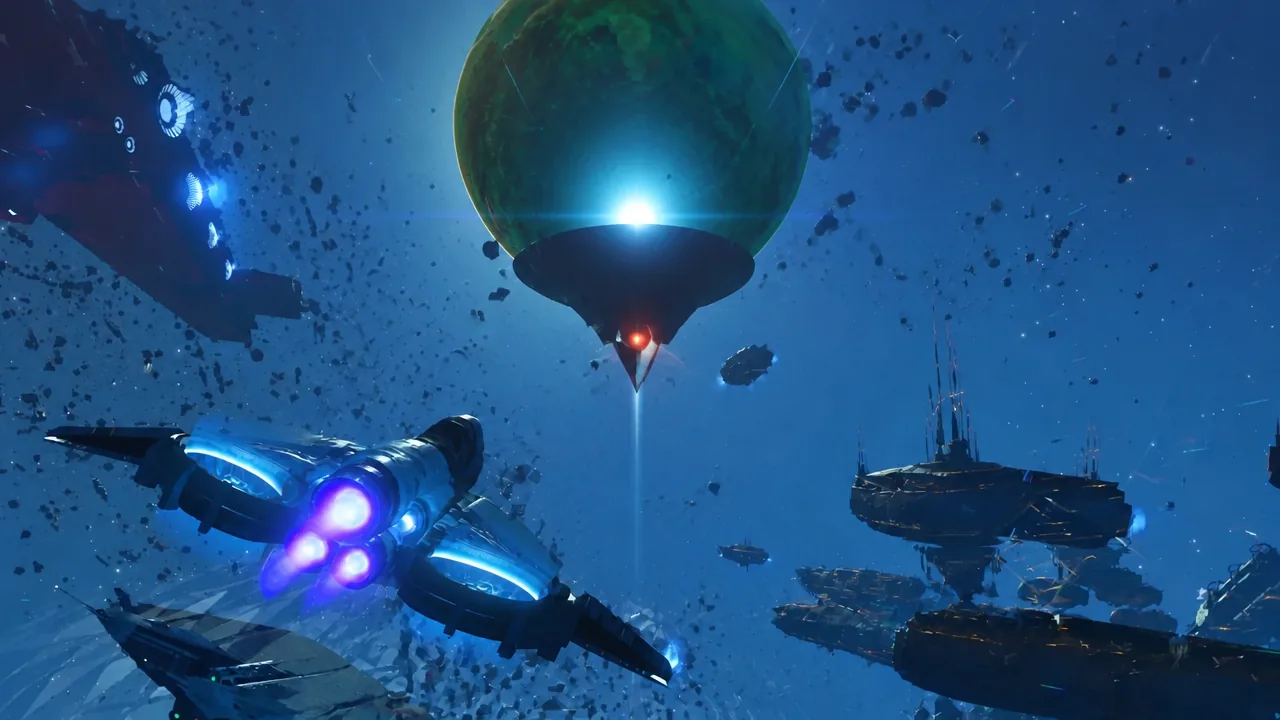
The star system map is separate from the Galactic Map and covers only the system you are currently in. It plots planets, the space station, deep-space locations, and unidentified signals, and any marker you select hands navigation assistance to your starship. Because these locations now spawn at fixed coordinates, you can leave a site half-stripped and come back to it later.
Warping into an unfamiliar system and scanning the map first is the practical routine, since each point of interest feeds into its own missions and salvage loops.
| Location | What you do there |
|---|---|
| Derelict hulks | Spacewalk inside and strip technology, cargo, and industrial salvage |
| Deep-space outposts | Trade with the quartermaster, refine minerals, accept contracts |
| Infested outposts | Cut through viral mass to collect pathogen sacs and gelatinous fibres |
| Asteroid belts | Mine minerals and crystals; expect traders, prospectors, and outlaws |
| Ice fields | Harvest stellar ice; miners and pirates gather here too |
| Orbital platforms | Natural rock formations you can anchor a base to |
Hulk salvage and the meltdown risk
Hulks are enormous shipwrecks drifting in open space, made up of rusted chambers and tight passages that only work on foot during a spacewalk. The gravity gun tears chunks of metal free, and every piece counts as industrial salvage worth selling or reusing.
The catch is structural integrity. Pull too much material out of a hulk and it begins to melt down and explode, so scanning for the highest-value pieces before you start cutting is the difference between a full hold and a wasted run. Hulks can also be broken down cooperatively with other players.
Note: a meltdown is signposted before the explosion, which gives you a short window to leave. Treat it as a timer, not a warning you can ignore.
Moving salvage: Gravitino Coil, tractor beam, and Corvette cargo
Physical salvage now has to be hauled rather than teleported into your pockets. The Gravitino Coil launches loose objects toward your ship, and a Corvette-class starship fitted with the new tractor beam hull attachment pulls them in. Anything too large to store is processed down to a manageable size on the way in.
Full holds get taken back to a deep-space outpost for processing. From there you can sell the material at stations and outposts, or keep it for decorating the exterior of a station you own. Tractor beams also include an automated venting system that ejects the entire cargo hold in seconds, which is useful when you need to run and less useful with anything sentient on board.
Spacewalking: leaving your ship anywhere in space
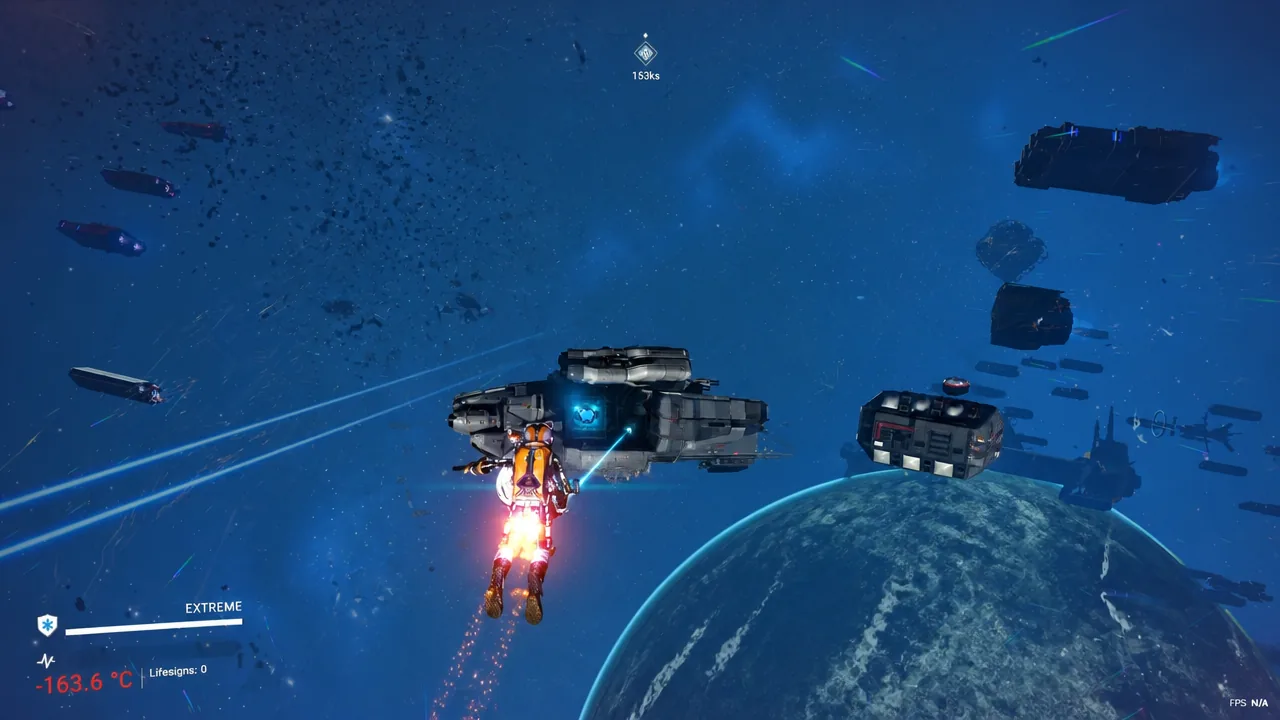
Exiting your ship in space is no longer restricted to Corvette pilots. Any ship can be left at any point while in space using the Quick Menu, and the jetpack now gives six degrees of freedom, so you can rotate and drift freely rather than fighting a fixed orientation. This is the movement system every hulk interior and infested outpost is built around.
Deep-space outposts and biohazard cleanup contracts
Outposts function as small, alien-run stations scattered through inhabited systems. You can buy maps, learn about the surrounding area, process rare minerals, and pick up salvage or material recovery contracts from the salvage and delivery terminal, which pay out standing as well as rewards.
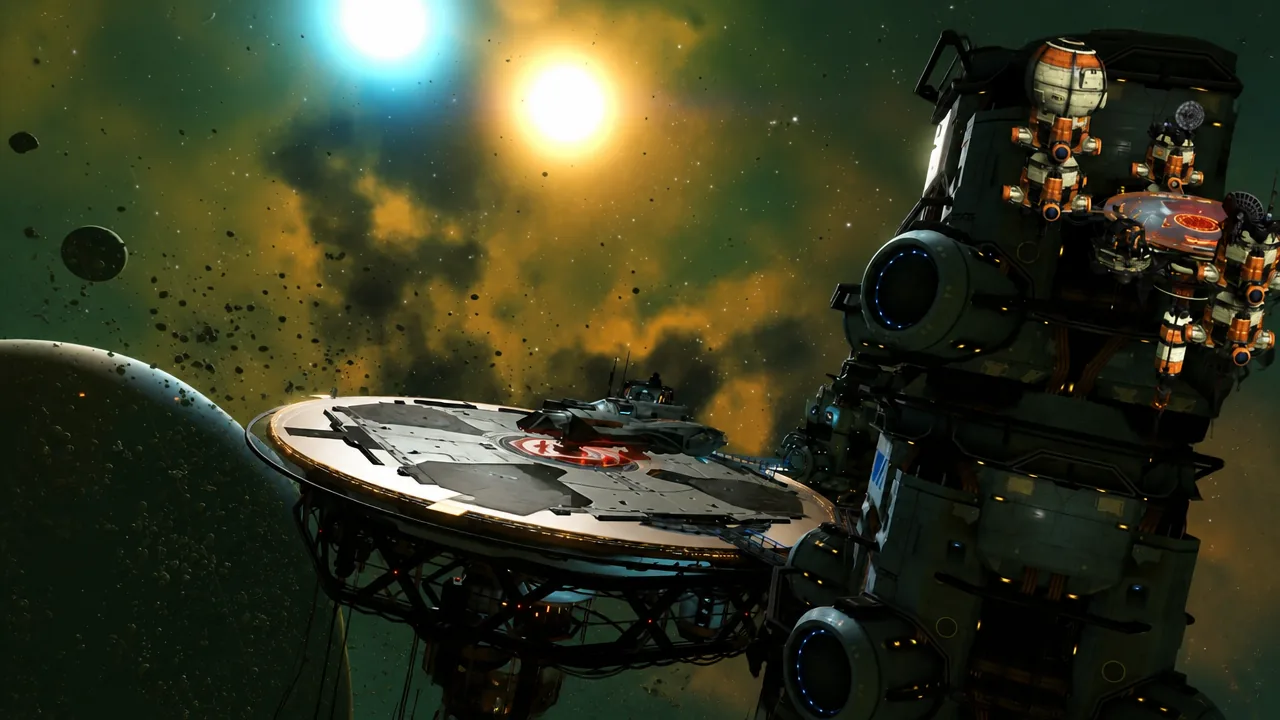
Some outposts have been overrun by a spreading biological growth. Clearing one means using the Gravitino Coil to force a path through the viral mass before you can extract pathogen sacs and similar samples. These are the highest-risk outposts and the most valuable to empty out.
Building bases in space with the deep-space base computer
Base building is no longer tied to planet surfaces. Deploying a deep-space base computer claims a volume of open space, and everything you construct there floats freely — a docking stop, a bar, a military post, whatever the parts allow. Larger asteroids can be landed on and built on directly, and natural rock platforms in deep space give structures something solid to sit against.
Owning a space station: becoming director and expanding it
Station ownership is now part of the game. You prove yourself to the local authorities to become director of a system’s space station, at which point the building becomes yours to shape. Directors can restyle the central lobby, rearrange existing furnishings, and add new parts to build a hub that other Travellers can visit.
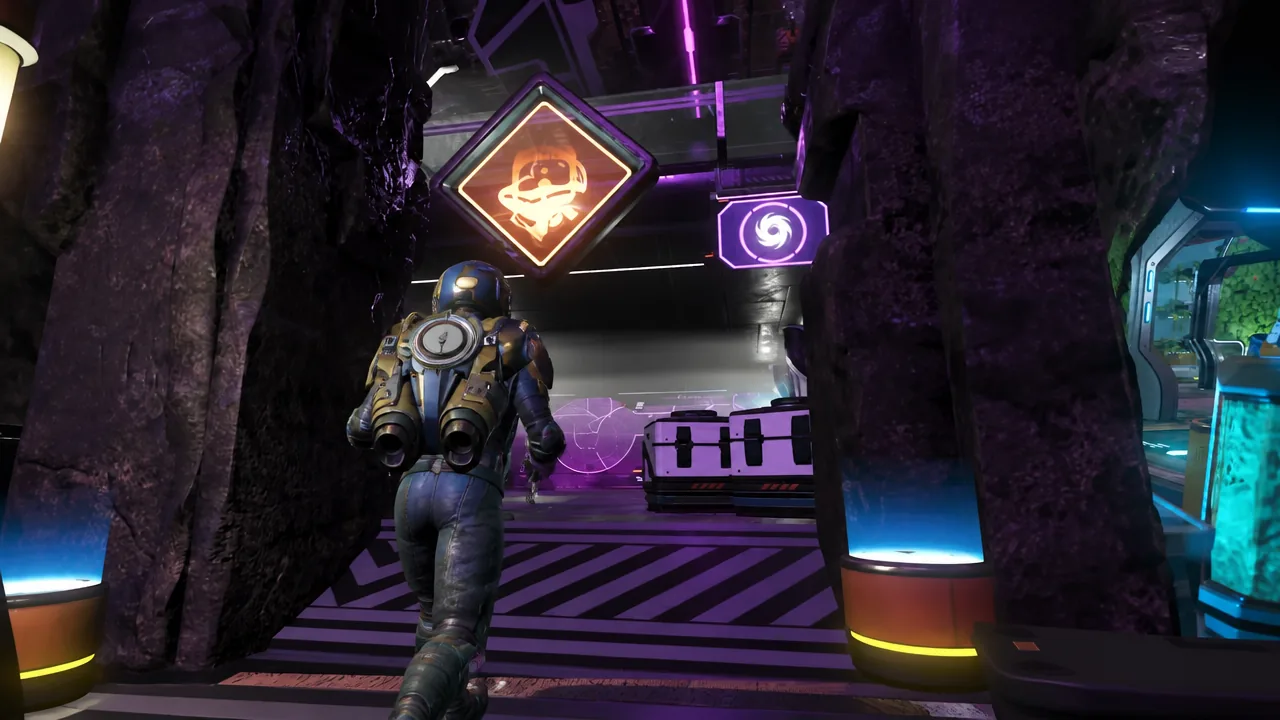
Expansion happens in a dedicated construction area, where room-sized pieces snap together into custom layouts and can then be filled with the full decorative parts range. The exterior is editable too, from the flightpath visitors approach along to large decoration modules unlocked at the Space Anomaly. Rarer exterior pieces are handed out for discovering anomalies deep in space.
Alliances and alliance leaderboards
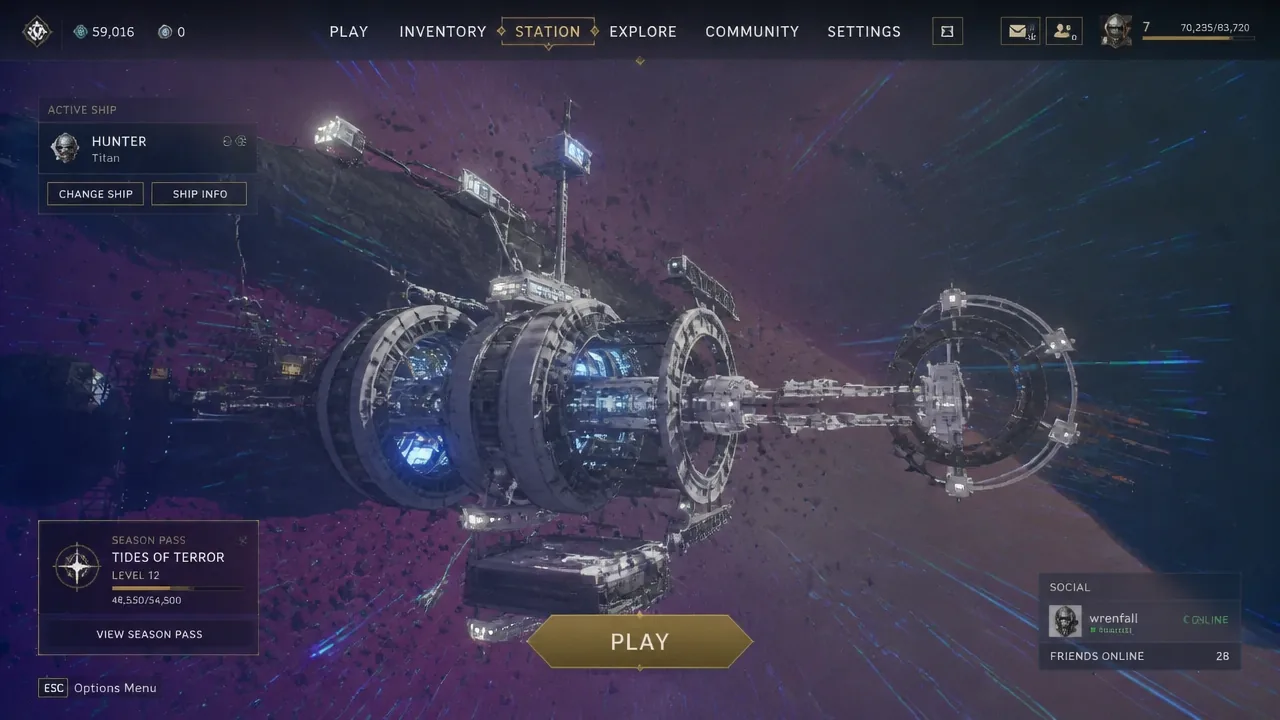
Station directors can found an alliance, give it a name, tag, and banner, and invite other players in. Alliances coordinate exploration and link stations into a shared network, and the ranking leaderboards — reachable from the Space Station core — track the most populous, active, and expansive groups in the game.
Reaching the sun
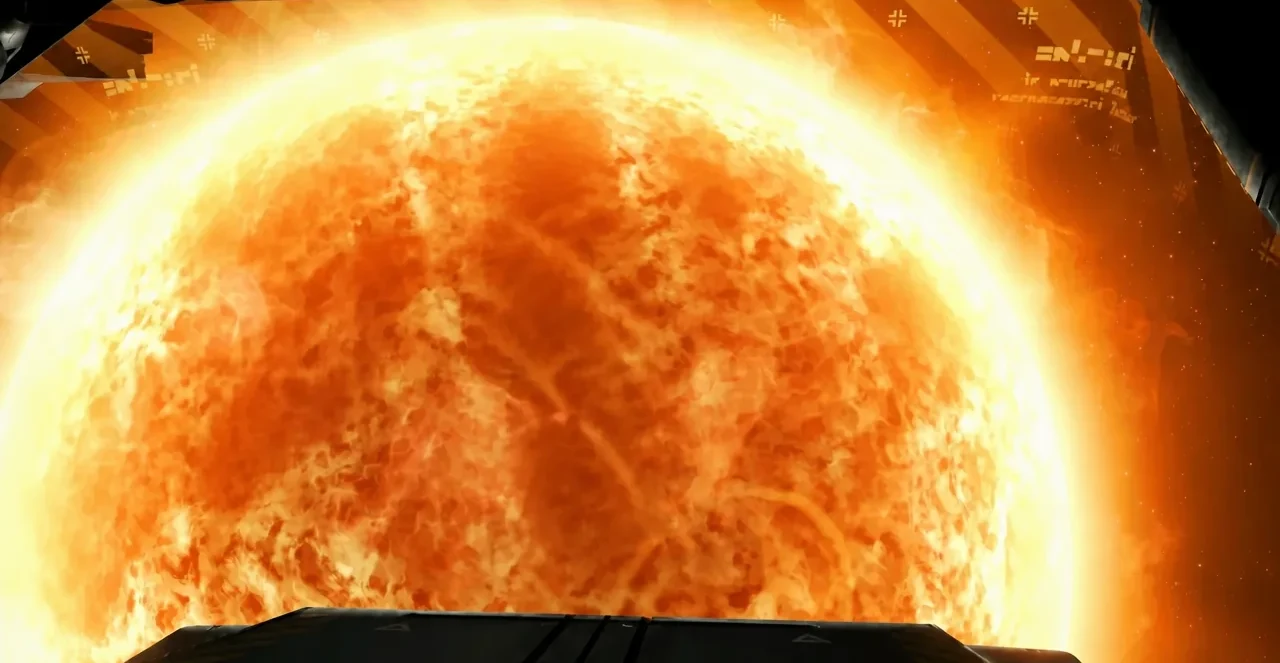
Every system’s star is now a real destination at the end of a long-haul flight. Getting close is spectacular and lethal — the star will destroy you rather than reward you — so treat it as a stunt rather than a farming route.
Our Journey Continues expedition rewards
The anniversary expedition maps its milestones onto the game’s own history. Each one corresponds to a specific update from the 40-plus released over the past decade, with gameplay that echoes what that update introduced, running from launch through to Cosmos itself. Every milestone also unlocks developer notes from Hello Games read aloud by Sean Murray, which are filed permanently in the Collected Knowledge section of the Catalogue once earned.
| Reward | Details |
|---|---|
| Diplodocus companion | Creature pulled from pre-release footage, retextured and reanimated |
| Starbound v0.27 Multi-Tool | Vintage tool built from original concept art |
| Vintage Interceptor | Sentinel Interceptor rebuilt from pre-release trailer footage |
| Golden Rasamama S36 | Gold edition of the classic starship |
| Astronaut Cockpit Figurine | Bobblehead cosmetic for your ship’s cockpit |
| Framed commemorative art | Book cover images from past major updates |
Cosmos Twitch Drops: how to claim them
Drops run from Thursday 10 September to Monday 14 September and cover base parts, starships, Multi-Tools, alien creatures, fireworks, and more. You do not need to own the game to collect them — rewards sit in your inventory until you have an account to claim them into.
Visual changes in update 7.0
Three rendering changes ship with Cosmos. Planetary clouds seen from orbit use upgraded textures, better shape detail, and improved lighting. Particles and other transparent objects are now lit by dynamic light sources, so something like the Multi-Tool’s torch tints the dust and effects around it. Planetary terrain detail has also been overhauled with revised tessellation and higher-resolution textures.
If you are returning after a long break, the fastest way to see what changed is to warp into any system and pull up the star system map. Everything Cosmos adds — hulks, outposts, belts, ice fields, buildable volumes — is plotted on it, and the sites stay put, so nothing you find has to be finished in one trip.