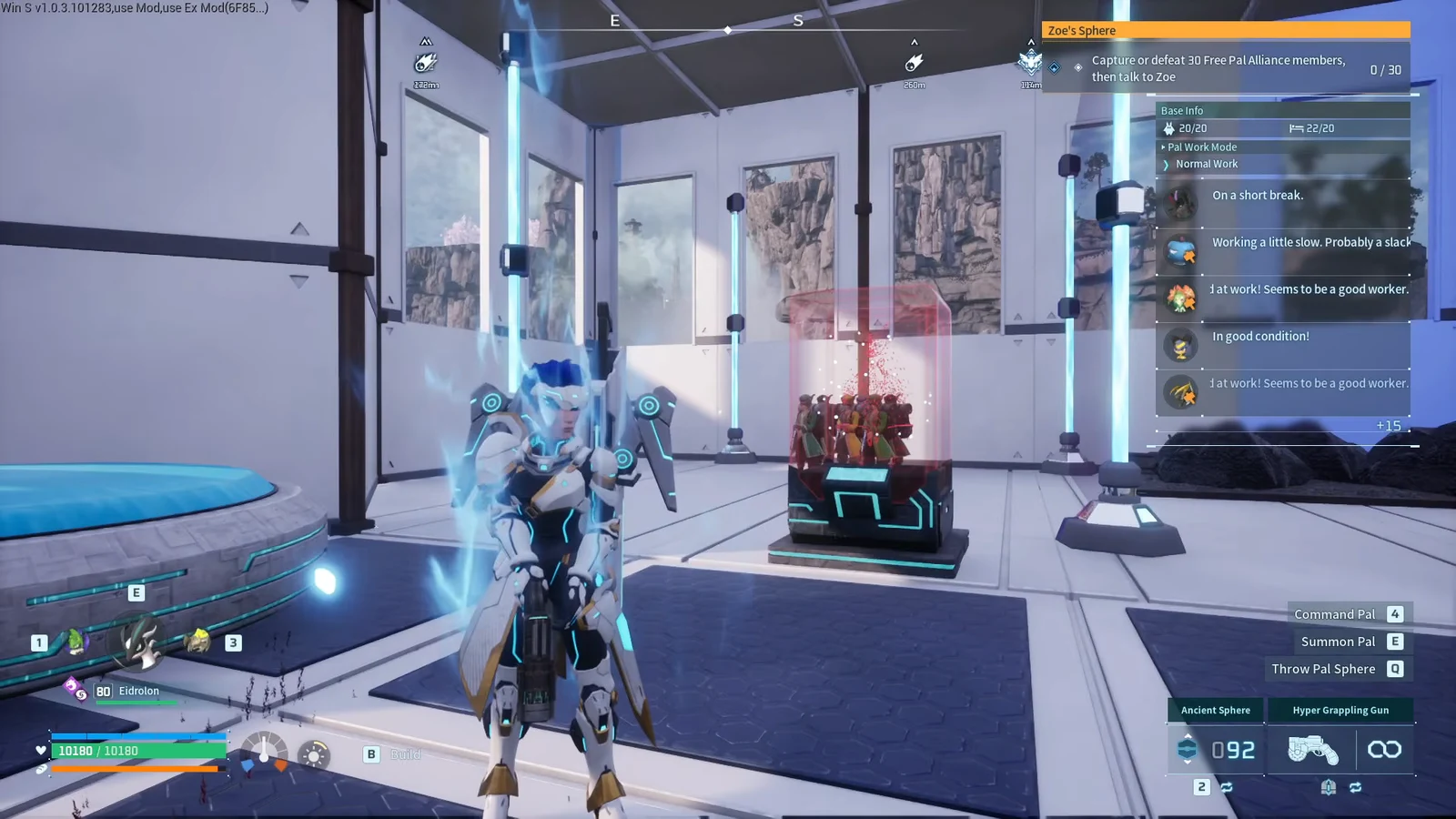
A captured merchant is more useful when it stays at your base. A viewing cage will hold that merchant in place so you do not have to hunt a wandering trader again. The cage wall is also thin enough that a Dimensional Pal Box can put you on the other side, which is what turns the cage into a private shop.
Quick answer: Place a Dimensional Pal Box close to the viewing cage wall, climb it, and jump off to clip through the barrier. Then open the stored merchant’s trade menu.

Palworld viewing cage requirements
The clip only works when the merchant, the cage, and the box share the same spot. Capture the merchant first, lock it in the viewing cage, and keep a Dimensional Pal Box ready. Nothing else in the base has to move for the trade to work.
| Item | Purpose |
|---|---|
| Viewing cage | Holds the captured merchant in storage |
| Stored merchant | The trader you want to buy from and sell to |
| Dimensional Pal Box | Climbable object placed against the cage wall |
The merchant has to already be inside the cage. The box has to sit close to that wall. A wide gap between the two objects will stop the jump from carrying you through.
Dimensional Pal Box clip method

The box has to stay close to the wall. If the jump stops on the outside, pick the box up and seat it tighter against the cage, then climb and jump again.
Open the stored merchant trade
Once you are inside the cage, walk up to the stored merchant and interact with them. The normal trade menu should open. Buy and sell the same way you would at a merchant in the open world.
Leave the merchant in the cage after the trade. You do not need to release them to use the shop again. You can also leave the cage after the menu closes, so the merchant stays stored for the next visit.
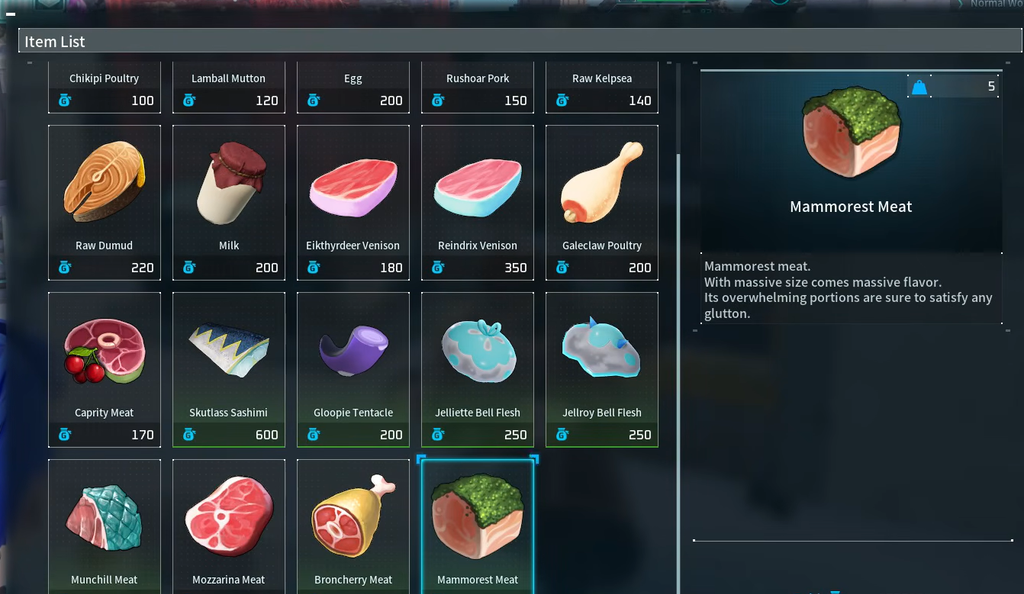
Confirm the Palworld merchant clip
The clip worked if you are standing inside the viewing cage and the merchant’s trade menu opens. Gold and item transfers in that menu behave like any other merchant visit. If the menu never appears, you are still on the outside of the cage and need a closer box placement.
A caged merchant with an open trade menu is the whole payoff. You keep the trader locked in storage, and you still get a shop on demand whenever you clip back in.