
Pangolin Peddler is a business-management activity in the Hidden Mountain region of Where Winds Meet, centered on Mohist City in Suixiang. You dispatch mechanical peddlers to gather regional goods, ship them to outlying markets for Trade Coins, and reinvest those coins to advance through five setup phases. Each phase unlocks more peddlers, more markets, and stronger passive income.
Quick answer: Finish the A Merchant in the Hills quest to unlock it, then keep one peddler collecting goods in the Warehouse and another selling them at a market with a positive price bonus. Clear each phase’s Initial, Mid-term, and Final quests, then submit Trade Coins to advance.
Unlock Pangolin Peddler through A Merchant in the Hills
Progress the main story until you reach Mohist City in Suixiang, where the exploration quest A Merchant in the Hills becomes available. The quest has you repair the broken Pangolin Peddler machine, speak with Xiao Shou about the business plan, then eavesdrop to close out the introduction.
Once you finish The Gateway automaton repair step, the Business Management menu opens on the world map, so you no longer have to stand next to the machine to manage it. You now have two peddlers to work with and access to the Trading Post hub.
Run the collect-and-sell loop
The whole system is a supply chain. One peddler fills the Warehouse with goods, another carries those goods to a market and converts them into Trade Coins. Keep at least one of each running at all times so sellers never run dry.
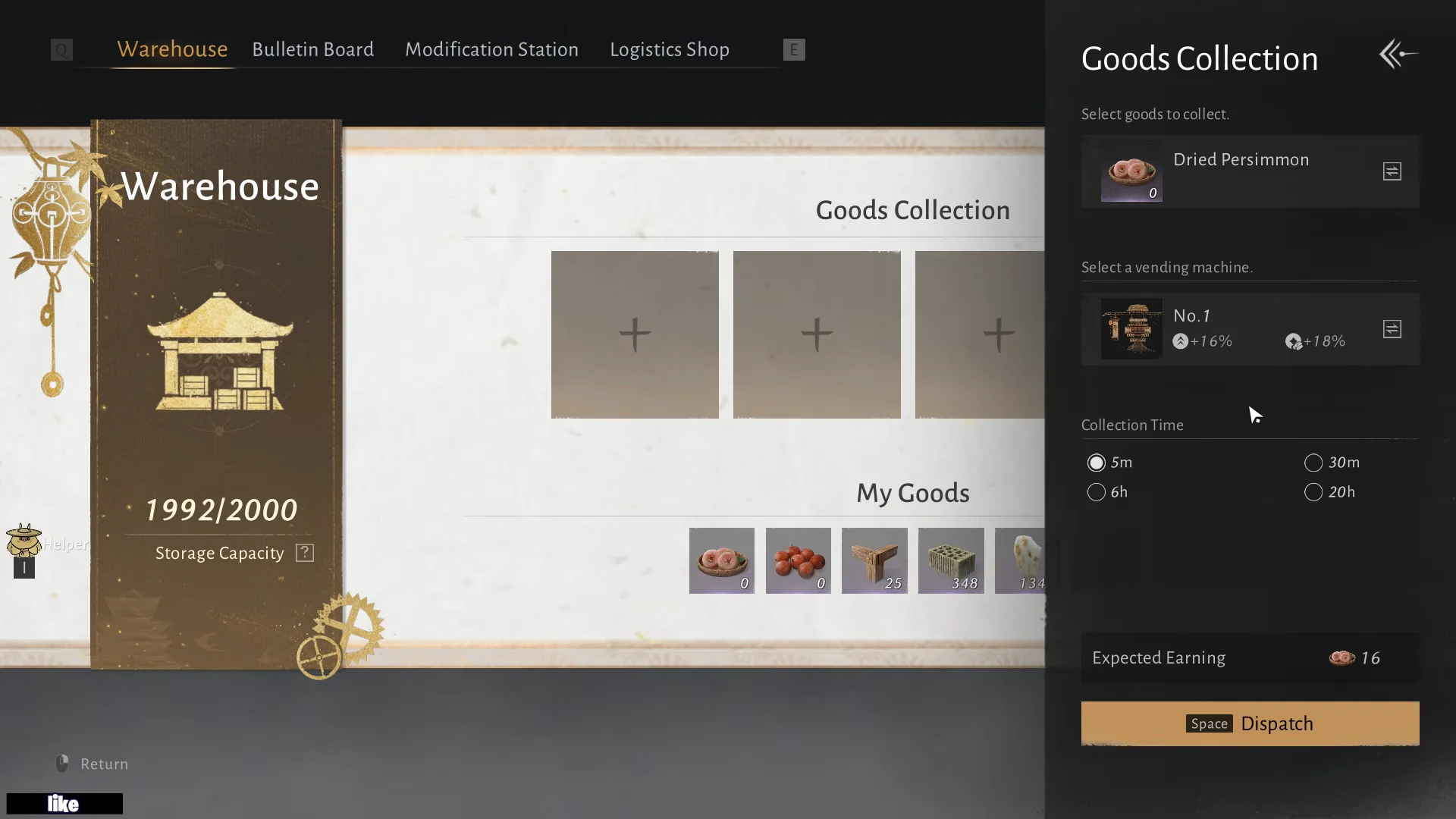
Open the Trading Post and enter the Warehouse. Pick an empty Goods Collection slot, choose the good you want (Dried Persimmon is the starter good), assign a peddler such as Vending Machine No. 1, set a dispatch duration, and confirm. Collection stops automatically when the Warehouse hits capacity.
Return to the Business Management map and select an unlocked market. Choose the good you want to sell, assign a free peddler, check the price multiplier, and depart. Selling generates Trade Coins over the dispatch window.
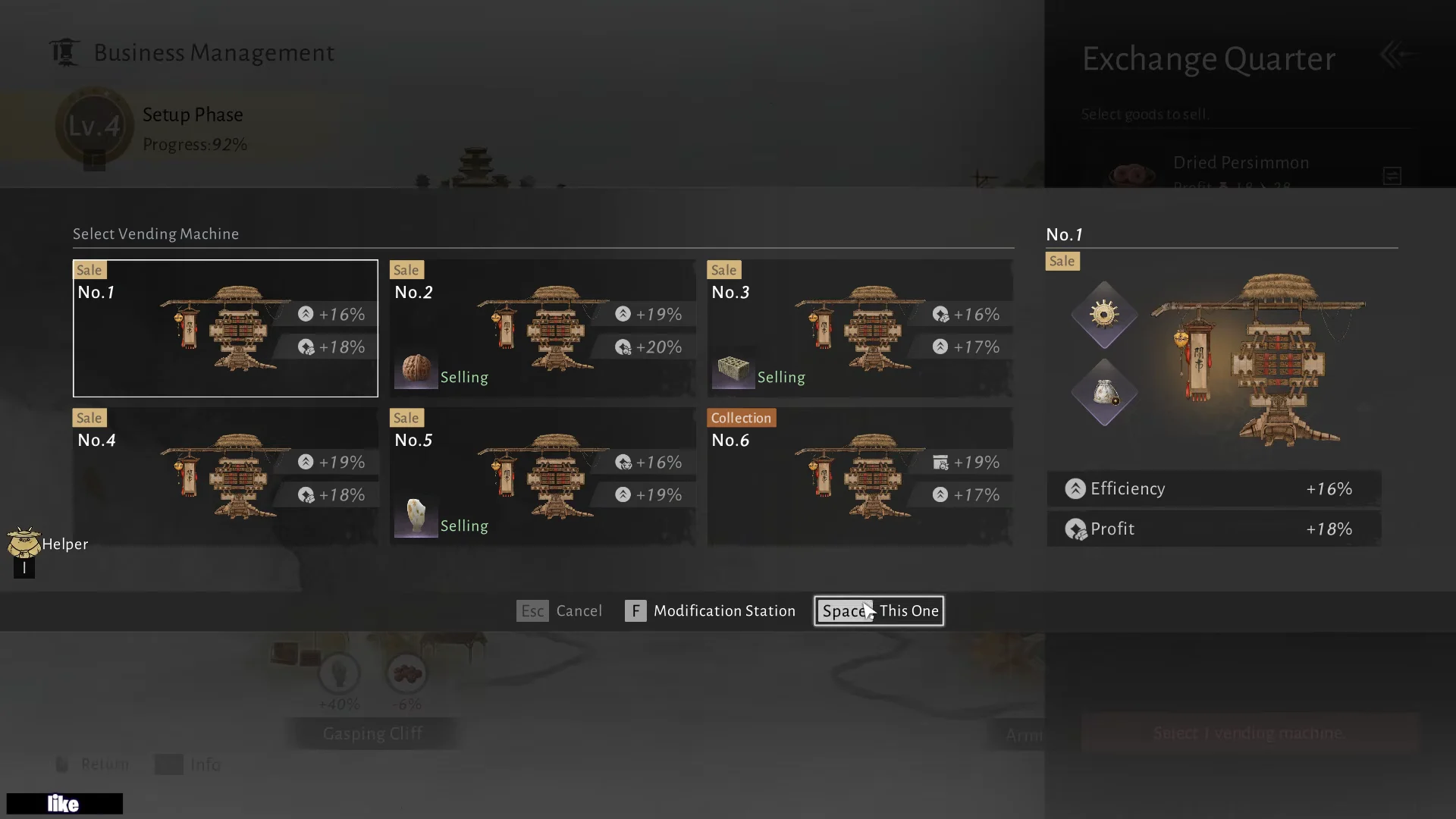
Exchange rates shift over time, and a green figure such as +17%, +20%, or +40% shows that the town is paying more at the moment. Ship goods to the settlement with the strongest positive margin. The network serves Old Mohist City, then Gasping Cliff, next Exchange Quarter, along with Armillary Sphere, Jadestream Valley, and Confluence Gazebo.
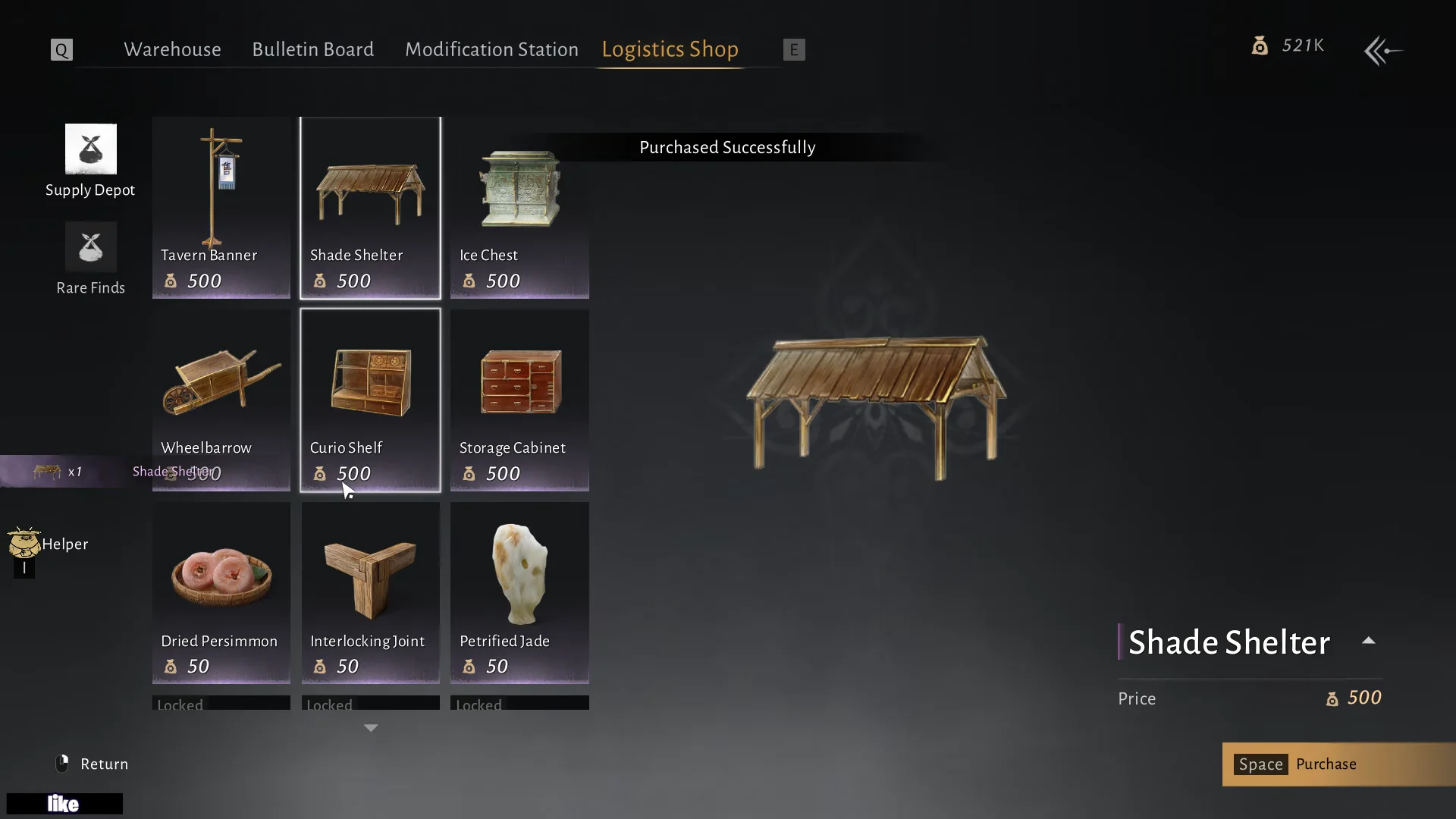
You can buy goods outright from the Logistics Shop, but save your Trade Coins for permanent upgrades. Only buy stock when you need a handful instantly to clear a specific quest.
Set long dispatch times for passive income
Before you send a peddler out, you choose how long it works. The available windows are 5 minutes, 30 minutes, 6 hours, or 20 hours. The menu shows an Expected Earning figure so you can see the payout before committing.
Set collection and sales runs to 20 hours whenever you plan to log off. Both gathering and selling keep running while you are away, so you return to a full Warehouse and a stack of Trade Coins. Shorter runs are mainly for topping up a good you need right now.
Clear each phase’s Initial, Mid-term, and Final quests
Each of the five phases is split into three quest batches that must be done in order. Finish every objective in a batch, claim the rewards, and select Proceed. The next batch often stays locked until you claim the previous rewards, so check the quest screen after every completed task.
Some objectives finish on their own over time, while others must be accepted or performed manually. The Level 1 objectives give a clear picture of how a phase flows from start to finish.
| Batch | Objectives |
|---|---|
| Initial | Collect 3 Dried Persimmons; sell 3 Dried Persimmons; finish the Pangolin Peddler tutorial |
| Mid-term | Earn 50 Trade Coins from sales; collect any 5 goods |
| Final | Complete 2 Bulletin Board quests; collect any 10 goods; earn 100 Trade Coins from sales |
The Pangolin Peddler tutorial counts toward the Level 1 Initial batch, so completing it knocks out one objective immediately. After the Final batch, submit the required Trade Coins to level the business up and open the next phase.
Buy more peddlers and open more markets
You start with two peddlers and can eventually operate six. Extra units let you collect several goods and sell in several towns at once, which is the single biggest driver of passive income. The first extra Pangolin Peddler costs 200 Trade Coins from the Logistics Shop.
New markets open as you clear phases. Each region adds another place to sell and its own region-specific objectives. You improve a region by buying its required structures from the Logistics Shop and placing them on site in Build Mode, which activates that market’s trading bonuses.
Unlock Jadestream Valley in the Level 4 Final quest
For the Level 4 Final batch, purchase three structures, construct them in Jadestream Valley, and complete the required Bulletin Board commissions. The construction task for this batch belongs to the Tools of the Trade III exploration quest.
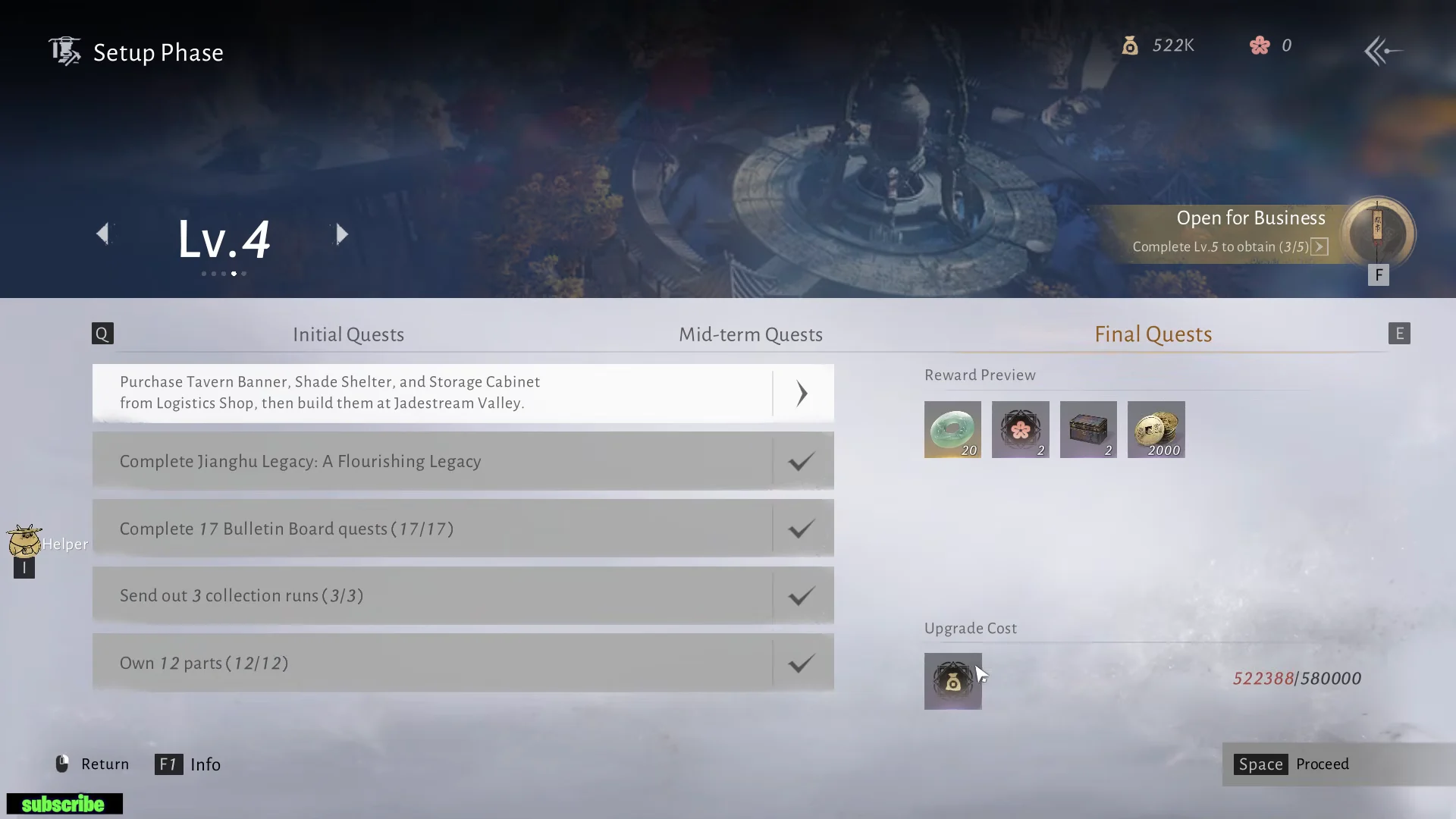
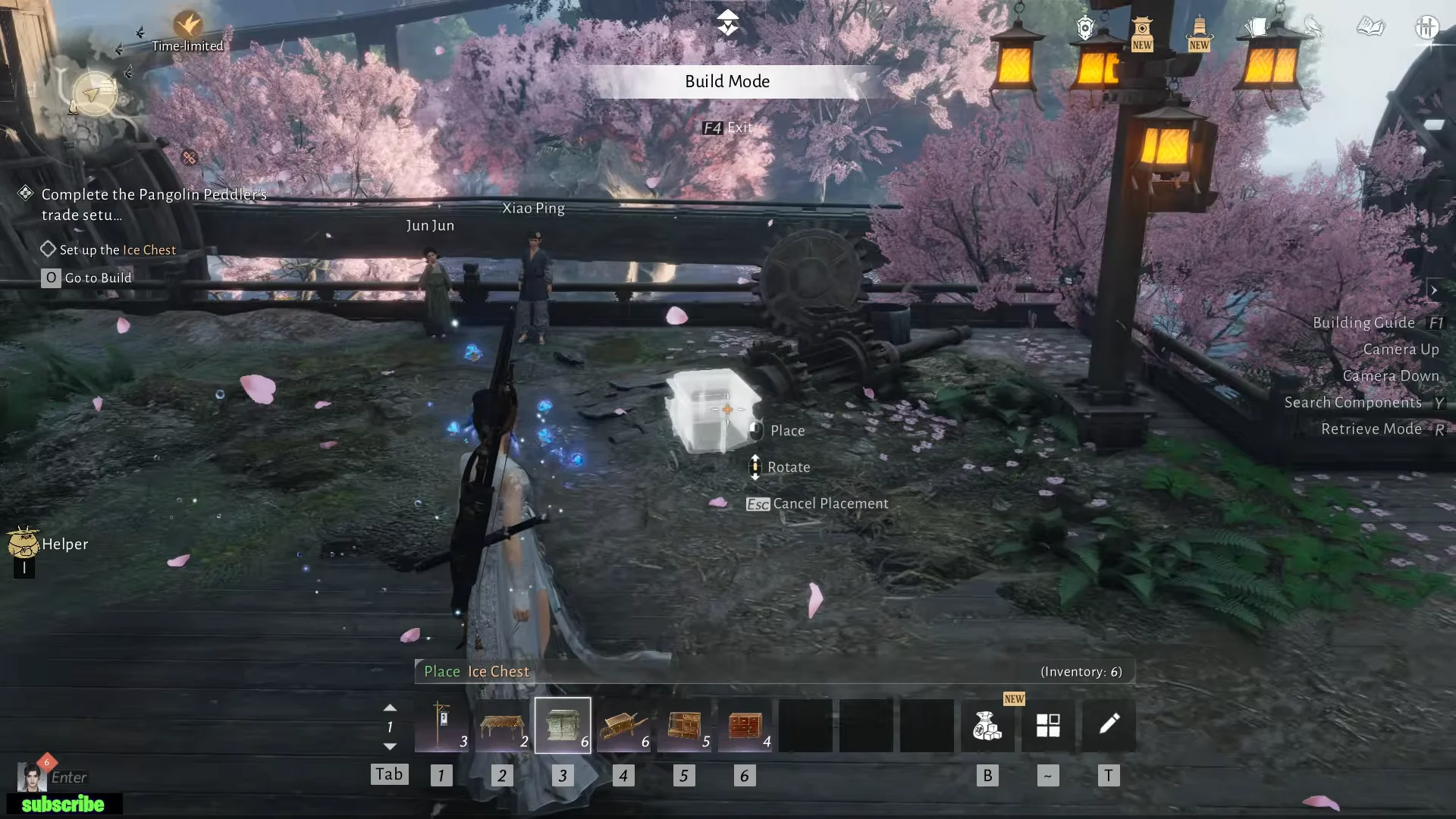
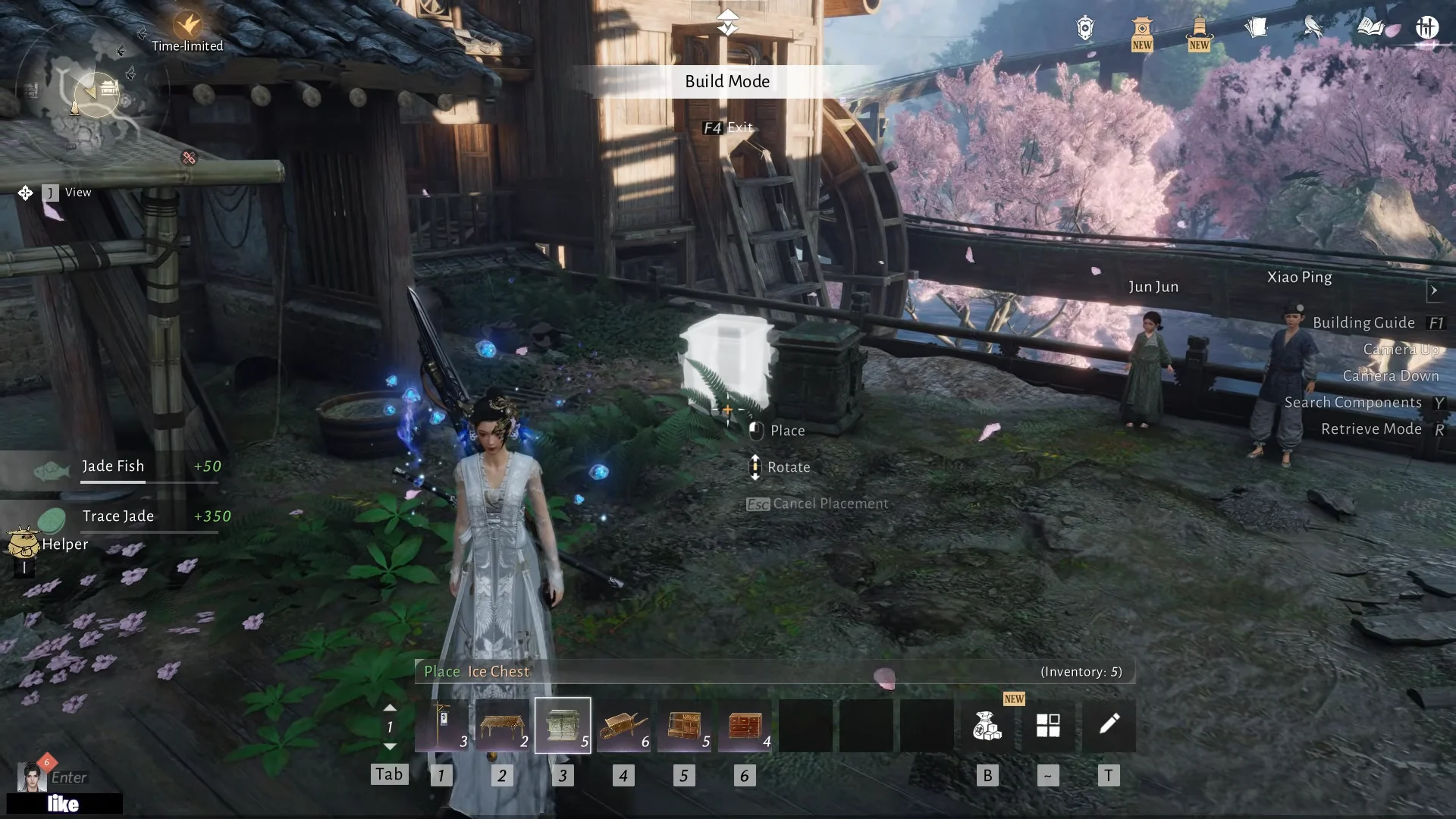
With the valley open, you can dispatch deliveries there, such as sending a peddler out with General’s Walnut to the new post.
Earn Mohist Approvals and set up Folio Combinations
Completing Bulletin Board commissions earns Mohist Approval tokens. Use them in the Logistics Shop’s Rare Finds tab, mainly to buy Mohist Puzzle Boxes; each one costs 2 Mohist Approvals and grants Folio cards.
In the Folio Collection, slot four active cards into the Folio Combination grid. Completing the set turns on business buffs, including extra Profit, Yield, and elemental bonuses—for example, Water +10% Profit, Earth +10% Profit, and Oddity +20% Profit. Use the Card Gifting menu to send duplicate cards to friends or guild members. To collect a gift, the recipient must open their private chat log and click Claim.
Boost yield and profit at the Modification Station
Each peddler can use two modification sockets at the Modification Station. Equip an Efficiency part in one gear slot, then choose either a Yield part for collection boxes or a Profit part for selling pouches in the other. Match the parts to the role: collectors use Yield, while sellers use Profit.
Buy parts from the Parts Shop. Level 4 parts are the high-end tier, and their stat rolls vary, so you want the best numbers you can find.
| Level 4 Part | Stat | Cost |
|---|---|---|
| Efficiency gear | +16% | 10,000 Trade Coins |
| Yield (Material) | +16% / +19% / +20% | 400 Trade Coins |
| Profit (Foodstuff) | +18% / +19% | 300–400 Trade Coins |
You can reroll the Parts Shop stock to chase the top rolls, up to 10 refreshes a day at 500 Trade Coins per refresh. Target Yield and Profit parts in the +19% to +20% range, then equip the Level 4 gear, boxes, and pouches across your peddlers to push both collection yield and selling profit as high as possible.