Paralives Cheat Console Commands: Money, Skills, Needs, and More
Every working console command for the early access build, plus how to open the cheat window and trigger each effect.
Every working console command for the early access build, plus how to open the cheat window and trigger each effect.
by Pallav Pathak
Paralives ships with a built-in cheat console that handles money, skills, needs, aging, careers, and a long list of debug toggles. There’s no master enable command, no mods required, and commands are case-insensitive.
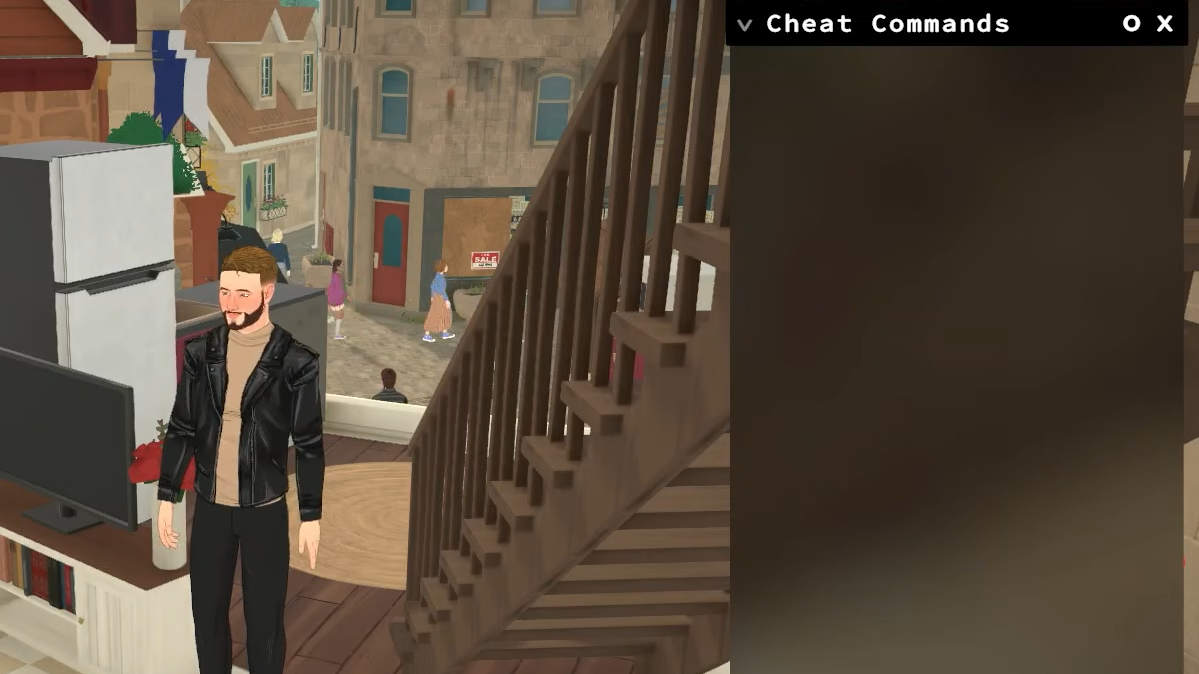
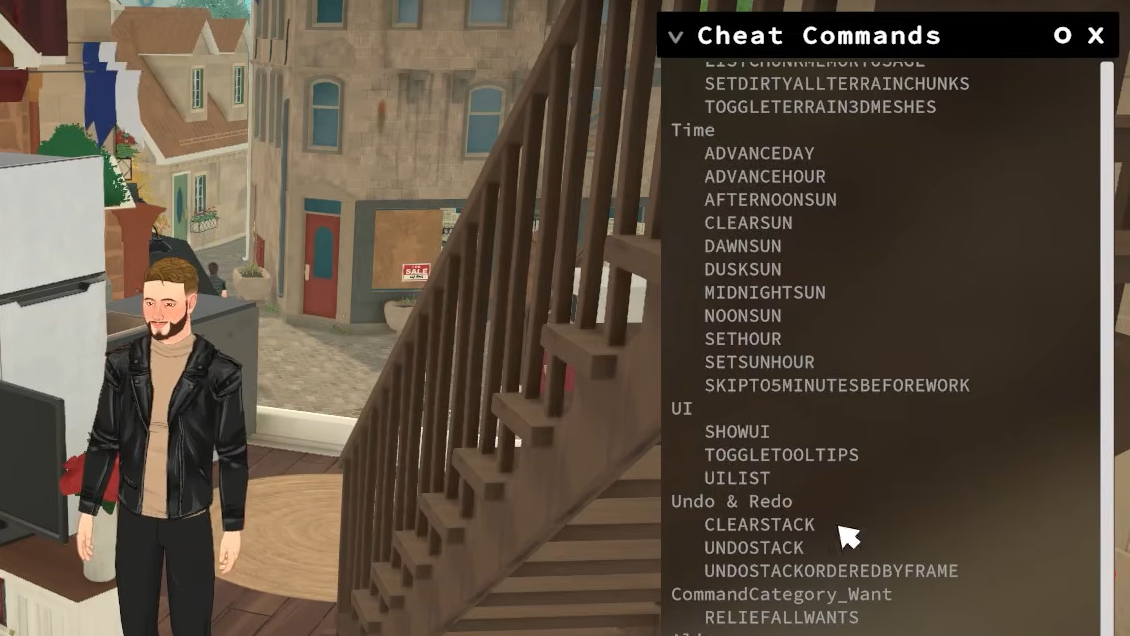
Quick answer: Press Ctrl+F1 to open the cheat window, type a command, and press Enter. Type HELP or CHEATLIST inside the console to print every available command in-game.
⌨️
Commands do not need a forward slash, and capitalization does not matter. Arguments like skill names and need names are typed after the command, separated by spaces.
Image credit: Paralives Studio (via YouTube/@SolutionsForEveryone)
Type the command into the input field and press Enter. If the command needs a value, type the value after the command name with a space between them, for example setmoney 50000.
Some commands act on the currently selected Para. Click on the character first, then run the command. Other commands act on the household or the whole town and don’t need a selection.
Image credit: Paralives Studio (via YouTube/@SolutionsForEveryone)
Money and bills
Household funds are called Paradimes. Several cheats hand them out instantly, and two more wipe or generate bills.
Command
Effect
PIGGYBANK
Adds 1,000 Paradimes.
MAKEITRAIN
Adds 10,000 Paradimes.
JACKPOT
Adds 50,000 Paradimes.
LOTTERY
Adds a random amount between 1 and 100,000.
PRINTMONEY X
Adds the exact amount X on top of current funds.
SETMONEY X
Replaces the household balance with X.
PAYDAY
Pays the selected Para’s salary immediately.
CLEARBILLS
Wipes every pending household bill.
GENERATEBILL
Forces a new bill into the mailbox.
CAUSEOUTAGE / FIXOUTAGE
Toggles power on the active lot.
The difference between PRINTMONEY and SETMONEY matters when targeting an exact number. SETMONEY 0 empties the household; PRINTMONEY 0 does nothing.
Image credit: Paralives Studio
Skills and personality
Skills cover hobbies and careers. The current skill IDs are Cooking, Guitar, Piano, Programming, Painting, Fishing, Astronomy, Dancing, Exercising, Language, Science, and GraphicDesign. Fishing and Outdoorsiness exist in the system but are not functional in the current early access build.
Command
Effect
LEVELUPSKILL [skill]
Adds one level to the named skill.
SETSKILLLEVEL [skill] [value]
Sets the skill to a specific level.
SHOWSKILLS
Prints current skill values for the selected Para.
LEARNALLSKINS [category]
Unlocks all knowledge entries in a category, such as Recipes.
LEVELUPPERSONALITY
Raises the personality level by one.
RESETPERSONALITY
Drops personality back to level 1 and clears upgrades and traits.
Example: setskilllevel Guitar 5 sets the selected Para’s Guitar skill to level 5. learnallskins Recipes unlocks every cooking recipe, though the Para still needs the actual Cooking level to make them.
Needs
The need IDs include Hunger, Sleep, Bathroom, Hygiene, Affection, Fun, Peace, MeTime, Grump, EnergySurplus, GetAwayFromFire, and NeedToMove. Need values run from 1 to 10.
Command
Effect
RELIEFALLNEEDS
Maxes every need on the selected Para.
RELIEFALLNEEDSOFALLCHARACTERS
Maxes every need on every Para in town.
RELIEFNEED [need]
Maxes a single need.
SETNEED [need] [value]
Sets a need to an exact value.
CHANGENEED [need] [value]
Increases the need by the given amount.
DECAYNEED [need] [value]
Reduces the need by the given amount.
SHOWNEEDS
Prints the current value of every need.
Image credit: Paralives Studio
Character control
Command
Effect
EDITCHARACTER
Reopens the Paramaker for the current household.
SETAGE X
Sets the selected Para’s age.
PRINTAGE
Prints the current age.
SHOWSTATUSEFFECTS
Lists active status effects, including viruses and emotions.
CLEARSTATUSEFFECTS
Removes all status effects on the selected Para.
CLEARWANTCOOLDOWNS
Lets emotions roll new Wants immediately.
COMPLETECURRENTWANTS
Finishes every active Want for the selected Para.
GAINSTORYCARD
Adds a Story Card.
ADDSELECTEDCHARACTERSTOHOUSEHOLD
Adds an NPC to the current household.
KICKCURRENTHOUSEHOLDINTONEWHOUSEHOLD
Safely moves selected Paras into a new household.
CLEARALLONSELECTEDCHARACTERS
Wipes needs, memories, emotions, interactions, and bills.
SHOWCHARACTERRELATIONSHIPS
Prints every relationship label for the selected Para.
BECOMEACQUAINTANCEWITHEVERYONE
Adds the Acquaintance label between the Para and every other character.
SHOWCURRENTCHARACTERGUID
Prints the selected Para’s GUID.
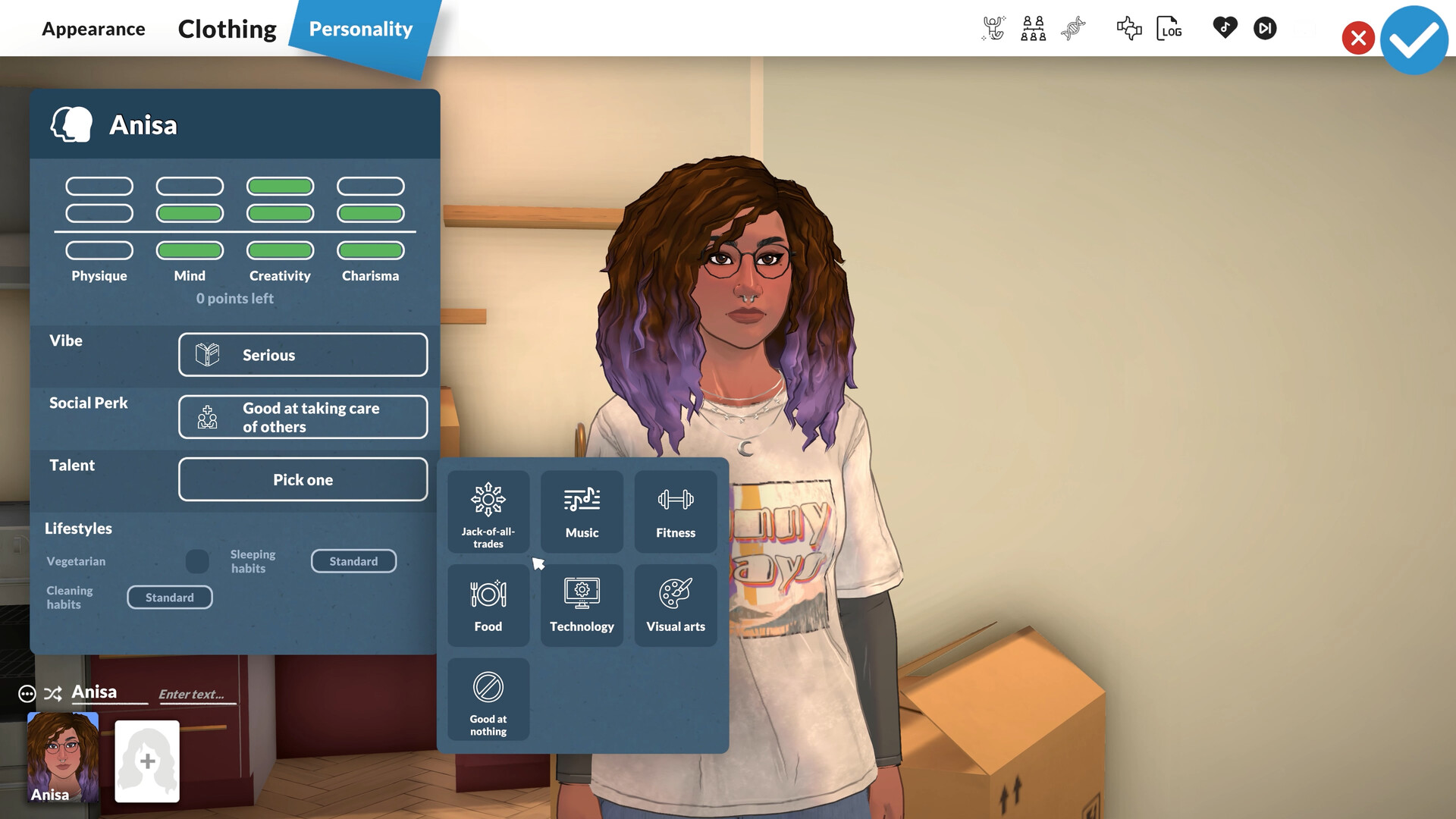
CREATECHARACTER [GUID or model name]
Spawns a new Para from a model, for example CREATECHARACTER HumanAdult.
⚠️
Avoid KICKSELECTEDCHARACTERSFROMHOUSEHOLD. It removes Paras from any household and can leave them in a buggy, homeless state. Use KICKCURRENTHOUSEHOLDINTONEWHOUSEHOLD instead.
Aging, pregnancy, and death
Command
Effect
NEXTLIFESTAGE
Advances one full life stage.
PREVIOUSLIFESTAGE
Reverts one full life stage.
NEXTGROWTHSPURT / PREVIOUSGROWTHSPURT
Steps a growth spurt forward or back, for stages like Teen.
GETPREGNANT
Forces an instant pregnancy.
GIVEBIRTH
Skips the waiting period and forces labor.
MAKEBABIES
Creates a child from two selected Paras.
PREGNANTSTATUS
Prints pregnancy data.
KILLCHARACTER
Kills the selected Para.
REVIVEALLSELECTEDCHARACTERS
Brings selected dead Paras back.
Careers and school
Command
Effect
ENDWORKDAY
Ends the current shift, pays the salary, and grants any earned upgrade point.
UPGRADEOCCUPATIONS
Unlocks new upgrade options for the current job.
ADDVACATIONDAY
Grants a vacation day.
CLEARALLOCCUPATIONS
Quits every job the Para holds.
ADDSTRIKETOOCCUPATIONS / CLEARSTRIKES
Adds or removes job strikes.
PRINTALLOCCUPATIONS
Lists the Para’s current jobs.
PRINTALLPOSSIBLEEXTRASFOROCCUPATION
Shows the upgrade perks for the current job.
LOWERGRADE
Lowers a student’s grade.
SKIPTO5MINUTESBEFOREWORK
Advances time to five minutes before the next shift.
Image credit: Paralives Studio
Time and sun position
Command
Effect
ADVANCEHOUR
Skips one hour ahead.
ADVANCEDAY
Skips 24 hours ahead.
SETHOUR X
Jumps to a specific hour, for example sethour 5 for 5 AM.
Locks the sun to a fixed position regardless of the clock.
CLEARSUN
Returns the sun to its natural position for the current time.
Fire and item state
Command
Effect
SETITEMONFIRE
Sets the selected object on fire.
SETSELECTEDCHARACTERSONFIRE
Sets the selected Para on fire.
EXTINGUISHALLFIRES
Puts out every fire on the map.
EXTINGUISHSELECTEDCHARACTERSONFIRE
Extinguishes a Para that’s on fire.
SETITEMSTATE IsOn 1
Forces an item state to a value, for example turning an appliance on.
REPAIRALLITEMS
Repairs every broken object.
UNSPOILALLITEMS
Removes spoilage from all food.
Mail, newspapers, and museum
Command
Effect
GENERATEMAIL
Releases queued mail to the mailbox.
GENERATENEWSPAPER
Forces a new newspaper issue.
RESETMAILBOX
Empties the mailbox.
DELETEALLNEWSPAPERISSUES
Removes all newspaper issues.
RESETMUSEUMDONATIONS
Clears the museum donation list so items can be donated again.
Inventory and collectibles
Command
Effect
PRINTINVENTORY
Lists every item GUID currently in the inventory.
ADDITEMTOINVENTORY [GUID]
Adds the matching item.
CLEARINVENTORY
Empties the inventory.
UNLOCKALLCOLLECTIBLEELEMENTS
Unlocks every collectible.
CLEANUPDUPLICATEITEMS
Removes duplicate inventory entries.
Image credit: Paralives Studio
Build mode and town editing
One command in this group can corrupt a save. Run SAVE first.
Command
Effect
TOGGLEEDITTOWN
Enters an unstable mode for placing and removing town lots.
CANCELALLCHARACTERINTERACTIONS
Cancels every Para’s interactions across the map.
CANCELALLHOUSEHOLDINTERACTIONS
Cancels interactions only for the current household.
CANCELSELECTEDCHARACTERSINTERACTIONS
Cancels queued interactions on the selected Para.
DELETESELECTEDCHARACTERSINTERACTIONS
Deletes those interactions outright.
UNSTUCK
Moves the selected Para back onto the navmesh.
UNSTUCKALL
Moves every Para back onto the navmesh.
Save and exit
Command
Effect
SAVE
Saves the game.
ZIPSAVEFILE
Drops a zipped copy of the save on the desktop.
QUITTOMAINMENU
Returns to the main menu without saving.
RAGEQUIT
Closes the game to desktop.
Performance and display
Command
Effect
FPS
Prints the current framerate.
CAPFPS X
Caps framerate at X.
BENCHMARKFPS
Runs a 15-second FPS benchmark.
STARTTOWNBENCHMARKSTORYBOARD
Runs a scripted town performance test.
FULLSCREEN / WINDOWED
Switches display mode.
RESOLUTION
Prints the current screen resolution.
SETRESOLUTION 1920x1080
Sets a new resolution.
VSYNC
Reads or sets vsync passes.
SHADOWDISTANCE
Prints current shadow draw distance.
SCHEDULE [command] / STOP
Runs a command every frame and prints the result in the corner, or stops it.
CLEAR
Clears the cheat console output.
ALIASES
Lists modded command aliases.
Image credit: Paralives Studio
Joke commands
Command
Effect
BEAR
Prints an ASCII bear.
CAT
Prints a cat image.
EIGHTBALL
Returns a random magic 8-ball answer.
HOTEL
Prints “Trivago”.
SPIN X%
Runs a chance wheel at the given odds.
RANDOMIZEALLDEFORMATIONS
Randomizes a Para ignoring slider limits, producing extreme deformations.
The Parafolk Profiler
The cheat overlay has a hidden second layer. With the console open, click the small down arrow next to the Cheat Commands label to reveal extra panels. The most useful one is the Parafolk Profiler.
The Profiler lists every character generated in the town, including NPCs the household has never met. Hovering a name shows current stats, job details, and whether the Para is currently loaded in the world or just running in the background. The top of the panel has a search bar and filters for household members, NPCs, dead characters, and children removed by social services. The bottom row lets you locate a Para on the map or delete them from the save entirely.
The cheat list is still growing. The development team has indicated that many internal commands used during development will not stay in the shipped game, and that more player-facing cheats will be added during early access as players request them. For the latest official information, the Paralives site is the canonical source.