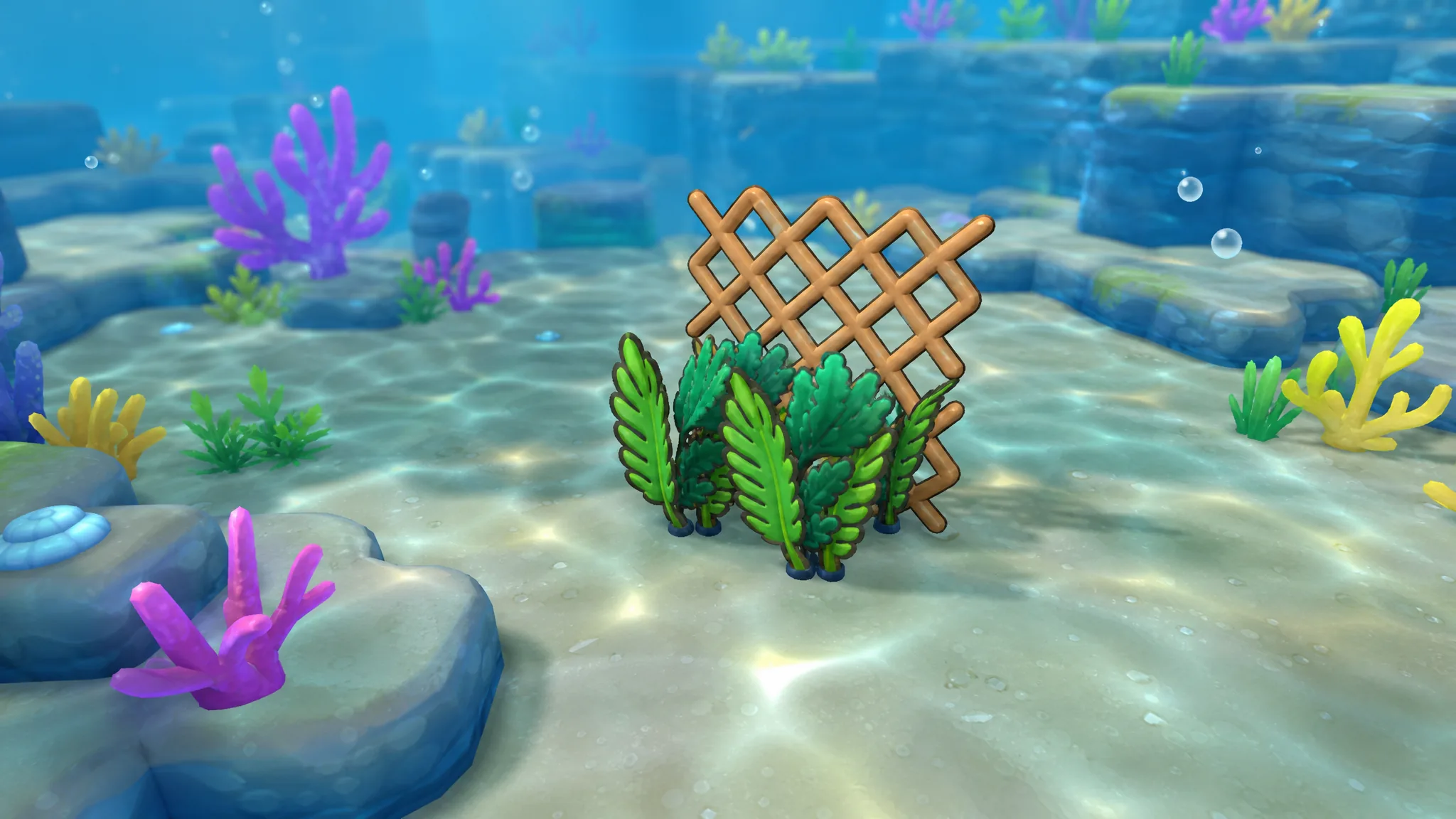
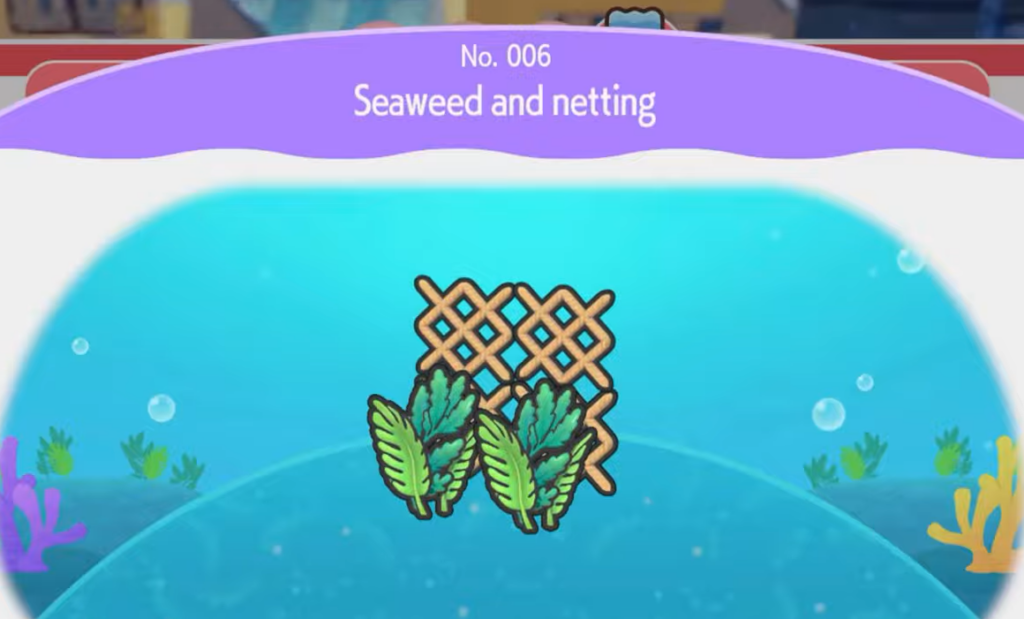
The Seaweed and netting habitat is a common layout in Pokemon Pokopia that stays unlisted in your habitat book until you build it once. It only needs two things placed together, so the real work is tracking down the Netting and harvesting the right seaweed before you assemble it.
Quick answer: Learn the recipe at Corsola’s home, then place a piece of Netting next to Lush seaweed there. The habitat registers as restored the moment both items sit side by side.
What you need to build the Seaweed and netting habitat
This habitat comes down to two components sitting next to each other. Gather both before you start, and the actual placement takes seconds.
| Item | How to get it |
|---|---|
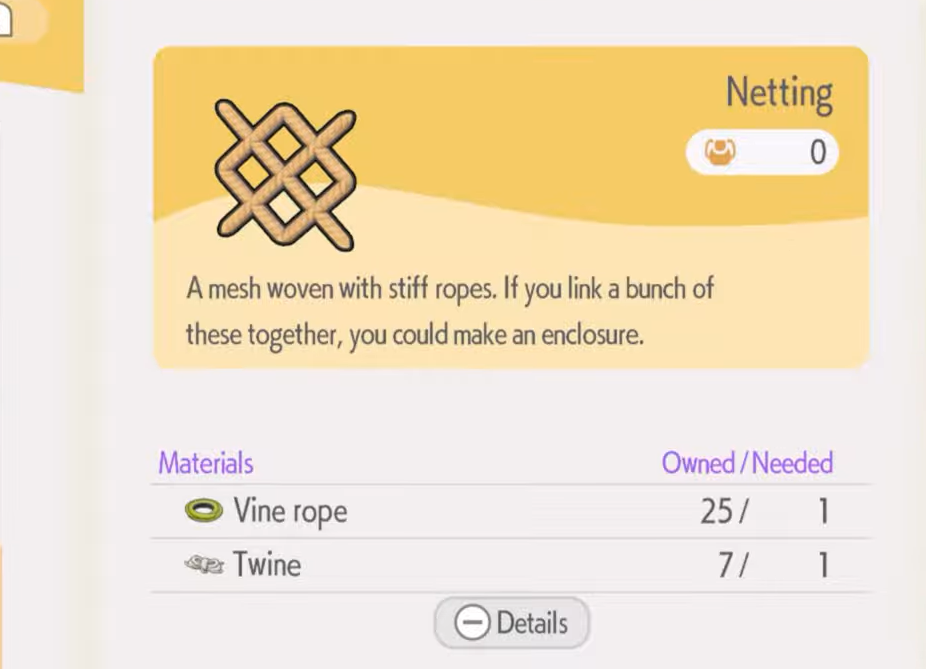
| Netting | Craft it at a crafting table under the Buildings tab, or pick up a pre-made piece inside a cave |
| Lush seaweed | Harvest it from a seaweed patch using the Rototiller tool |
Learn the recipe at Corsola’s home
The habitat recipe becomes available at Corsola’s home. Head there first so the layout unlocks and you can restore it once your materials are ready.
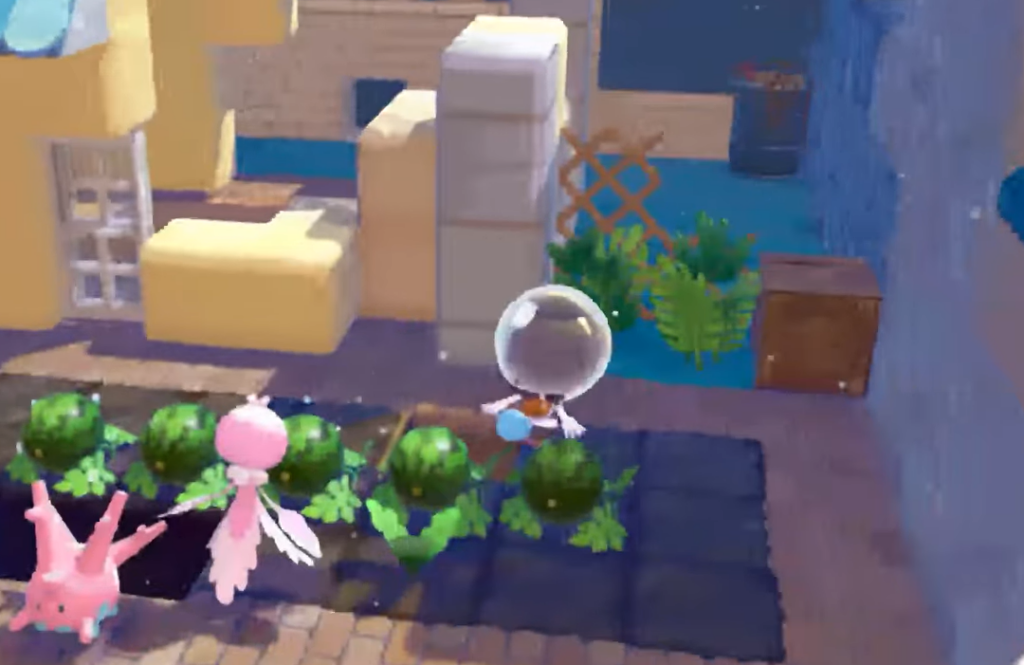
Get Netting by crafting or finding it
You have two ways to secure Netting. Crafting is the reliable option if you have the materials, while a cave holds a ready-made piece you can simply pick up.
Craft Netting at a crafting table
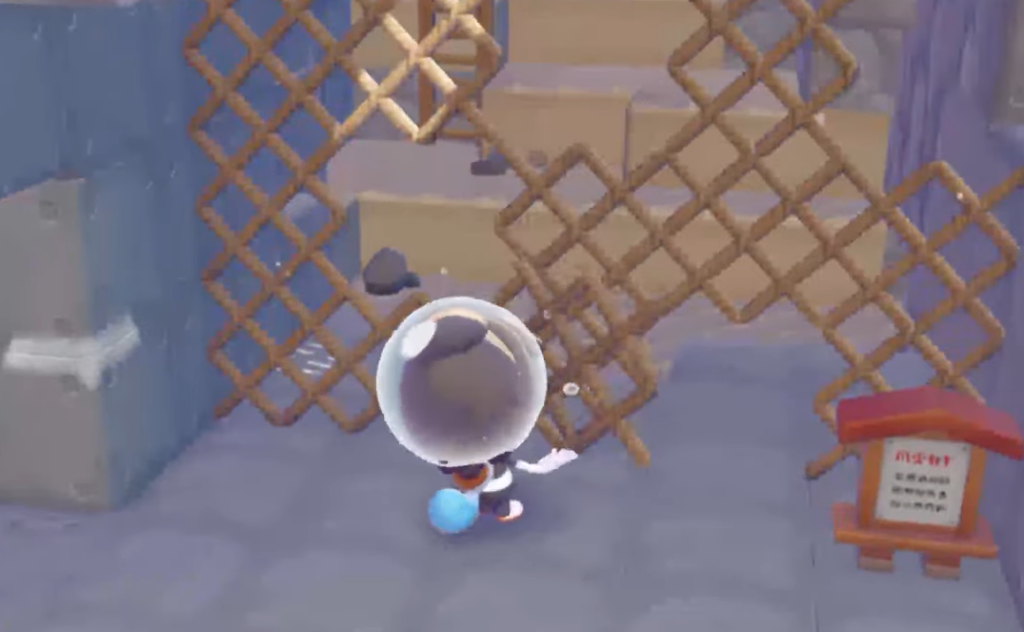
Find pre-made Netting in a cave
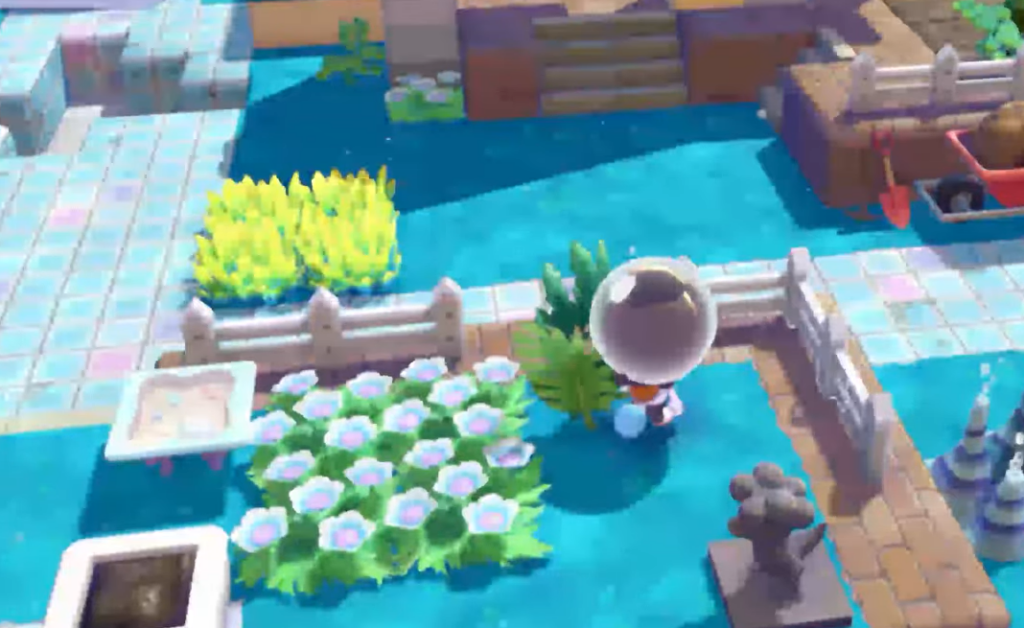
Gather Lush seaweed with the Rototiller
The seaweed side of the habitat comes from a nearby patch that you work with the Rototiller tool rather than picking up by hand.
Assemble and restore the habitat
With both items in hand, return to Corsola’s home to put them together.
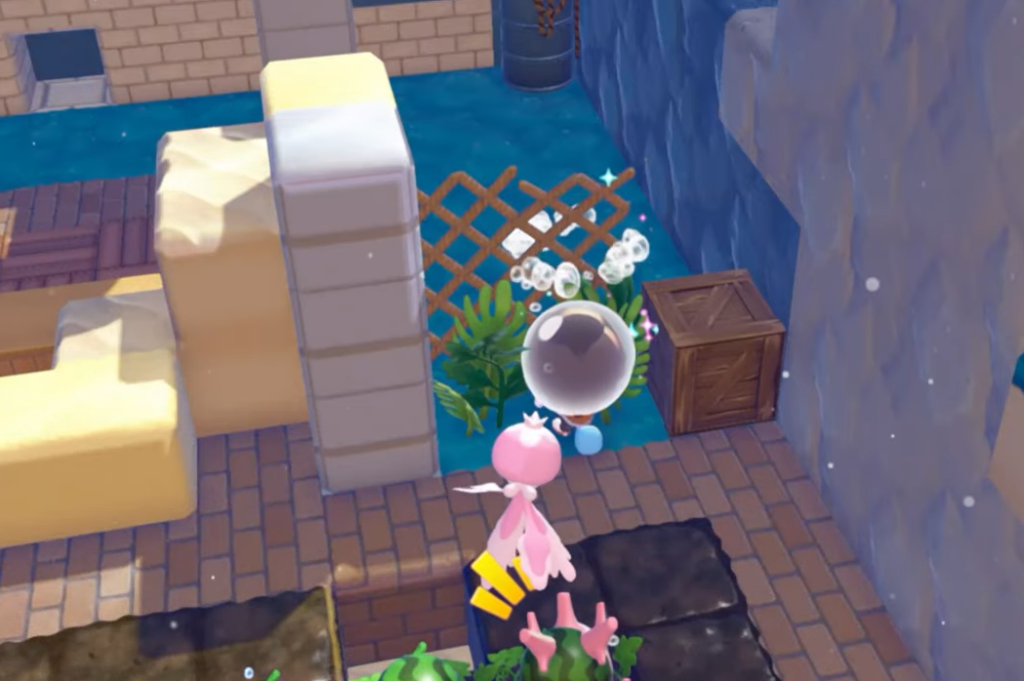
If the habitat doesn’t register, the usual cause is spacing. Make sure the Netting and Lush seaweed are close enough to read as a single layout, and that you’re placing them at Corsola’s home where the recipe was learned. Once both conditions are met, the restoration triggers on its own.