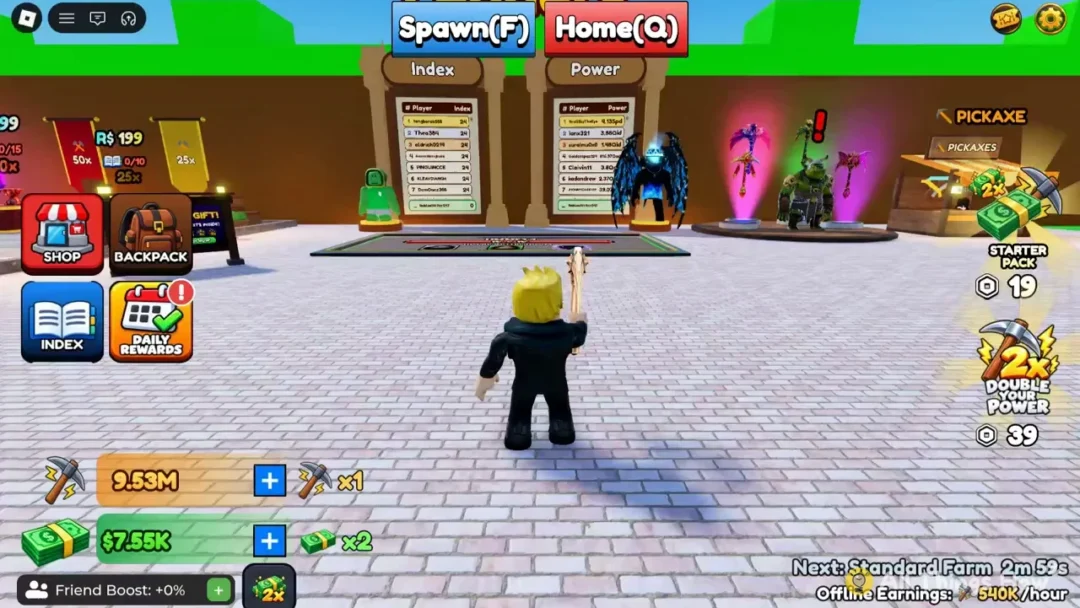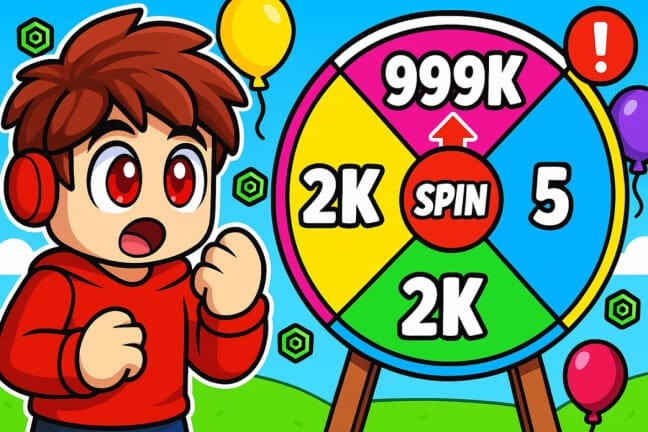
Pop for Free rewards players who work through obby courses of increasing difficulty with Pops, a currency spent on colored spin wheels. Those spins generate credits that convert into free Robux, and codes hand out extra Pops so you can spin more without grinding through every obby stage.
Working Pop for Free codes
These codes are currently active and each one adds Pops directly to your account once redeemed.
BYEBYE— 50 PopsUPDATE3— 50 PopsWGAMERIGHT— 25 PopsWSUSHIWADMIN— 100 Pops
How to redeem Pop for Free codes
A successful redemption shows your Pops total increase immediately in the Shop menu, confirming the code went through.
Expired Pop for Free codes
These codes no longer work if you try to enter them.
SUMMERUPDATETWO
Where to find new Pop for Free codes
New codes tend to show up around game updates, milestones, and community events. The official Pop for Free Discord is the most direct place to catch announcements as soon as developers post them.
Once you have a fresh stack of Pops, put them toward the higher-value colored wheels first, since they generate more credits per spin than the cheaper ones. Clearing tougher obby sections also tends to pay out larger Pop totals, which stretches your credit balance further between code drops.