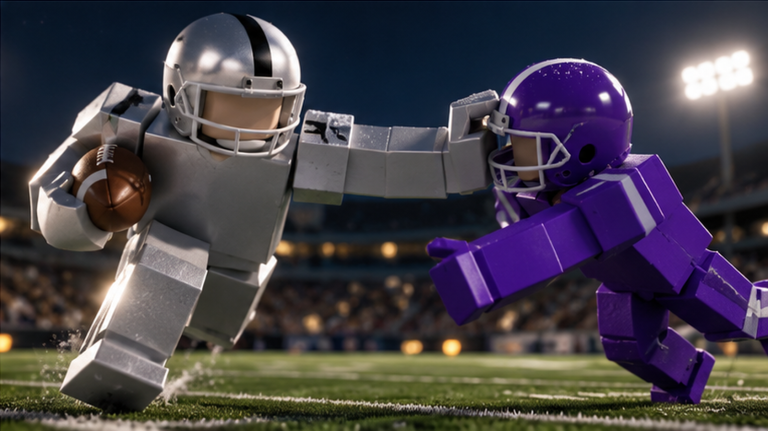
Ragdoll Football is a physics-driven football game on Roblox where tackles use real body collisions instead of canned animations, so hits grab, drag, and knock players around the field. Every input maps to a specific action, and knowing them is the difference between fumbling a hike and throwing a clean touchdown pass. Below is the full control set for PC, mobile, and console, plus how the core mechanics behave.
Quick answer: On PC, use WASD to move, Space to jump, Left Click to tackle, hike, or kick, and hold Left Click to aim and throw as quarterback.
PC controls (keyboard and mouse)
Left Click does triple duty depending on your role. On defense it tackles, as quarterback it hikes the ball, and as kicker it kicks. Holding it instead charges a throw.
| Input | Action |
|---|---|
| WASD | Move |
| Space | Jump |
| Left Click | Tackle / Hike (as QB) / Kick |
| Hold Left Click | Aim throw, release to throw |
| Hold Left Click + Q | Flat / low throw |
| Hold Left Click + E | High / bullet throw |
| X | Dive / Hand off (hold) |
| C | Take a knee (touchback) |
| Right Click + Drag | Camera |
| Scroll | Zoom |
The take-a-knee input appears as C in the in-game controls window, though some versions bind it to V. If one key does nothing, try the other. X can also cancel a charged throw.
Mobile and console controls
The game plays across touch and controller too, with the same actions mapped to different inputs.
| Action | Mobile | Console (Xbox / PlayStation) |
|---|---|---|
| Move | Left-side joystick | Left Stick |
| Camera | Drag | Right Stick |
| Zoom | Pinch | D-Pad Up/Down |
| Jump | Jump button | A / Cross |
| Dive / Hand off | Dive button | X / Square |
| Tackle / Hike / Kick | Tap | RT / R2 |
| Aim throw | Hold still, lift to throw | Hold RT / R2, release |
| Cancel throw | — | LT / L2 |
| Take a knee | — | B / Circle |
Throwing as quarterback
Pick the quarterback role from the left-side menu, then click Left Click to hike. Holding Left Click brings up a yellow trajectory arc with a circular target ring on the turf showing exactly where the ball will land. Move your aim to set the spot, then release to throw.
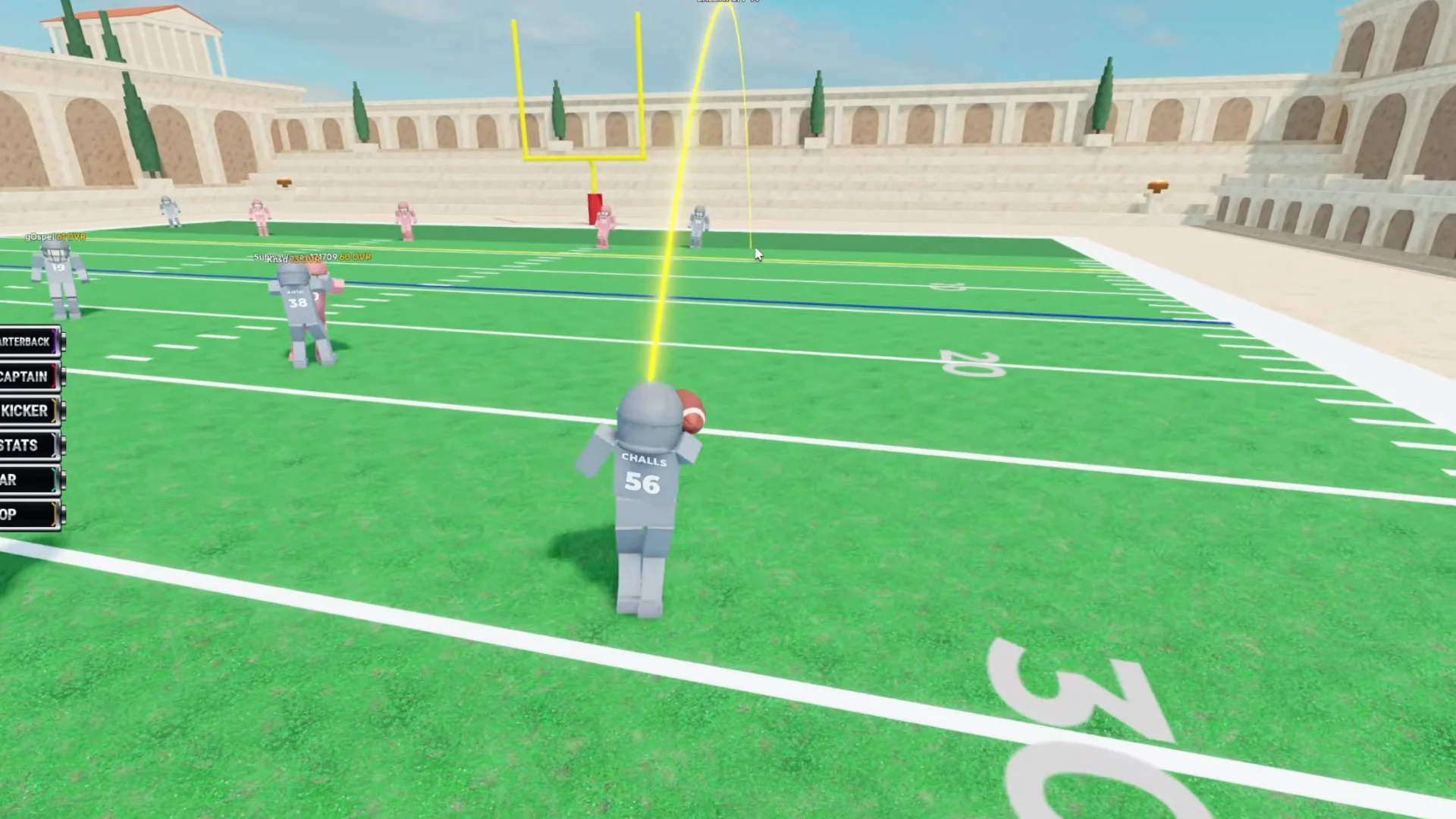
While aiming, tap Q for a flat, low throw or E for a high, bullet throw to change the ball’s trajectory. If the play breaks down, press X to cancel the throw rather than forcing a bad pass that a defender can pick off.
Tackling and ragdoll physics
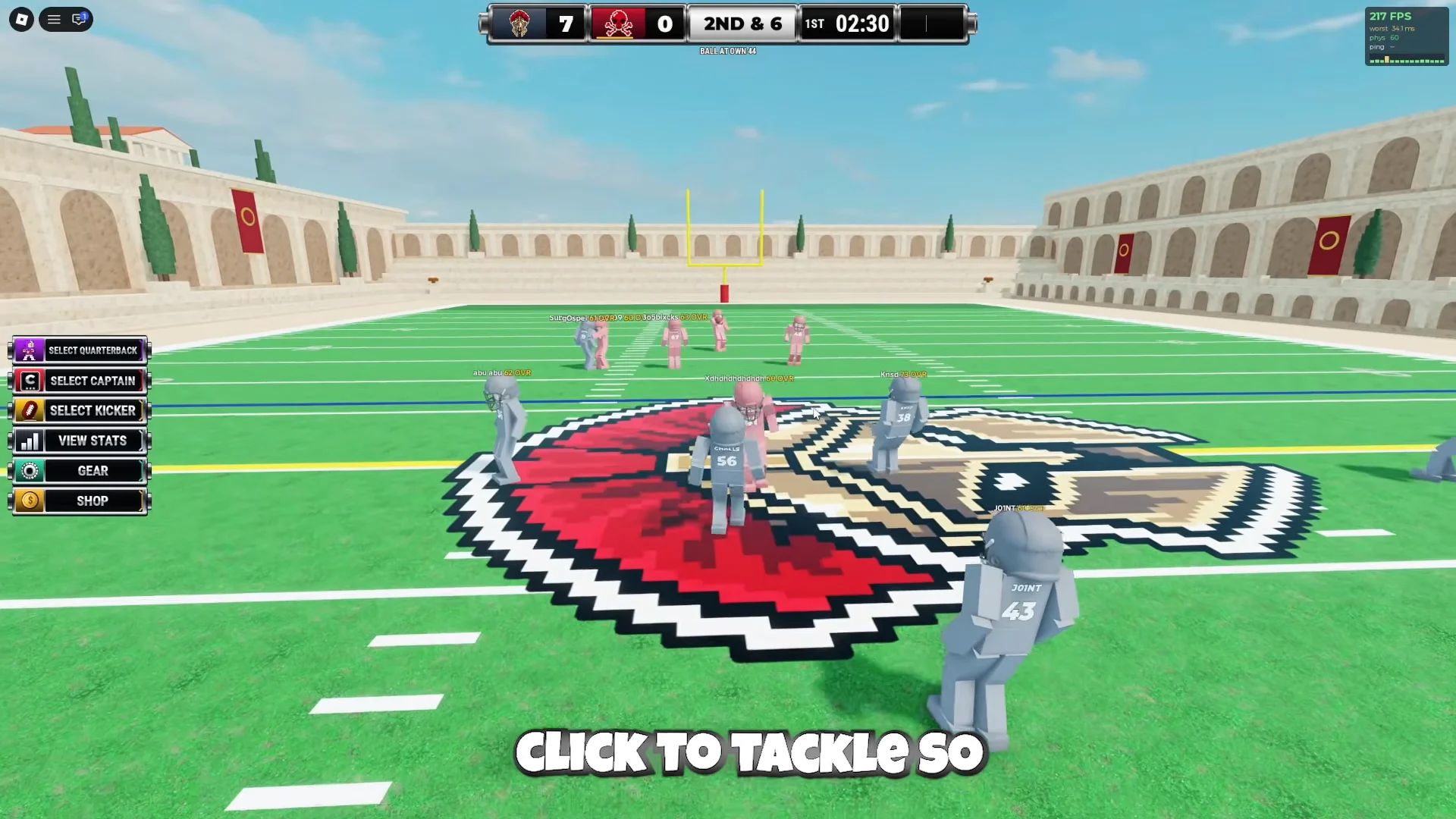
Hold Left Click to tackle the opposing ball carrier. There are no scripted takedowns, so contact plays out as a real physics collision, with bodies that grab and drag. A hard enough hit can knock a player’s helmet clean off onto the field.
Diving, catching, and handoffs
Press X to dive forward, useful for lunging over the goal line or stretching for extra yards before a tackle lands. Hold X instead to perform a handoff to a nearby teammate.
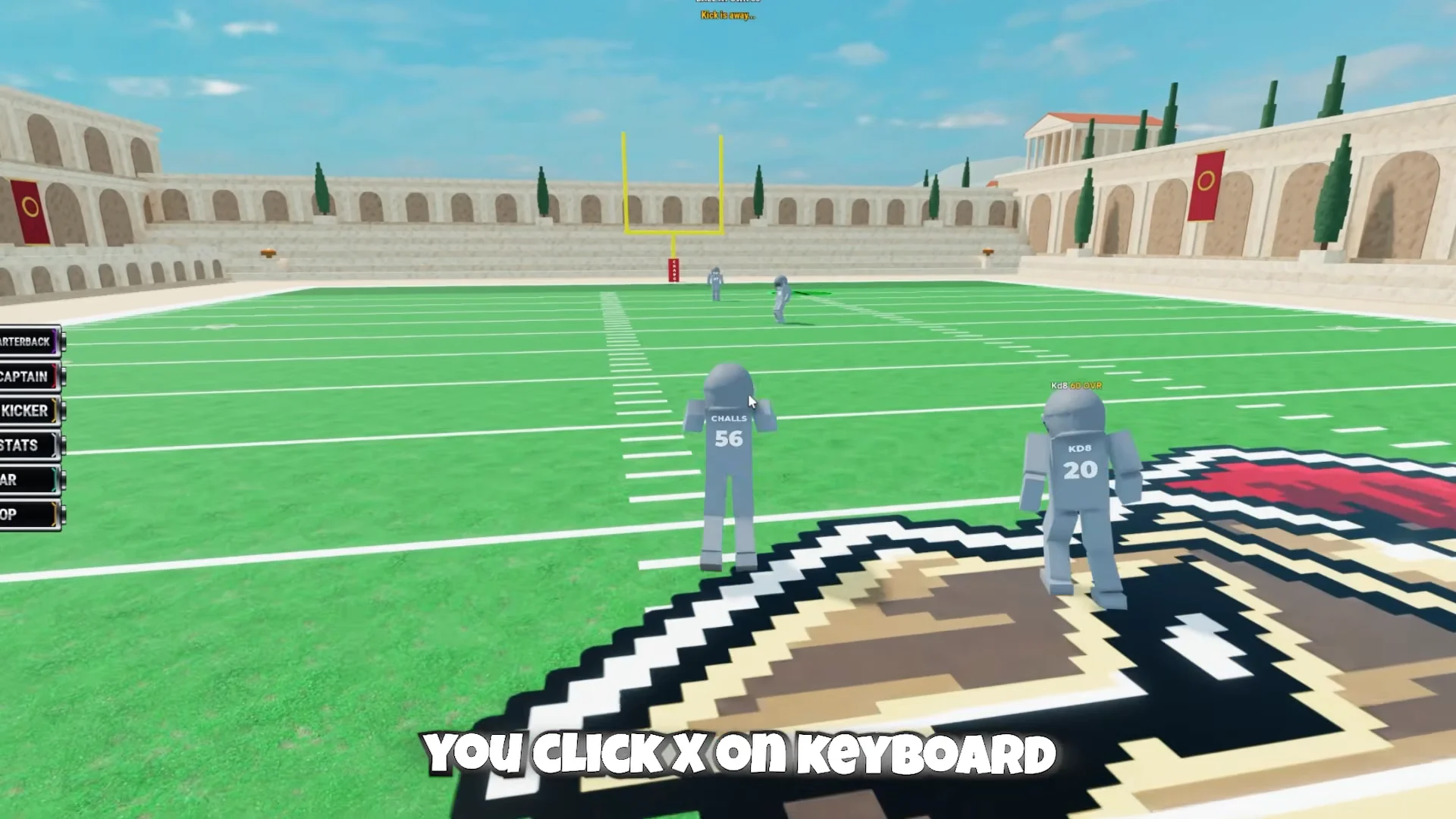
To catch a pass, click as the ball reaches you. On defense, timing that same click lets you intercept overthrown or poorly placed throws, including picks right on the goal line.
Choosing a role
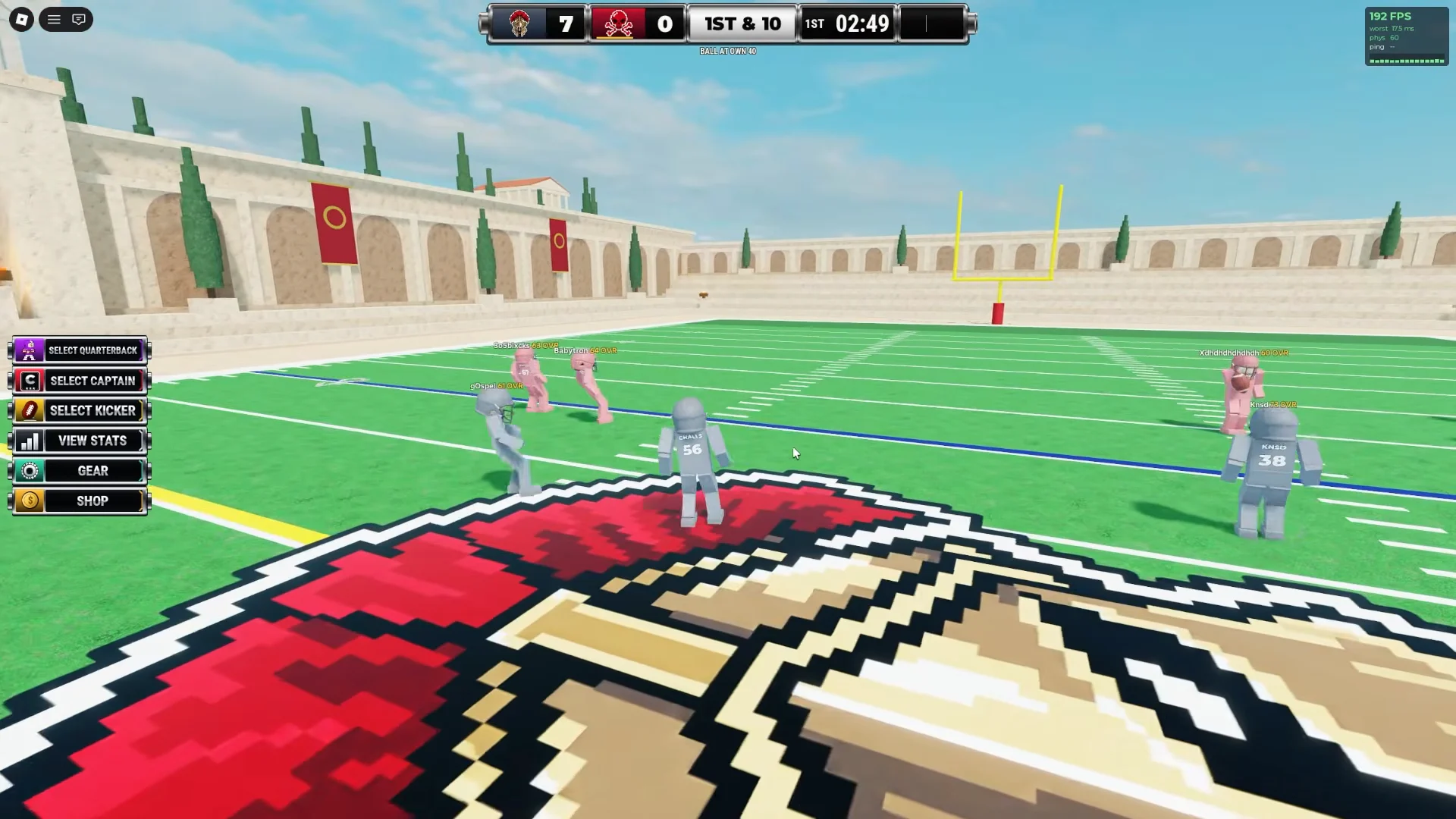
Buttons down the left side of the screen let you request a specific position. The three you can call for are listed below.
- Select Quarterback — throws passes and hikes the ball.
- Select Captain — leads the squad on the field.
- Select Kicker — handles kickoffs, extra points, and free kicks.
Scoring rules to know: the safety
Running out of bounds inside your own end zone hands the opposing team a safety worth 2 points, then forces a free kick to restart play. Defenses can trigger this on purpose by forcing a ball carrier backward out of their own end zone, so watch your footing deep in your own territory.
Raising your OVR from 60 to 99
Every player starts at 60 OVR and can climb all the way to 99. You raise it by earning XP for big plays on the field, so interceptions, touchdowns, hard tackles, and standout runs all feed your overall rating. The more impactful your play, the faster the number rises. There is no shortcut around actually making plays count.
Helmets and gear
The Gear menu sells cosmetic headwear bought with in-game Cash. These are purely visual and sit on top of the default team uniform.
| Item | Cost |
|---|---|
| Default Helmet | Equipped (free) |
| Lewis Helmet | 750 Cash |
| Over-Ear Cap | 2,500 Cash |
With the inputs memorized and the safety rule in mind, the rest comes down to reps. Lock in a role, aim your throws with the yellow arc, and keep stacking big plays to push your overall toward 99.