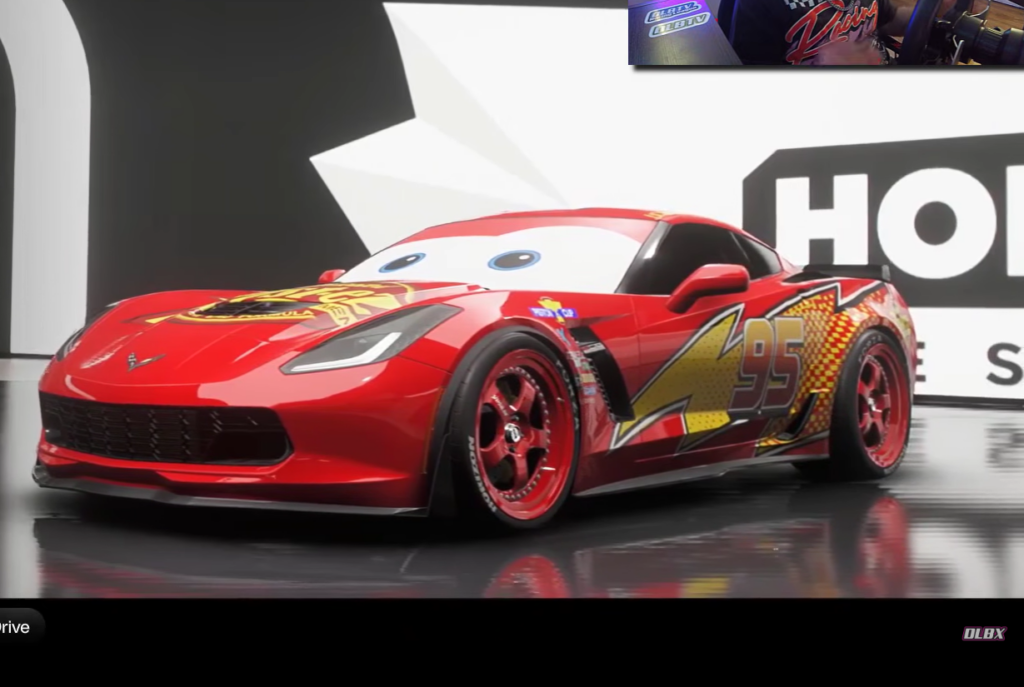
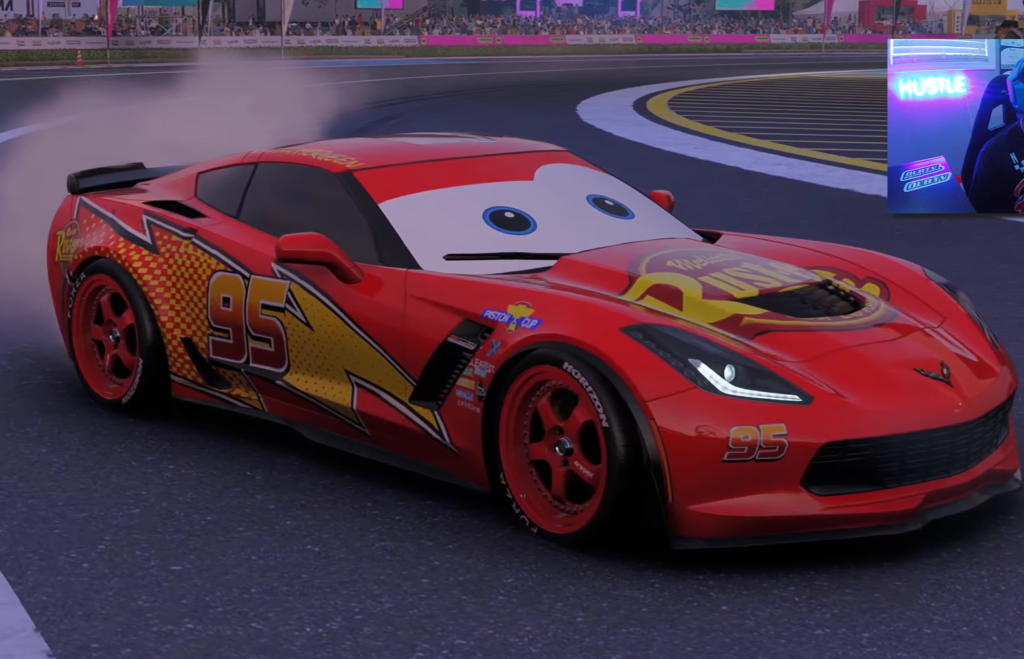
One of the first things people are doing with the Forza Horizon 6 livery editor is rebuilding pop culture icons, and Lightning McQueen from Disney Pixar’s Cars sits near the top of that list. The look comes entirely from in-game paint and decals, not a downloadable car. By stacking shapes and applying them to the body and even the windshield, players turn a regular vehicle into the bright red, number 95 racer.
Quick answer: Pick a rounded coupe, paint the whole body bright red, then use the livery editor to add the number 95, the Rust-eze sponsor look, and eye decals placed on the windshield. There is no premade Lightning McQueen car, so the design is made by hand in the editor or copied from another creator’s shared livery.
What makes the Lightning McQueen look possible in Forza Horizon 6
The key feature is the ability to place decals freely across the car, including on the windshield glass. That windshield placement is what sells the character. Lightning McQueen’s “eyes” sit where a windshield normally would, so being able to put decals there lets you mimic the face directly from the films.
The game launched with more than 550 real-world cars and a deep livery and EventLab toolset, which gives players plenty of shapes, colors, and layers to work with. That same flexibility is why other creations, such as Optimus Prime built from a box truck, are showing up alongside the Cars builds. YouTuber Don Joewon Song shared early versions that turned vehicles into both Lightning McQueen and Strip “The King” Weathers.
How to build the Lightning McQueen livery yourself
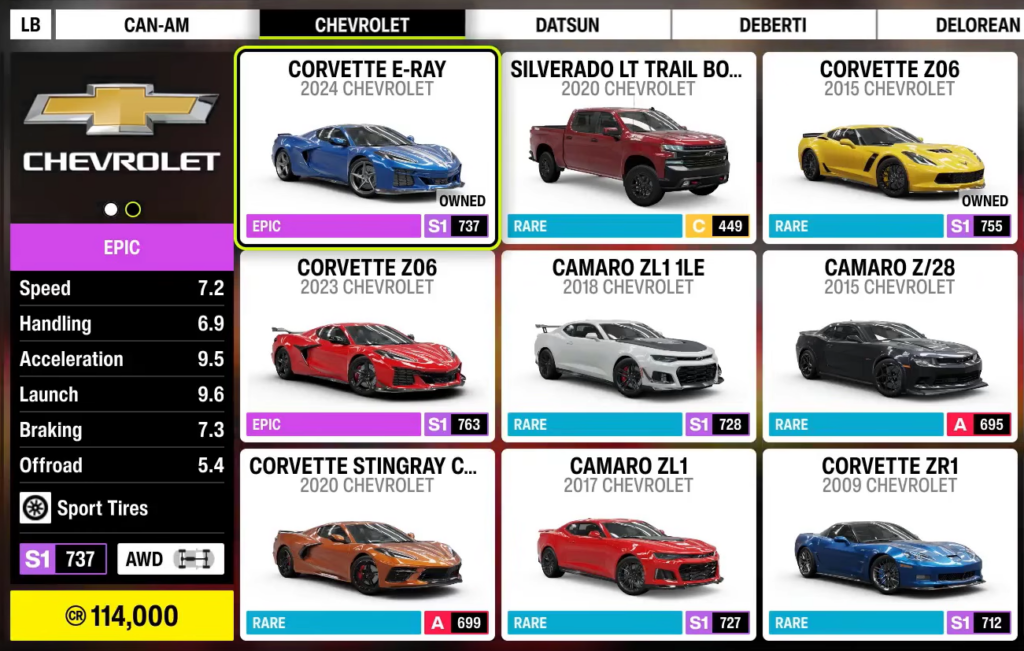
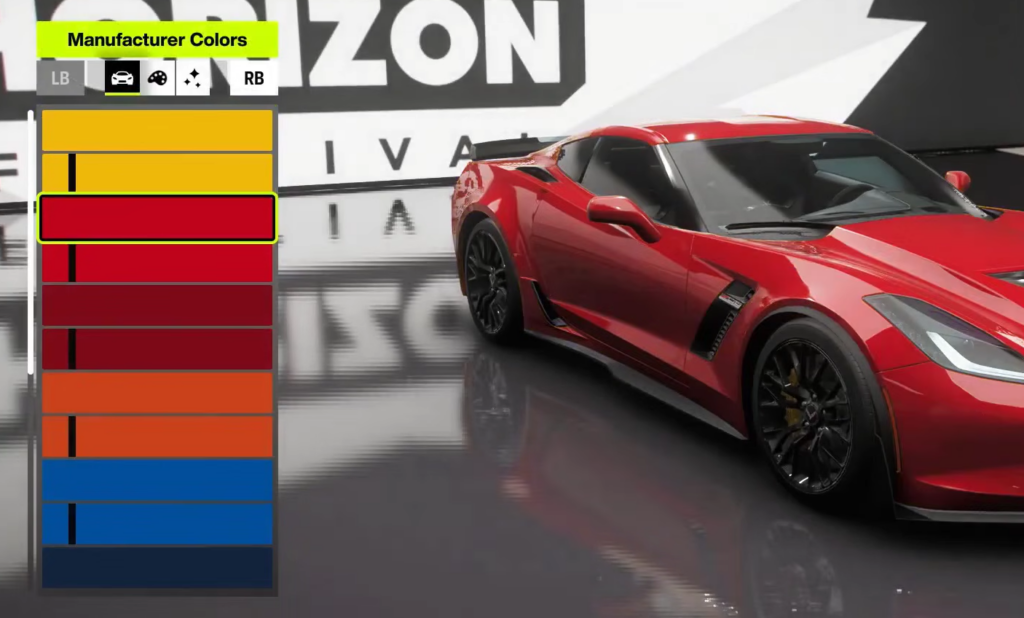
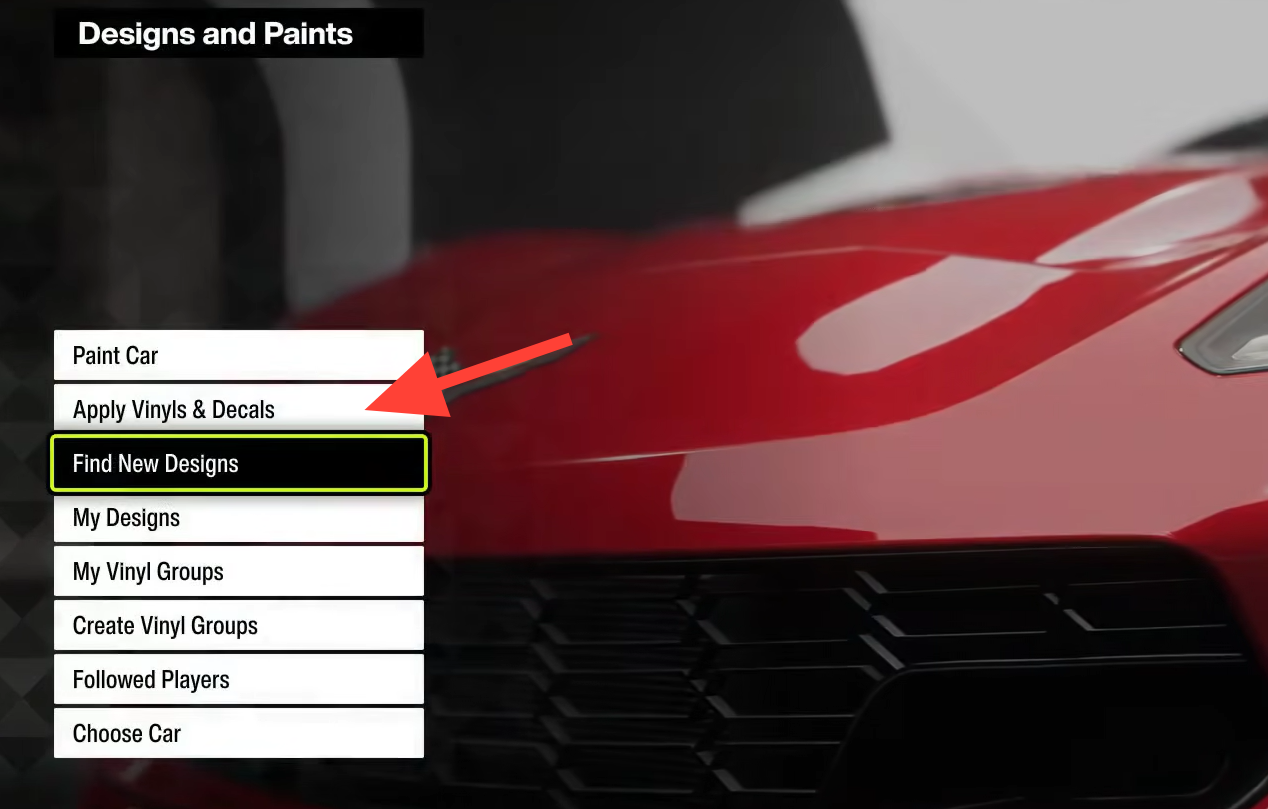
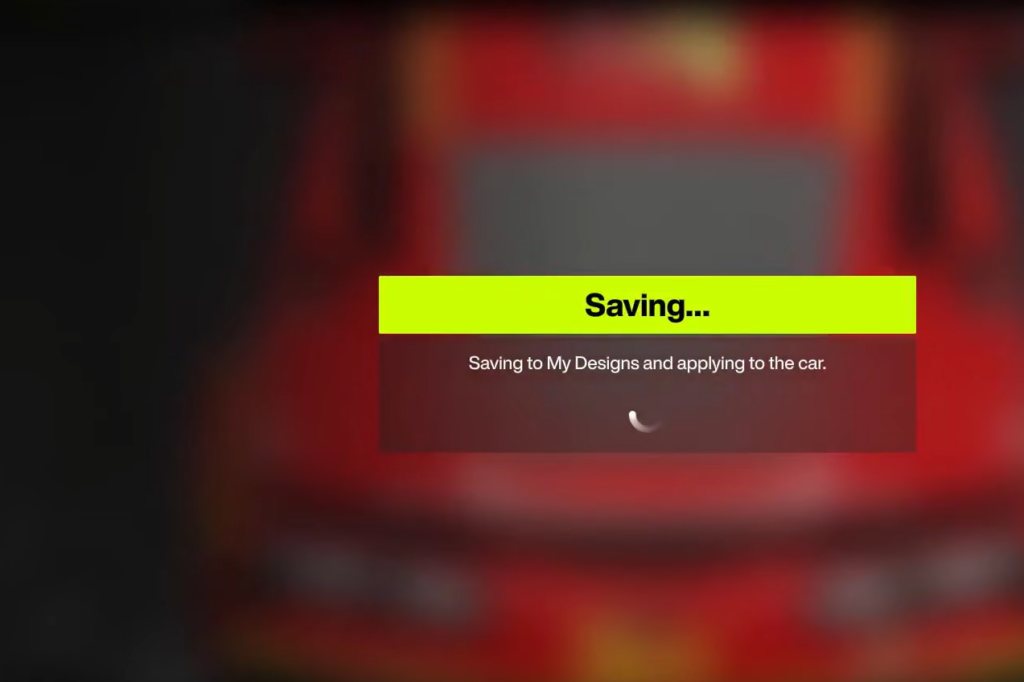
How to know the design worked
Back out to a third-person camera and view the car in the world or in Photo Mode. The build is right when the red body, the number 95, and the windshield face all read clearly from a normal driving distance. If the face disappears, the eyes are usually placed too high or too small on the glass, so resize and recenter them.
If you would rather skip the manual work, you can search shared liveries in the game’s design browser. Creators upload their Lightning McQueen paints there, and applying one copies the full layered design onto your matching car model.
Common reasons the livery does not look right
| Problem | Cause |
|---|---|
| Face is missing | Eye decals not placed on the windshield, or sized too small |
| Car looks wrong shaped | Base car is too angular or too large for the cartoon proportions |
| Number 95 is hard to read | Digits placed off-center or in a color too close to the red body |
| Shared livery won’t apply | Your car model does not match the one the livery was made for |
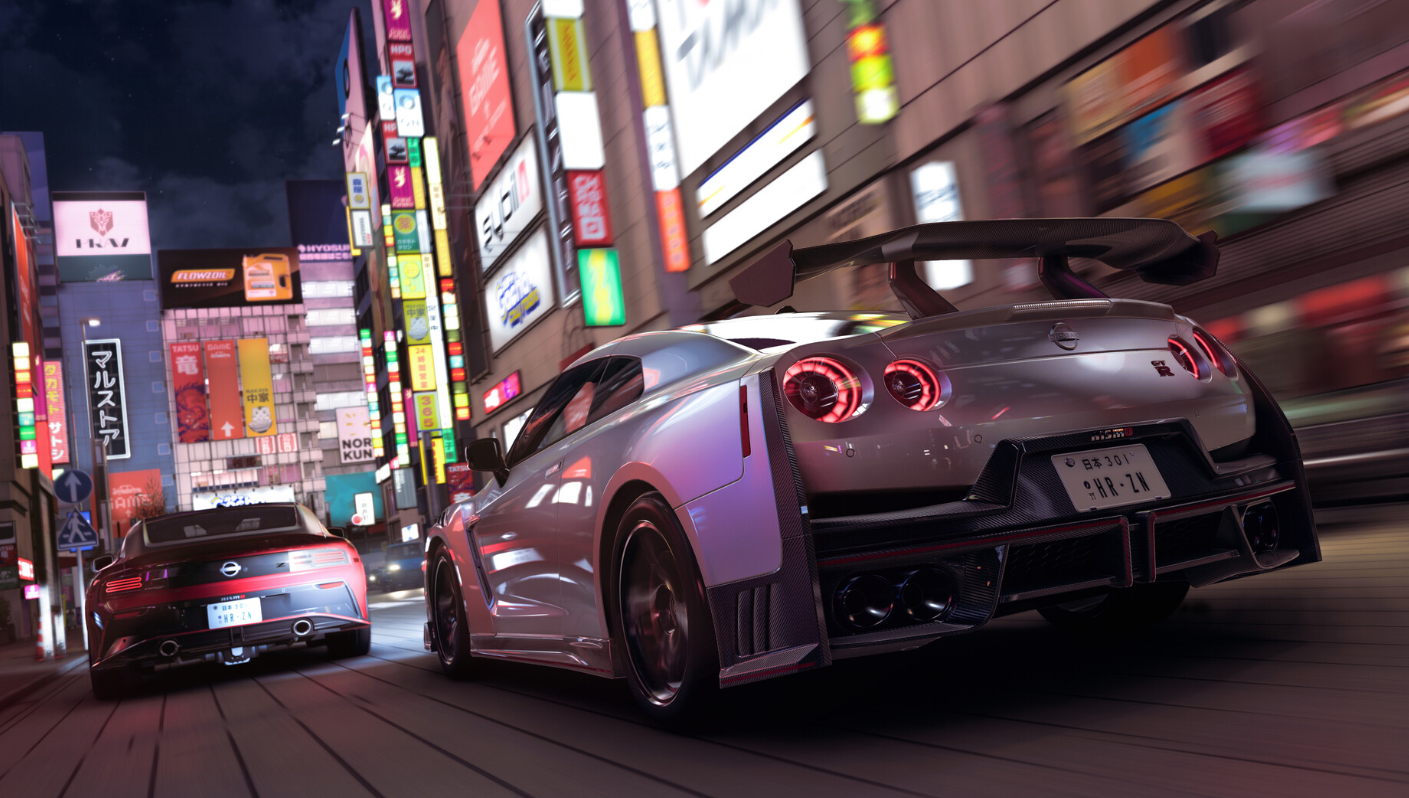
The appeal here is that nothing about the Lightning McQueen build is locked behind a special unlock. It is just the standard paint and livery tools used creatively, the same way players are recreating Transformers and other characters across Tokyo’s streets. Start with the red base, get the number and sponsor right, and treat the windshield face as the finishing touch.