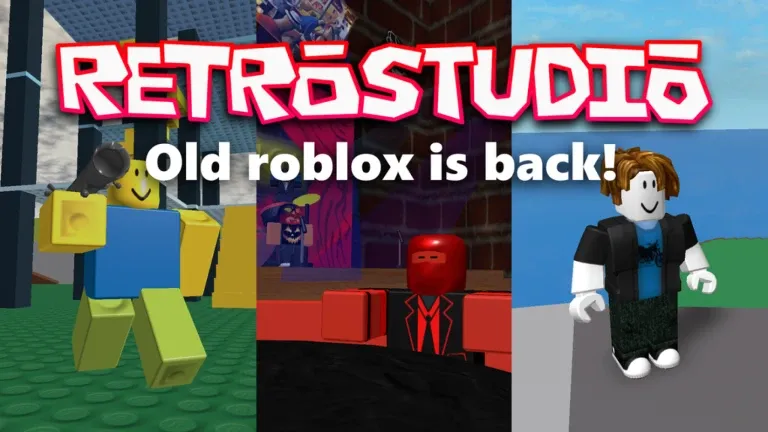
RetroStudio lets players build and explore classic Roblox-style mini-games from the 2009-2015 era, and its promo codes hand out free Retrobux along with cosmetic items for your avatar. New codes appear periodically from the developer, so it pays to redeem the active ones before they expire.
Working RetroStudio codes
These codes are confirmed active right now. Redeem them as soon as possible, since RetroStudio codes can be deactivated without notice.
RetroFestival2026— 250 Retrobux NEWJuly4th2026— 250 RetrobuxCanadaDay2026— 250 RetrobuxTheCoolestCode— Wumpus Egg$$$STAFFONLY$$$_2026!donotleak— 5 million RetrobuxOneRetrobuck— 1 RetrobuckVisio Nocturna— Teleports you to The Stronghold
How to redeem codes in RetroStudio
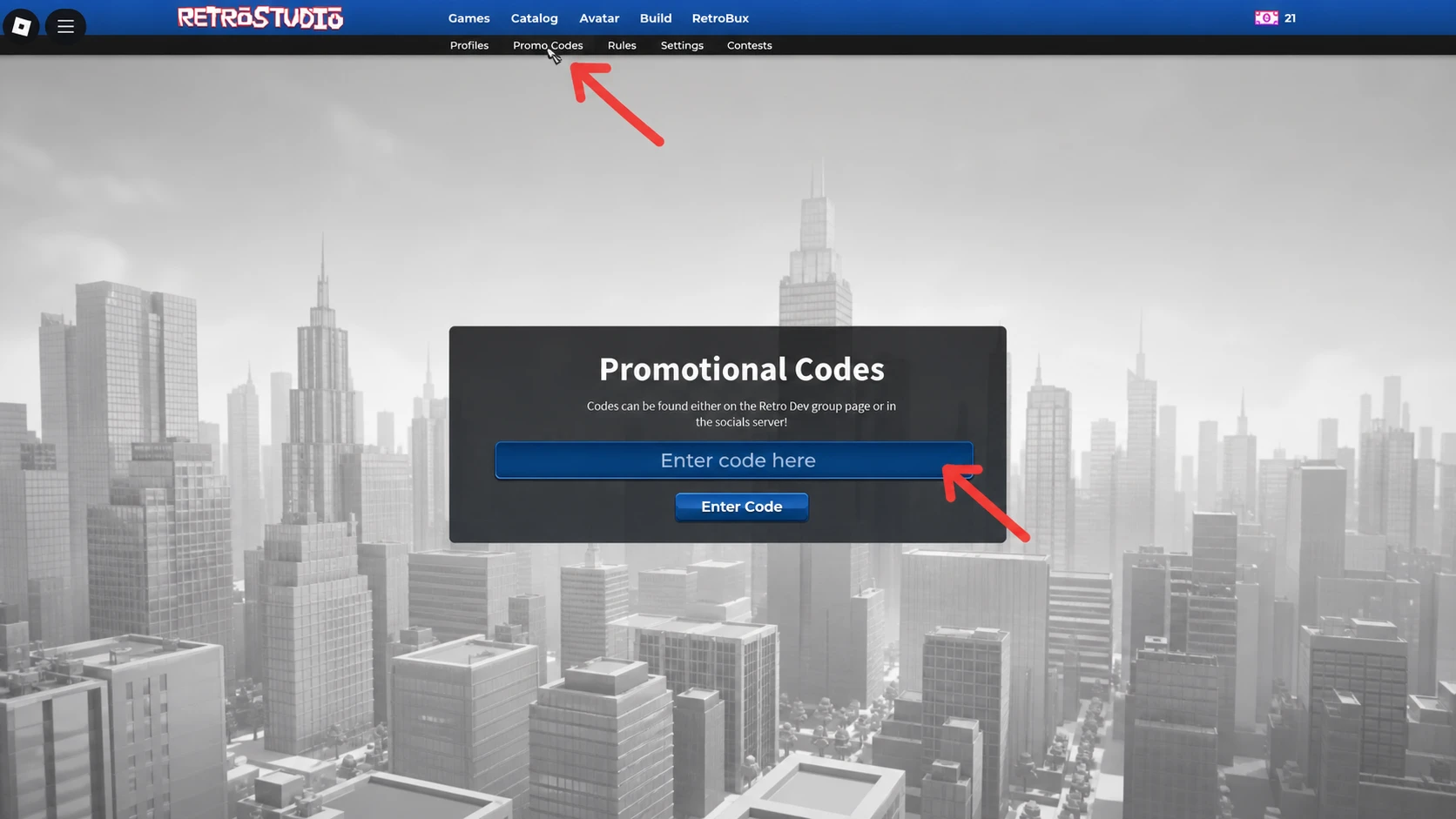
Redeeming a code takes only a few taps once you’re inside the experience.
A successful redemption updates your Retrobux balance instantly, or drops the cosmetic item straight into your inventory. If neither changes after you press Enter Code, the code has already expired or was entered incorrectly.
Expired RetroStudio codes
The codes below no longer grant rewards. They’re listed here for reference only, in case any get reactivated.
Christmas25— 1,000 RetrobuxRETROM8ISOVER— 1 Retro Dollarattackthecat— 500 RetrobuxAMERICANTURKEY2025— Turkey Oven BackpackRetroStudioIsBack— 500 RetrobuxSilksongIsReal— Limited-time prizeBloxtober2025— 300 RetrobuxSummerMinigames2025— 250 RetrobuxSteadiyer2024TestNotificationbaublesAyRay100m— 800 Retrobux and 100M Day HatChristmas+2024— 1,250 Retrobuxroblox_rtc— 1,250 Retrobux and RTC Pin HatCanadaDay_2024— RetrobuxEnter code here!grid— 1,000,000 Retrobux366— RetrobuxRobloxBack— RetrobuxDracMask— 500 RetrobuxRetrostudioSummer2023— 100 RetrobuxNewYear2024— 2,500 RetrobuxChristmas23— 2,500 RetrobuxHugeW— 1,250 RetrobuxBigUpdate— 1,000 Retrobux1000000— 1,000,000 RetrobuxCaSe – SenSiTive— 250 RetrobuxrobloxJuly4th2023— 499 Retrobuxcorrupt
Where new codes get announced
The developer behind RetroStudio, Retro Dev, typically posts new codes on the official Retro Dev Discord server before they show up anywhere else. Joining that server is the fastest way to catch a fresh code the moment it goes live.
Retrobux earned from codes can be spent on assets inside the build mode, so redeeming even the smaller codes adds up if you’re working on a project. Cosmetic rewards like the Wumpus Egg or the teleport tied to Visio Nocturna apply directly to your avatar or account once claimed, with no additional steps required.