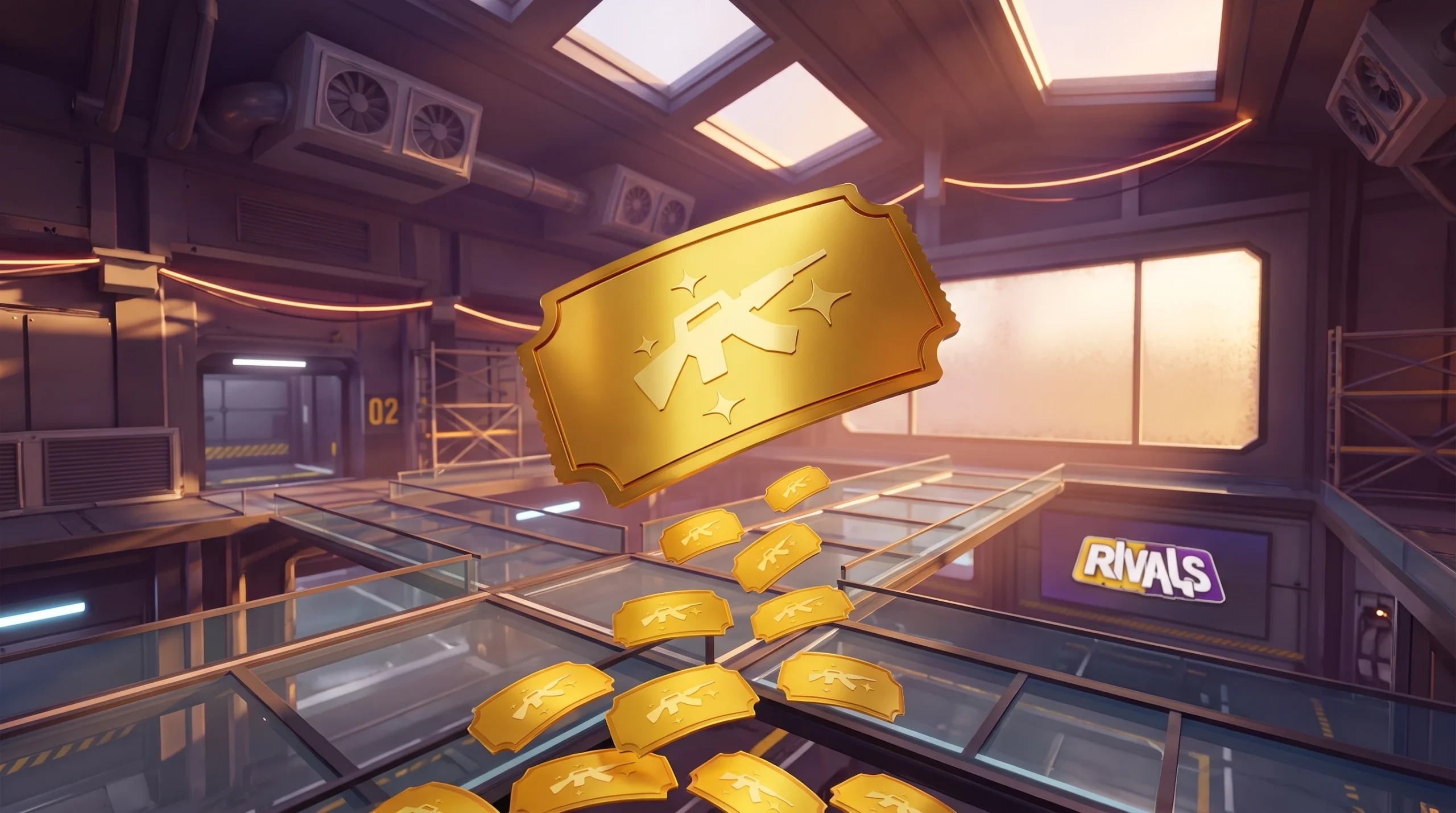
Skin Tickets are the free currency in Rivals that let you claim skins without spending Robux. They come almost entirely from playing the game and leveling up the Season Pass, and they carry a fixed price no matter which skin you want.
Quick answer: Level up the Season Pass to collect Skin Tickets, then spend 10 of them to open a skin case or buy an eligible skin from the Daily tab in the Shop.
What Skin Tickets do in Rivals
Skin Tickets, sometimes called Golden Tickets, are a currency used to buy Skin Cases or skins from the Daily Shop. The price is flat. Every skin and every skin case costs 10 Skin Tickets, regardless of rarity. A common skin and a high-rarity skin cost you the same amount.
They are currently the only way to get normal skins for free, which makes each ticket worth holding onto until you find something you actually want.
How to get Skin Tickets
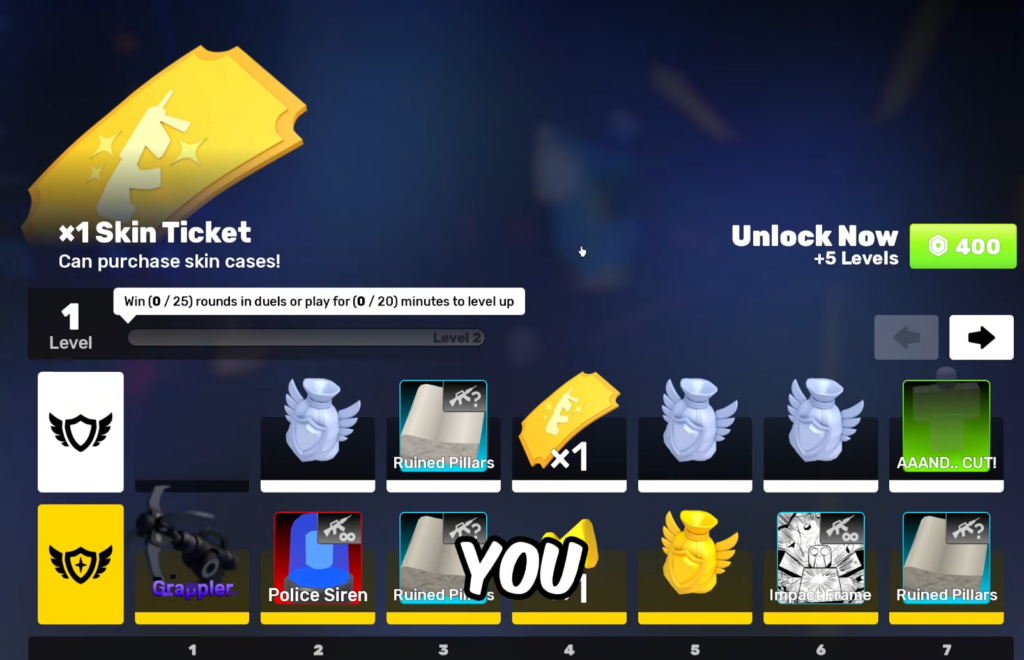
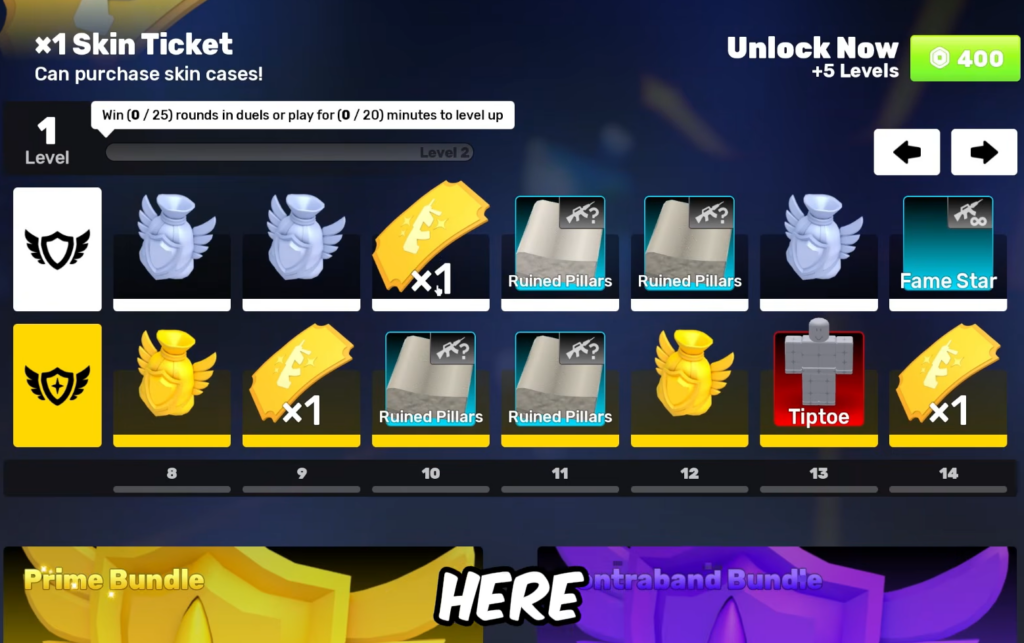
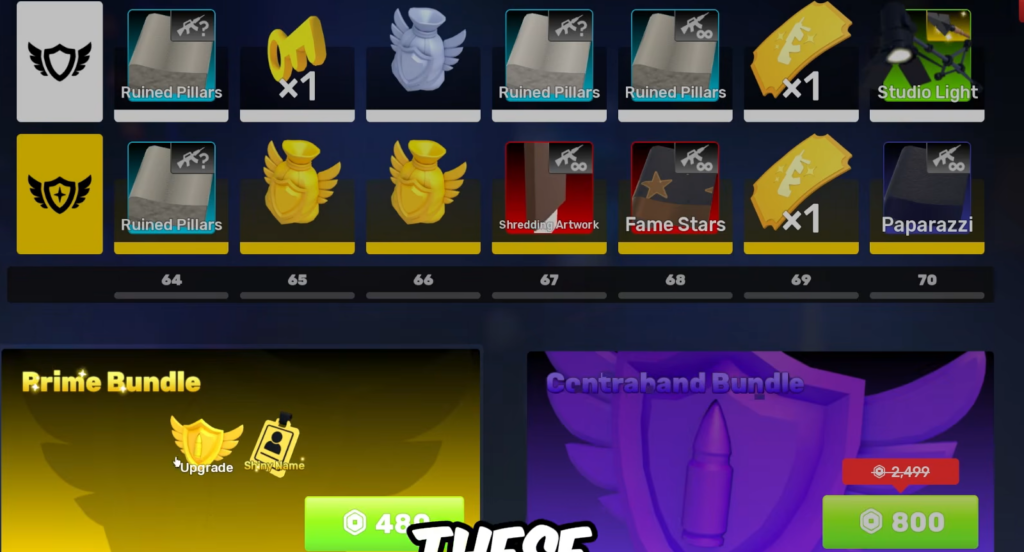
The Season Pass is the main source. Open the Pass menu from the bottom navigation bar and you will see two tracks. The top row is the free track and the bottom row is the premium (Prime) track marked with a gold shield icon. Skin Ticket rewards sit at several levels on both tracks, shown as a yellow ticket icon.
The free track hands out 10 Skin Tickets across the season, which is enough for one free skin. Buying the Prime Season Pass adds another 10 tickets, bringing the total to 20, plus any tickets that drop from Prime Goodie Bags.
| Source | Skin Tickets |
|---|---|
| Free Season Pass | 10 total |
| Prime Season Pass | +10 (20 total) |
| Prime Goodie Bag | 14.29% chance per bag |
| First UGC Shop purchase | 1 ticket |
Prime Goodie Bags only come from the Prime Season Pass, and a regular Goodie Bag will never contain a Skin Ticket. If you buy a UGC item in the UGC Shop, your first reward is 1 Skin Ticket.
To move up the Pass, just keep playing. Daily Tasks like playing duels, getting eliminations, and winning duels feed your progress. You can also pay Robux to skip ahead using the Unlock Now level bundle, but that is optional.
How to spend Skin Tickets
The Skin Ticket option only appears if you currently hold enough tickets to pay the full cost. If you are short, the item will only show a Robux price.
The keys refresh catch
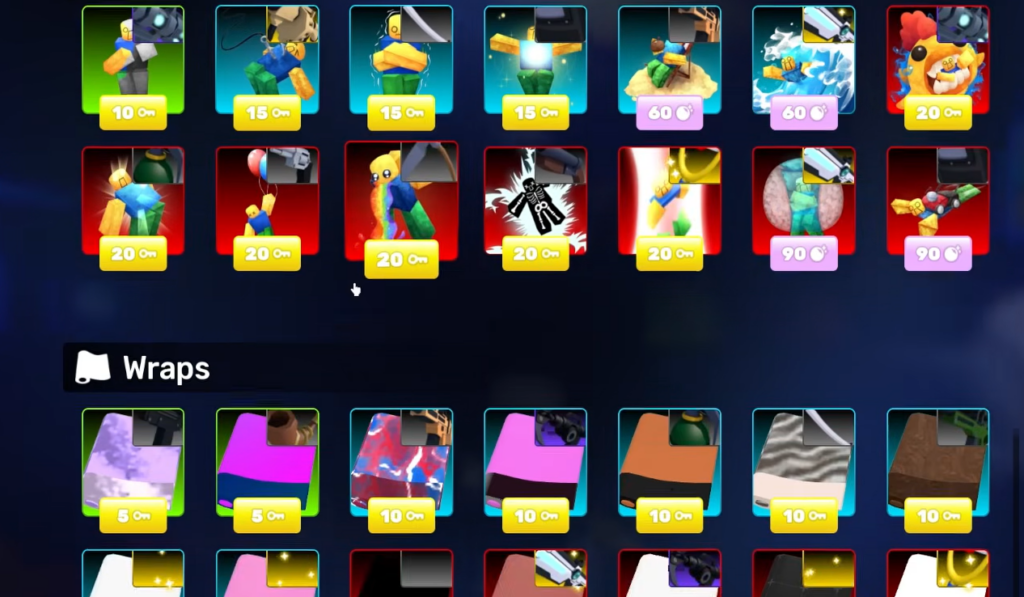
If you use keys to refresh the Daily Shop, the option to pay with Skin Tickets is turned off for those refreshed items. This is intentional behavior, not a bug. To keep the ticket option, buy from the normal shop rotation before refreshing it.
How to confirm it worked
After a successful purchase, your Skin Ticket balance drops by the item’s cost and the skin lands in your inventory. Opening a skin case immediately shows the random skin you received. If the ticket price never appears on an item, either you do not have enough tickets yet or you refreshed that shop slot with keys.